Описание
# Zenith's LUT Shader
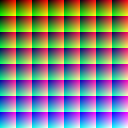
This simple vanilla shader allows you to customize the colors of your game by use of color lookup tables or LUTs
|Vanilla Colors|Custom LUT|
|--|--|
|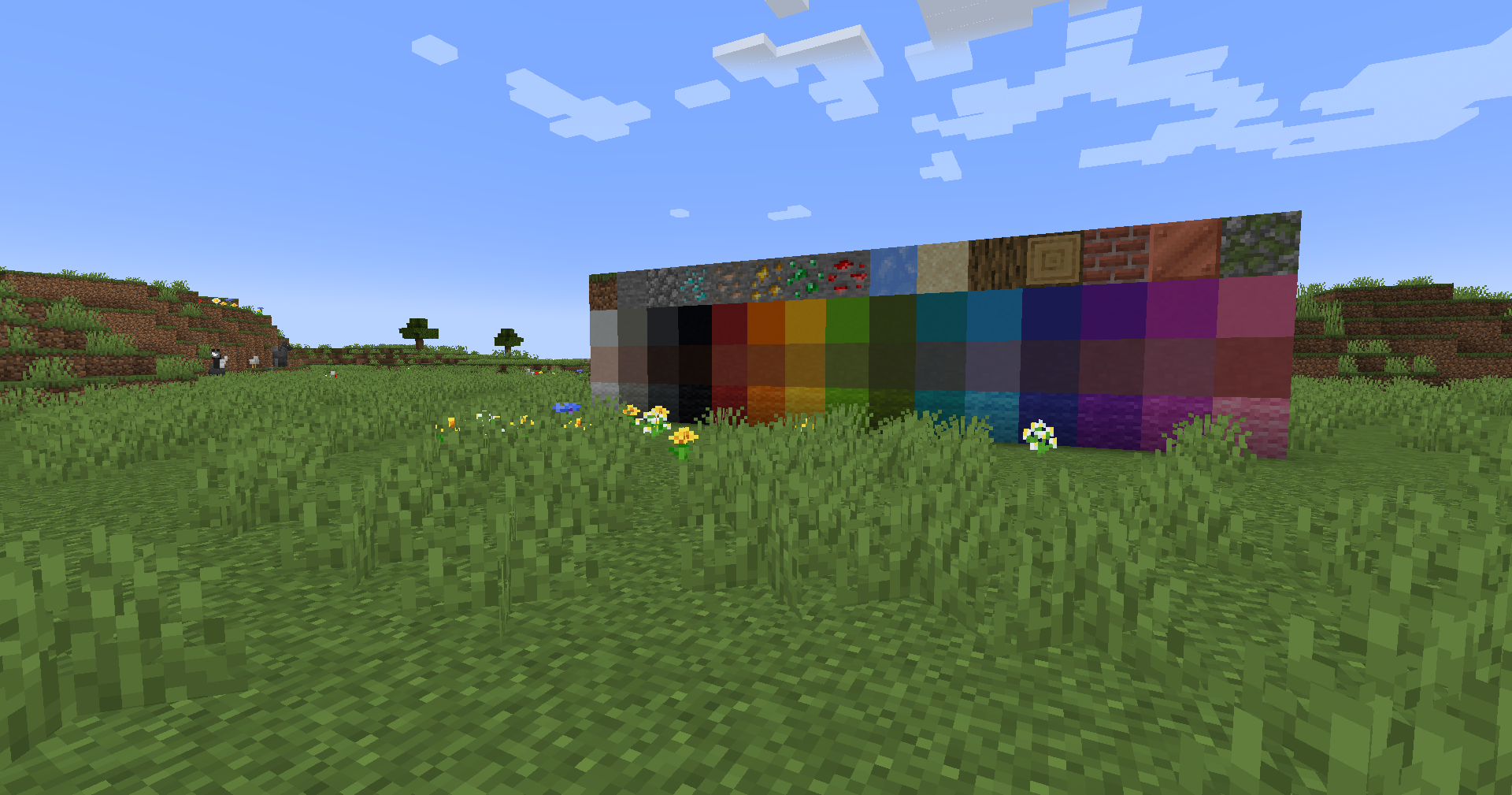|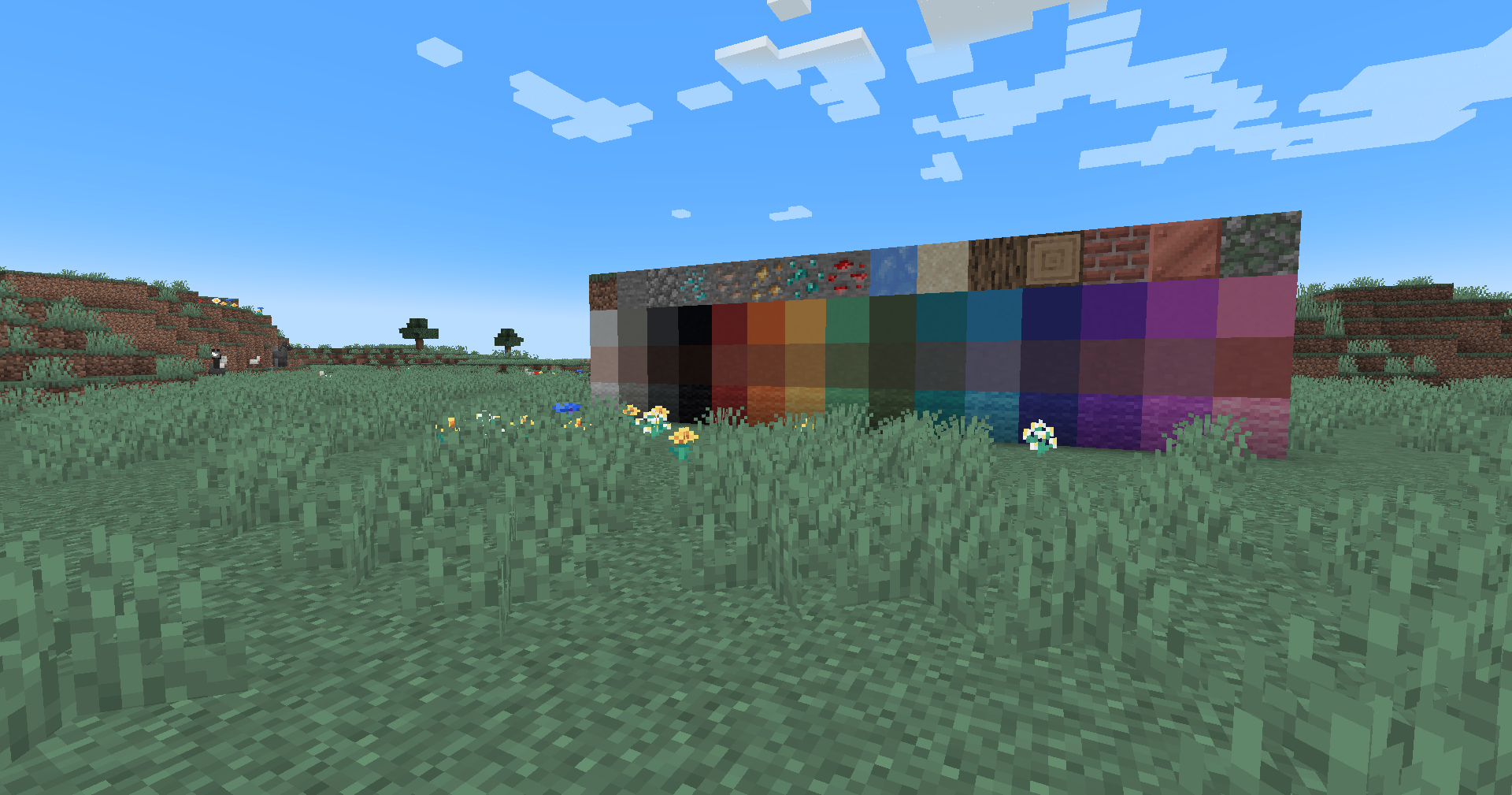|
## Installation
Vanilla
Download the vanilla version of this shader
Add to .minecraft/resourcepacks
DO NOT UNZIP
Set graphics to Fabulous
Activate Resource Pack
OptiFine/Iris
download the Iris/OptiFine version of this shader
add to .minecraft/shaderpacks
DO NOT UNZIP
Select shader in Shaders Menu
## Customization
Provided within the pack zip, you may find a file called `init_LUT.psd`, which will allow you to customize the look and feel of this shader.
Customization Instructions
Open init_LUT.psd into your favorite photo editor (IE GIMP, Photoshop, Affinity Photo)
I personally use the free online Photoshop alternative Photopea
You can also just use the unmoddified init_LUT.png which is also provided in the zip
Apply as many adjustment layers, or edit the ones I have pre-selected, to achieve the look you desire
These can be found under Layer > Add New Adjustment Layer
Hide the color preview layer HIDE BEFORE EXPORT
Export into the pack as assets\minecraft\textures\effect\lut.png or shaders\lut.png, depending on whether you are using Vanilla or Iris/OptiFine
Example LUTs
Save one of the LUTs below as assets\minecraft\textures\effect\lut.png or shaders\lut.png, depending on whether you are using Vanilla or Iris/OptiFine:
LUT
Preview
Reduced Reds
Red Isolated
Darkened World
Wut
Dramatic Black and White
Redistribution
If you wish to share your own custom LUT, please direct your users to download Zenith's LUT Shader alongside your pack, or mark it as a dependancy on Modrinth