Описание
# World Preview
[](https://ko-fi.com/voidxwalker)
Minecraft mod that draws a preview of the world on the loading screen during chunk generation.
- **Legal** for the minecraft java edition leaderboards
- The **full chunk map** must be shown in the recording to get a run verified
- Switching to the F3 + Esc menu will make your run **count as f3**
- **Compatible** with all allowed mods
- **Compatible** with the newest releases of specnr's multi-instance macros and with FinestPigeon's spawn reset macro for ssg
**For macro
- World preview **doesn't modify world generation** in any way. It simply takes already completed chunks, converts them to client chunks (Chunks minecraft can render) and then draws these chunks on the loading screen.
- There are **no server side modifications** besides minecraft getting the random value for the player spawn earlier (Random is Random so it doesn't change anything)
- You will not be able to reset after ~ when the chunk map reaches 100%. This is intentional
## Usage
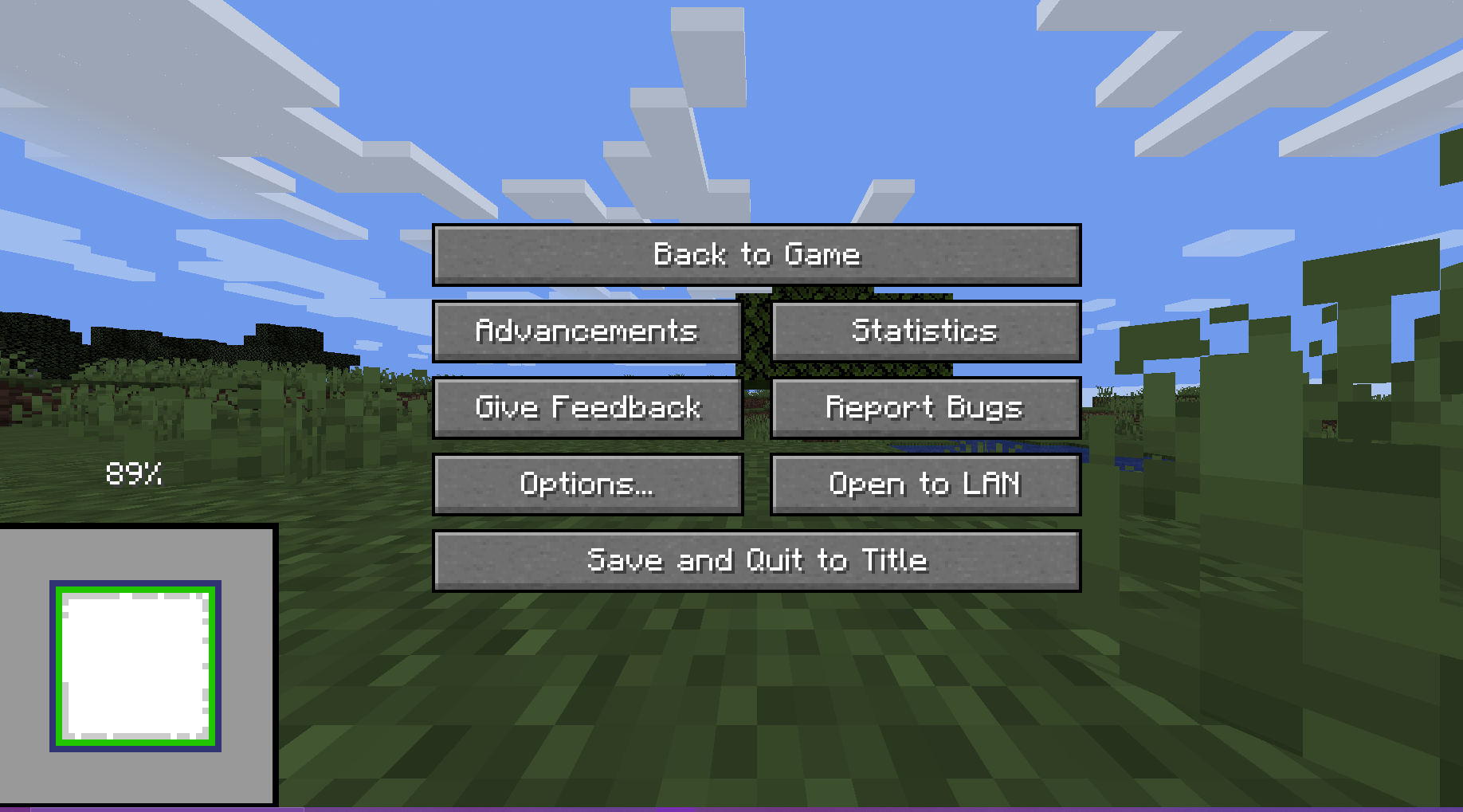
The preview will always render when you create a world.
There are 5 ways the player can interact with the preview:
**Direct Inputs**
- Leave World Generation and Reset: Press the "Save and Quit to Title" button to instantly leave the World Generation to the title screen
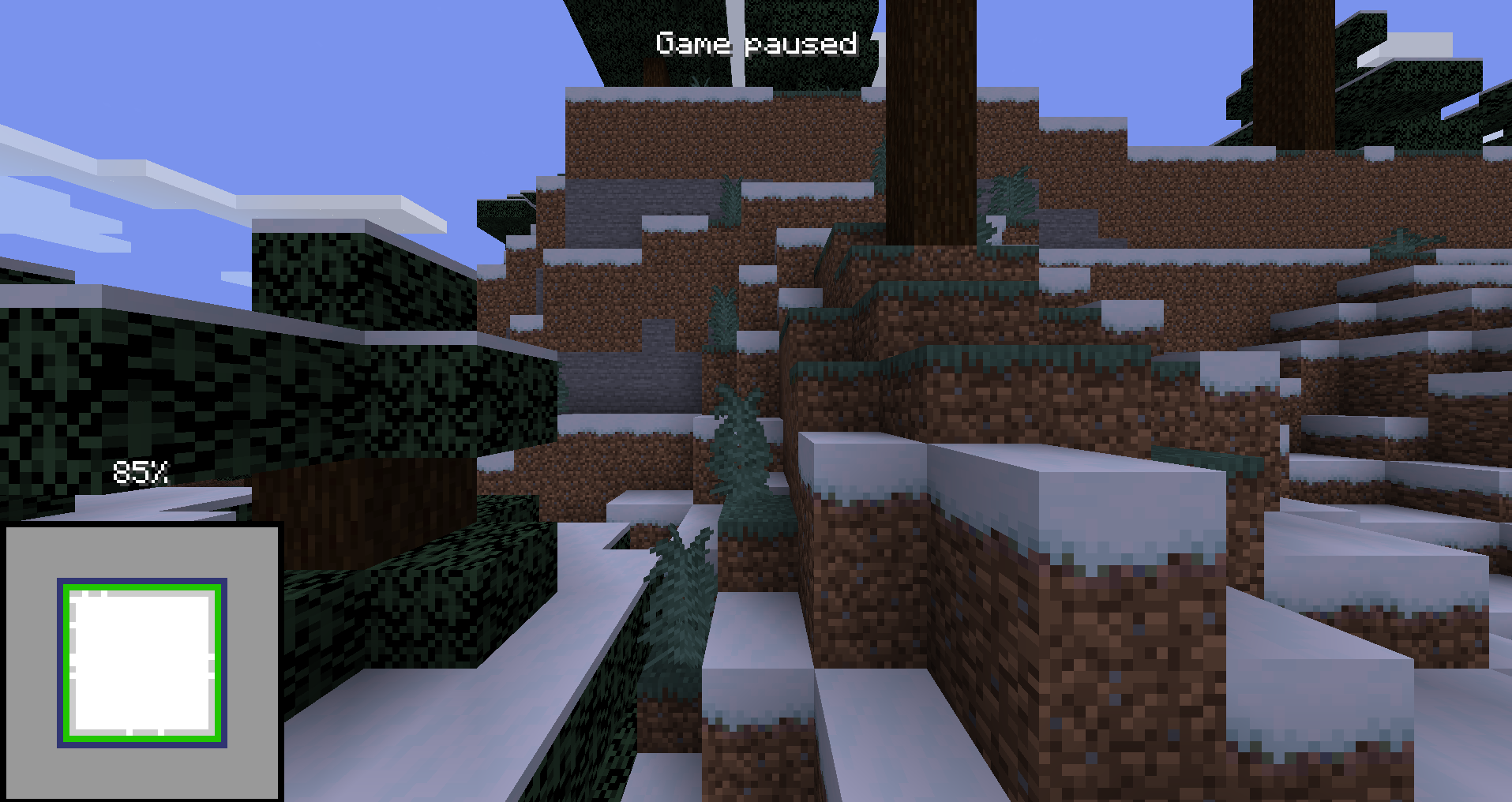
- F3 + Esc: Press F3 and Esc at the same time to switch the pause menu to the F3+Esc pause menu (shown below) and press Esc to switch back. This will make your run count as f3.
--------
**Hotkeys**
(These can be changed in the Controls Screen)
- Leave World Generation and Reset with Hotkey, default button "g" (English keyboard): Press the hotkey button to instantly leave the World Generation to the title screen
- Cycle Chunk Map, default button "h" (English keyboard): Cycle through the 4 positions of the chunk map
- Freeze Preview, default button "j" (English keyboard): Freezes the preview (helps with CPU performance)
## For Macro Makers
The mod prints 3 different log lines:
- "Starting preview at (x, y, z)" at the start of the preview (Reset buttons unlocked)
- "Leaving world generation" when leaving world generation (Reset buttons locked)
- "Freezing Preview / Unfreezing Preview" when the freezing / unfreezing the preview
You will not be able to reset after ~ when the chunk map reaches 100%. This is intentional.
## Authors
- [@Void_X_Walker](https://www.github.com/voidxwalker) (https://ko-fi.com/voidxwalker)