
Описание
# Wheel of Wacky
[](https://modfest.net/carnival)
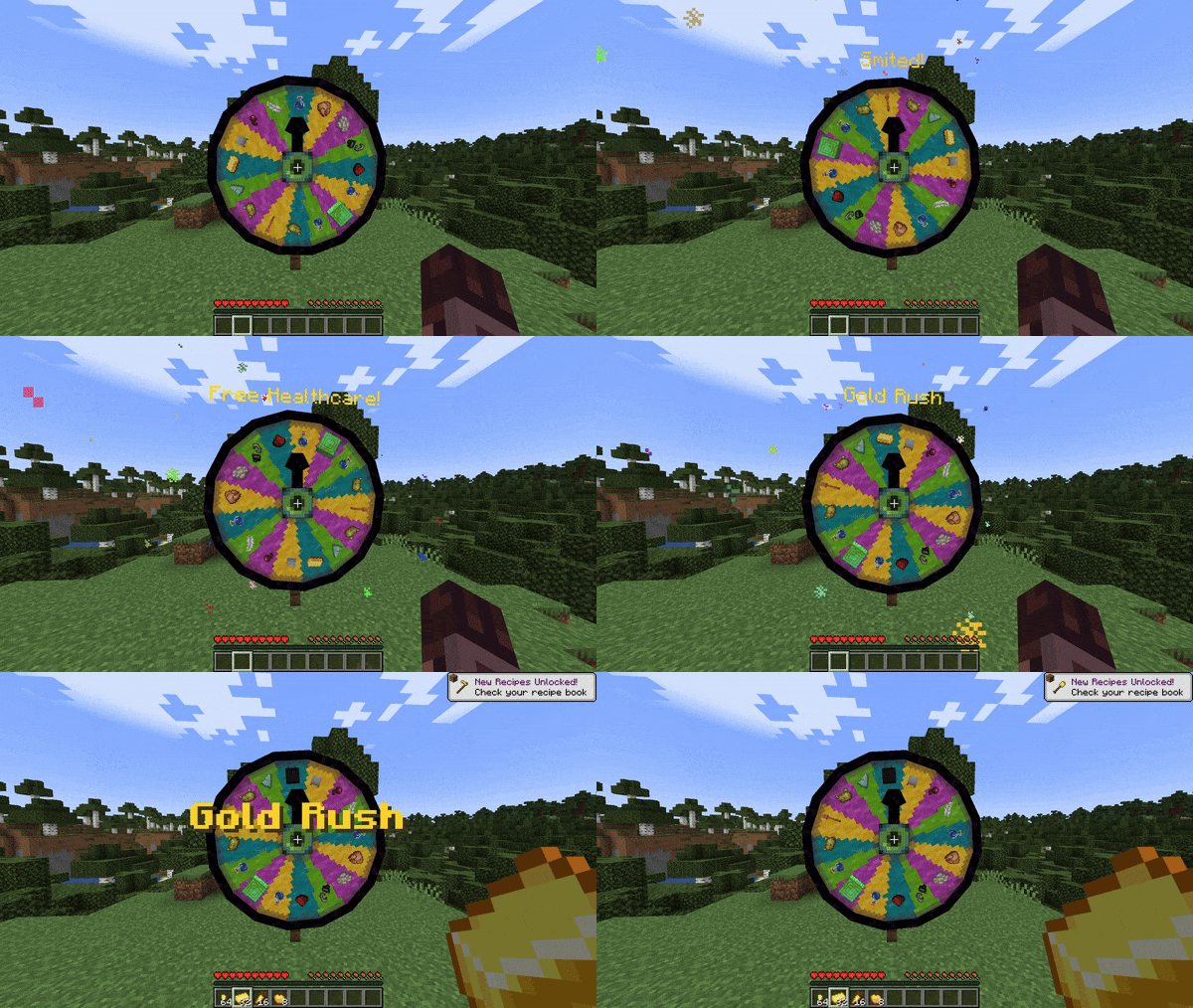
A mod that adds a carnival prize wheel that - when spun - has the chance to either fabulously reward or horrifically punish the player that spun the wheel in a hilarious fashion!
**You do not need Sinytra Connector and Forgified Fabric API if you are playing on Fabric.**
## Obtaining a Wheel of Wacky
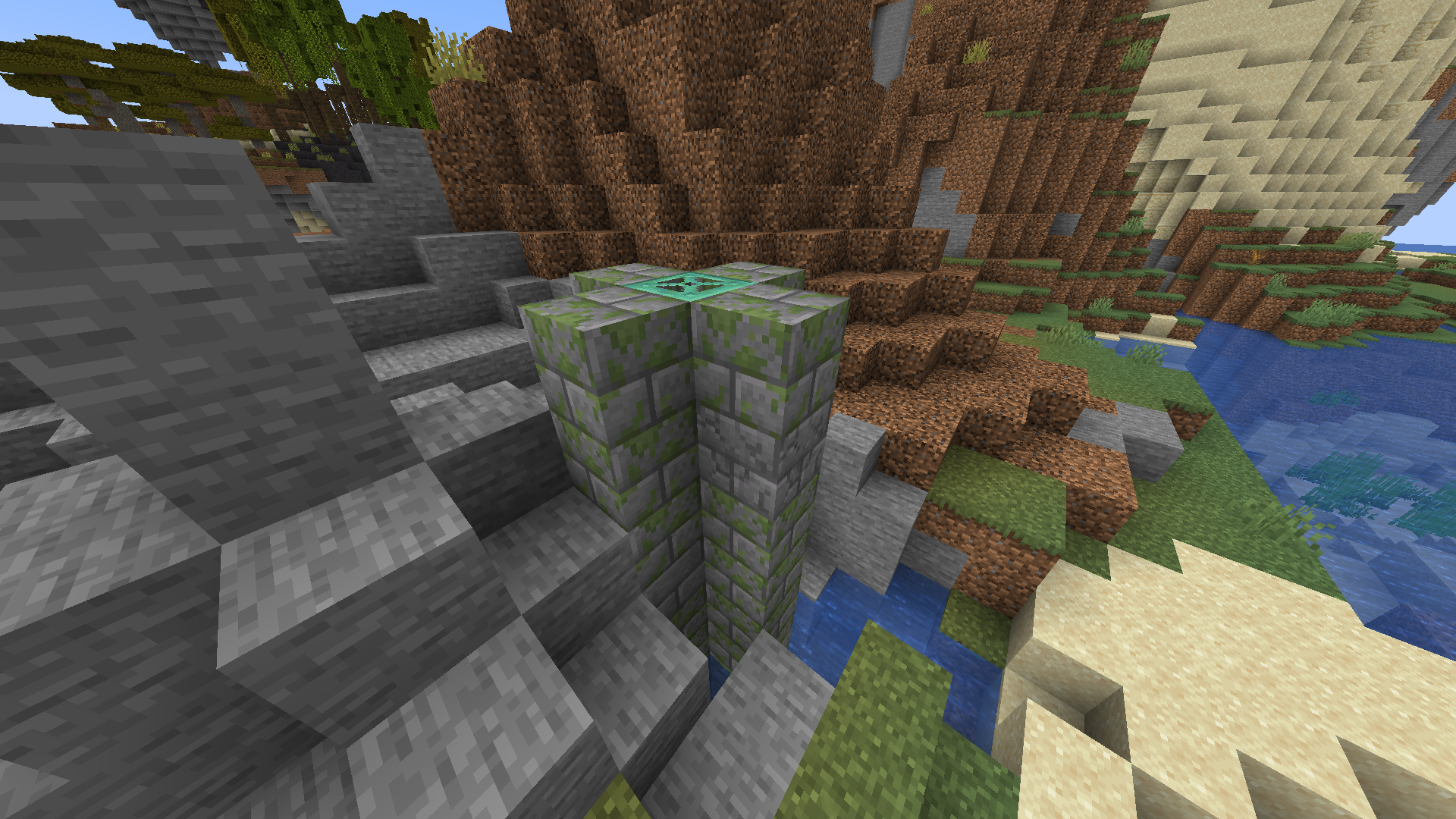
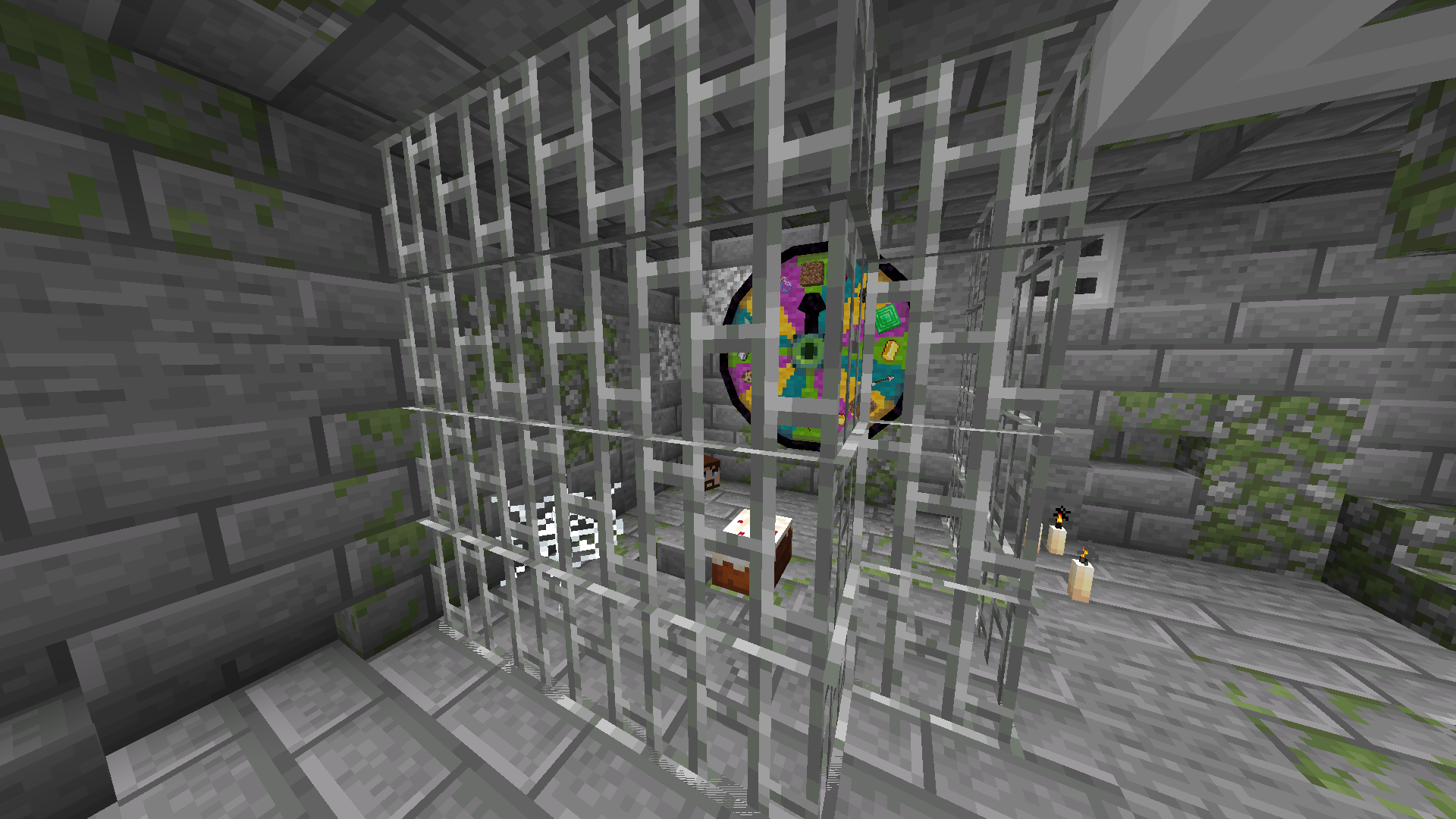
In order to get a Wheel of Wacky for yourself, you'll have to find a "basement" structure in your world. Inside Wheel Boy's dungeon prison the basement you'll find a Wheel of Wacky that you can break and collect using a diamond or better pickaxe.
## Creating spells
To start creating your own custom spells, you'll first have to create a data pack folder. If you don't know how to make a data pack, here is a link to a tutorial to help you get started: [Creating a data pack](https://minecraft.wiki/w/Tutorials/Creating_a_data_pack).
If you haven't already, you'll want to create a `data` folder in your data pack folder. Then you'll want to a create a folder named `wacky_wheel` within your `data` folder. After which you will have to create a folder called `spell_type` in the `wacky_wheel` folder.
Your file path should look like this: `/data/wacky_wheel/spell_type`.
Now you'll want to create a JSON file in `/data/wacky_wheel/spell_type`. For the purpose of this example, we'll call it `free_diamond.json`.
The first thing we'll want to do is give a spell a name that will be displayed to the player when they roll that spell on the wheel.
```
{
"name": "Free Diamond!",
}
```
We can also optionally set a specific color for the name text and add some flavor text to be displayed underneath it:
```
{
"name": "Free Diamond!",
"titleColor": "#ADD8E6",
"flavorText": "Enjoy your free diamond :)",
}
```
Next, we have to provide our spell with an item id that corresponds to an in-game item. This item will be used to represent the spell on wheel slices.
```
{
"name": "Free Diamond!",
"titleColor": "#ADD8E6",
"flavorText": "Enjoy your free diamond :)",
"itemID": "minecraft:diamond",
}
```
The next field we have to define is `castingTime`, which represents the amount of time (in ticks) that it will take to cast the spell after the wheel lands on it:
```
{
"name": "Free Diamond!",
"titleColor": "#ADD8E6",
"flavorText": "Enjoy your free diamond :)",
"itemID": "minecraft:diamond",
"castingTime": 60,
}
```
The last step is the provide the name of .mcfunction file that will be used to provide the actual spell effect.
```
{
"name": "Free Diamond!",
"titleColor": "#ADD8E6",
"flavorText": "Enjoy your free diamond :)",
"itemID": "minecraft:diamond",
"castingTime": 60,
"onCastFunction": "give_diamond"
}
```
Of course, we'll actually have a create a .mcfunction file named `give_diamond.mcfunction` in `/data/wacky_wheel/functions`.
```
give @s diamond
```
Keep in mind that the `onCastFunction` by default will target the player who initially spun the wheel.
To test our new command, enter the /wheel free_diamond command into chat and receive your free diamond.
### Spell JSON Properties
`name`: The name of the spell.
`titleColor` (Optional) : Color of the name text/title.
`flavorText` (Optional): Additional information that appears underneath the spell's name.
`flavorTextColor` (Optional): Color of the flavor text subtitle.
`itemID`: ID of the item used to represent the spell on the wacky wheel.
`castingTime`: Time in ticks that it takes to cast the spell.
`onCastFunction`: Name of the .mcfunction file that executes to create the spell effect.
`executeOnCastFunctionAtPlayer` (Optional): Set to true to execute onCastFunction AT player instead of AS player.
`duration` (Optional): Time in ticks that the spell lasts.
`onTickFunction` (Optional): Name of the .mcfunction that executes every tick that the spell lasts.
`executeOnTickFunctionAtPlayer` (Optional): Set to true to execute onTickFunction AT player instead of as player.
`onEndFunction` (Optional) : Name of the .mcfunction file that executes when the spell ends.
`executeOnEndFunctionAtPlayer` (Optional): Set to true to execute onEndFunction AT player instead of AS player.
## Credits
[https://github.com/HyperPigeon](https://github.com/HyperPigeon)
[https://github.com/lumiscosity](https://github.com/lumiscosity)
[https://lumiscosity.neocities.org/](https://lumiscosity.neocities.org/)