
Описание
# Description
It allows teleporting to various warps, This mod does NOT need to be installed client-side.
# Clientside
This mod can now be installed purely serverside, purely clientside, or for the best experience installed on both.
# Waypoints
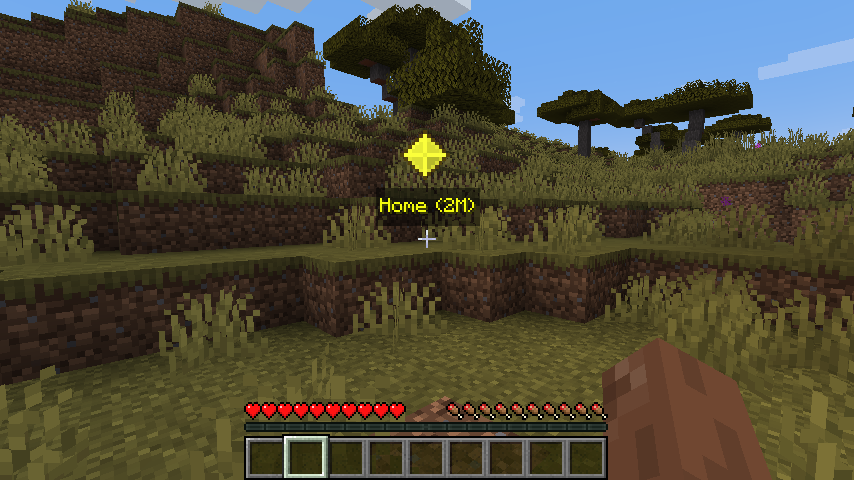
Warps can now show in game via waypoints.
## Keybindings
| Key | Name | Description |
|-----|-----------------|----------------------------------|
| B | Create Warp | This will open a quick create UI |
| U | Open Warps Menu | This will open a warp list UI |

## Warp Menu
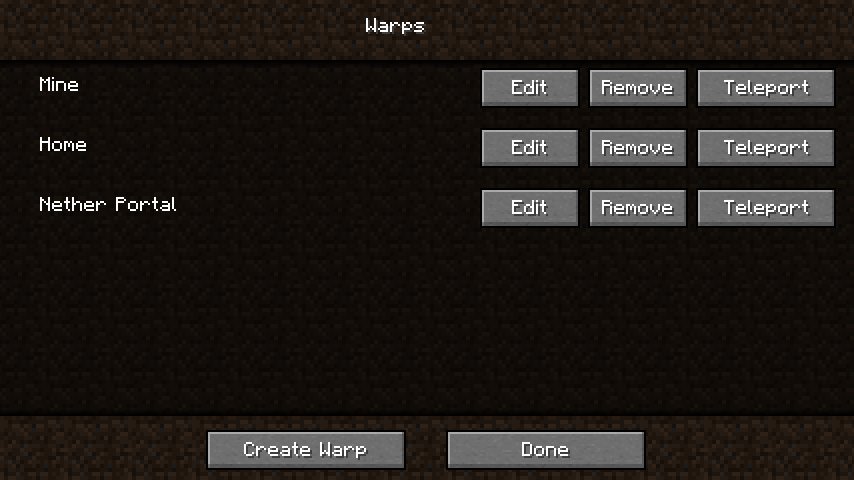
This is a menu to show a list of all of your warps, remove, edit and teleport to them.
## Edit/Create Warp Screen
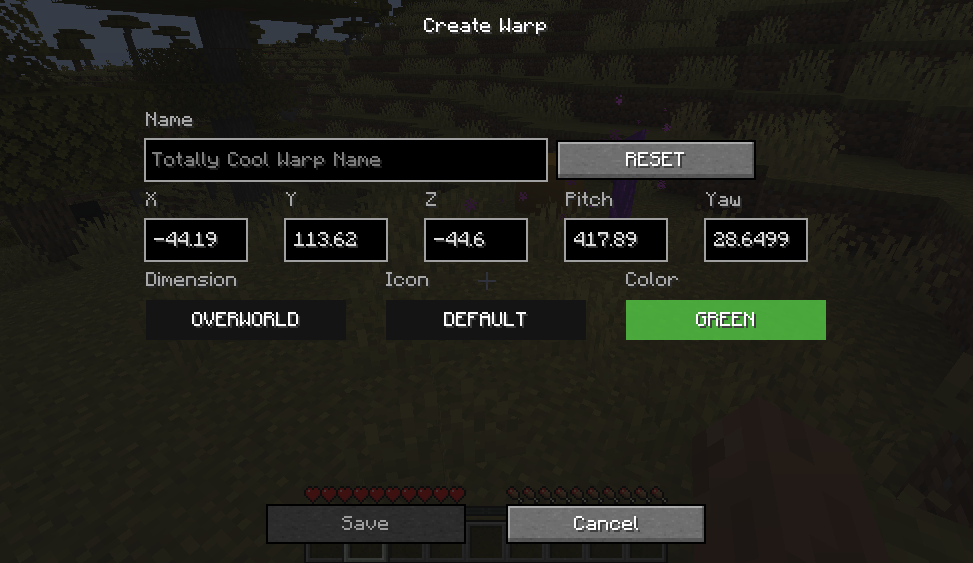
This is the menu that will allow you to create and edit your warps
# Serverside
## Commands
- `/warp set ` - *creates a warp*
- `/warp list` - *lists all warps created*
- `/warp back` - *when you teleport using warp a "warp back" is automatically created.*
- `/warp random [] []` - *randomly teleports the player using the max and min. by default max is **500** and
min is **25** blocks away.*
- `/warp rename []` - *renames the **old** warp name to **new** warp name, if new warp exists
overwrite will overwrite it.*
- `/warp ` - *Teleports you to that warp point.*
- `/warp spawn` - *Teleports you to spawn*
- `/warp remove ` - *removes warp*
# FAQ:
1. Can I use this in a modpack
- Yes, you are more than welcome to add this to your modpack.
1. If I have an error where is the best place to vocalize.
- Posting in the Issues section would be the easiest way for me to notice, but I do read and reply to all comments.
# Video