Описание
If you want to publish a project containing my work, please mention my username "Vunyx" somewhere. Also, a link to my project would be much appreciated.
# Description
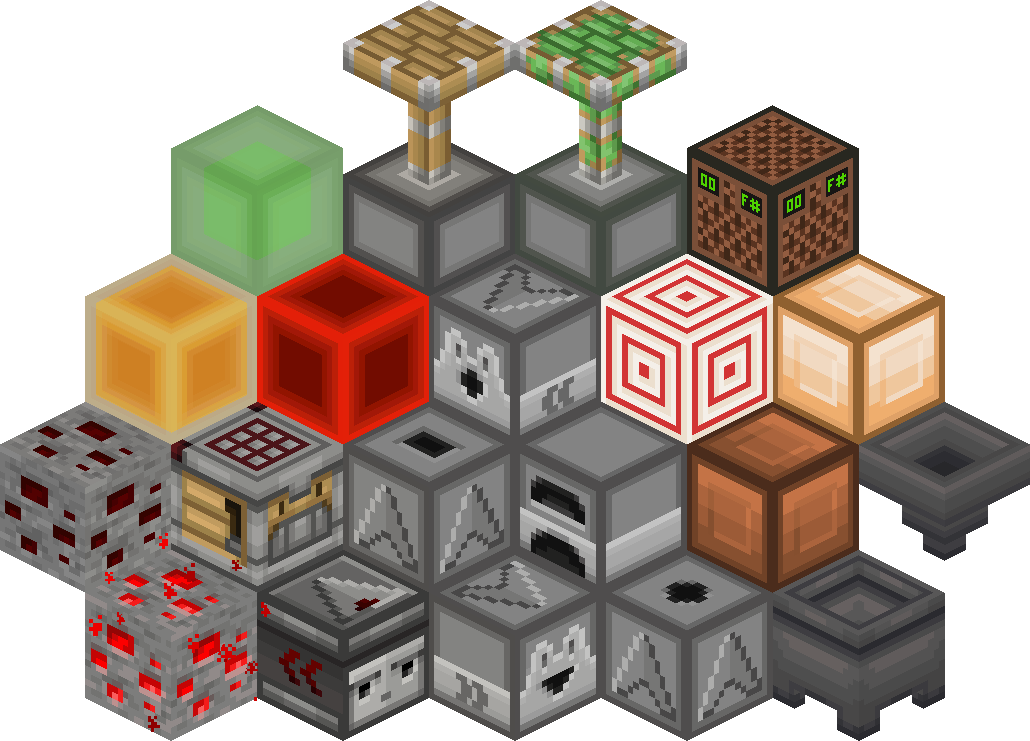
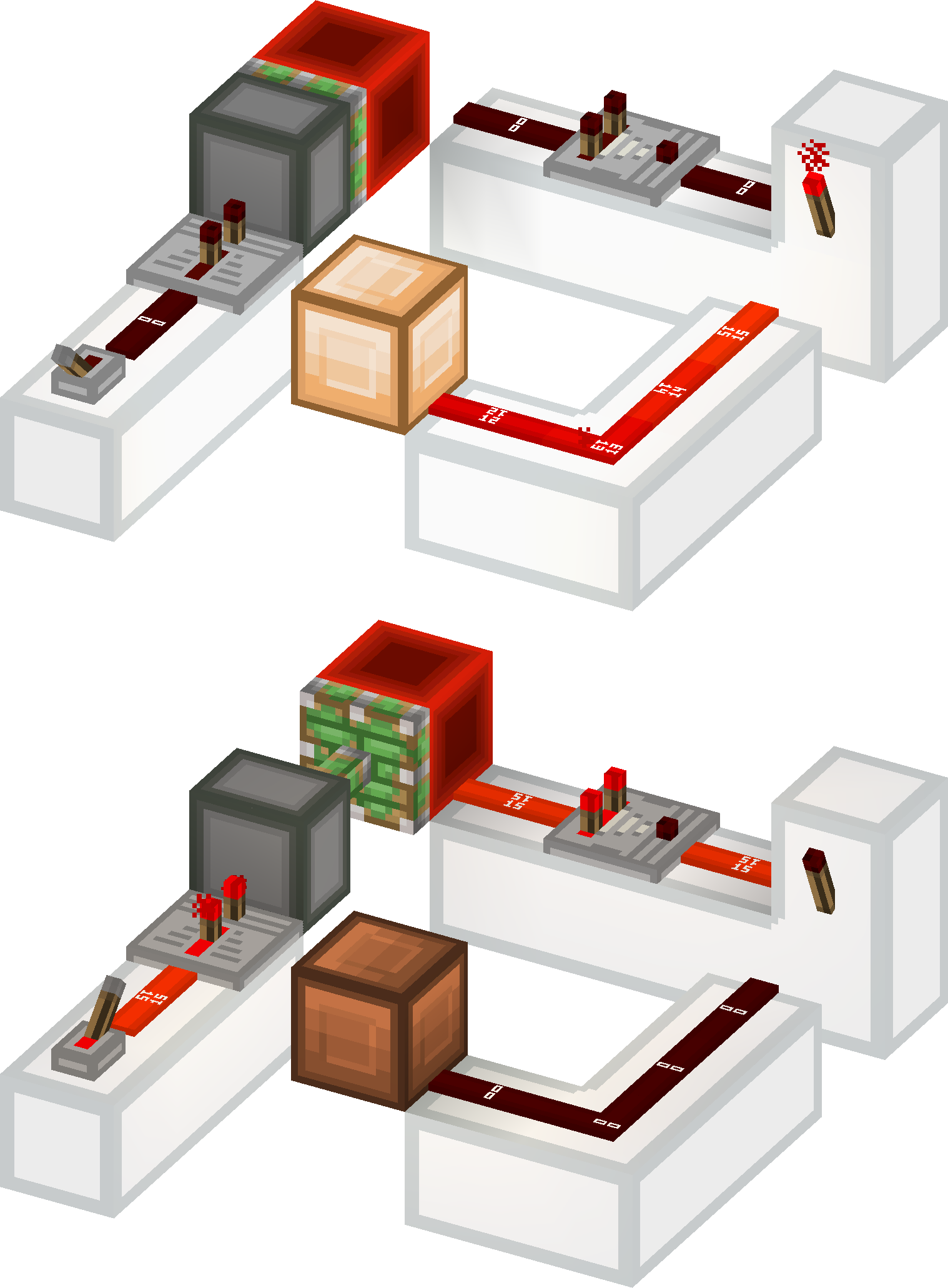
This resource pack gives a **clean look** to all redstone components, while keeping a **vanilla feel**. It brings features from [Vanilla Tweaks](https://vanillatweaks.net/picker/resource-packs), such as **directional indicators** for blocks like droppers or observers, and **visual block states** for blocks like note blocks.
List of current features:
- **smooth clean look** for all redstone related blocks (including rails and minecarts too)
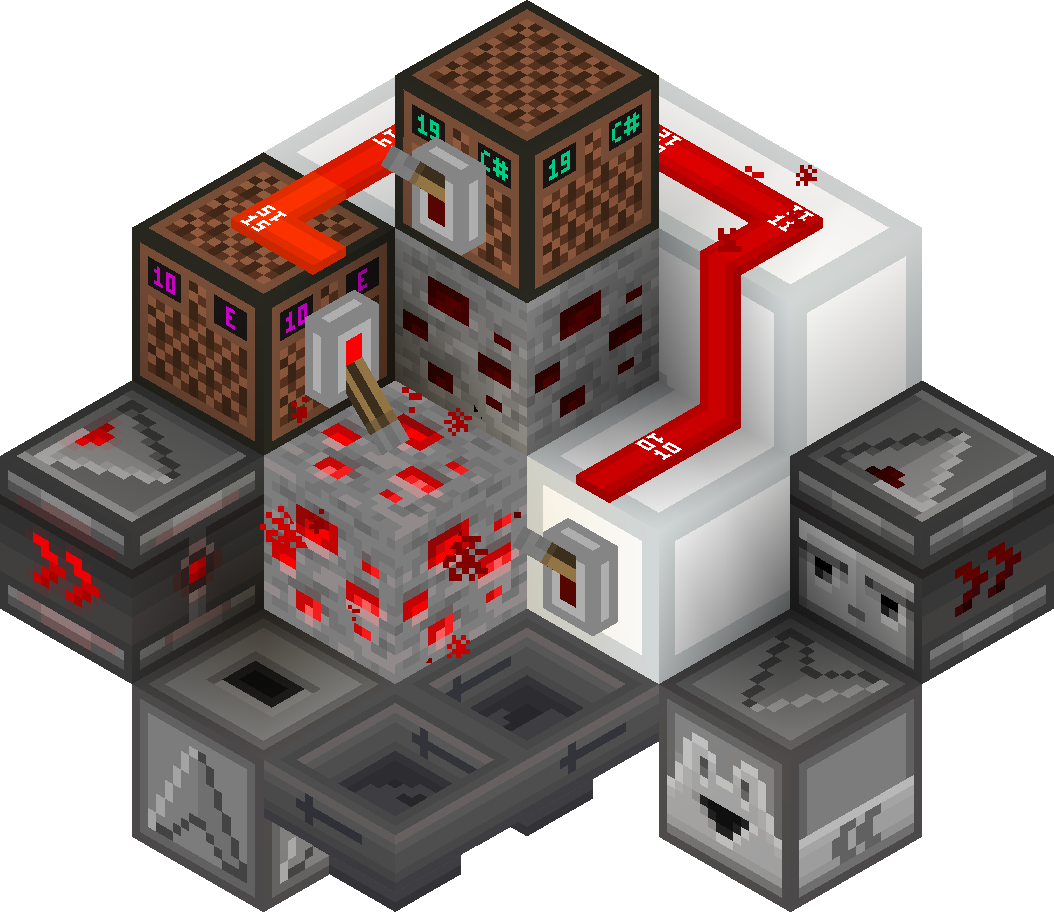
- **directional indicators** for dispensers, droppers, hoppers and observers
- **block states indicators** for redstone dust, redstone ore, levers and note blocks
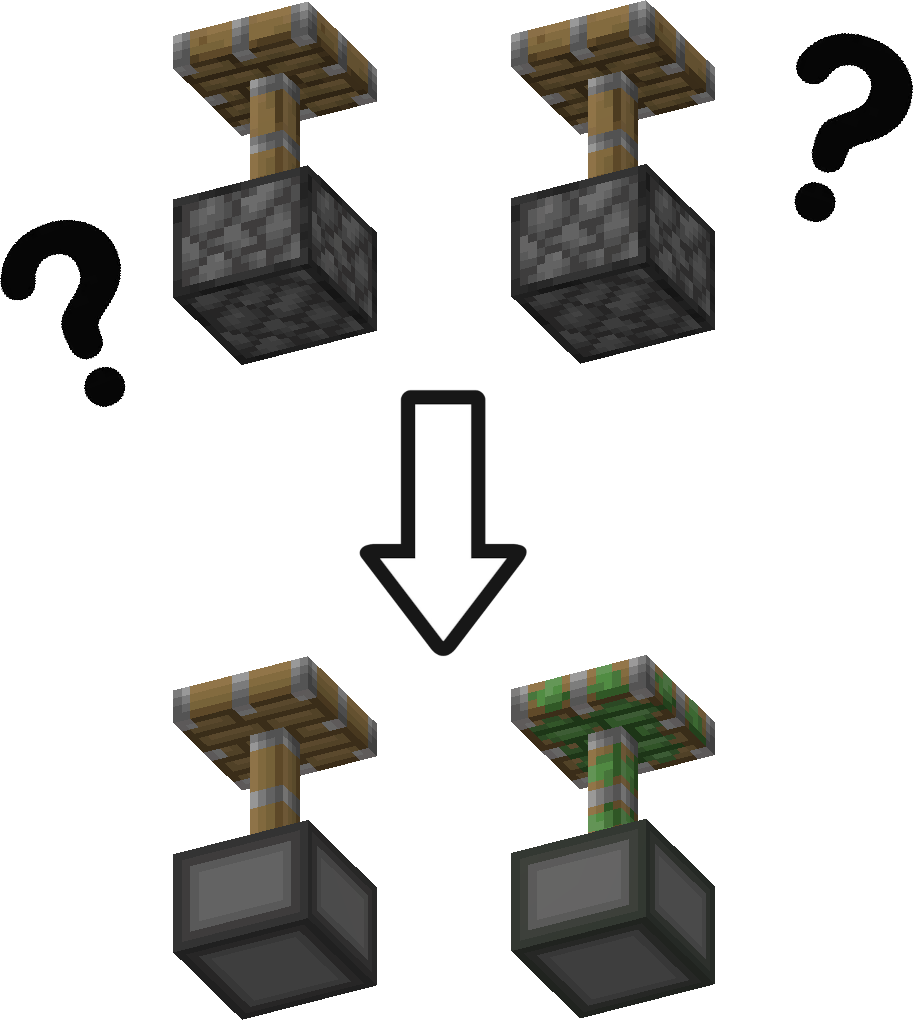
- removes ambiguity between normal and sticky pistons
- **connected outline** for all **wool and glass** blocks (you need [Continuity](https://modrinth.com/mod/continuity) or [Optifine](https://optifine.net/downloads) for the outlines to connect)
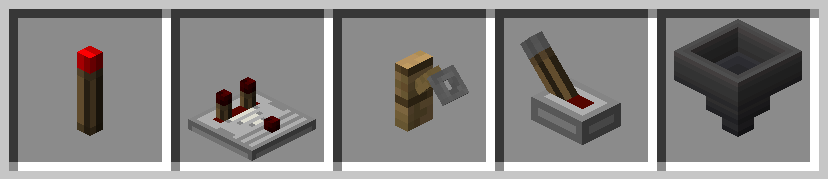
- **3D item models** for all types of torches, repeaters, comparators, levers, tripwire hooks, hoppers and cauldrons
Plans for the future:
- add indicators for cauldrons, composters, beehives and bee nests
- give a clean look to chests and barrels
- versions for 1.13 and older
- reduce file size
### Here is a quick overview of the pack:
### This is how your redstone circuits will look like:
### Block states and direction indicators:
### No ambiguity between normal and sticky pistons:
### 3D item models:
# How to install
After downloading the resource pack, go to **options -> resource packs** and click the **Open Pack Folder** button, or open `%appdata%\.minecraft\resourcepacks` directly. Put the resource pack in this folder. It should then show up under **Available**. Click the arrow to switch it to the **Selected** tab and click **Done**. That's it, the pack should now be installed properly.