
Описание
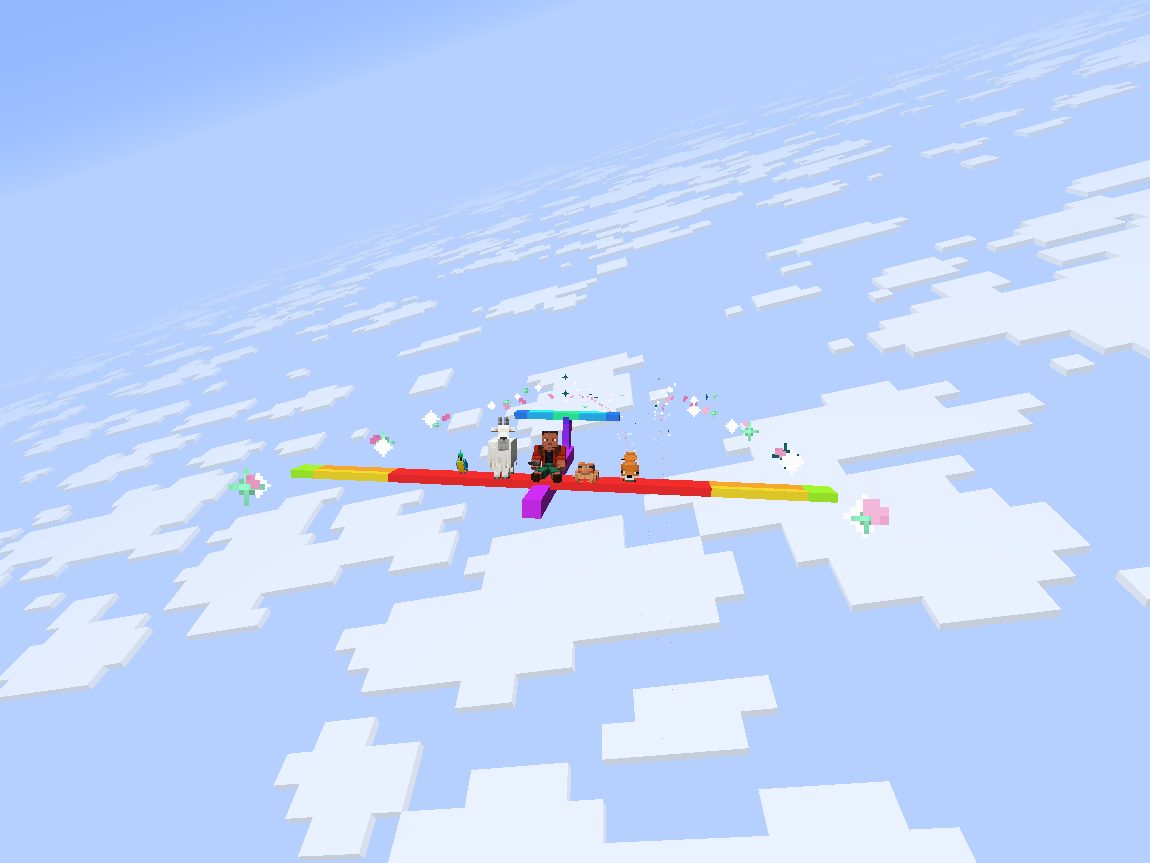
Step into a model glider and soar into a world of wonder.
---
Volo Volare adds a highly-configurable toy glider.
- Give yourself a speed boost by using gunpowder or blaze powder while flying.
(item tag: `volare:thrust_source`)
- Extend your flight by flying through thermals produced by campfires, fire, magma, and lava.
(block tag: `volare:thermal_source`)
- Configure arbitrary wingtip particles with the `volare:glider/particles` component.
```
/give @s volare:glider[volare:glider/particles=[{type:"minecraft:electric_spark"}, {type:"minecraft:heart"}]]
```
- Give a glider an initial speed boost with the `volare:glider/frozen_motion` component.
```
/give @s volare:glider[volare:glider/frozen_motion=[0.0f, 0.0f, 0.8f]]
```
---
---
## Config
To configure 1st- and 3rd-person roll, edit `config/volare.json5` or use the in-game config screen.
To configure thermals and boost, edit `/serverconfig/volare-server.json5` or use the in-game config screen.
Server configs are automatically synced to clients.
## Customization
### Custom Textures
To create a glider with custom textures:
1. Place a texture at the path `assets//textures/entity/glider/.png`
2. Create a translation for the key `entity.volare.glider.variant..entity.glider.` in `assets//lang/en_us.json`
3. Spawn a glider with the texture using the command:
```
/give @s volare:glider[volare:glider/variant=":entity/glider/"]
```
### Modifying Volo Volare's Creative Tab
Custom gliders can be added to Volo Volare's creative tab by creating a JSON file in your resourcepack at `assets/volare/volare_item_groups/main.json`
```json
{
"entries": [
{
"id": "volare:glider",
"components": {
"volare:glider/variant": ":entity/glider/"
}
}
]
}
```
## [Area Lib](https://modrinth.com/mod/area_lib) Integration
### Flak
An area can be configured to shoot down any gliders that fly through it using the `/volare area flak` command.
### Thermals
An area can be configured to act as an updraft or downdraft using the `/volare area thermal` command.
---
*About the name: The first two principal parts of the latin verb for flight are 'volo volare' ('I fly', 'to fly'), but 'volo' also means 'I want', thus 'volo volare' means 'I want to fly'.*