
Описание

-----------
### This modpack is a "Client only" version of [Trailer Vibes](https://modrinth.com/modpack/trailer-vibes)
That allows you to join servers with the Minecraft Trailers look ! Or play Minecraft without adding new structures or worldgen
- Immersive sounds
- Animations
- Optimization
- Visual effects
- Particles
-----------
🔁 Switch between 2 resource pack profiles ! [Profile 1](https://cdn.modrinth.com/data/7PBUYl01/images/1a50c73fd48c1edb949235b64436d4ef5f4467d2.png) keeps Bare Bones style, [Profile 2](https://cdn.modrinth.com/data/7PBUYl01/images/1ee37f852c3984ddd30635d477c97c66d9078db0.png) adds some 3D stuff !
☀️ Choose _**BSL Shaders**_ or _**Complementary Reimagined + Euphoria Patches**_ to light up your world !
Play in third person to feel **animated** ! First person is also overhauled thanks to [Hold My Items](https://modrinth.com/mod/hold-my-items) !
> 👉 This modpack is inspired by [Low Res Trailer Recreation](https://modrinth.com/modpack/low-res-trailer-recreation) and [Fresh & Smooth](https://modrinth.com/modpack/fresh-smooth)
------------
How to change Resource Pack Profile ?

-----------
### Click on the button at top left corner

-----------
### Choose the profile

-----------
### Apply Packs and done !
How to get Emissive Ores ?
Place [Bare Bones Emissive Ores labPBR](https://modrinth.com/resourcepack/bare-bones-emissive-ores-labpbr) at the top of the resource pack list !
Same process for [Bare Bones Cute Pumpkin](https://modrinth.com/resourcepack/bare-bones-cute-pumpkin) or [Bare Bones Shorter Grass](https://modrinth.com/resourcepack/bare-bones-shorter-grass)
How to turn on Ray Tracing ?
You can apply Photonics in Shader Packs>Complementary>Shader Pack Settings>Configure Euphoria Patches>Modded Settings>Photonics
From there you can choose to turn it **on** (*Sharp* or *ReSTIR* mode)
It is **off** by default because it impacts a lot performance
How to activate Streams Reflowing mod ?
To use [Streams Reflowing](https://modrinth.com/mod/streams-reflowing), turn on "generateStreams" and "generateLakes" in the mod's config
Dark Mode
Turn your interface to dark, and choose how dark you want it to be
Click on the moon logo in the main menu, or in the chest you can edit the darkness by clicking on the pencil !
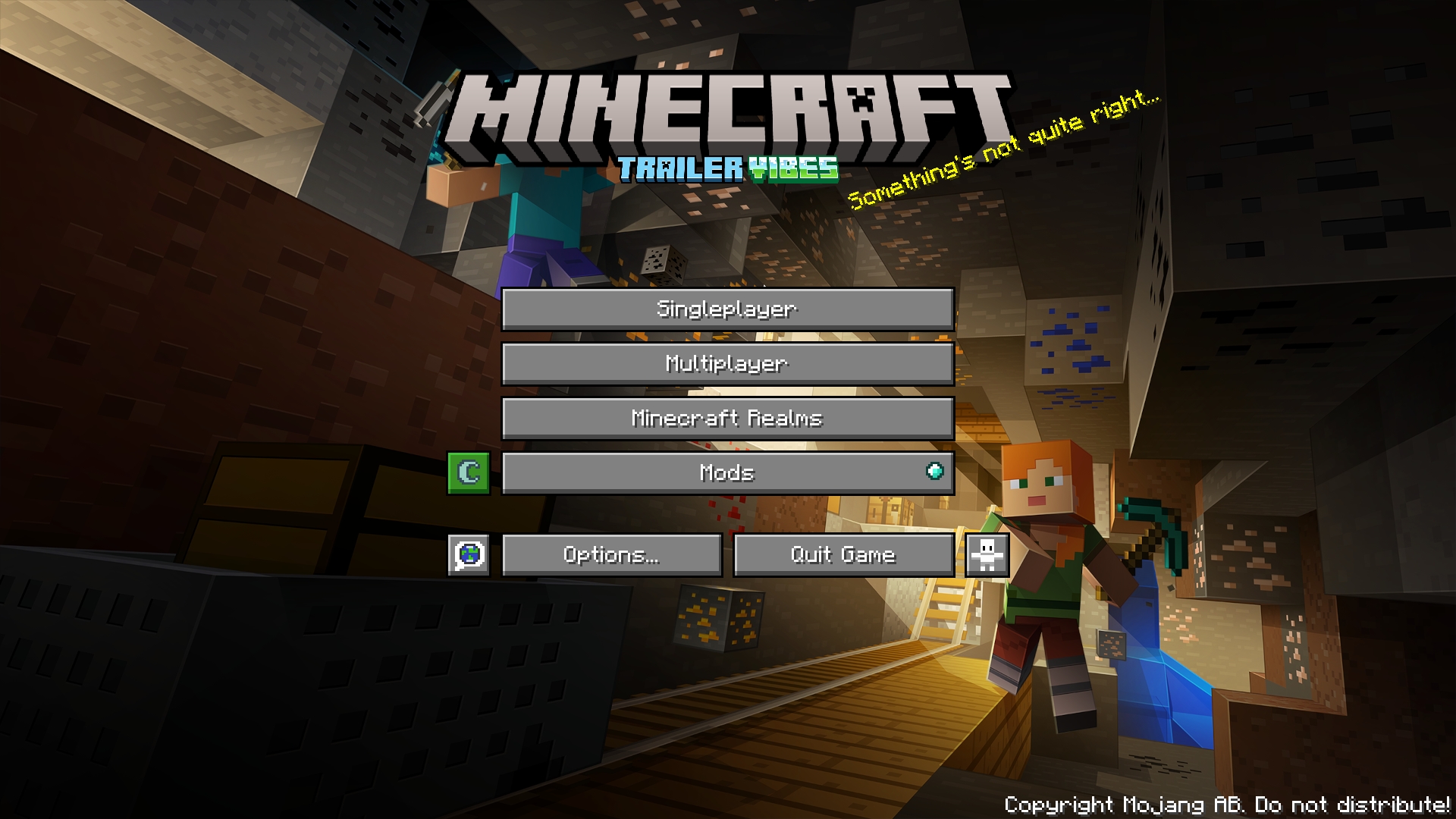
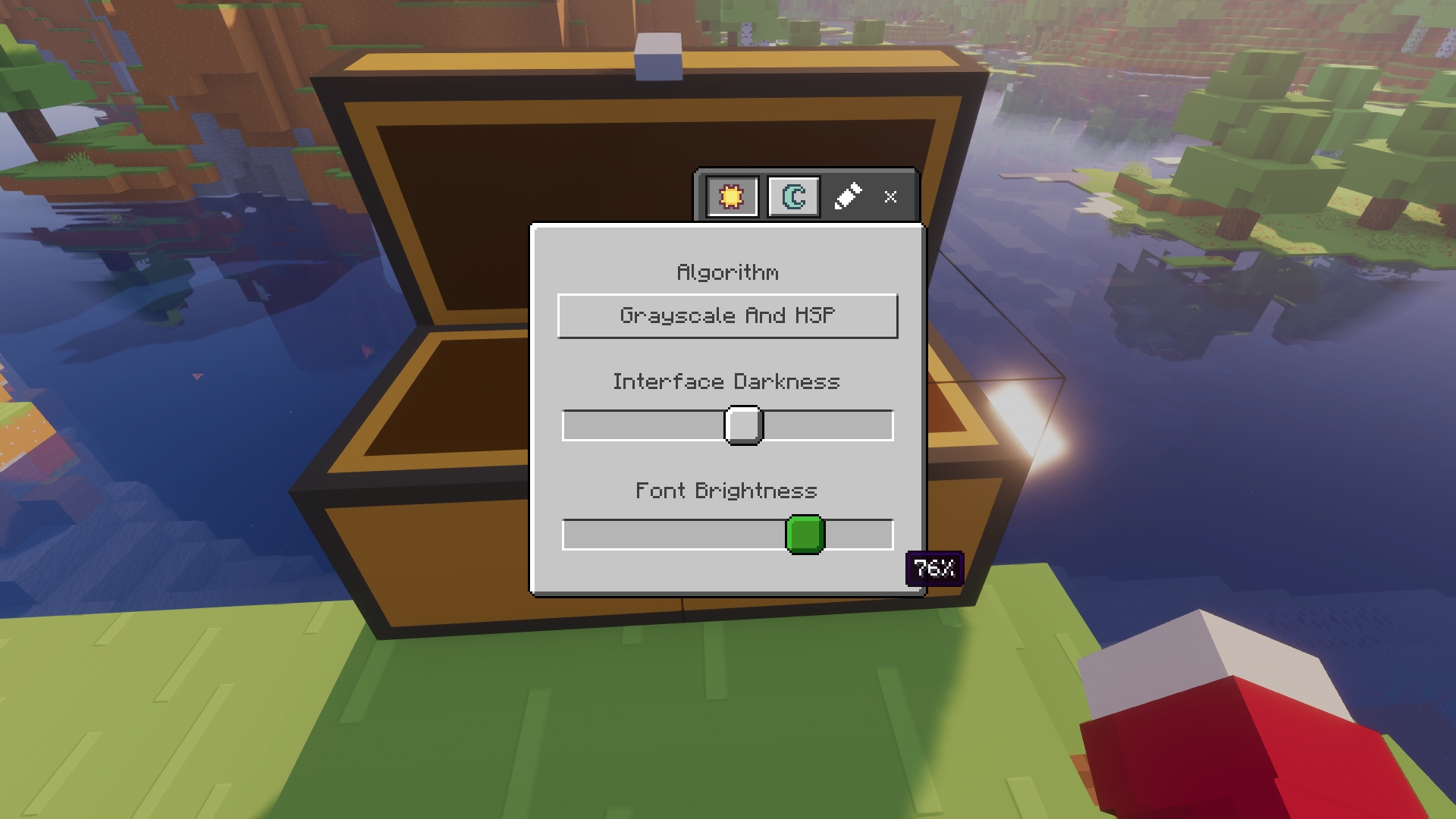
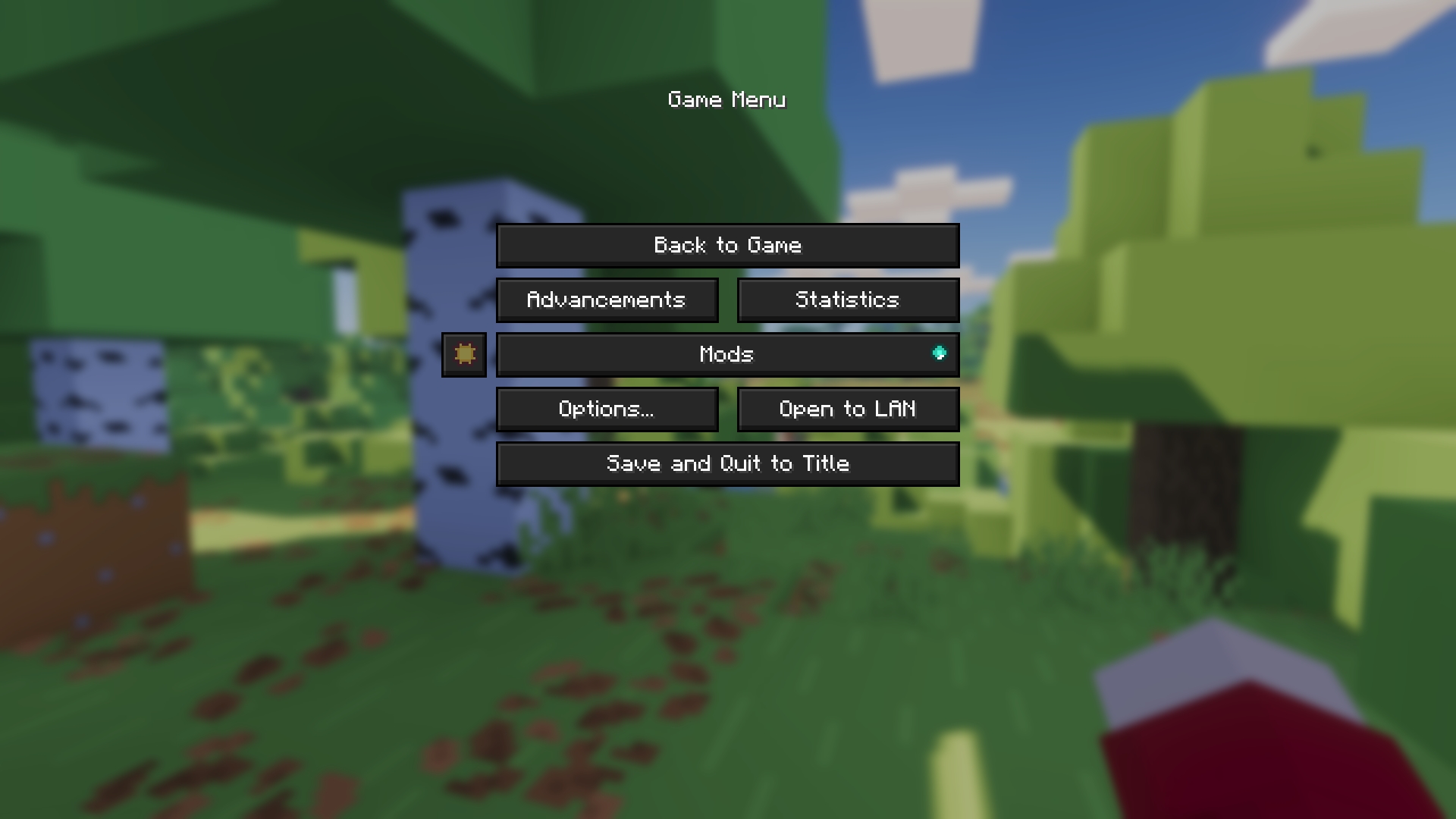
This is [Mindful Darkness](https://modrinth.com/mod/mindful-darkness)
-----------
### 3 versions of this Modpack ! :
> [Trailer Vibes](https://modrinth.com/modpack/trailer-vibes)
> Trailer Vibes Client
> [Trailer Vibes Lite](https://modrinth.com/modpack/trailer-vibes-lite) (for low end computers)