
Описание
# TradeManager
### Check out [TradeManagerPlus](https://www.spigotmc.org/resources/trademanagerplus-1-20-x-1-21-5-villager-trade-control-custom-item-support.122864/) if you want even MORE features!
**TradeManager** is a powerful plugin designed to help server administrators manage villager trades effortlessly. With an intuitive in-game GUI and comprehensive configuration options, you can easily disable vanilla trades, create custom trades, adjust stock limits, and modify trade probabilities as needed. The plugin even allows you to prevent specific villager types from spawning, including wandering traders.
Additionally, TradeManager integrates smoothly with custom items from plugins like **Nexo** and **ItemsAdder**, enabling you to design unique trading experiences for your players.
### Key Features:
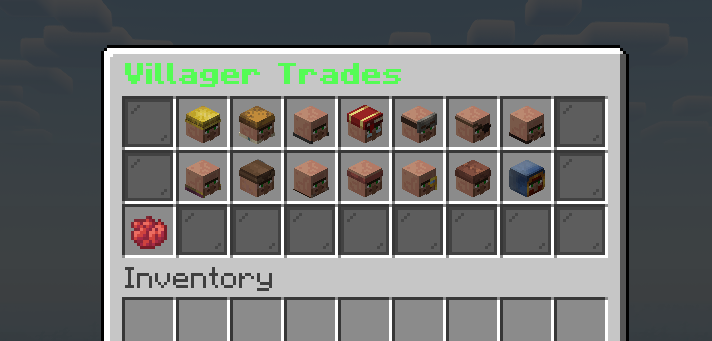
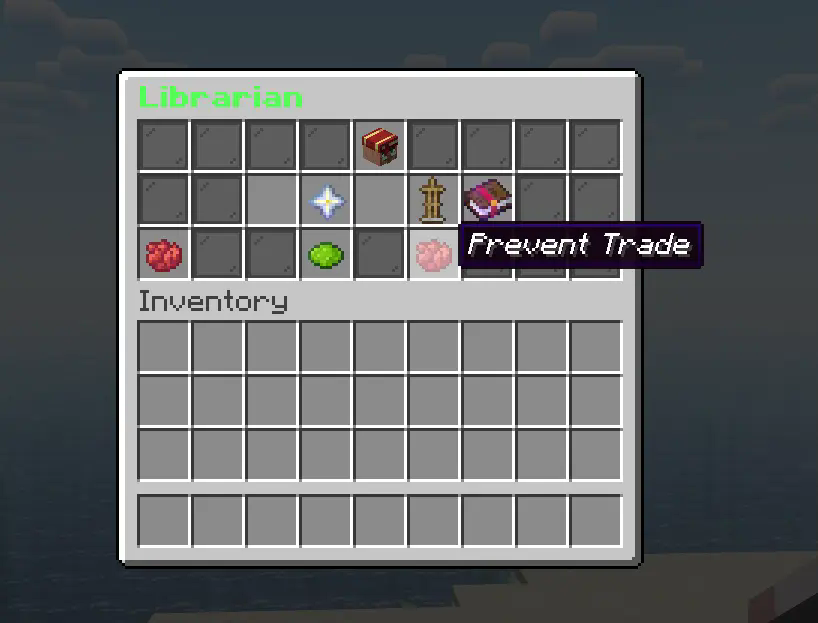
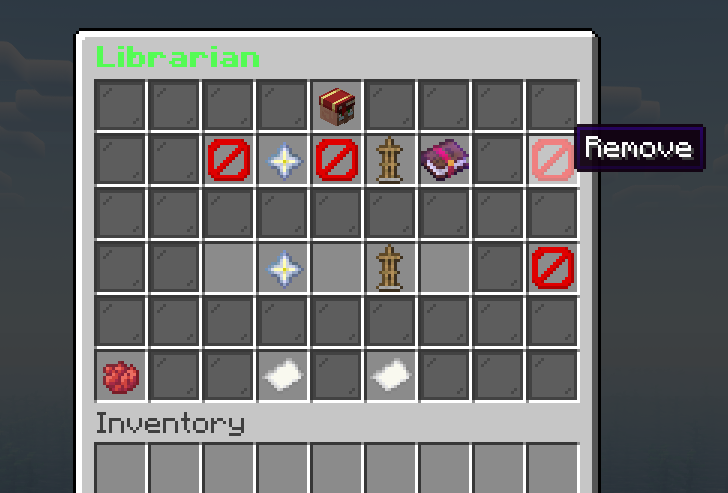
- **Manage Disabled Trades by Villager Type:** Quickly view and remove disabled trades for specific villager professions.
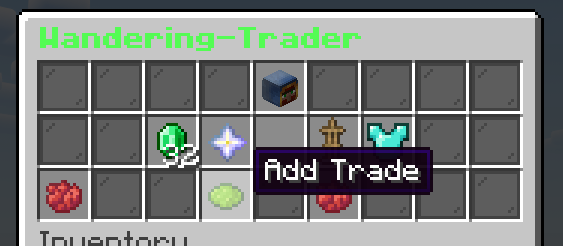
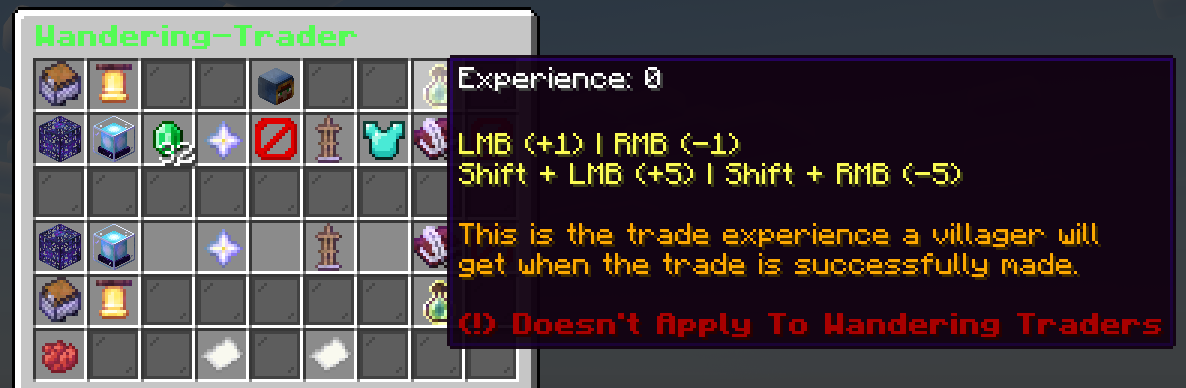
- **Custom Trade Management:** Add, edit, and remove custom trades for different villager types.
- **Support for Nexo and ItemsAdder:** Incorporate custom items from other plugins into villager trades.
- **Villager Spawn Control:** Prevent certain villager professions, including wandering traders, from spawning.
- **Custom Stock Levels:** Set stock limits for both vanilla and custom trades.
- **Time-Restricted Trades:** Limit trading to specific times of day.
- **Auto Reset Stock:** Automatically reset villager trade stock at configurable intervals (seconds, hours, days).
- **Vanilla Trade Stock and Cooldown Adjustments:** Fine-tune stock and cooldown settings for vanilla trades.
- **Disable Vanilla Trades:** Turn off all vanilla trades to create a custom-only trading system.
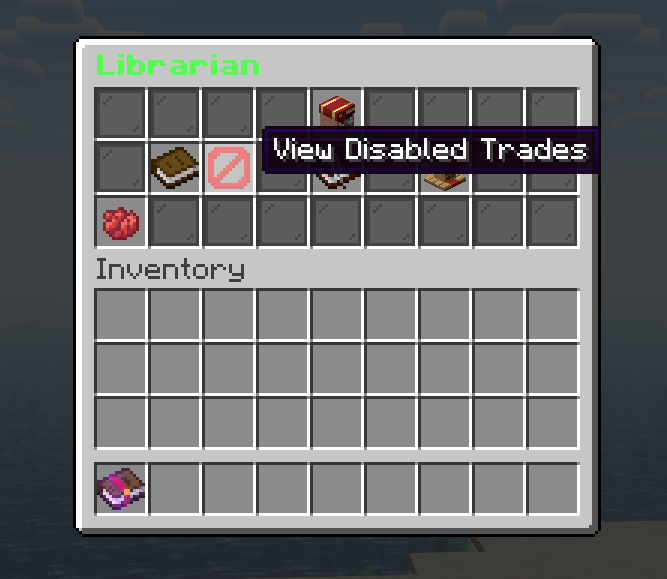
- **In-Game GUI for Custom Trades and Disabled Trades:** Easily manage and showcase custom and disabled trades via an in-game interface.
## Custom Trades:
Spoiler
## Disabling Mending:
Spoiler
## View Disabled Trades And Edit Them In Game:
Spoiler
## How to Install:
1. Download the latest version of **TradeManager**.
2. Place the `.jar` file into your server's `plugins` directory.
3. Restart your server to generate the default configuration files.
### Need Help?
Check out the [Documentation](https://www.spigotmc.org/resources/trademanager-1-20-1-21-1-customize-villager-trades-prevent-trades-oraxen-itemsadder-support.117737/field?field=documentation) for more detailed information. If you encounter any issues or have suggestions, feel free to reach out via [Discord](https://discord.gg/kTa77dHWNx). We're always open to feedback!
*Note: This post is a work in progress and may receive updates in the future.*