
Описание
## 概述 Summary
如果你觉得原版的不死图腾太单调和抽象,那么这个材质包是个不错的选择。
它将不死图腾做成了玩家的模型。不过与玩家相比,不死图腾的模型更加可爱 _(头身比为1:3,玩家为1:5)_。\
If you find vanilla totem too monotonous and abstract, then this Resource Pack is a good choice.
This Resource Pack makes the totem to be a model player. However, compared to the player, the totem model is more cute _(1:3 for the head-to-body ratio and 1:5 for the player)_.
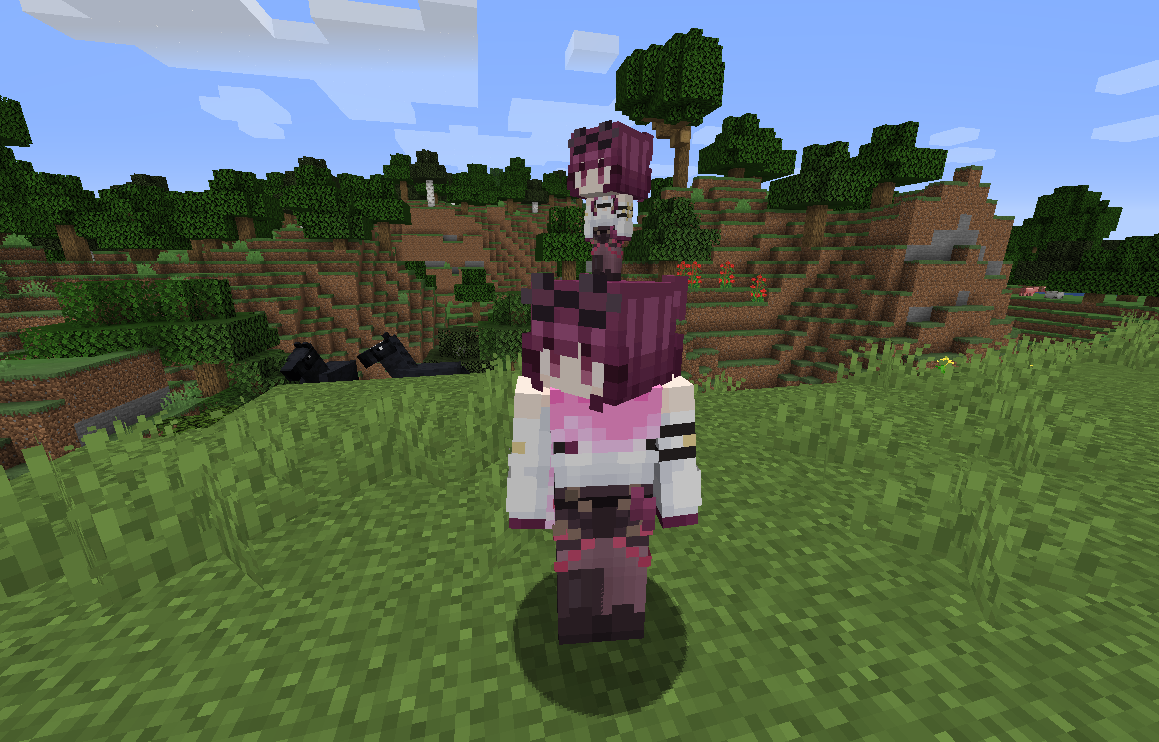
更多图片请查看Gallery
## 定制 Customize
图片中展示的是**slim版本**,用于细手臂模型,如果你想更改成粗壮的皮肤 可以选择**classic版本**。定制的方法在资源包中的README.txt里。也可以点击下方直接查看。\
The picture shows the **slim version**, which is used for the thin arm model, and if you want to change to a coarse arm, you can choose the **classic version**. The method of customization is in the
README.txt in the pack. You can also click below to view it directly.
click here
修改方法
1. 准备好你的皮肤uv文件,命名为```totem_of_undying.png```
2. 打开包,按路径找到文件```assets\minecraft\textures\item\totem_of_undying.png```
3. 替换为已选择的皮肤文件
Customize method
1. Prepare your skin UV png named ```totem_of_undying.png```
2. Open the resourcespack and follow the path to find the file ```assets\minecraft\textures\item\totem_of_undying.png```
3. Replace with the selected skin png
## 安装 install
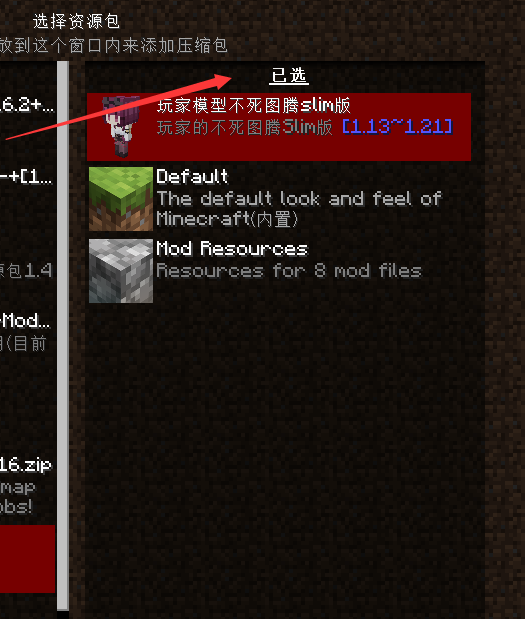
拉倒右边即可 Pull down the right side\
\
仍需要注意的是,本资源包和[不死图腾插槽(Charm of Undying)](https://modrinth.com/mod/charm-of-undying)一同使用时,可能会导致不死图腾的位置比较尴尬。