
Описание
# 🔄Titlebar Changer
Personalize the look of your Minecraft **window titlebar** — tweak **colors, text, corners, and borders** on Windows.
- 🪟 On **Windows 11**, the mod unlocks the full range of customization features, such as custom colors, rounded corners,
and border styling.
- 🪟 On **Windows 10**, support is limited by the operating system: you can only switch the titlebar between light and
dark modes.
## ✅ Requirements
* **Windows 10 or Windows 11** (other OS are not supported)
* One of: **Forge** or **Fabric/Quilt**
* (Optional, for in‑game settings): **[Cloth Config API](https://modrinth.com/mod/cloth-config)**
* (Optional, Fabric/Quilt config UI): **[Mod Menu](https://modrinth.com/mod/modmenu)**
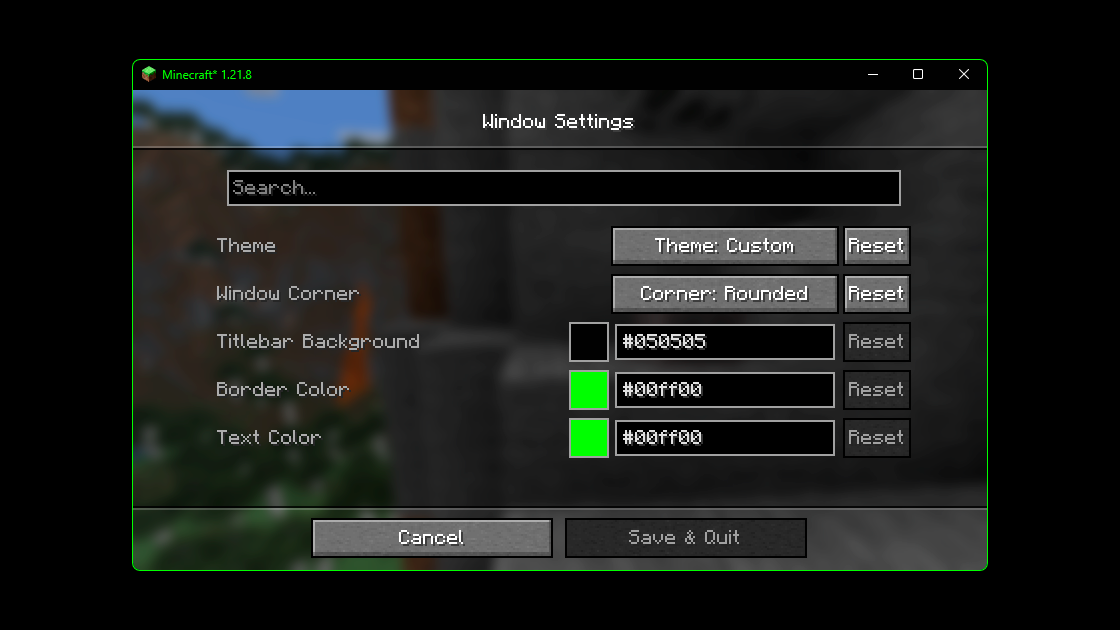
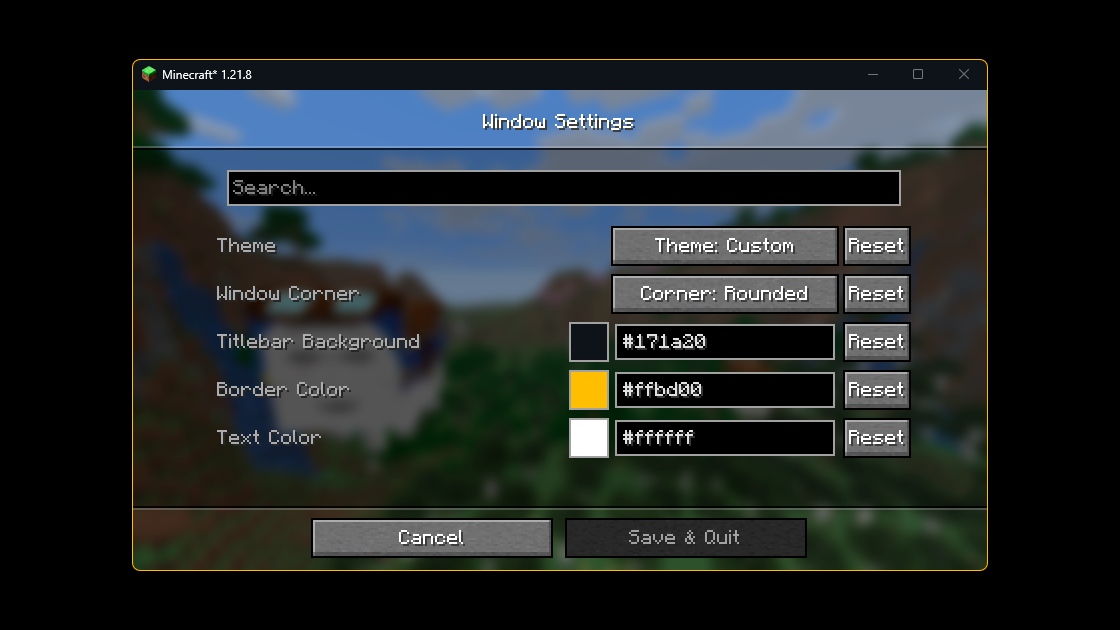
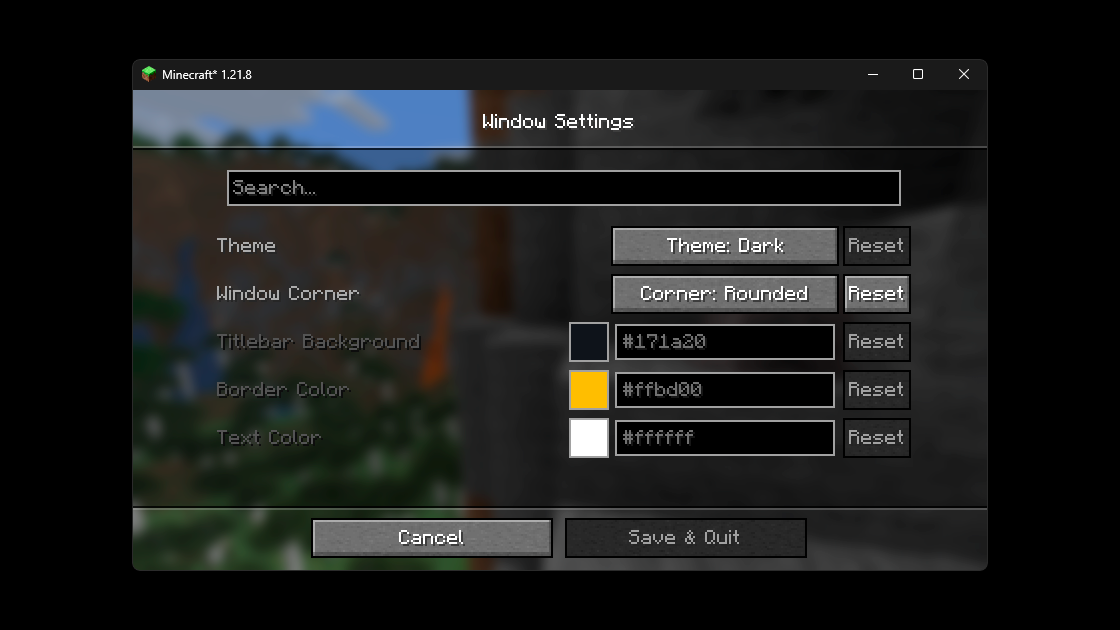
## 🎨 Examples
Below are examples of custom titlebar colors (Windows 11):
### 🐱 Fun Example
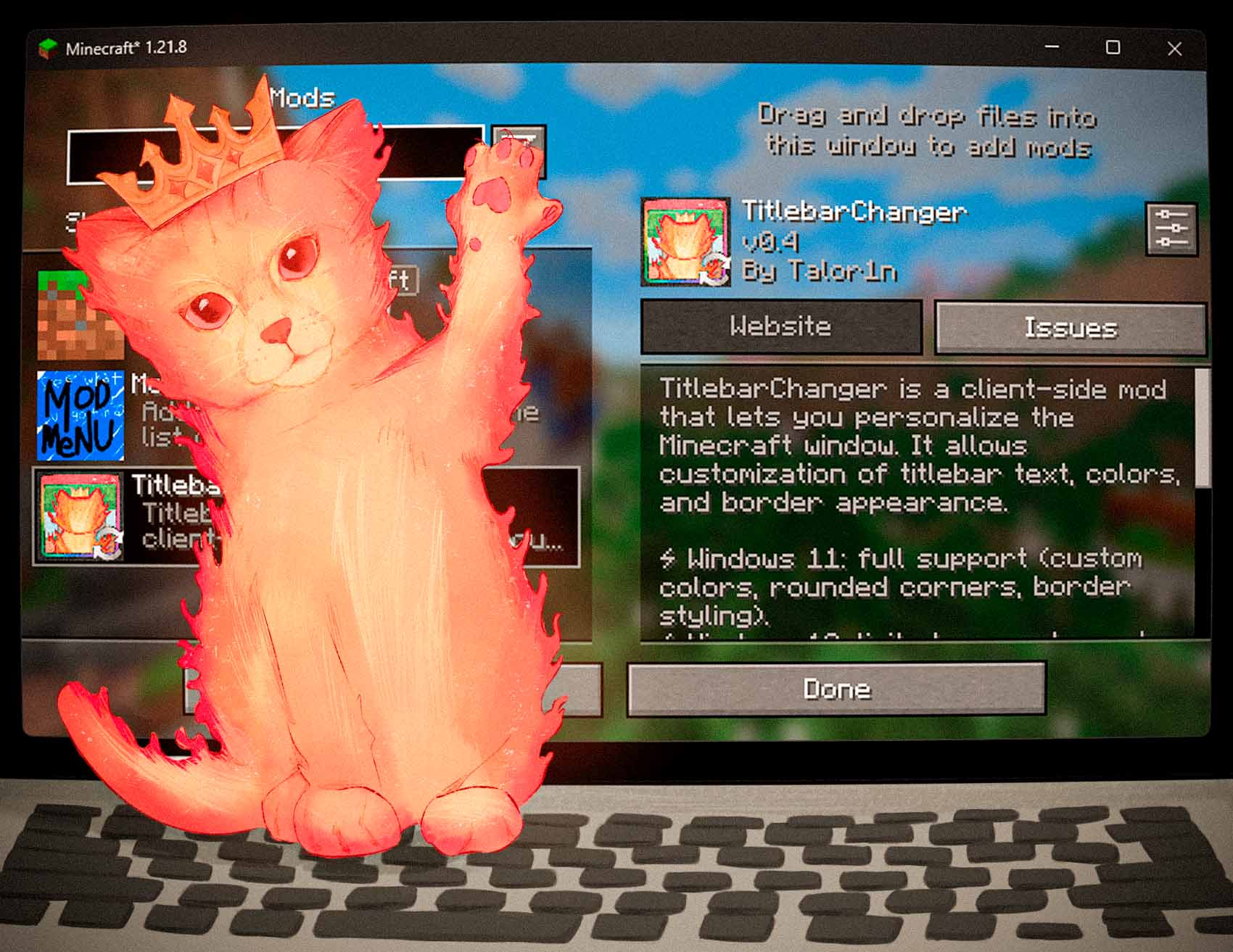
And here’s an extra — the *Titlebar Changer* with my cat wearing a crown 👑
## 🔗 Source Code
The source code for the mod is available on [GitHub](https://github.com/Talor1n/TitlebarChanger). If you encounter any issues or have suggestions for improvements, please feel free to leave them in the Issues section on GitHub.
## ⚙️ Configuration
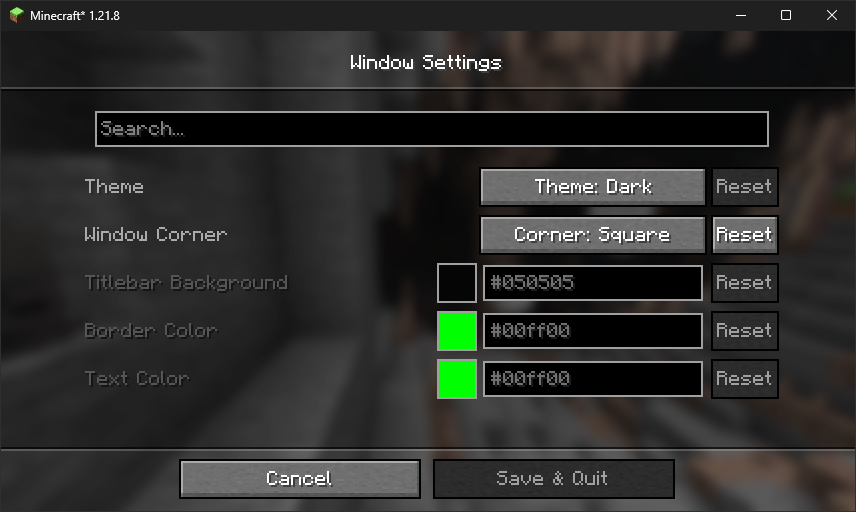
You can configure the mod either **in‑game** (recommended) or by editing the **JSON** file.
### In‑game config
* **Forge:** Main Menu → **Mods** → *Titlebar Changer* → **Config**
* **Fabric/Quilt:** Install **Mod Menu** + **Cloth Config**, then Main Menu → **Mods** → *Titlebar Changer*
### Config file
The file lives at: **`config/titlebar_settings.json`**
```json5
{
// Window Theme: LIGHT (0), DARK (1), CUSTOM (2)
// Controls the overall appearance of the titlebar
// Restriction: Custom only works on Windows 11+
"theme": "1",
// Window Corners: SYSTEM_DEFAULT (0), NO_ROUNDING (1), ROUNDED (2), ROUNDED_SMALL (3)
// Controls how window corners are rendered
// Restriction: Only works on Windows 11+
"corner": "0",
// Caption (titlebar) background color
// Format: #RRGGBB
// Restriction: Only works when theme is CUSTOM (2)
"captionColor": "#FF0505",
// Window border color
// Format: #RRGGBB
// Restriction: Only works when theme is CUSTOM (2)
"borderColor": "#FF00FF",
// Title text and button color
// Format: #RRGGBB
// Restriction: Only works when theme is CUSTOM (2)
"textColor": "#FF00FF"
}
```
#### Option reference
| Option | Values / Format | Notes |
|----------------|--------------------------------------------------------------------------------|----------------------------------------------------------------------------------------------------|
| `theme` | `0` = Light • `1` = Dark • `2` = Custom | On **Windows 10** only `0/1` are supported. Full customization (`2`) works only on **Windows 11**. |
| `corner` | `0` = System default • `1` = No rounding • `2` = Rounded • `3` = Rounded small | Available only on **Windows 11**. |
| `captionColor` | `#RRGGBB` | Used only with `theme = 2` (Custom). |
| `borderColor` | `#RRGGBB` | Used only with `theme = 2` (Custom). |
| `textColor` | `#RRGGBB` | Used only with `theme = 2` (Custom). |
> Tip: restart the game after manual edits.
## ❓ FAQ
**Does it work on Linux or macOS?**
The mod uses Windows APIs. On non‑Windows systems it will **load in dormant mode** (inactive, no changes applied).
**Does it work in fullscreen?**
The titlebar is part of the **windowed** UI. Fullscreen modes that hide the window frame will also hide the titlebar.
**Can I use hex colors with alpha (#AARRGGBB)?**
No — use **`#RRGGBB`**.