Описание
ThaiFontFix
===========
Introduction
------------
For **Minecraft Java Edition** only! (สำหรับ **Minecraft Java Edition**)
### Features (คุณสมบัติ)
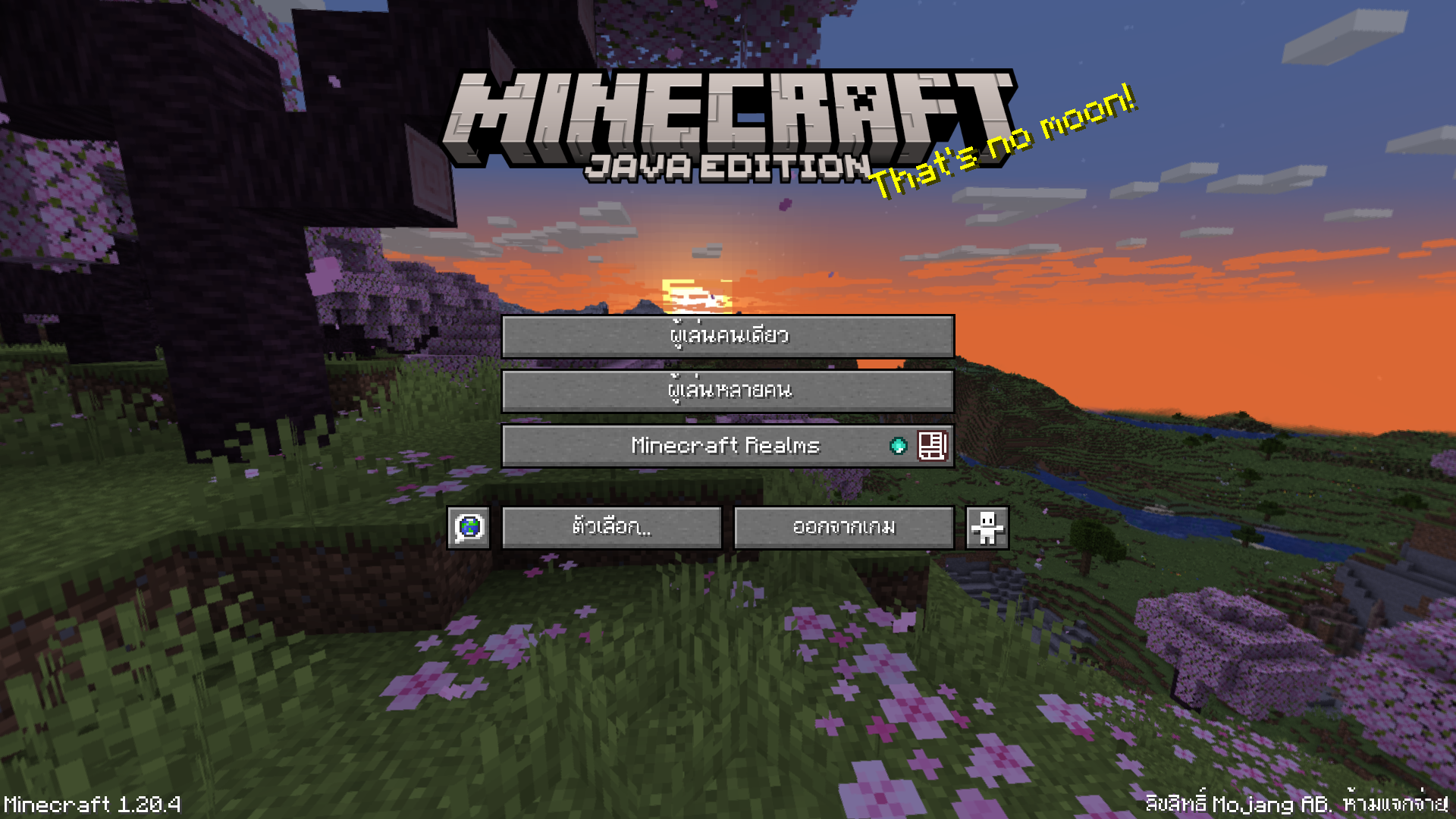
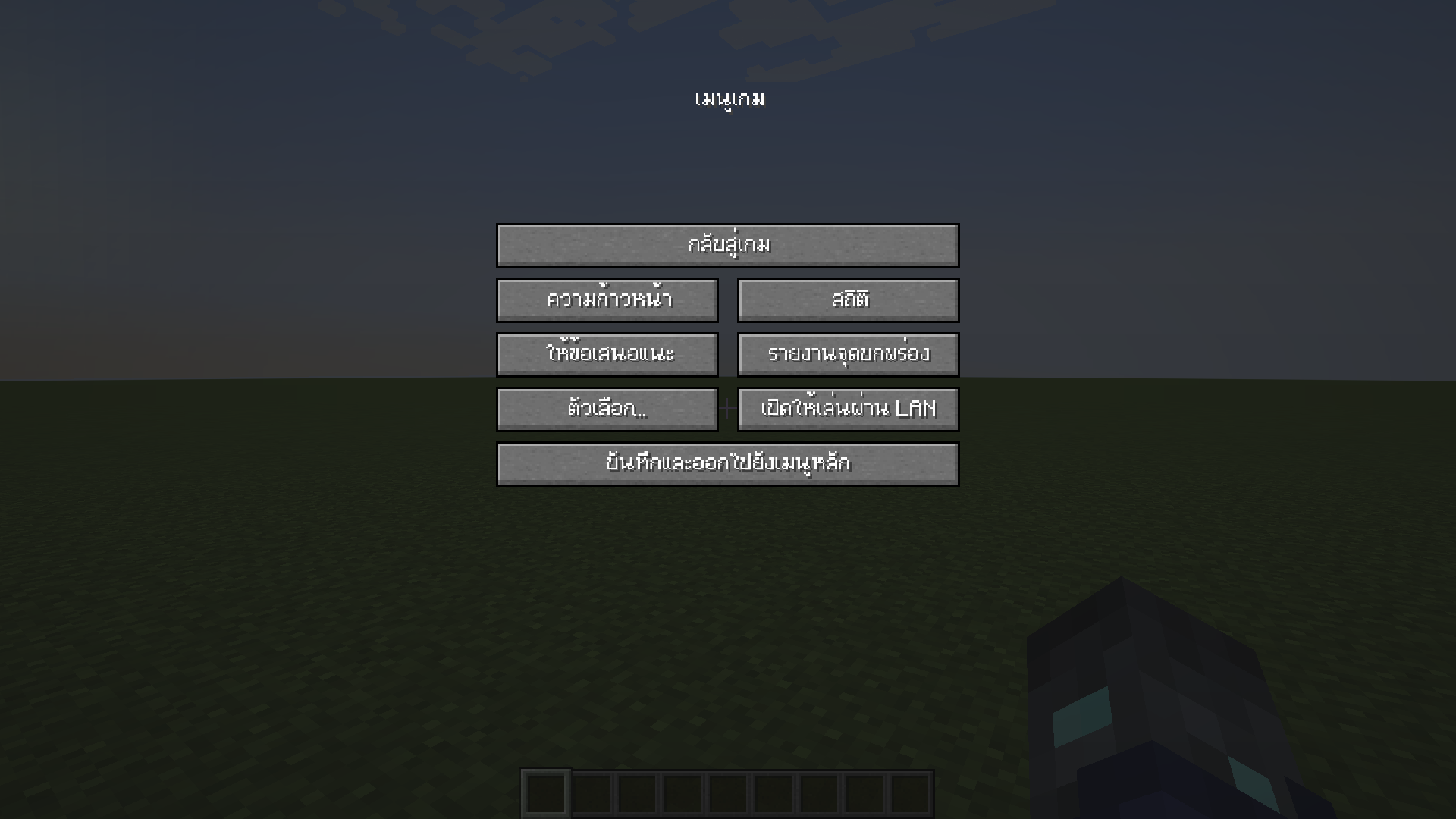
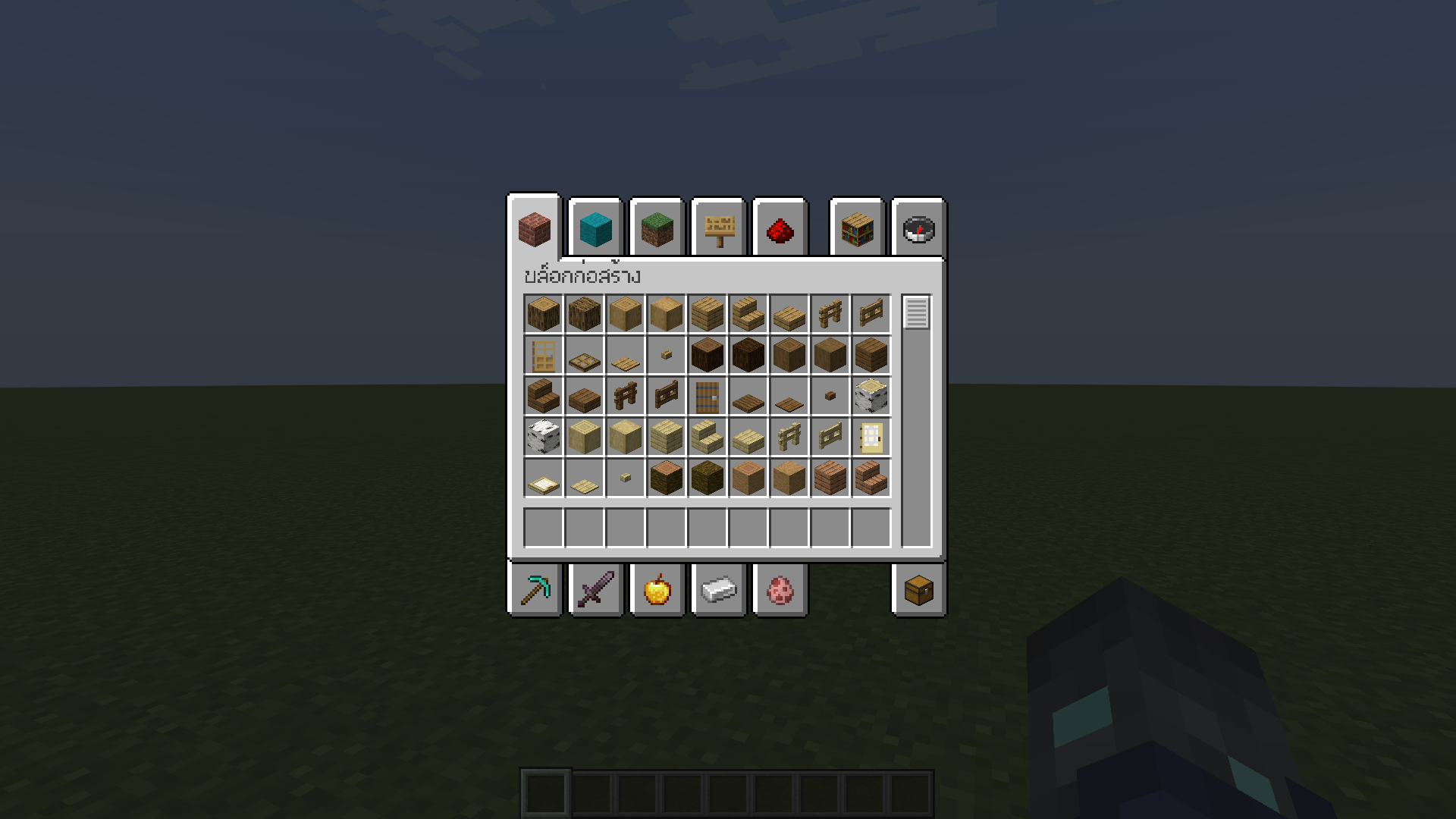
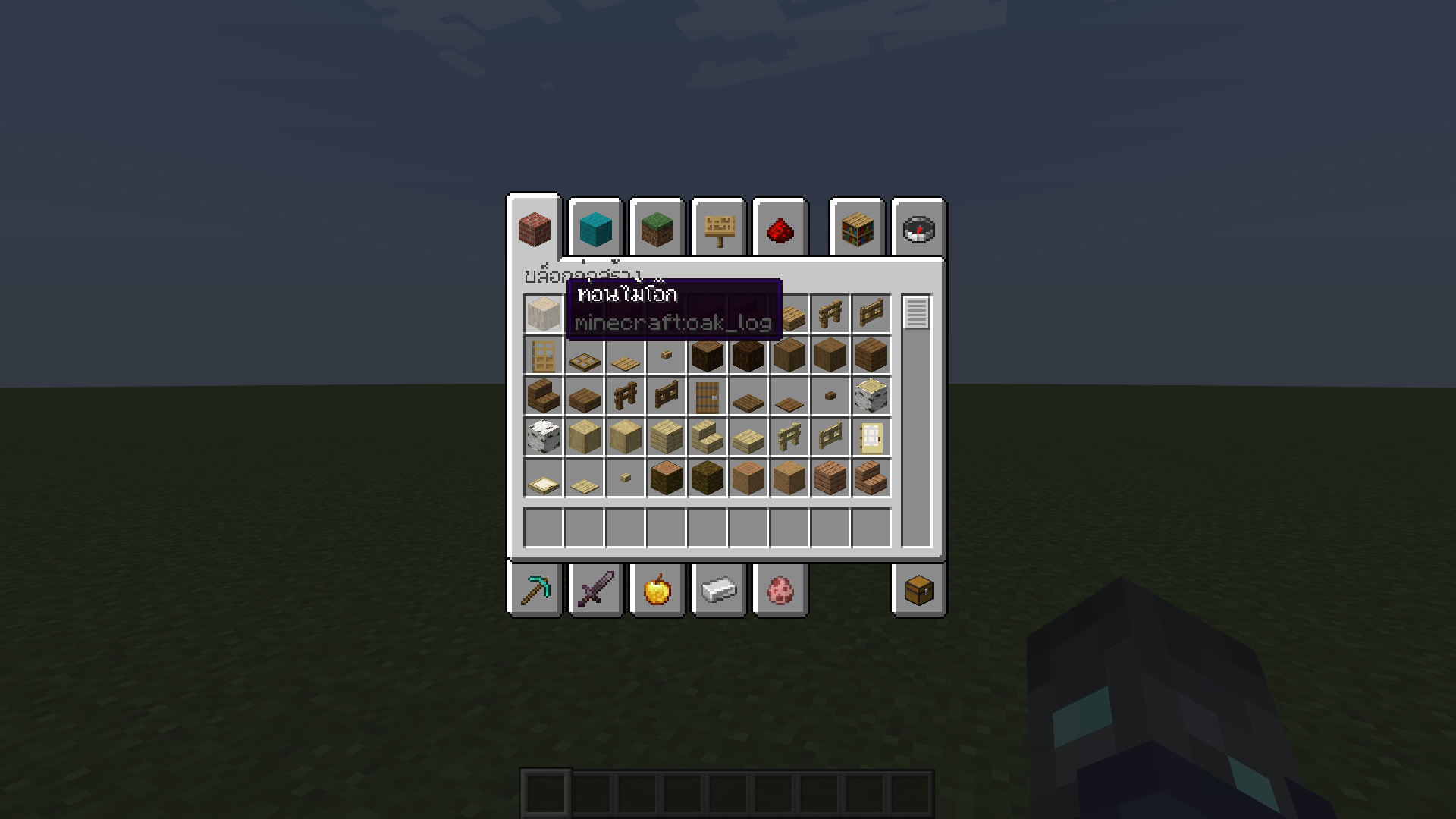
* Float correction (แก้สระลอย)
* Make the font easier to read in Thai (ทำให้ฟอนต์ไทยอ่านง่ายขึ้น)
### Font used (ฟอนต์ที่ใช้)
* **[iannnnnAMD (2005)](https://www.f0nt.com/release/iannnnnamd/)**
### Example (ตัวอย่าง)
Installation (วิธีการติดตั้ง)
-----------------------------
1. Download ThaiFontFix. (ดาวน์โหลด ThaiFontFix)
2. Place the .zip file into the directory where the game is installed, for example: .minecraft\\resourcepacks. (นำไฟล์ .zip ไปใส่ในไดเรคทอรี่ที่ติดตั้งเกม เช่น .minecraft\\resourcepacks)
3. Enable ThaiFontFix in the game. (เปิดใช้งาน ThaiFontFix ในตัวเกม)