Описание

#
Swilla's Usage modpack is a v1.21.4 only modpack that isn't for optimizing, but to give an experience, making it a difference from the rest
See the [Installation Instructions](https://docs.ehis.gay/minecraft/swilias-usage-modpack/installing-the-modpack) when installing the modpack, for launchers that can't support downloading from modrinth, you may need to use the installing the modpack [Externally](https://docs.ehis.gay/minecraft/swilias-usage-modpack/installing-the-modpack-externally)
# Here's how it compares
| Feature | Fabulously Optimized | Simply Optimized | Remarkably Optimized | Performium | Sodium Plus | Swilla's Usage ModPack |
|---------------------------------------------------------------|:----------------------:|:-----------------:|:---------------------:|:----------:|:-------------:|:------------------------:|
| Mojang Screen Removed (Game Boot) | ❌ | ❌ | ❌ | ❌ | ❌ | ✅ |
| Minecraft Options Configured By Default | ❌ | 🟨 | 🟨 | 🟨 | 🟪 | ✅ |
| Loading Terrain Removed | ❌ | ❌ | ❌ | ✅ | ❌ | ✅ |
| Fast Quitting Worlds (Quit Fast Mod) | ✅ | ❌ | ❌ | ❌ | ❌ | ✅ |
| Resource Pack Screen (Changing Packs) Removed | ✅ | ❌ | ❌ | ❌ | ❌ | ✅ |
| Zoom way better (Zoomify) | ✅ | ❌ | ✅ | ❌ | ❌ | ✅ |
| Mod Menu | ✅ | ❌ | ✅ | ✅ | ✅ | ✅ |
| Server Resource Pack Control | ❌ | ❌ | ❌ | ❌ | ❌ | ✅ |
| Pack Downloader and many more in-game | ❌ | ❌ | ✅ | ✅ | ❌ | ✅ |
| Resource Explorer (Resource Pack Folder Viewer) | ❌ | ❌ | ❌ | ❌ | ❌ | ✅ |
Notes
#
Tested on version 1.21+ only, on modpack versions:
Fabulosly Optimized - Fabulously Optimized 6.5.0-beta.10
Simply Optimized - Simply Optimized 1.21.4-2.0.1
Remarkably Optimized - Remarkably Optimized 1.13.1
Performium - Performium v1.1.0-Release+1
Sodium Plus - Sodium Plus 2.3.1-beta.1
#
Section 2 for Sodium Plus - Configured but not the music or etc
Section 2 for Remarkably Optimized - GUI Scale is not configured (Defaults to auto), And there's only the built in Frabic Packs with Resource Packs from a Mod Only
Section 2 of Performium - Barely Configured, but not the FOV, neither the Resource Packs that cames with the modpack are enabled
Section 2 of Simply Optimized - GUI Scale set to 3, nothing else
## But what does change even?
### Worlds
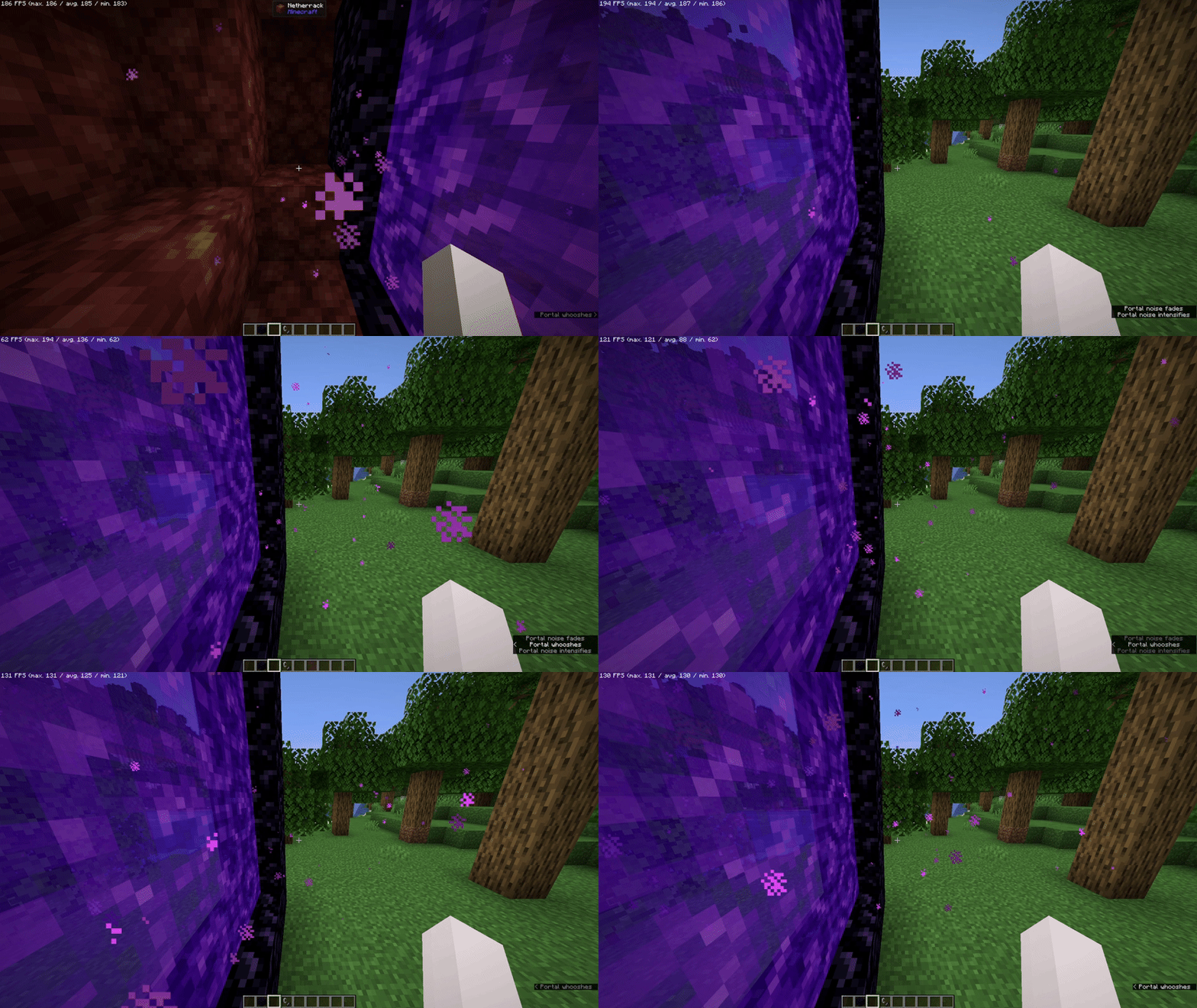
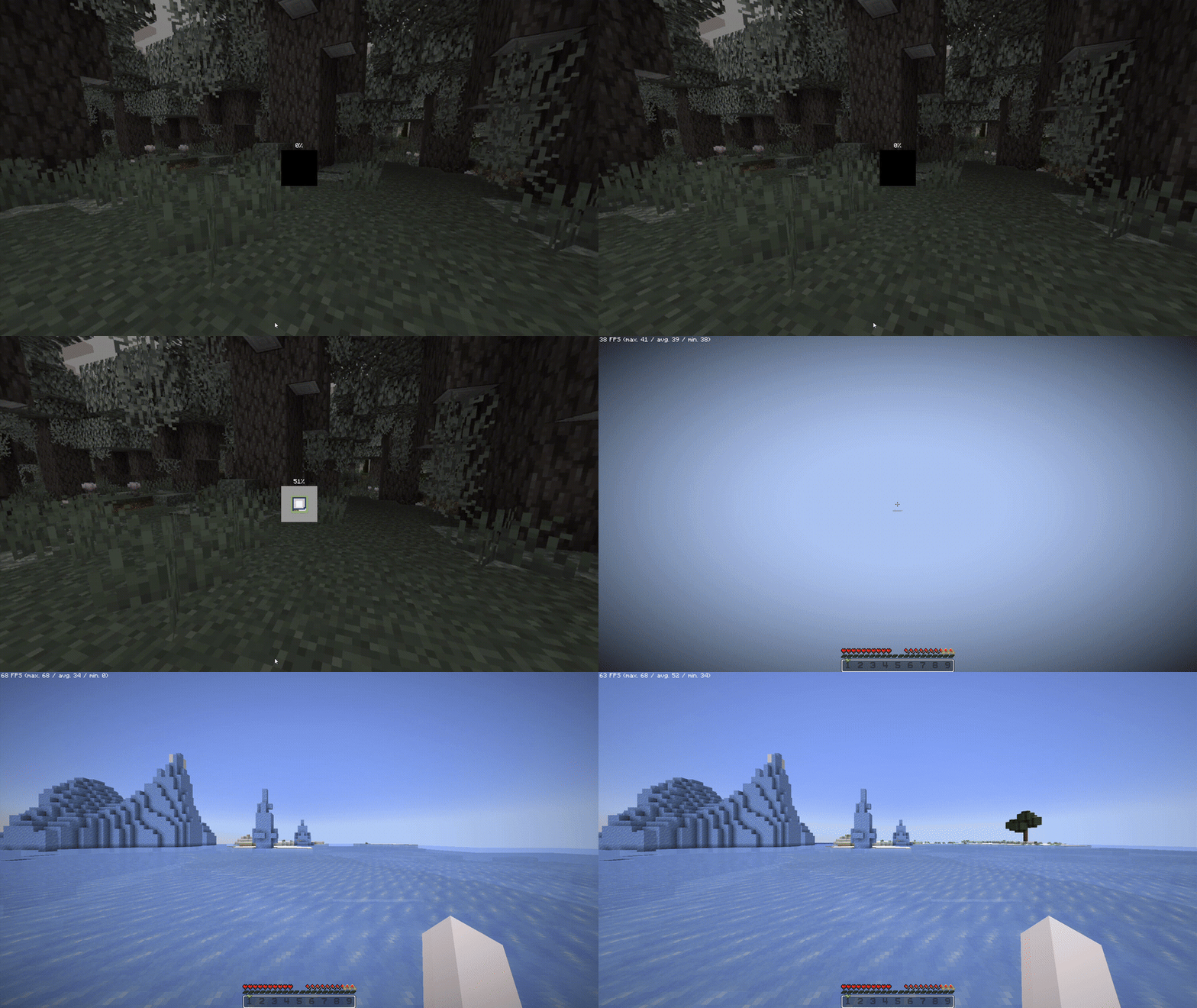
It Removes "Loading Terrain..." forever and ever (And Loads Fast!) when changing worlds/creating worlds, so it doesn't feel like a pain to watch
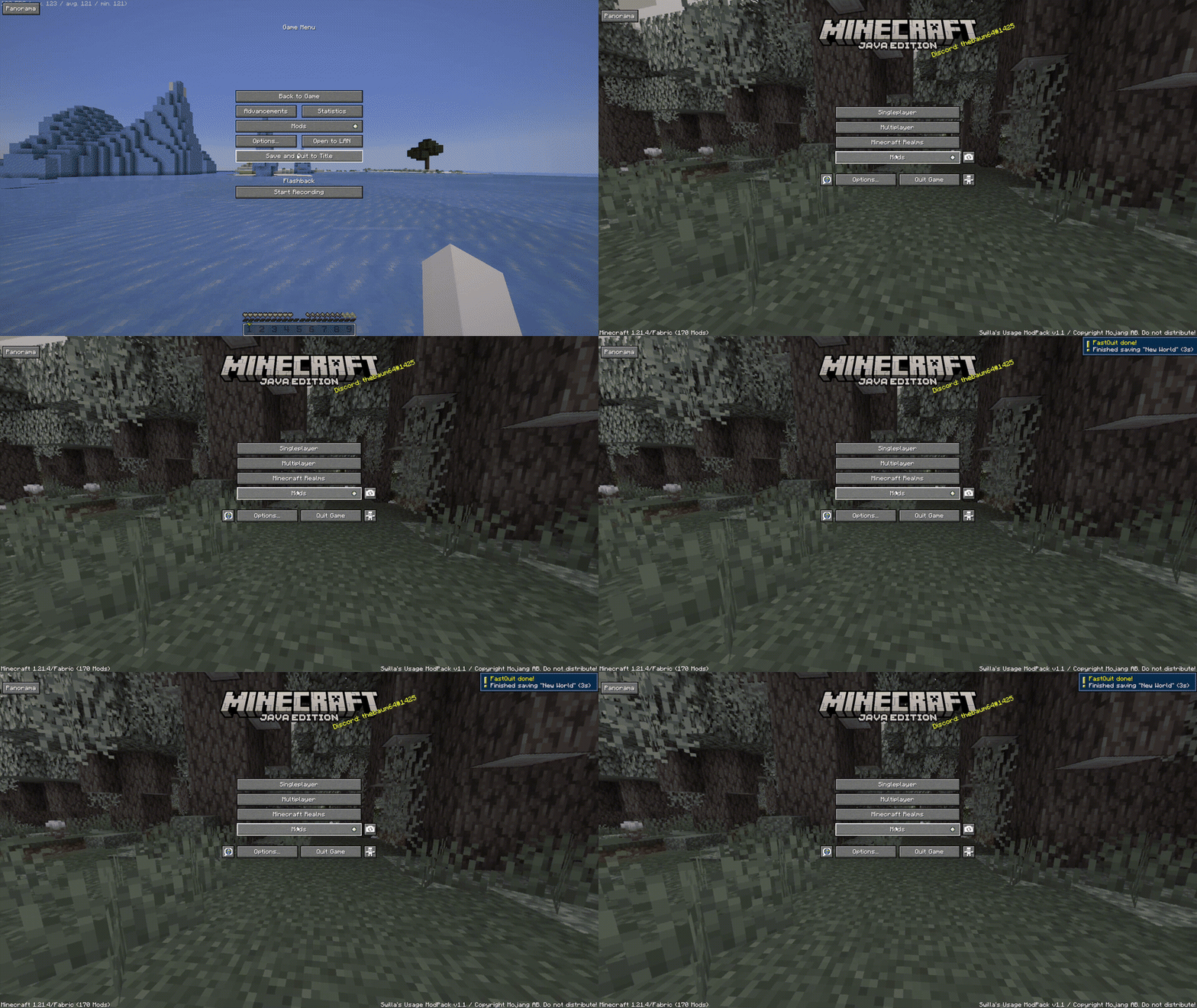
When saving worlds, you will be already at the menu, as the world is saved in the background (Shown at the top right)
### Resource Packs
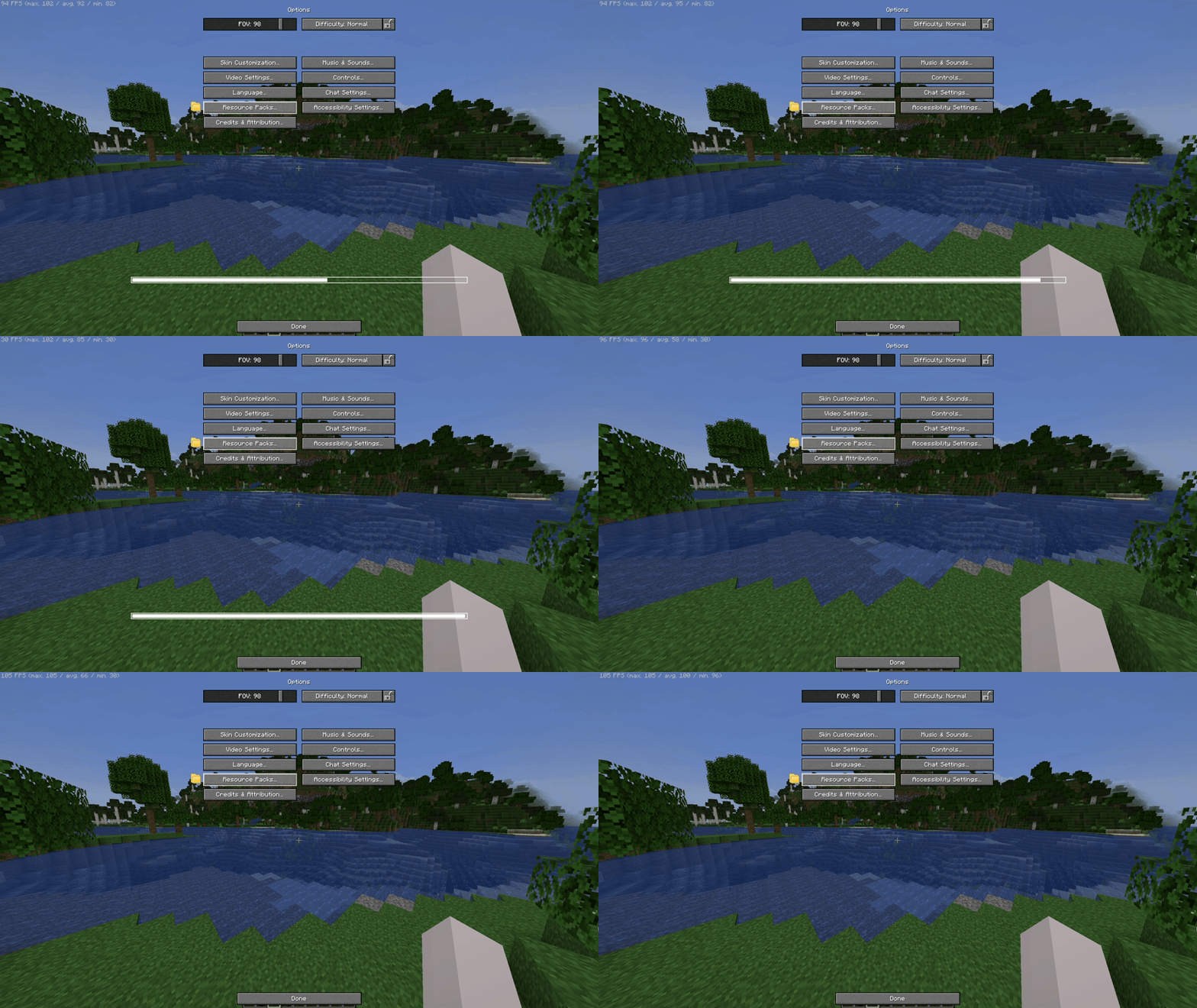
It removes the Mojang/Loading screen when changing any resource pack, so you can move while it loads on the background
### Server Resource Packs
You can control the way Server Resource Packs are, not from the usual "Accept or don't connect", you can either Ignore (Accepts but doesn't apply - Works on servers) Accept it, but with a check if you want the server to override (Change) the existing resources from your enabled Resource Packs on your client!

### Game Launching
The game will boot in the menu instantly, as because of the Loading Screen and The Mojang Logo is removed!

# Other
### HUD and UI
The UI is from [Catppuccin UI](https://modrinth.com/resourcepack/catppuccin-ui) While if you want, you can apply the [Etsan's Better Hotbar](https://modrinth.com/resourcepack/etsans-better-hotbar) or [AxeFactor](https://modrinth.com/resourcepack/mobregons-2k-pack) for PvP!*


*On Versions starting 1.2 and above, not [v1.2 (Beta 1)](https://modrinth.com/modpack/swilias-usage-modpack/version/v1.2b1) and below
### Flashback built in
If you want to record your gameplays, [Flashback](https://modrinth.com/mod/flashback) is built in here, you simply need to Start The Recording

### Download DataPacks/Resource Packs/Shaders/etc...
You can download worlds*, resource packs, shaders and other stuff in-game, from modrinth or curseforge!
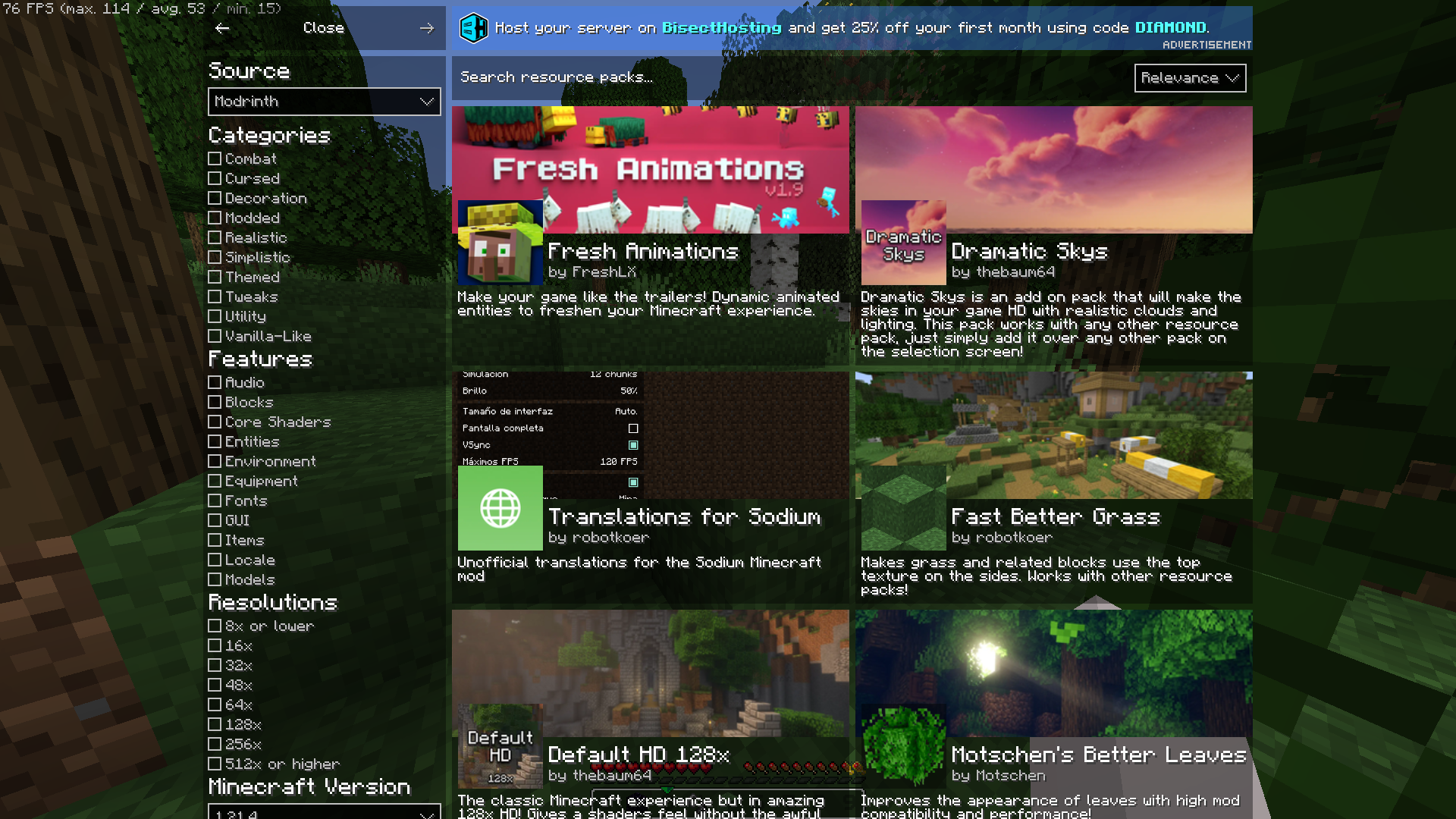
*Worlds are CurseForge Only
### Information when looking in a block
I mean, you can see which block is even if its from a resource pack

### Player Heads
Player Heads will show on chat when they chat, or with server messages

### Pre-Built in Worlds
The ModPack Comes with prebuilt in worlds to test already the modpack**!

*
_*The modpack will take a while to extract before downloading mods_
_*Worlds from CurseForge:_
_Medieval Port City by [ForgiaDeiBuilder](https://www.curseforge.com/members/forgiadeibuilder) & [Millenniar](https://www.curseforge.com/members/millenniar)_
_Voidblock by [LoweredgamesDev](https://www.curseforge.com/members/loweredgamesdev/projects)_
_Xbox Tutorial 31 by [noxgame1230](https://www.curseforge.com/members/noxgame1230/projects)_
# Hello there... did you ready need to scroll down?
Well, this modpack is built from a single person, if you enjoyed using the modpack you can consider donating to my Ko-Fi if you want me to continue working!