
Описание
**Storage Tracker** is a **client-side Fabric mod** that helps you keep track of your storage system in Minecraft.
Open a chest, barrel, shulker box, hopper, furnace, or other supported container, mark it for tracking, and the mod saves a local snapshot of its contents. Later, you can open the search screen and quickly find:
- which items you have
- how many you have in total
- exactly which tracked containers they are stored in
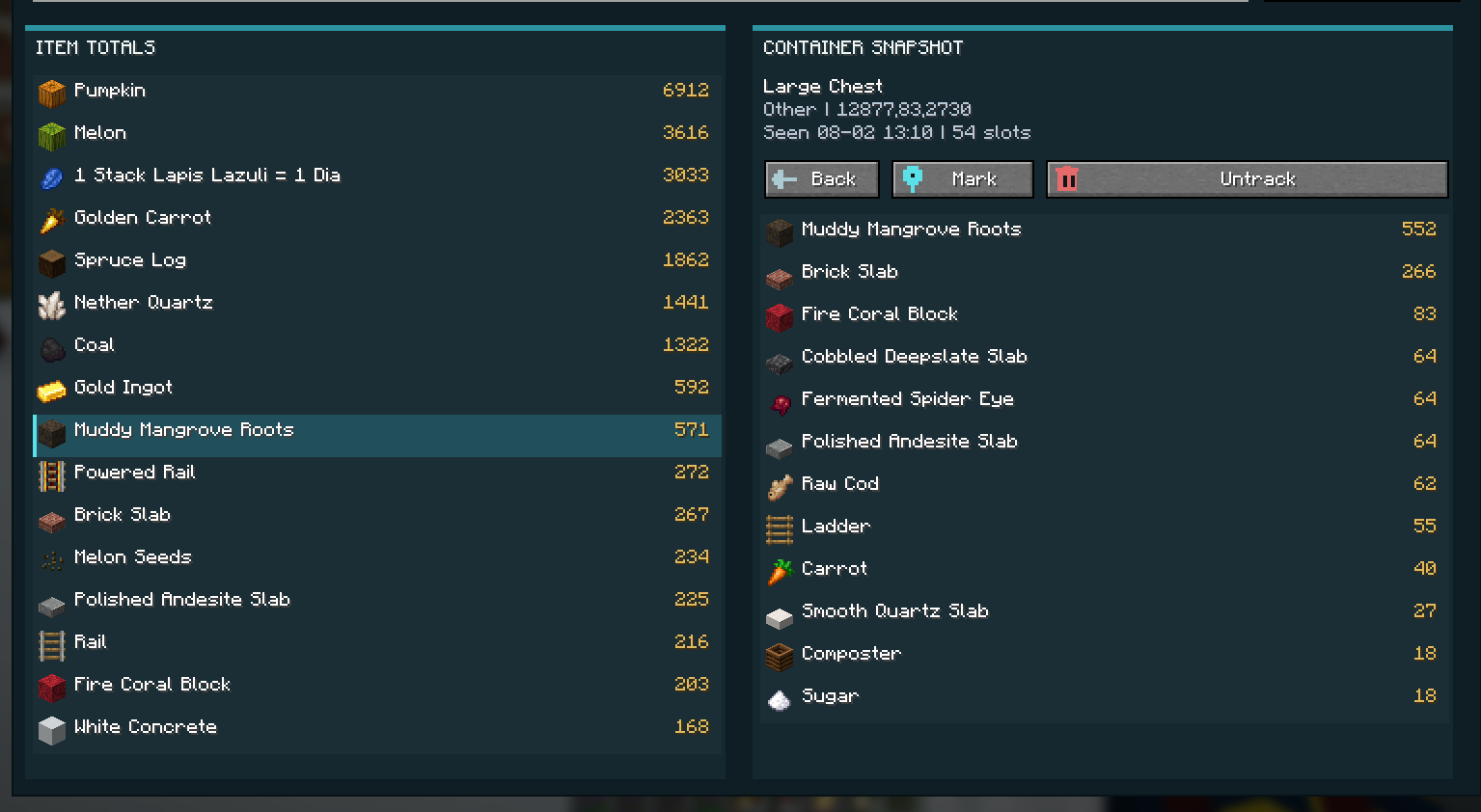
It is built for players with large bases, sorting systems, and scattered storage rooms who want a fast way to find items without manually checking every chest.
## Features
- Search all tracked items from an in-game overlay
- Create areas to separate storage locations
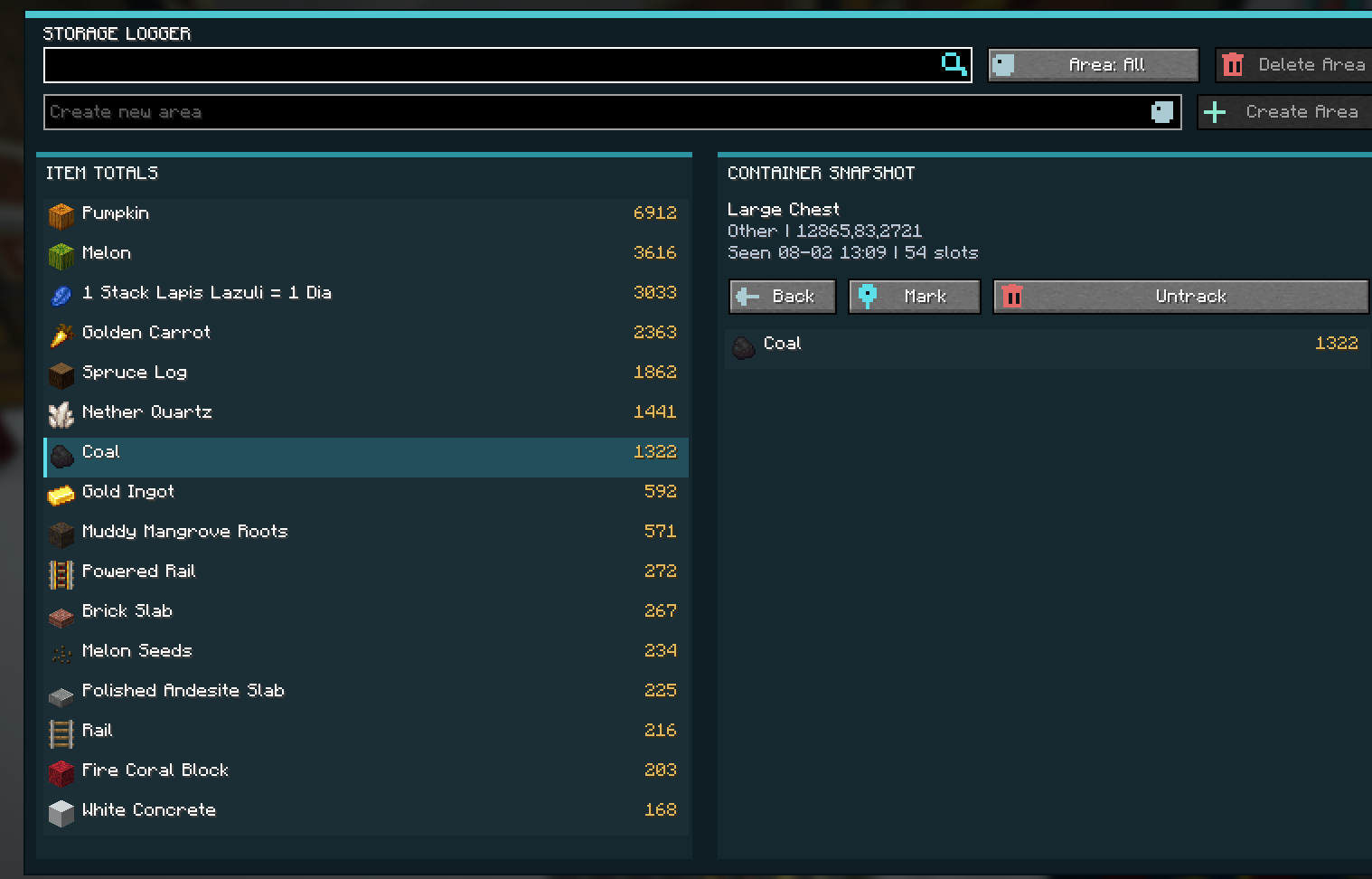
- View total item counts across your tracked storage
- Index nested shulker boxes inside tracked storage
- Store data per world or server
### View total item counts across your tracked storage
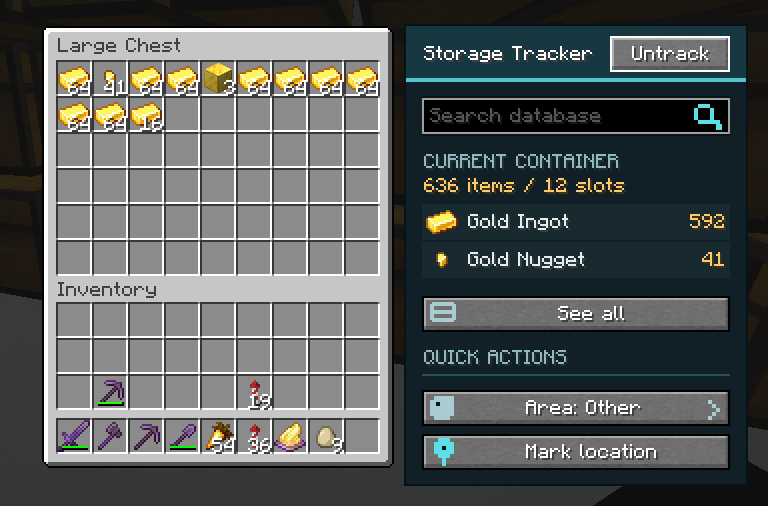
### Track containers directly from their inventory screen
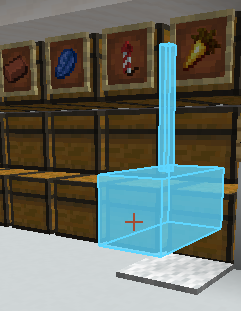
### See exact container locations for matching items
## Supported Containers
Storage Tracker currently supports block-backed inventories such as:
- Chests
- Double chests
- Barrels
- Placed shulker boxes
- Hoppers
- Dispensers
- Droppers
- Furnaces
- Smokers
- Blast furnaces
- Brewing stands
- Crafters
- Ender chests
## Client-Side
This mod runs entirely on the **client**.
- No server installation required
- No server plugins required
- Your tracked storage database is stored locally on your computer
## How It Works
1. Open a supported container
2. Click the track button to save its contents
3. Reopen it later to refresh the snapshot if it changed
4. Use the search keybind to open the storage database
5. Search for any item and mark any containers that hold it
## Good To Know
- The mod stores the **latest snapshot** of each tracked container
- It is designed to stay lightweight, even with large storage systems
- Data is separated by world or server so your storage records do not mix
If you want a searchable storage index for your base, **Storage Tracker** gives you a simple in-game way to find items fast.
# Check out my other mods
[](https://modrinth.com/mod/cape-over-elytra)
[](https://modrinth.com/mod/palette-placer)
[](https://modrinth.com/plugin/map-face)
[](https://modrinth.com/mod/entity-tracker-hud)