
Описание
# SpawnHunt
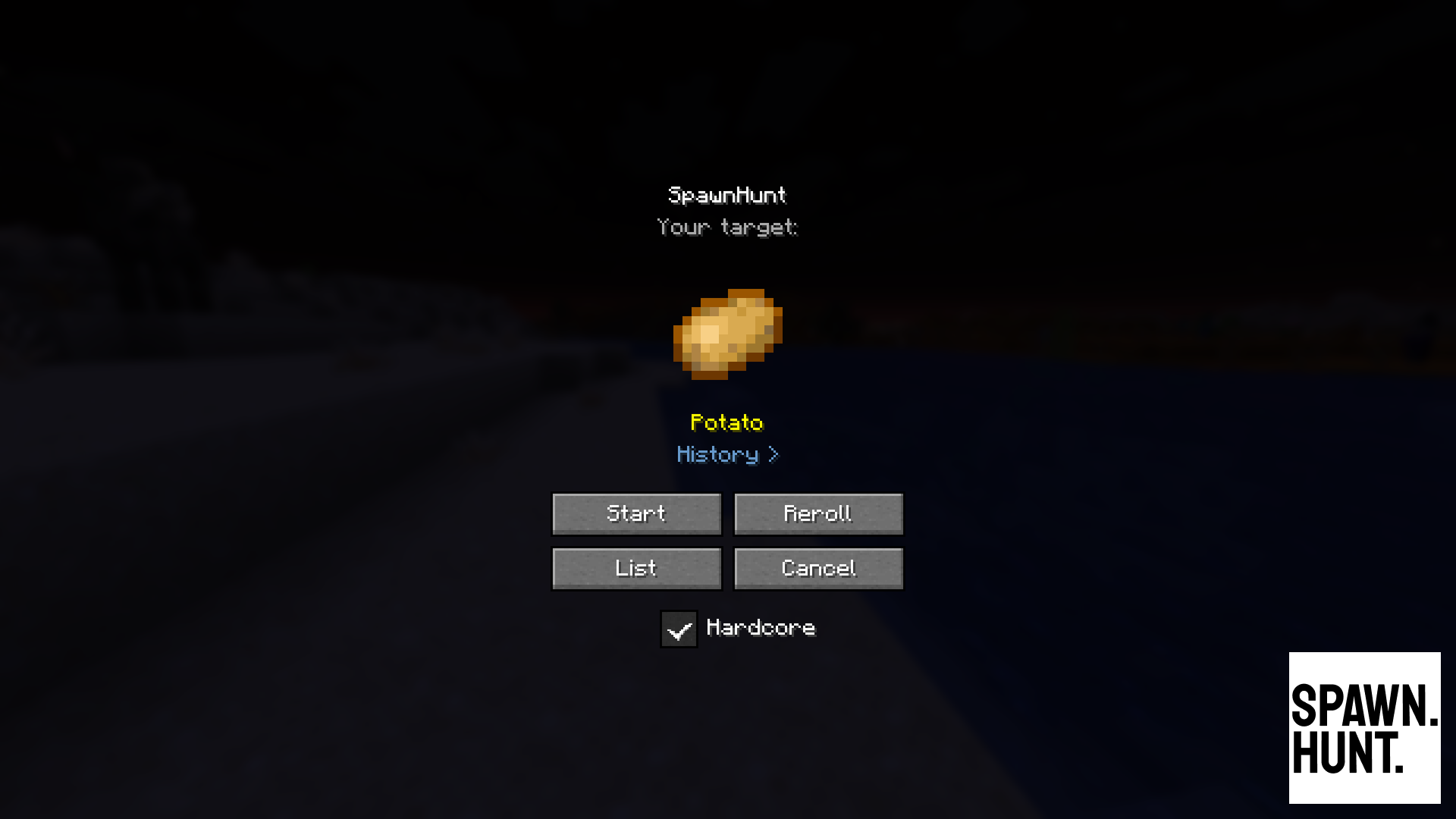
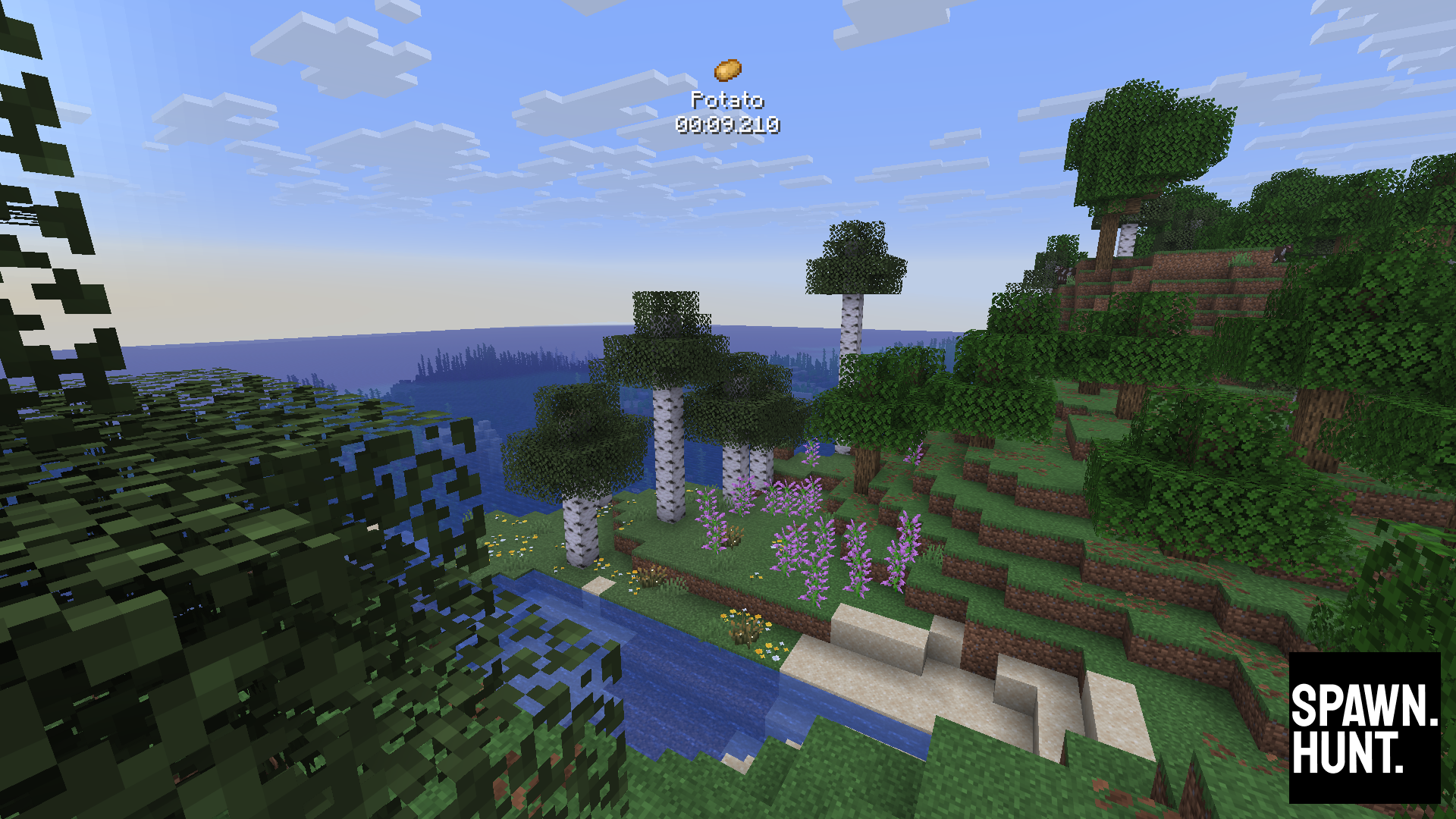
**SpawnHunt** is a Fabric mod that turns Minecraft into a scavenger hunt. You're given a random survival-obtainable item — go and find it. Play solo in a fresh world, or run a shared hunt for everyone on your server.
🌐 **[spawnhunt.com](https://spawnhunt.com)** · 💬 **[Discord](https://discord.gg/nU4Bv64)** · 📺 **[YouTube](https://youtube.com/@richardthornton)**
---
> ## 🎬 Streaming your runs? Get featured.
>
> Clipped a lucky first-chunk find, a brutal target, or a run that fell apart at the last second? **Clip it on Twitch and share it with [@richardthornton on X](https://x.com/richardthornton)** — the best ones get featured on the [SpawnHunt website](https://spawnhunt.com).
>
> [](https://x.com/richardthornton)
---
## Now on Minecraft 26.3 "Dappled Forest"
SpawnHunt is built against the **26.3 release**, and the hunt pool has grown from 1,409 to **1,530 targets**. All 121 new 26.3 items are in — the poplar wood set, wool and concrete stairs and slabs, cushions, the straw bed, red shrubs, shelf mushrooms, and the 16 new structure maps, which are now real items instead of map components.
Fair warning on those maps: a few of them (the village maps, `ocean_monument_map`, `swamp_hut_map`) are cartographer-trade-only, and `woodland_mansion_map` needs a Master-level cartographer. They're survival-obtainable, so they're in the pool — but they're a long run.
## How It Works
### Singleplayer
1. Click **SpawnHunt** on the title screen
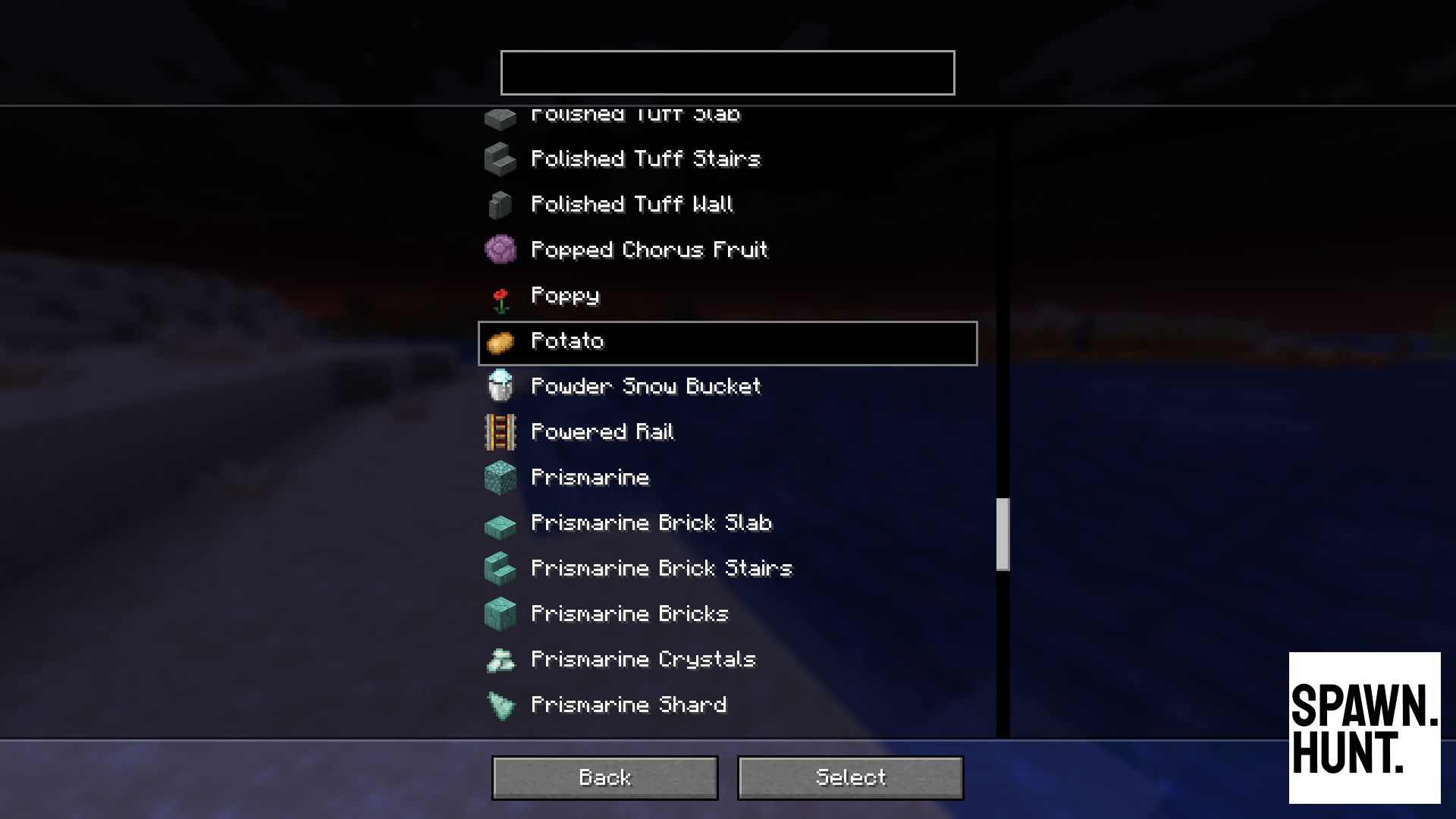
2. You're shown a random target item — **Reroll** for a new one, or pick from the full **List**
3. Choose whether to play **Hardcore** (on by default), hit **Start**, and a new world is created for you
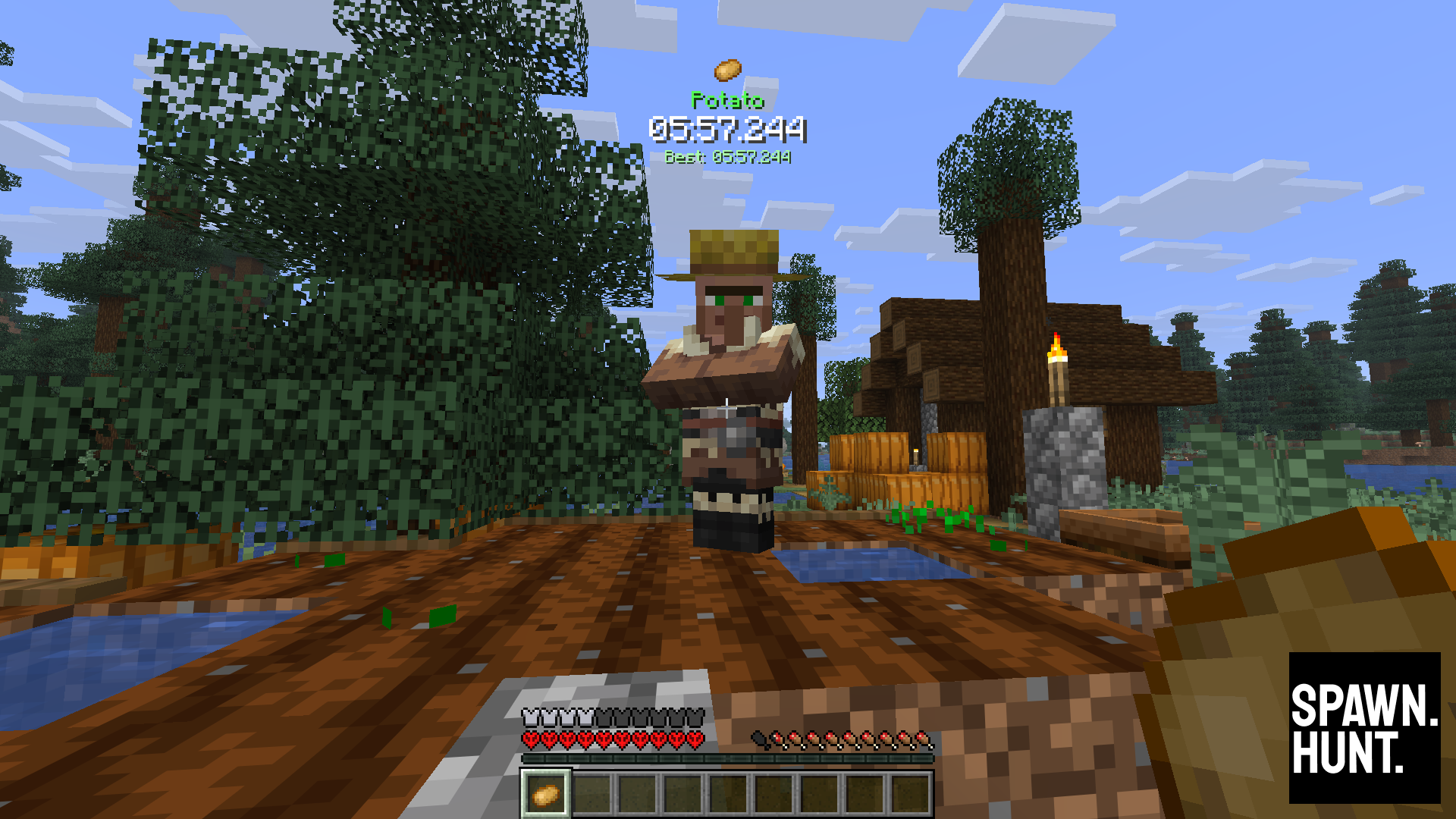
4. Find and collect the target item
5. Your time is tracked, and your best runs and recent history are saved per item
### Multiplayer
1. Install SpawnHunt on your Fabric server (players don't need the mod installed)
2. An OP runs `/spawnhunt start random` or `/spawnhunt start `
3. Everyone on the server hunts the same item
4. Players with the mod see the full HUD; players without see action bar and chat messages
5. The moment someone collects the item, the hunt ends and the result is announced
## Features
- **1,530 target items** — every survival-obtainable item in the game, randomly selected each run, including everything new in 26.3
- **Singleplayer** — built-in timer with pause awareness, saved run history and best times per item, Hardcore mode
- **Multiplayer** — server commands, automatic inventory scanning, works with vanilla clients
- **Zero setup** — one click to start a singleplayer hunt, one command to start a multiplayer one. No config files.
## Requirements
- Minecraft Java Edition **26.3**
- [Fabric Loader](https://fabricmc.net/) **0.19.0+** (built and tested against 0.19.5)
- [Fabric API](https://modrinth.com/mod/fabric-api) **0.160.7+26.3** or newer
- Java **25+**
Fabric API is a separate download — if you're upgrading from an earlier 26.3 build, update it too, or SpawnHunt will refuse to load.
## Minecraft Version Support
| Minecraft | SpawnHunt |
|-----------|-----------|
| 26.3 | 5.x |
| 26.2 | 4.x |
| 26.1 | 3.x |
| 1.21.11 | 2.x |
Older versions stay available on the Versions tab; they're no longer updated.
## Installation
### Client (singleplayer + multiplayer HUD)
1. Install Fabric Loader and Fabric API for Minecraft 26.3
2. Drop the `spawnhunt` jar into your `mods` folder
3. Launch the game — the **SpawnHunt** button appears on the title screen
### Server (multiplayer)
1. Install Fabric Loader and Fabric API on your server
2. Drop the `spawnhunt` jar into the server's `mods` folder
3. Start the server — `/spawnhunt` commands are available to OPs
Players **do not** need the mod installed to join in. They'll see the hunt via action bar messages and chat. Players with the mod get the full HUD.
## Commands
| Command | Permission | Description |
|---------|-----------|-------------|
| `/spawnhunt start random` | OP | Start a hunt with a random item |
| `/spawnhunt start ` | OP | Start a hunt with a specific item (tab-completable) |
| `/spawnhunt stop` | OP | Cancel the current hunt |
| `/spawnhunt restart [item]` | OP | Stop and start a new hunt |
| `/spawnhunt status` | Everyone | Show current hunt info |
## Screenshots
## Community & Support
[](https://spawnhunt.com)
[](https://discord.gg/nU4Bv64)
[](https://youtube.com/@richardthornton)
[](https://twitch.tv/richardthornton)
[](https://x.com/richardthornton)
[](https://ko-fi.com/richardthornton)
[](https://buymeacoffee.com/richardthornton)
SpawnHunt is free and open source — [source on GitHub](https://github.com/richardthornton/spawnhunt), MIT licensed.