
Описание
# Sorting Daemon
### Essential inventory tools for Minecraft.



[GitHub repository](https://github.com/Ahyysar/sortingdaemon)
•
[GitHub issue tracker](https://github.com/Ahyysar/sortingdaemon/issues)
•
[CurseForge page](https://www.curseforge.com/minecraft/mc-mods/sorting-daemon)
# About
Sorting Daemon is a lightweight mod that focuses on making inventory management in Minecraft faster and more convenient, without changing the core vanilla experience. It provides simple, intuitive tools that save time and keep gameplay smooth, while staying compatible with other mods.
# Features
- 📦 Sort chests and inventory with a single button

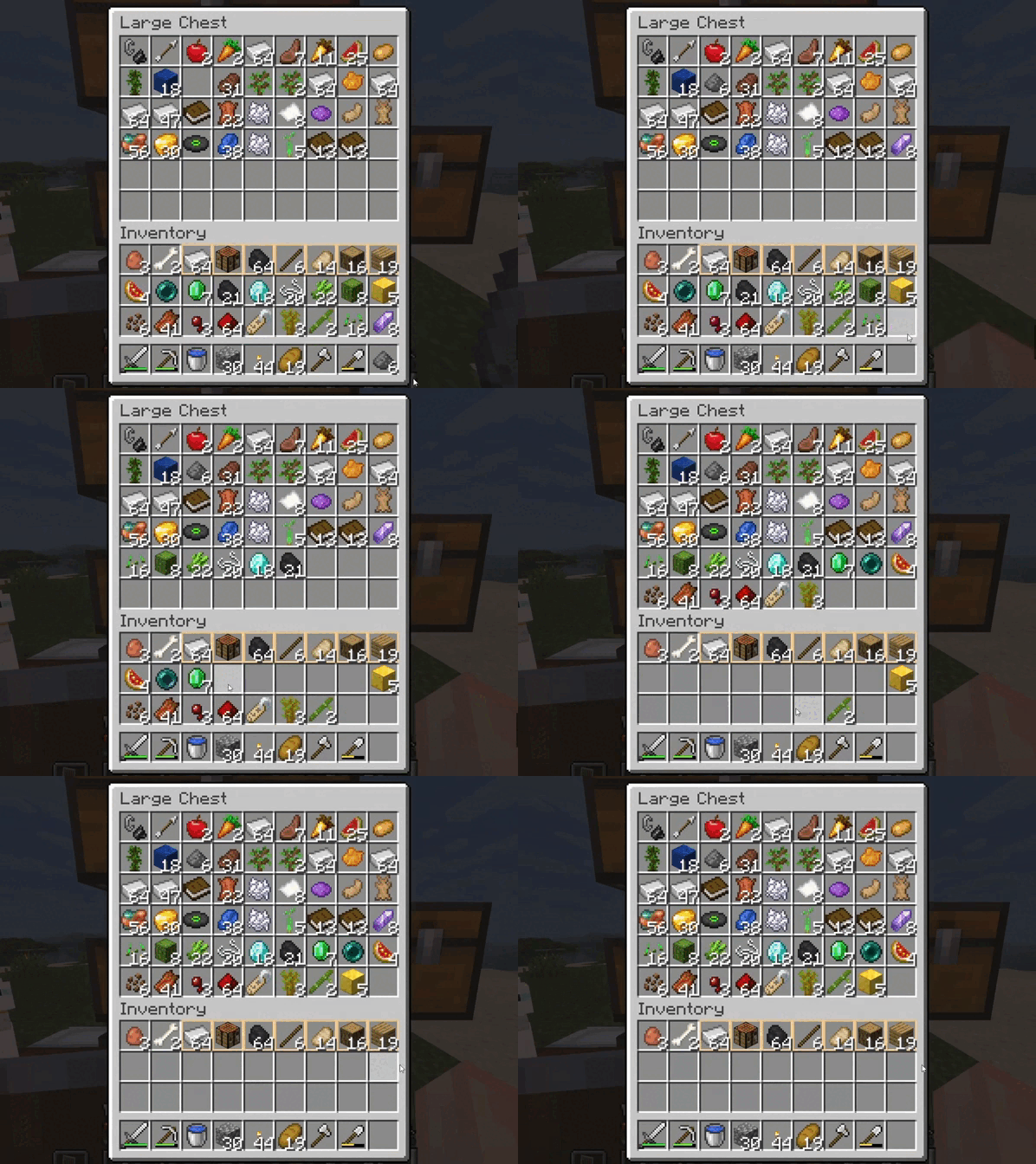
- 🖱️ **Drag to drop** — hold *Shift + LMB* and drag across slots → items are transferred just like with *Shift + Click*, but without spamming
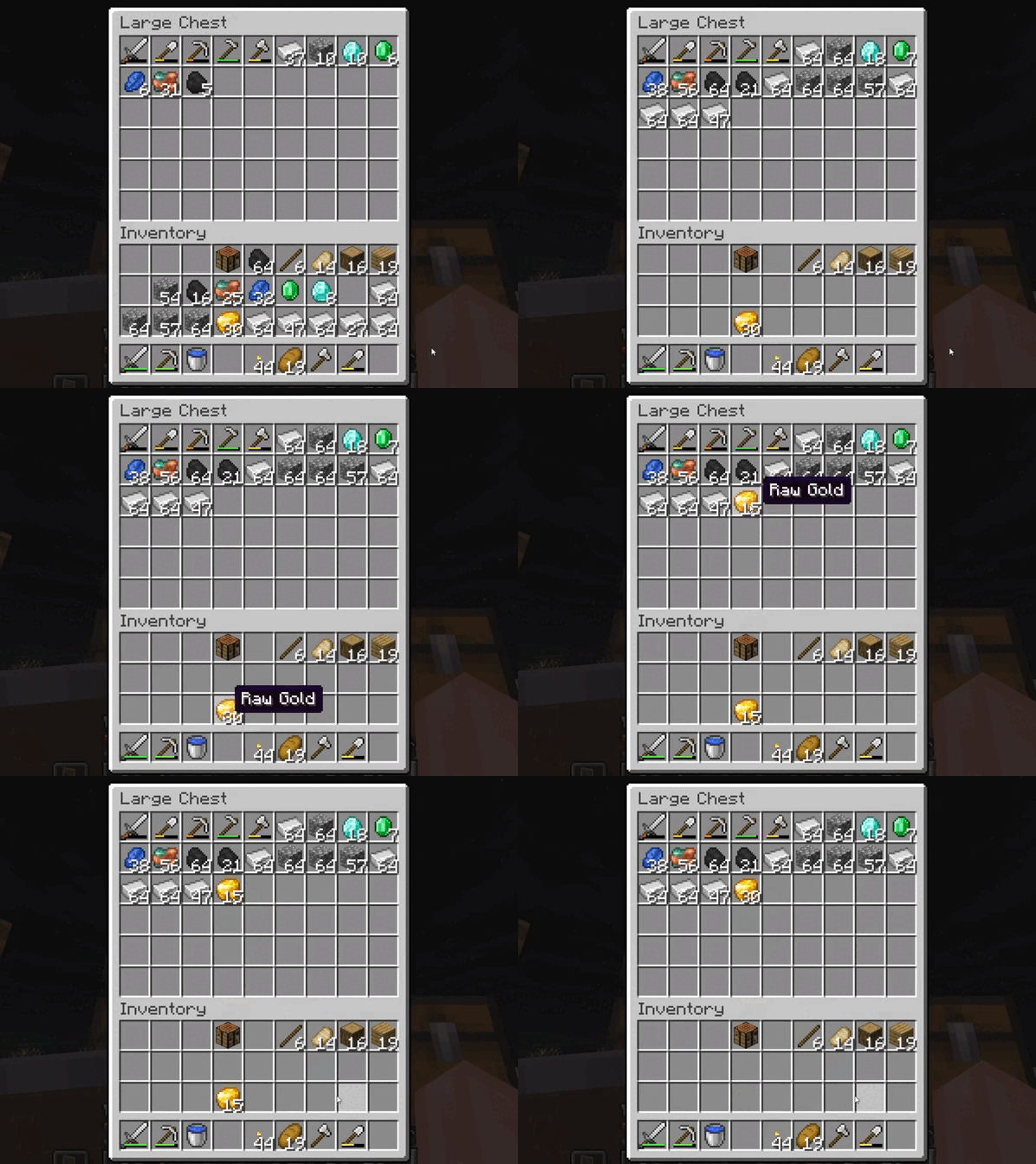
- 📥 **Quick deposit** — move matching items from your inventory into the opened container
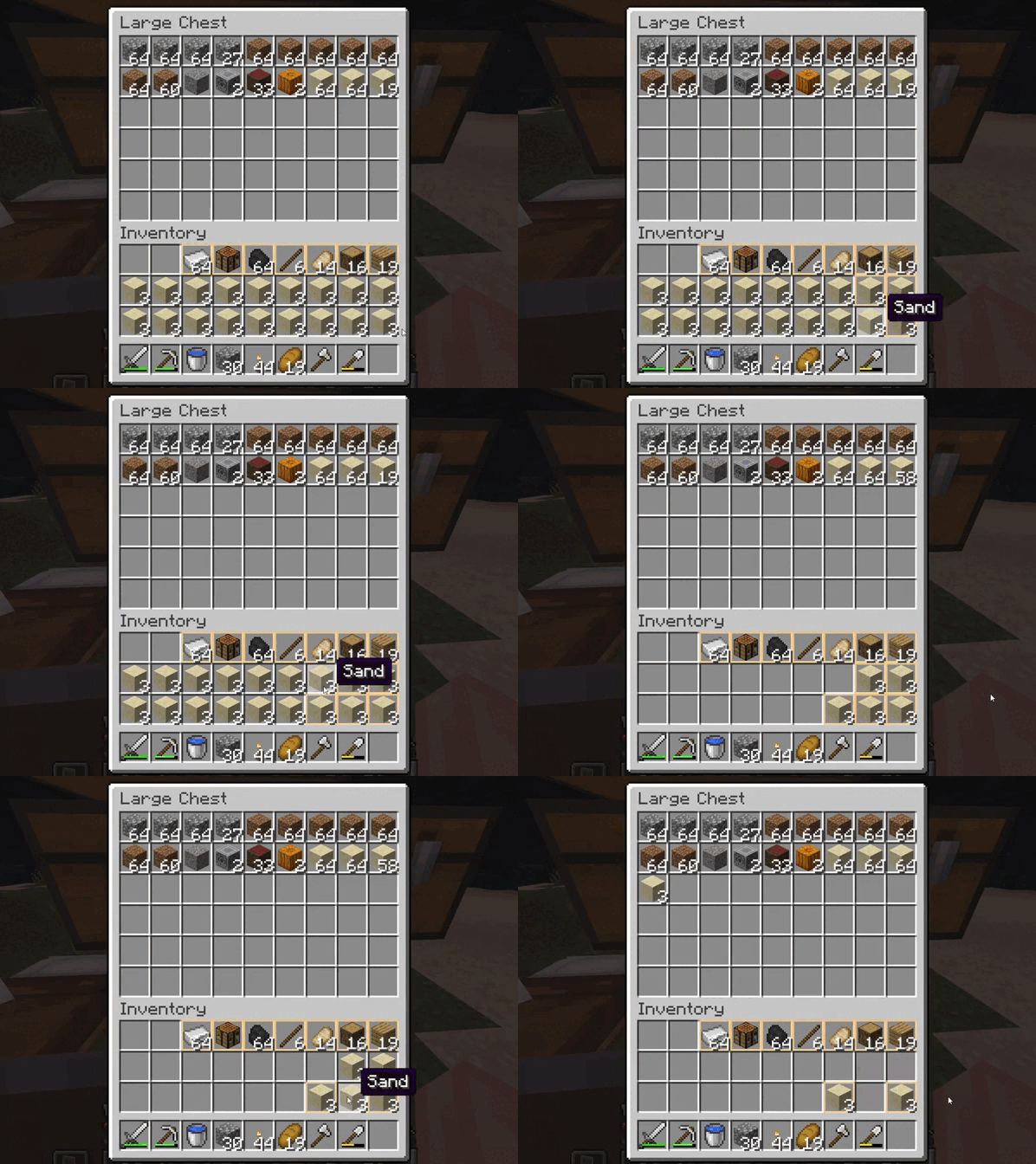
- ⭐ **Favorite slots** — mark specific slots in your inventory as favorite so they won’t be sorted or quick-deposited, keeping your essentials safe
- ⌨️ Set up key binds for yourself
- ⚙️ Easy installation (just drop it into `mods/`)
## Requirements
- Fabric Loader
- Fabric API:
- [Fabric API on Modrinth](https://modrinth.com/mod/fabric-api)
- [Fabric API on CurseForge](https://www.curseforge.com/minecraft/mc-mods/fabric-api)
## How to use it
- Open any container (e.g. a chest) and press the sorting key to tidy it up.
- Drag to drop — hold down *Shift + LMB* on the slots to quickly transfer items between containers.
- Quick deposit — press assigned key while a container is open to move matching items into it.
- Favorite slots — hover over a slot and press *Ctrl + Z* to mark/unmark it as favorite. Favorite slots will not be affected by sorting or quick deposit.
- You can change keybinds in **Options → Controls → Key Binds**.
## Keybinds
| Action | Default |
|-------------------|------------------|
| Primary sort key | **MMB** |
| Alt sort key | **G** |
| Drag to drop | **Shift + LMB** |
| Quick deposit | **K** |
| Mark as favorite | **Ctrl + Z** |