
Описание
# 📦 Smootheez Config Lib (SCL)
A utility mod designed to simplify configuration handling for Minecraft modding.
Primarily developed for my own mods, but freely available for public use.
---
## ❓ What is SCL?
**Smootheez Config Lib (SCL)** provides an easier and cleaner way to manage configurations for Minecraft mods.
It removes boilerplate and offers a simple interface for:
- ✅ Config file management
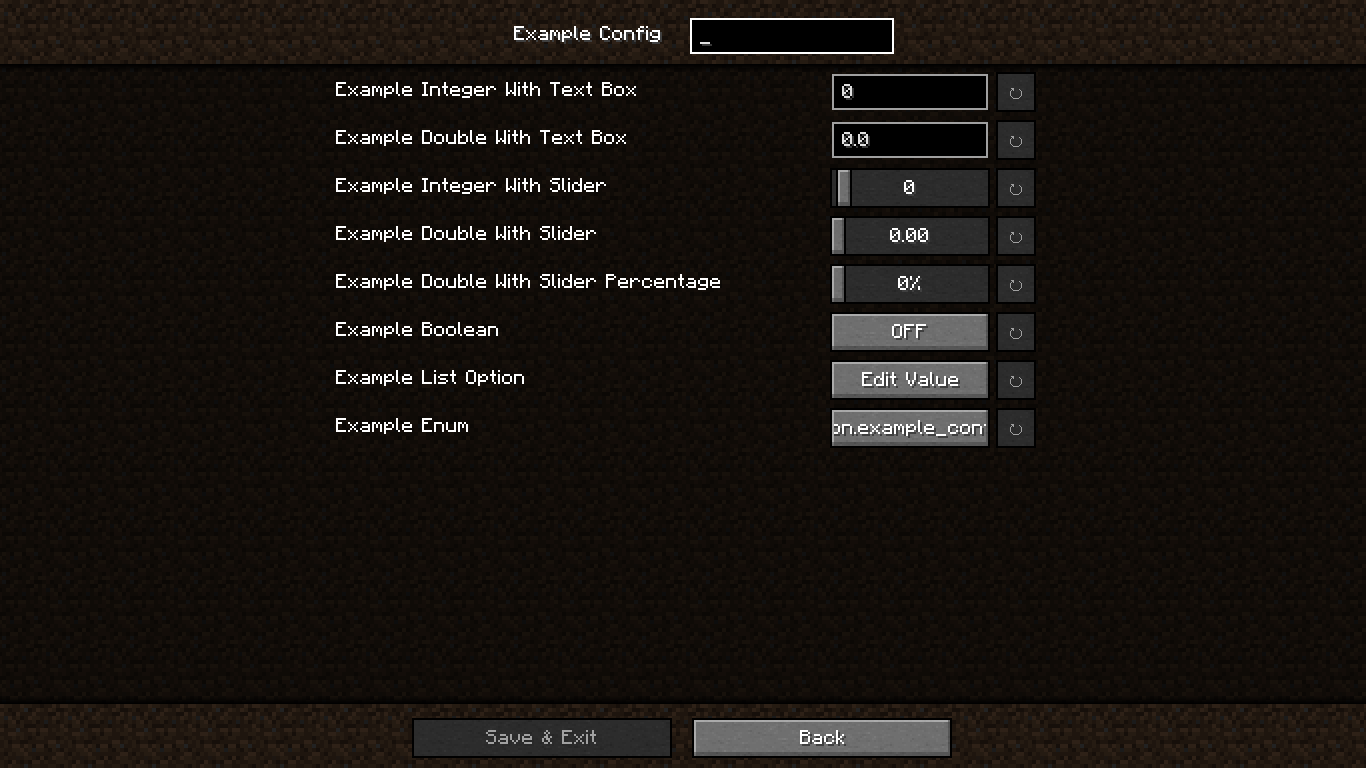
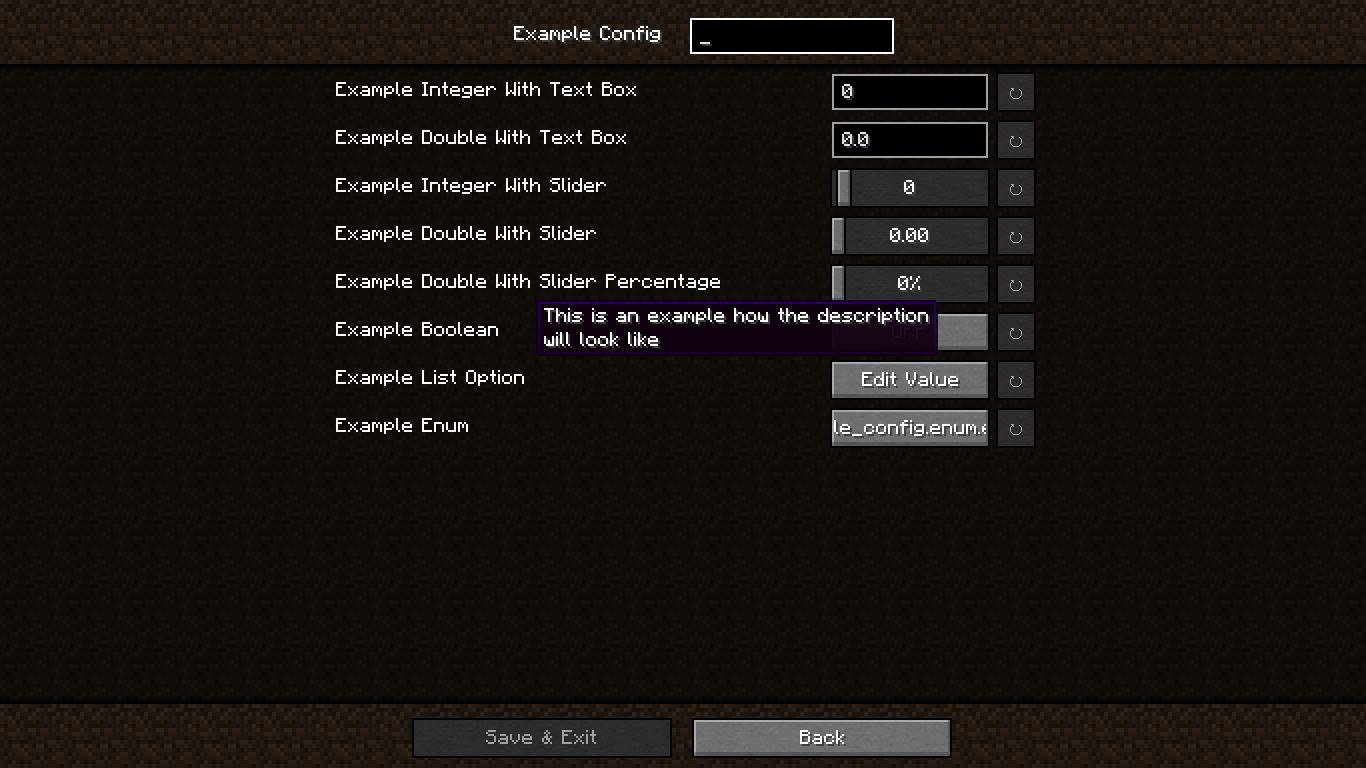
- 🛠️ Automatic config screen generation
- ⚙️ Automatic config file generation
---
## 🖼️ In-Game Previews
### 🔧 Standard Config Screen
### 📝 Config Screen with Descriptions
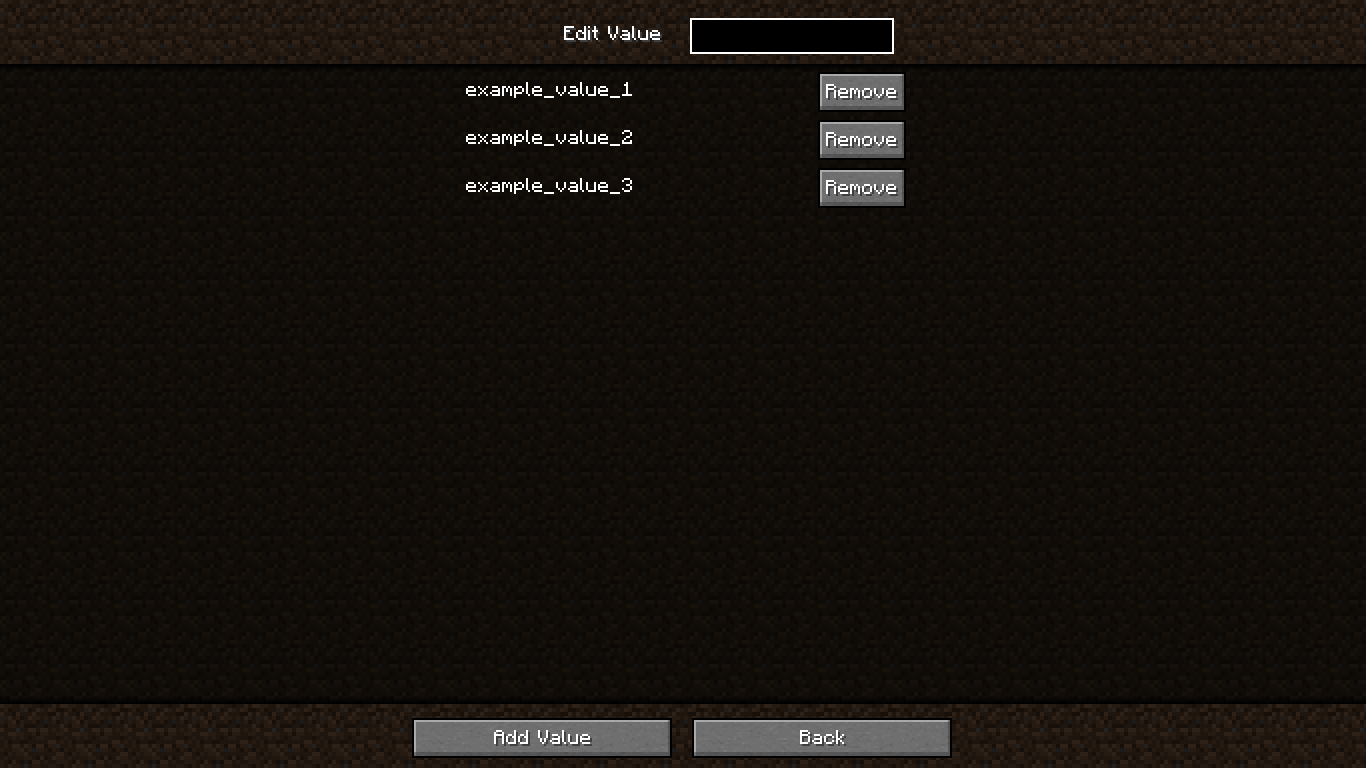
### 🗂️ Edit Value in `OptionList`
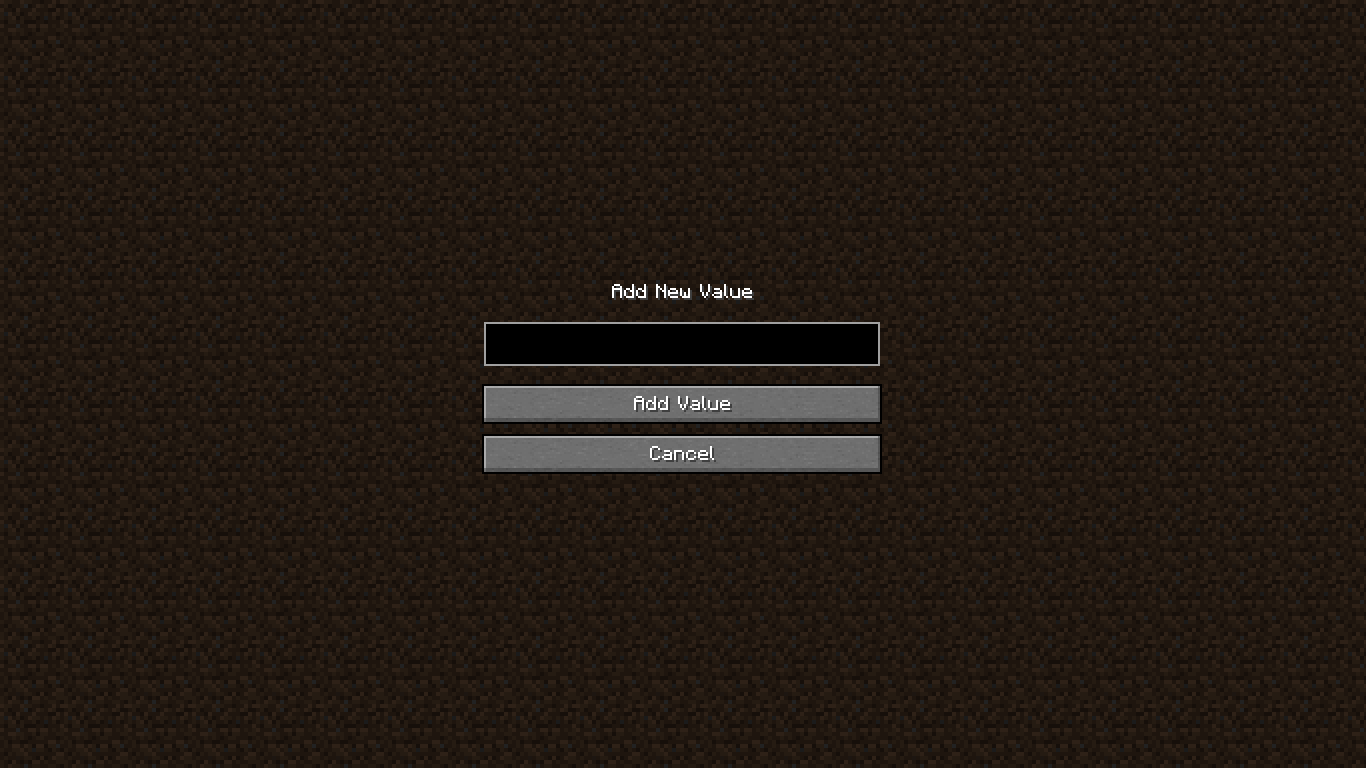
### ➕ Add Value to `OptionList`
### ❗ Confirmation Screen

---
## 🚀 Getting Started
### 🏗️ Step 1 – Add Repository
In your `build.gradle`:
```groovy
repositories {
maven {
url "https://jitpack.io"
}
}
```
---
### 📦 Step 2 – Add Dependency
Using version from `gradle.properties`:
```groovy
dependencies {
modImplementation "com.github.smootheez:scl:${project.scl_version}"
}
```
Or use the version directly:
```groovy
dependencies {
modImplementation "com.github.smootheez:scl:[version]"
}
```
---
## 💡 Example Usage
### 🧱 Step 1 – Create a Config Class
```java
@Config(name = "example_config", gui = true)
public class ExampleConfig {
public static final ConfigOption INT_TEXT = ConfigOption.create("intText", 0, -5, 100);
public static final ConfigOption DOUBLE_TEXT = ConfigOption.create("doubleText", 0.0, 0.0, 2.0);
public static final ConfigOption INT_SLIDER = ConfigOption.create("intSlider", 0, -5, 100).asSlider();
public static final ConfigOption DOUBLE_SLIDER = ConfigOption.create("doubleSlider", 0.0, 0.0, 2.0).asSlider();
public static final ConfigOption DOUBLE_SLIDER_PERCENTAGE = ConfigOption.create("doubleSliderPercentage", 0.0, 0.0, 2.0).asSliderPercentage();
public static final ConfigOption BOOLEAN = ConfigOption.create("boolean", false);
public static final ConfigOption LIST = ConfigOption.create("list", "example_value_1", "example_value_2", "example_value_3");
public static final ConfigOption ENUM = ConfigOption.create("enum", ExampleEnum.EXAMPLE_VALUE_1);
}
```
---
### 🧩 Step 2 – Register the Config
In your `fabric.mod.json`:
```json
"entrypoints": {
// ...existing entrypoints
"scl": [
"dev.smootheez.scl.example.ExampleConfig"
]
}
```
✅ That's it!
SCL will automatically generate:
* The config file
* The config screen (requires `ModMenu`)
📌 **Note:**
The config screen will only be generated if:
* `gui = true` is set
* The config `name` matches your mod ID
---
## 📥 Download
* 🔗 [Modrinth](https://modrinth.com/mod/smootheez-config-lib)
* 🔗 [CurseForge](https://www.curseforge.com/minecraft/mc-mods/smootheez-config-lib)
* 📦 [JitPack Releases](https://jitpack.io/#Smootheez/scl)
[](https://jitpack.io/#Smootheez/scl)
---
## 🐞 Issue Tracker
Found a bug or have a feature suggestion?
Submit an issue here: [**GitHub Issues**](https://github.com/Smootheez/scl/issues)
---
## ⚠️ Important Notes
* ✅ Compatible with Minecraft **1.20.1+**
* 📜 Licensed under the **MIT License**
---
## ☕ Support Me
If you find this project helpful and want to support my work, consider donating:
[](https://ko-fi.com/smootheez)
[](https://paypal.me/smootheez)