
Описание
Smooth Freecam
Detach your camera and fly freely around the world. while your player stays frozen in place. When you're done, the view smoothly glides back into your body instead of snapping instantly.
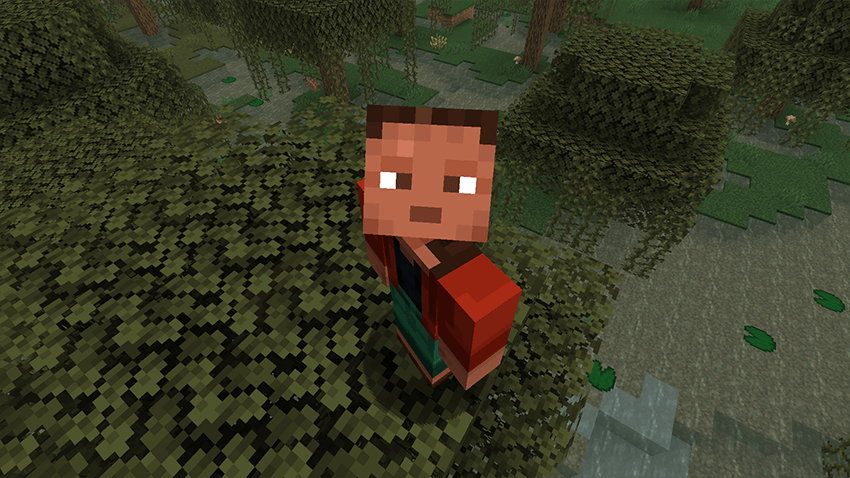
Perfect for cinematic shots, base tours, scouting terrain, or just exploring from a better angle.
Features
1. Smooth freecam flight with acceleration and glide (spectator-like feel)
1. Your player stays frozen at their original position while you fly the camera
1. Smooth ease-in/out return when exiting freecam
1. Adjustable speed with the mouse scroll wheel
1. Sprint to boost freecam speed
1. HUD is hidden while freecam is active
1. Fully configurable movement feel via config
Controls
Toggle Freecam — F6 (default, remappable in Controls)
Move — WASD
Up / Down — Jump / Sneak
Look — Mouse
Speed Boost — Sprint
Change Speed — Mouse Scroll Wheel
Press Number 1 while you are in freecam you can lock the cam and move the player
Update 1.1

Configuration
All options are available in the Forge config:
- moveSpeed — Base freecam speed
- sprintMultiplier — Speed boost while sprinting
- acceleration — How quickly the camera reaches target speed
- friction — How quickly the camera slows down when you stop
- transitionTicks — Duration of the smooth return to gameplayNotes
Client-side freecam experience
Freecam cannot be toggled while dead, riding a vehicle, or with a GUI open