
Описание
# Smart FPS Booster
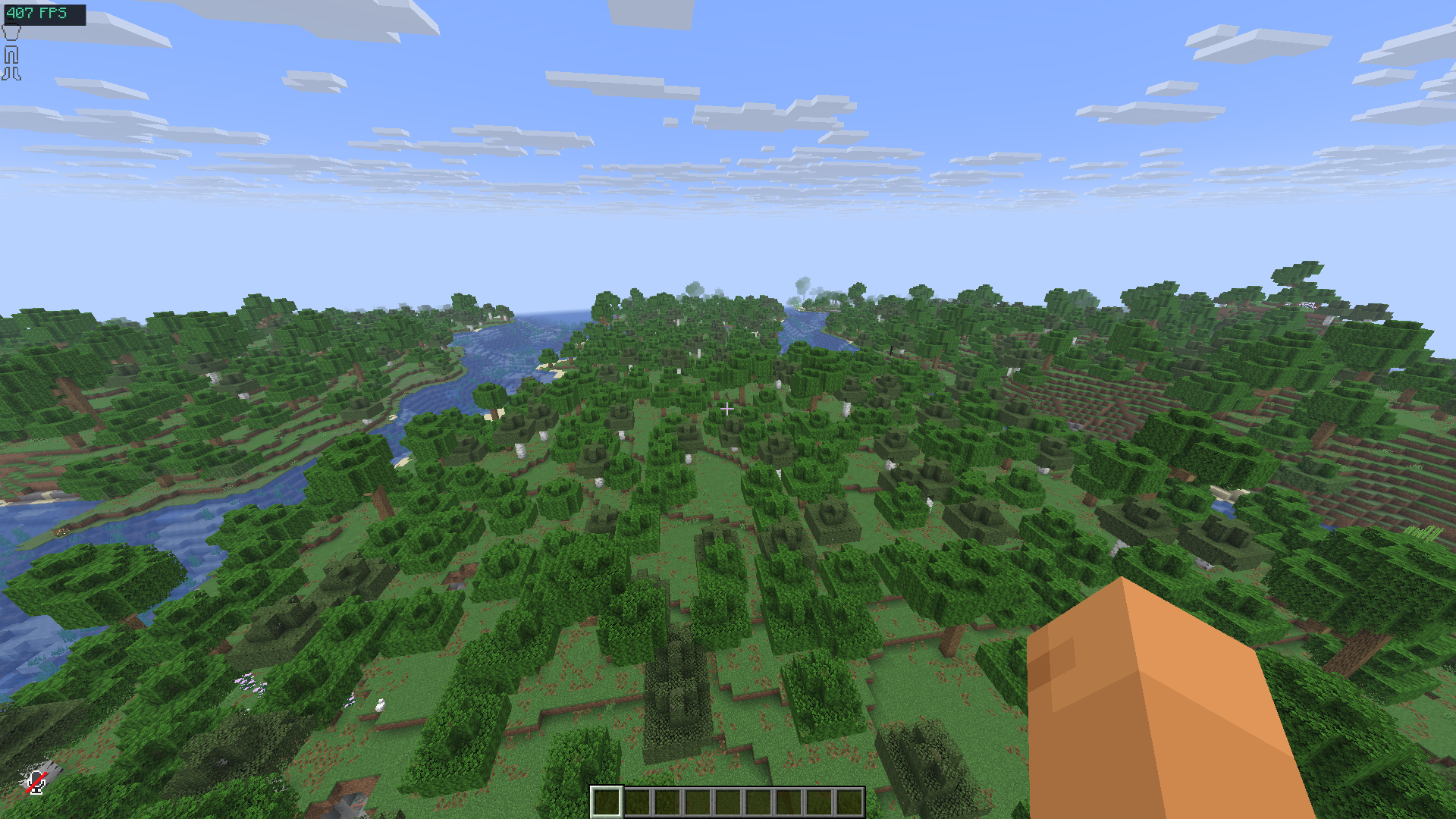
A client-side Minecraft performance utility mod that dynamically manages selected video and performance settings, provides real-time performance monitoring, and offers configurable optimization profiles.
Smart FPS Booster does **not modify Minecraft’s engine** and does **not guarantee specific FPS increases**. Performance results depend on hardware, installed mods, and game settings.
## Keybinds
| Key | Action |
|-----|--------|
| F8 | Open performance dashboard |
| F9 | Toggle dynamic optimization |
| F10 | Cycle profiles |
---
---
## Why Smart FPS Booster?
Minecraft performance tuning often requires manual configuration and frequent adjustments depending on gameplay situations. Smart FPS Booster simplifies this process by:
- Applying predefined optimization profiles
- Dynamically adjusting supported client settings (optional)
- Displaying live performance data
- Integrating with popular optimization mods
The goal is to **stabilize performance, reduce stuttering, and simplify configuration**, especially on low-end or mid-range systems.
---
## Intended For
- Players on low-end or mid-range PCs and laptops
- PvP players who prefer consistent frame timing
- Players experiencing FPS drops or stuttering
- Anyone who wants automated client-side performance management
---
## Features
### Optimization Profiles

Four configurable profiles are included:
- **Max FPS** – prioritizes performance-oriented settings
- **Balanced** – default mix of visuals and performance
- **Quality** – higher visual settings with moderate optimization
- **Battery Saver** – reduces GPU/CPU load for laptops
Profiles modify only supported client-side video and performance settings.
---
### Live Performance Dashboard
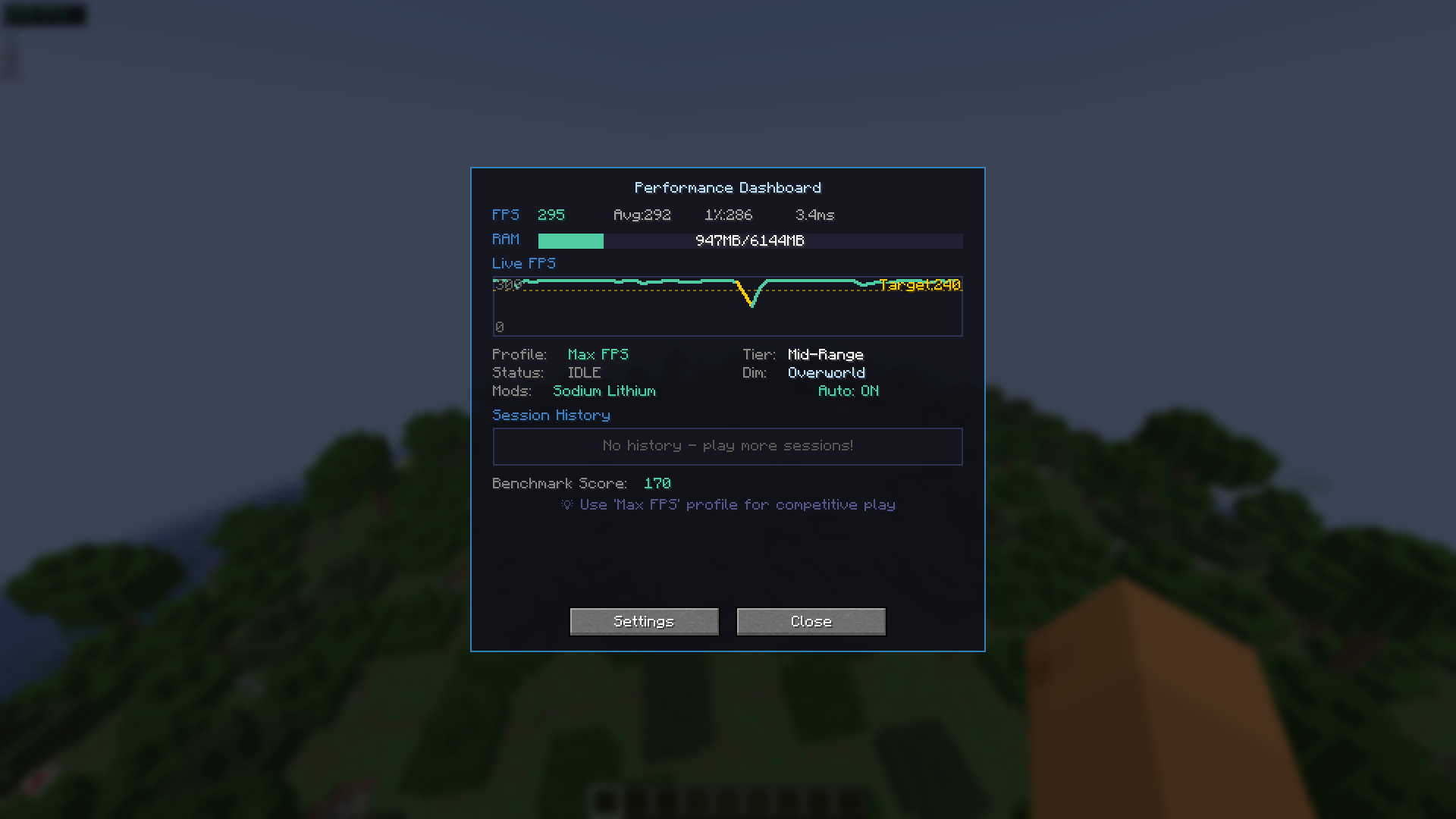
Accessible via **F8**:
- Current FPS display
- FPS history graph (last 60 seconds)
- Memory usage indicator
- Session history (up to 10 sessions)
- Hardware tier estimation
- Built-in benchmark tool
---
### Dynamic Optimization (Optional)
When enabled, the mod can adjust selected settings based on:
- Player movement
- Combat situations
- Heavy visual scenes (particles, explosions, large farms)
- Current dimension (Overworld / Nether / End)
All changes remain within normal Minecraft client configuration options.
---
### Setting Locks
You may prevent the mod from changing specific settings:
- Render Distance
- Graphics Mode
This allows optimization while preserving your preferred visual configuration.
---
### Lag Spike Indicator
Optional visual alert when a sudden FPS drop is detected (brief red screen flash).
This is informational only and does not affect gameplay mechanics.
---
## Mod Compatibility
Smart FPS Booster detects and adapts behavior when used with:
- Sodium
- Lithium
- Iris Shaders
- Mod Menu
Compatibility is automatic when these mods are present.
---
## Installation
1. Install Fabric Loader
2. Install Fabric API
3. Place the mod `.jar` into the `mods` folder
4. Launch the game
---
## Important Notes
- Client-side only
- Safe to use on servers
- Does not bypass hardware limitations
- Does not guarantee FPS improvements
- Designed to assist configuration and performance monitoring
---
## License
MIT License
---
## Developer
Created by **devxkamlesh**
Source code, issue tracker, and donation links are available on the project page.