← Назад к ресурсам

Simplified Backpacks

Simple Backpacks with nifty addons!

Modrinth adventure storage utility

Описание

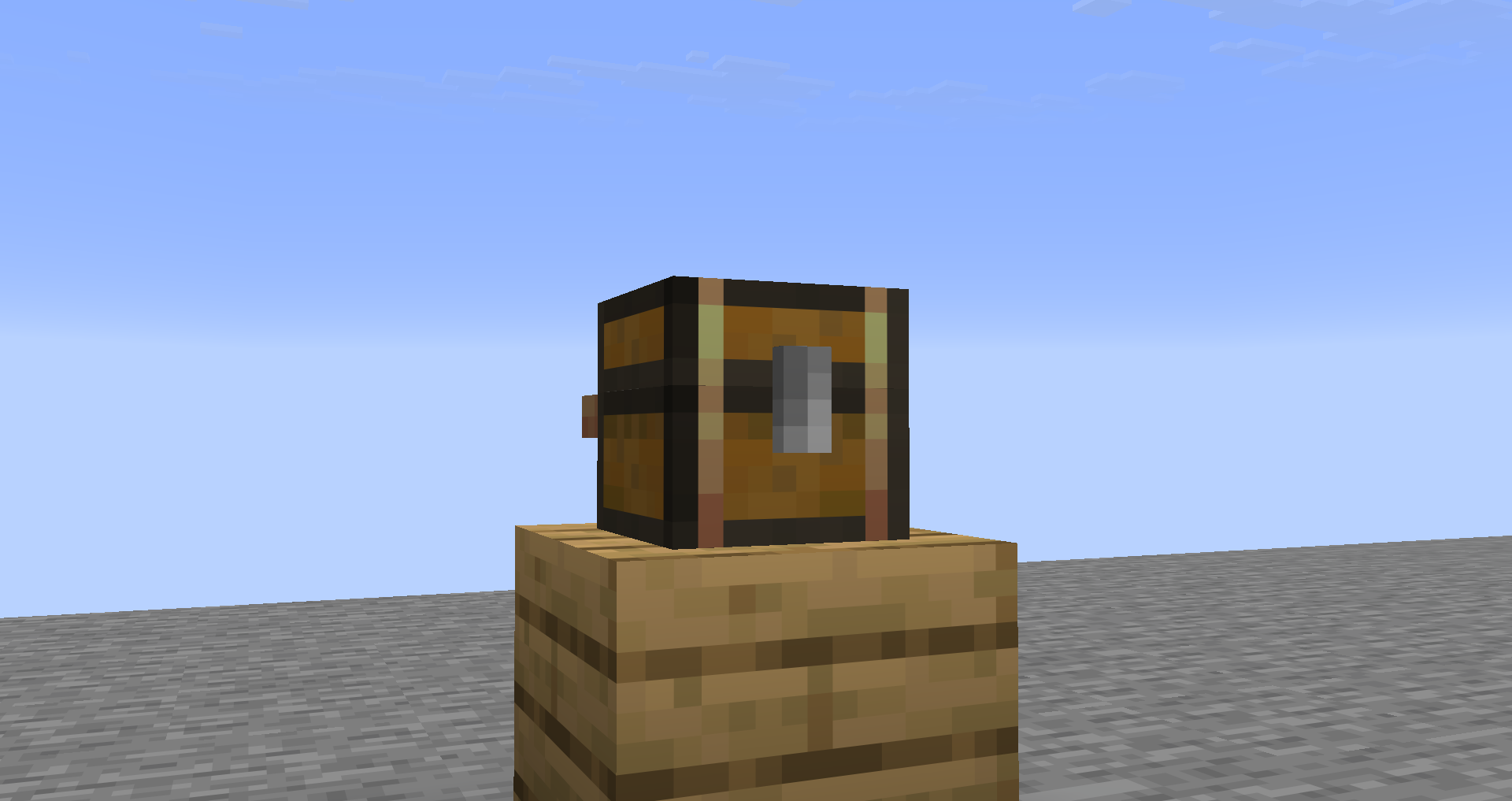
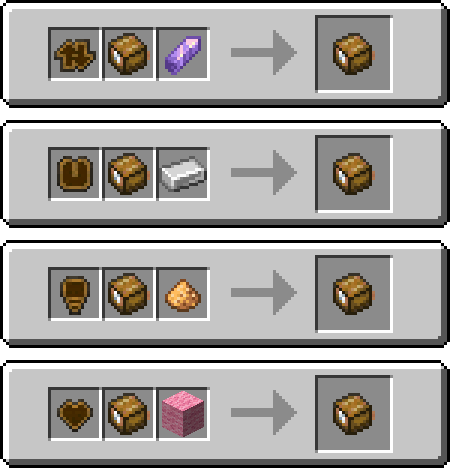
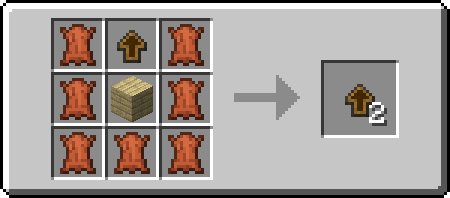
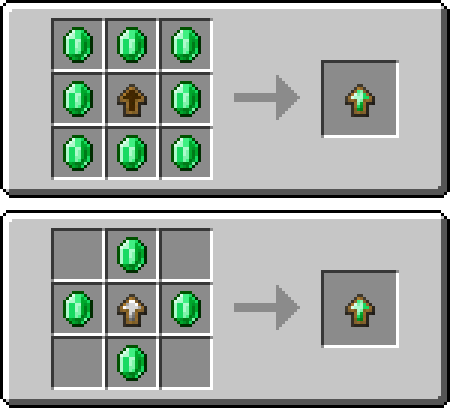
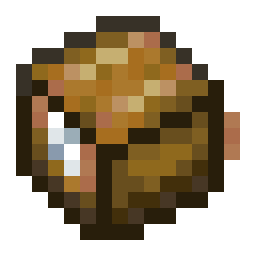
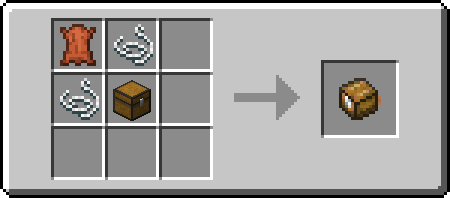
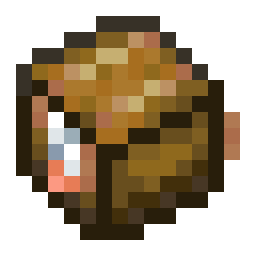
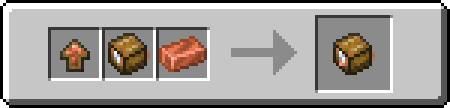
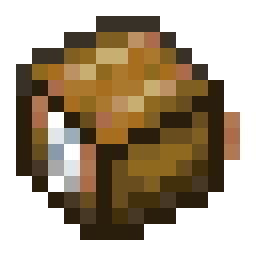
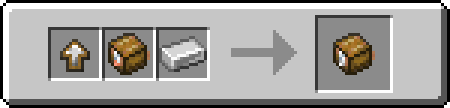
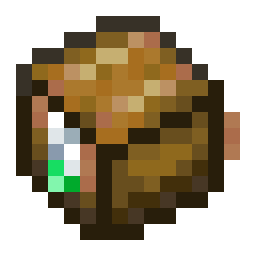
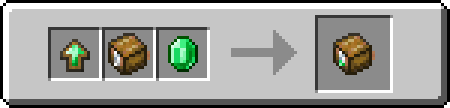
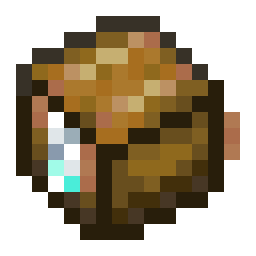
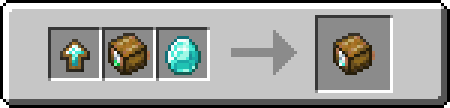
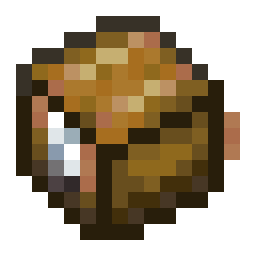
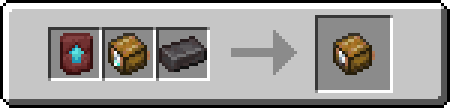
# Simplified Backpacks! [![Support](https://cdn.modrinth.com/data/cached_images/b9d2c289db211cf86af07adb3d181b4ea5624296.png)](https://discord.gg/V3DTUtgGeG) _This mod needs [Trinkets Updated](https://modrinth.com/mod/trinkets-updated) to work!_ _For 1.21.8, use [Trinkets Canary](https://modrinth.com/mod/trinkets-canary)._ Simplified Backpacks adds a simple Backpack, which can be upgraded to various tiers, with each one increasing the amount of rows in the backpack! ![A Backpack resembling a tiny Chest sitting on some Oak Planks.](https://cdn.modrinth.com/data/cached_images/9d5d199ed1cef1a4bfb9ae60c4f477f21206c25e.png) Backpacks are placeable by sneaking and right-clicking on a block. You can pick them back up by either sneaking and right-clicking, or by breaking the Backpack block. ### Translation Credits English, German, Pirate Speak and LOLCAT by flingus English (Upside Down), Shakespearean English, Anglish by skyrpy Russian by HafniuMark ## Addons Backpacks can have Addons, which give a new function to each Backpack that has one. Backpacks can only contain one Addon at a time, without commands. ### Sorting The Sorting Backpack Addon adds two buttons. - One of the buttons sorts the inventory by either Alphabetical order, or by item count. - The other button transfers matching items from your inventory into the backpack. ### Magnetic The Magnetic Backpack Addon also adds two buttons. - One of the buttons toggles the Magnetic item pickup. - The other button toggles, whether or not to filter picked up items. ### Luminous Luminous makes the Backpack emit light when placed down, or produce Dynamic Lights when used with LambDynamicLights. ### Prideful Prideful only adds one button next to any other buttons, if there are any. You can toggle which Pride Flag you want to have by right-clicking the Backpack in the inventory. - This button can toggle the Pride Flag model on the Backpack. Backpack Addons are sold by Leatherworker Villagers. To apply these, place them inside of a Smithing Table along with the Addon's desired smithing item. ![Examples for applying an Addon to a Backpack](https://cdn.modrinth.com/data/cached_images/785506f082a9b6ca36cec703fe72c6e74dc5cf83.png) Applying an addon will get rid of any other addons on the Backpack, but the Prideful addon can go with any other addon applied. ## Upgrades Each Backpack has a Tier they can upgrade to. To upgrade, you need an Upgrade Template of the Tier and its corresponding item. The Backpack Upgrade Base is sold by a Leatherworker Villager aswell, but you can duplicate it by crafting one with any type of Planks and Leather. ![Backpack Upgrade Base recipe, containing any type of Planks in the center, an existing Upgrade Base at the top, and Leather in a U formation around the two other ingredients.](https://cdn.modrinth.com/data/cached_images/eb707f87e6a373a05e243d868980497ba39ecafd.png) To craft an upgrade for a new Tier, you can either use eight of the Tier's material, or four of the material but with the previous Tier's upgrade template. ![Emerald Backpack Upgrade recipes](https://cdn.modrinth.com/data/cached_images/608a37e0273060666af474146a4f60de521040ee.png) ## Tiers ### Generic The classic backpack! This tier has 1 row of slots you can put stuff in. ![The GUI Item texture of the Backpack](https://cdn.modrinth.com/data/cached_images/5cc738c39047397f59c5566f45827f2df97fe8b1.png) ![Recipe of a Backpack, containing leather, two string, and a chest.](https://cdn.modrinth.com/data/cached_images/dfb48078e98d26a9d7a2b56f1ed10f5dbc857f3f.png) ### Copper Second Tier This tier has 2 rows of slots you can put stuff in. ![The GUI Item texture of the Copper Backpack](https://cdn.modrinth.com/data/cached_images/d256d1c2e84cc726edfbc4a7dd23a049bb74e278.png) ![Smithing recipe of a Copper Backpack, containing a Copper Backpack Upgrade Template, a Backpack and a Copper Ingot.](https://cdn.modrinth.com/data/cached_images/b1bc3d3304873a3fb9b06a2cbc4dea4c3e06898c.png) ### Iron Third Tier This tier has 3 rows of slots you can put stuff in. ![The GUI Item texture of the Iron Backpack](https://cdn.modrinth.com/data/cached_images/f487fe425847e27070f100bb473ea50878b0d844.png) ![Smithing recipe of an Iron Backpack, containing a Iron Backpack Upgrade Template, a Copper Backpack and an Iron Ingot.](https://cdn.modrinth.com/data/cached_images/49fd04351f3f867f23db9ffb52e5e0080357a5c4.png) ### Emerald Fourth Tier This tier has 4 rows of slots you can put stuff in. ![The GUI Item texture of the Emerald Backpack](https://cdn.modrinth.com/data/cached_images/c5d016e84c207169aefb2f34f5d869483a7528fd.png) ![Smithing recipe of an Emerald Backpack, containing an Emerald Backpack Upgrade Template, an Iron Backpack and an Emerald.](https://cdn.modrinth.com/data/cached_images/55742b672180c66a12b325663960e7f214893d2d.png) ### Diamond Fifth Tier This tier has 6 rows of slots you can put stuff in. ![The GUI Item texture of the Diamond Backpack](https://cdn.modrinth.com/data/cached_images/20ac116daf70a3df3c6ec4bea9aa2a410937dc5e.png) ![Smithing recipe of a Diamond Backpack, containing a Diamond Backpack Upgrade Template, an Emerald Backpack and a Diamond.](https://cdn.modrinth.com/data/cached_images/e3058af7487cb217e3daa26963b34ac510644341.png) ### Netherite Sixth Tier This tier has 7 rows of slots you can put stuff in, and won't burn in lava. ![The GUI Item texture of the Netherite Backpack](https://cdn.modrinth.com/data/cached_images/9a02c7860673185f3320845ae0fff540aa51d0f7.png) ![Smithing recipe of a Netherite Backpack, containing a Netherite Upgrade Smithing Template, a Diamond Backpack and a Netherite Ingot.](https://cdn.modrinth.com/data/cached_images/23a064204e48b6fe300aafe3241c933c6b156a61.png)