
Описание
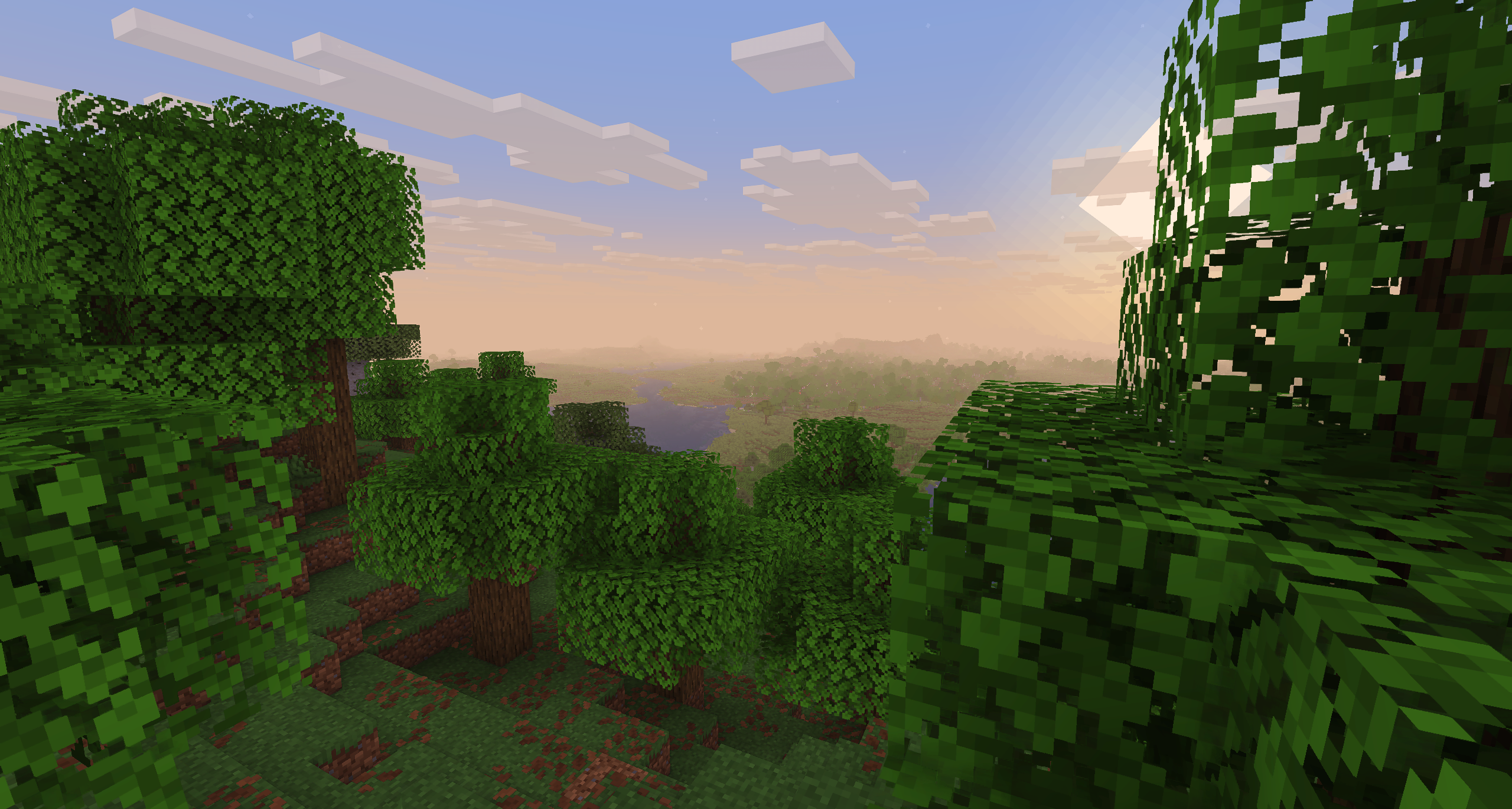
# Sildur's Basic Shaders
[Official Website & Changelogs](https://sildurs-shaders.github.io/) | [Patreon Support](https://www.patreon.com/Sildur)
[Vibrant Shaders](https://modrinth.com/shader/sildurs-vibrant-shaders) | [Enhanced Default](https://modrinth.com/shader/sildurs-enhanced-default-shaders)
### About:
Return of the basic shaders! First started in like 2013. It is a very lightweight and fast shaderpack, featuring lots of customization.
It supports the following options: TAA (antialiasing), Sharpening (used with TAA), SSAO (ambient occlusion), Celshading, Colorboost, Crossprocess (color filter), Custom emissive lightmaps, Custom sun/moon angle, Tonemapping, Depth of Field, Motionblur, Bump and Parallax mapping and everything wavy. There are also 5 presets available in the ingame options: Very Fast, Fast, Fast+MB, Fast+DoF and Fancy.
### Compatibility:
* Support for **Distant Horizons** and **Voxy**
* **Minecraft Versions:** 1.7.10 up to the latest release
* **Supports:** Iris and OptiFine
---
### How to Install via Iris:
1. Download and run the [Iris Installer](https://irisshaders.dev).
2. Select **"Iris and Sodium"**, choose your Minecraft version, and install.
3. Open the Minecraft Launcher and select the new Iris profile.
4. Launch the game, go to **Options** -> **Video Settings** -> **Shader Packs**.
5. Click **"Open Shader Pack Folder"** and drop the Sildur's Shaders .zip file inside.
6. Select the pack from the in-game list.
### How to Install via OptiFine:
1. Download and run the official [OptiFine](https://optifine.net) jar file to create an OptiFine profile.
2. Open the Minecraft Launcher and select the new OptiFine profile.
3. Launch the game, go to **Options** -> **Video Settings** -> **Shaders**.
4. Click **"Shaders Folder"** at the bottom of the screen.
5. Drop the Sildur's Shaders .zip file inside and select it in-game.
---
**Permissions:**
You are not allowed to edit, copy code, or redistribute this shaderpack under a different name or claim it as yours.
**Modpack Policy:**
Permission is not required for modpacks hosted on CurseForge or Modrinth. You may freely add this shaderpack as long as you use the platform's built-in system. Do not bundle or re-host the raw .zip file inside your project download.
---
### Socials & Support:
* [Discord](https://discord.gg/EbsAecrVXg)
* [Twitter](https://x.com/SildurFX)
* [Facebook](https://www.facebook.com/profile.php?id=100063771121307#)
* [Nexusmods](https://www.nexusmods.com/profile/SildurFX/mods)
* [PayPal](https://www.paypal.com/donate/?cmd=_s-xclick&hosted_button_id=KY99R4D8YUEX2&source=url&ssrt=1786589479049)