
Описание
This mod adds a simple shop for selling and buying items. It can be accessed by using the `/shop` command. The shop system includes several functionalities that can be managed through different subcommands:
- **/shop**: The main command to access the shop interface. Users can browse available items or interact with the shop in various ways depending on their permissions.
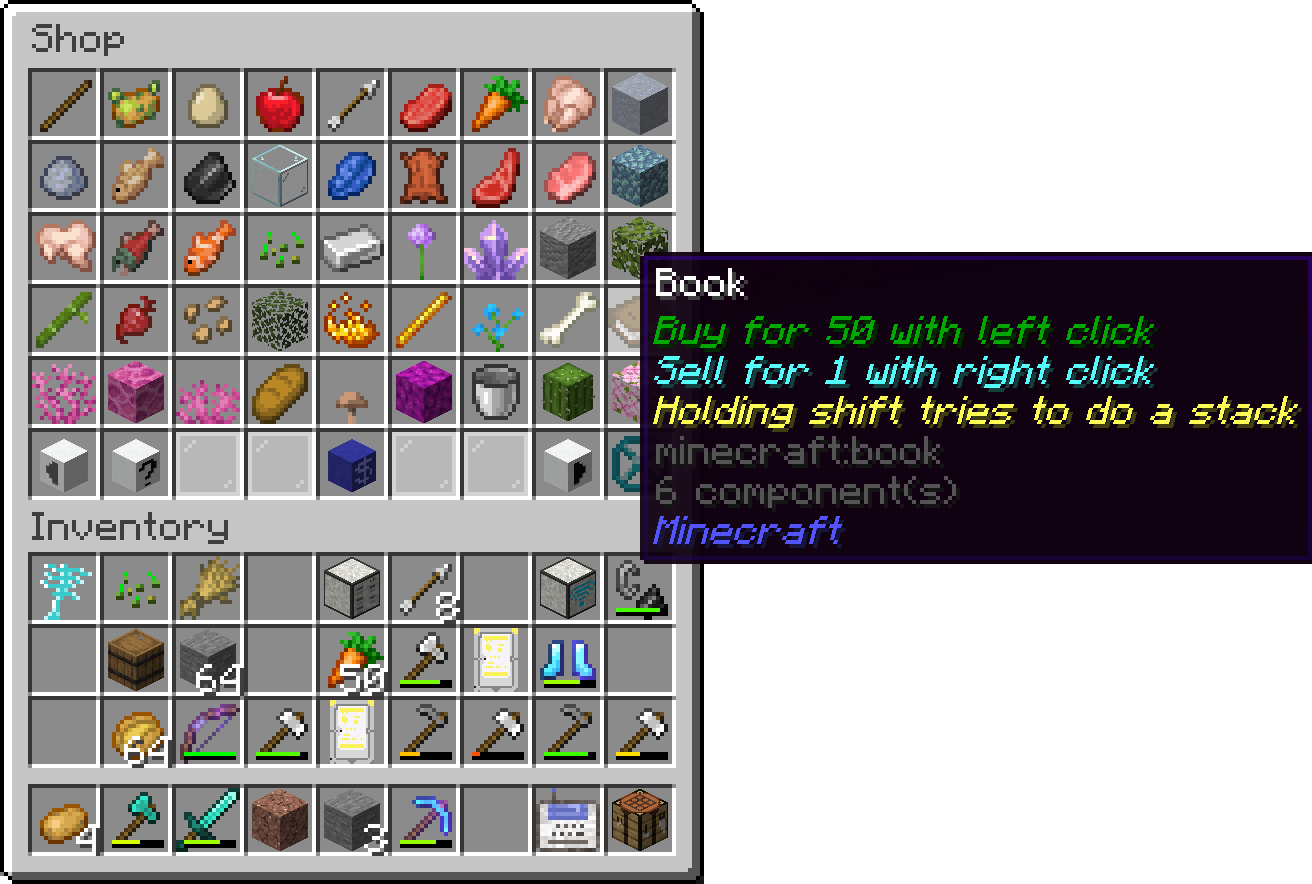
- **/shop edit**: Allows admins (users with permission level 2 or higher) to edit the shop's inventory. This includes adding or removing items from the shop.
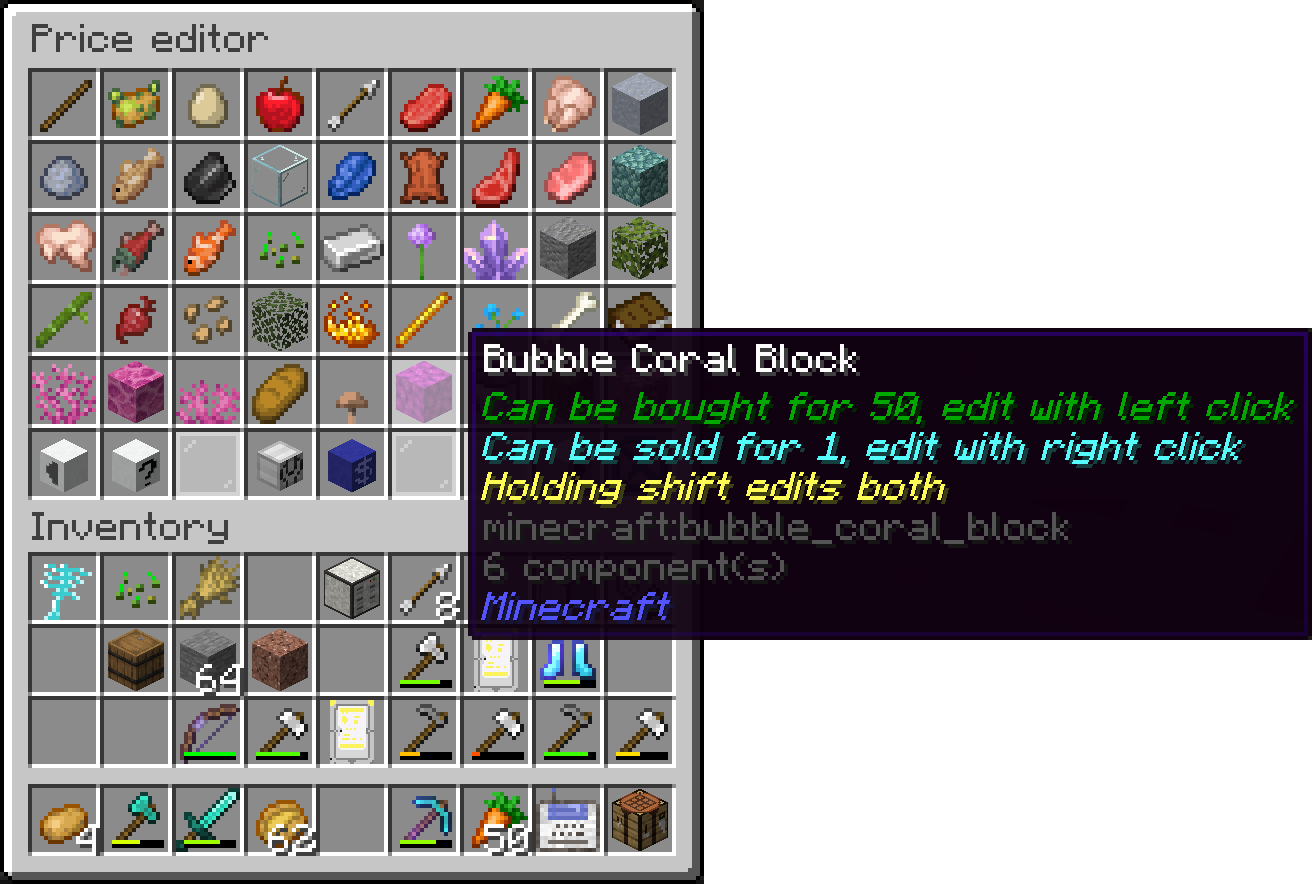
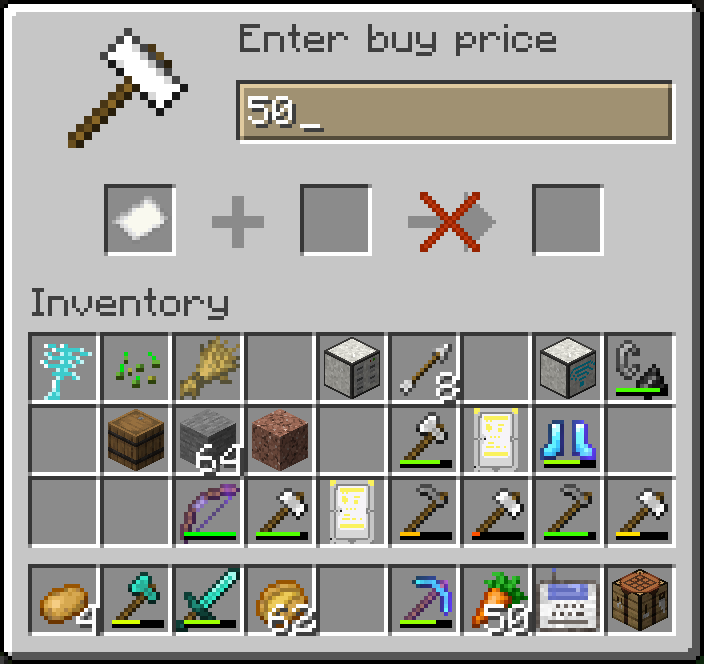
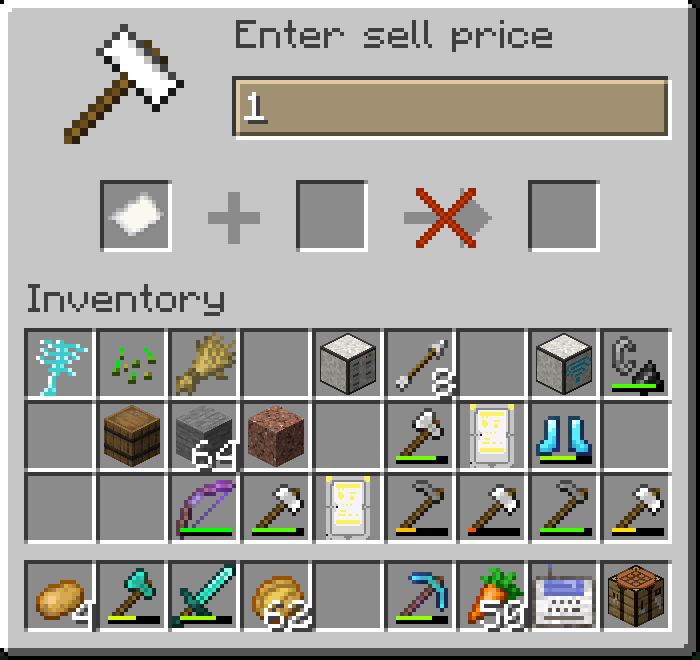
- **/shop load**: Admins can load the shop's configuration from a file, making it easy to reset or update the shop's content.
- **/shop save**: This command saves the current state of the shop to a file, preserving any changes made during the session.
- **/shop set**: This command allows admins to set the prices for items in the shop. By using `/shop set`, you can specify the item, buy price, and sell price to adjust how the shop will trade that item.
Example: `/shop set `
Here, `` represents the item to be sold, `` is the price players must pay to buy the item, and `` is the amount players will receive when selling the item to the shop.
- **/shop setHand**: Sets the price for the item currently held in the player's hand. This is a quicker alternative to using `/shop set`.
- **/price**: Players can check the price of an item using `/price ` or `/price` to check the price of the item in their hand.
- **/buy**: Lets players purchase items from the shop. Players can specify the quantity they want to buy.
- **/sell**: Allows players to sell items back to the shop, specifying the quantity if needed.
Additionally, the mod includes an auctionhouse:
- **/auction**: A command for browsing item auctions
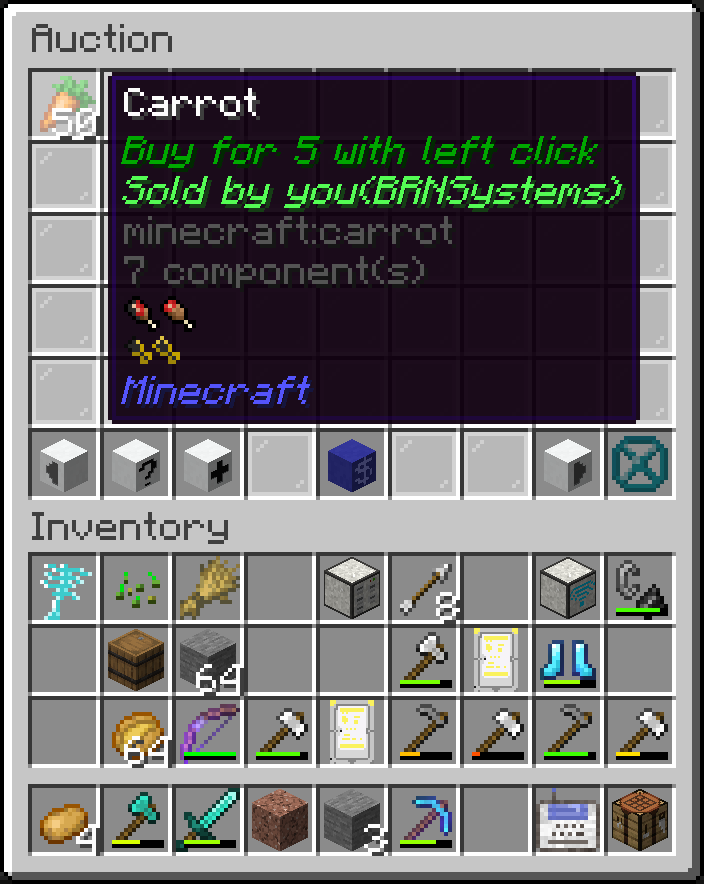
- **/auction create **: A command to start an auction for an item in hand when specifying the price in the command, if the price is not specified, a dialog appears which needs a price and item insertion

For managing the account of the players you can use these commands:
- **/pay**: Allows players to transfer money to others using `/pay `.
- **/balance**: This command lets players check their balance, or for admins to check and modify other players' balances. It includes subcommands like `/balance load`, `/balance save`, and `/balance set`.
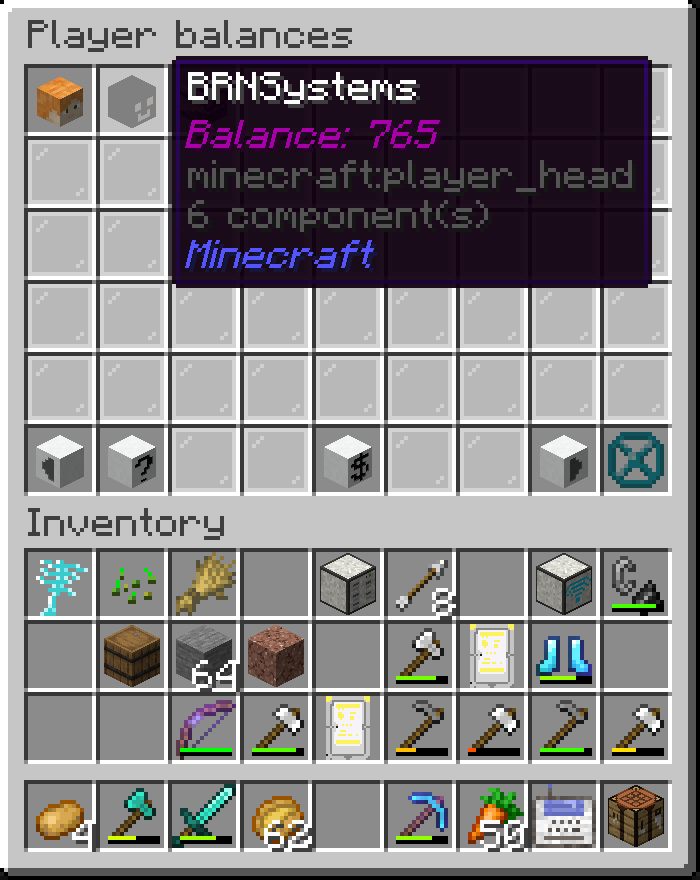
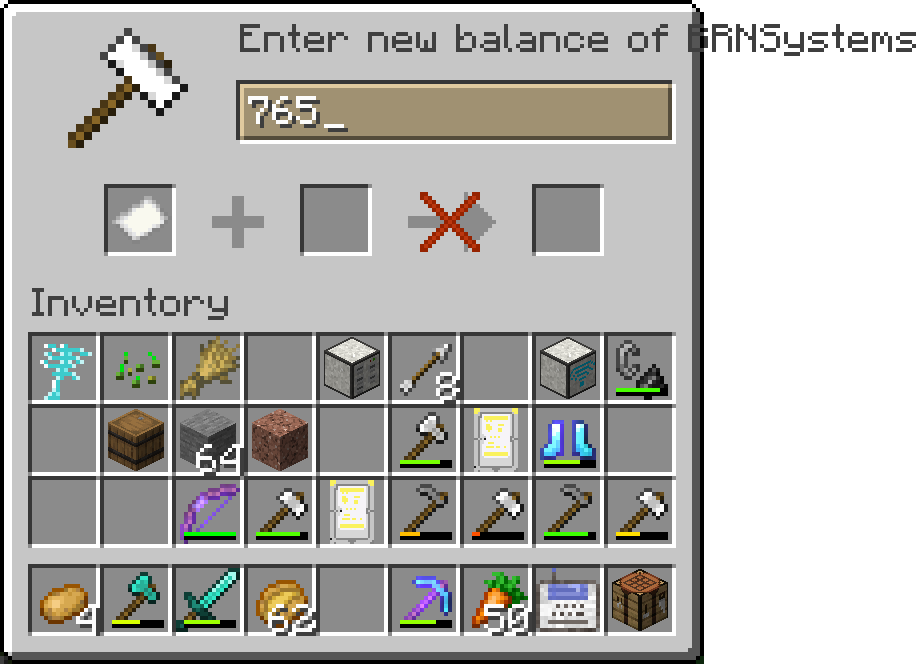
- **/balance list**: Opens a gui with a list of players and their balances. If you click on a player, you can set their balance.
This shop and auction system is designed to be simple yet flexible, providing both players and admins with the tools they need to manage in-game economies efficiently.