
Описание
# Serie
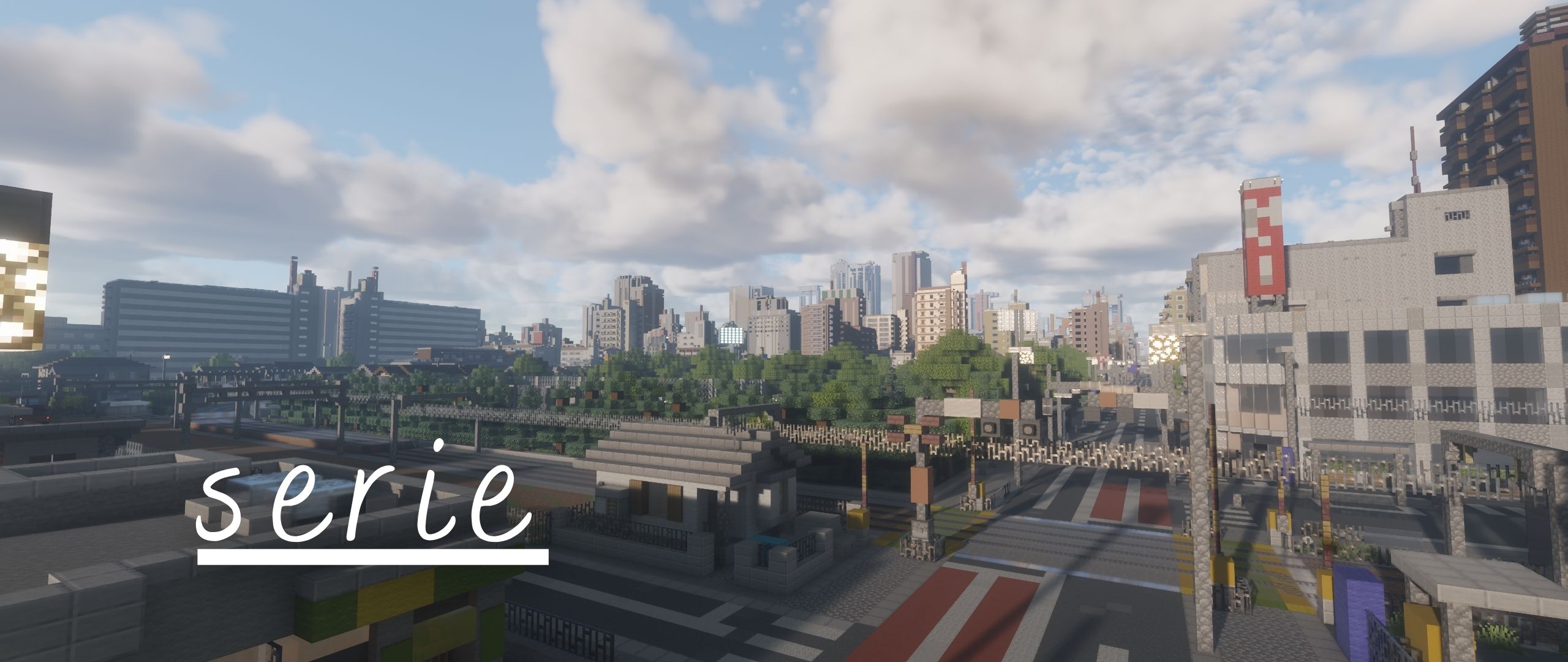
Serie is the path-traced successor to Allium and will serve as the base rewrite for allium's upcoming versions.
### IMPORTANT
> Serie is under active development. Expect settings, buffer layouts, and visual behavior to change between builds, as well as bugs!
### About Minecraft 26.x and Vulkan
> The latest beta version should support 26.x versions of Minecraft using Iris and OpenGL as the Graphics API. Vulkan is planned but I have no idea as to when I will be able to work on Vulkan Support. Probably until Aperture is released :p
## Requirements
- Minecraft Java Edition
- A recent version of [Iris Shaders](https://irisshaders.dev/)
- A GPU and driver with OpenGL 4.3 support
- Iris custom-image support (required by the voxel and irradiance-cache volumes)
- Distant Horizons is optional
Serie is developed for Iris. OptiFine is NOT supported.
## Current features
- Path-traced lighting
- Atmospheric scattering
- Volumetric light shafts
- Volumetric cumulus clouds
- A separate volumetric altocumulus layer
- Water parallax and vertex displacement
- Screen-space refraction and reflection
- Generated normals and refraction handling for glass and ice
- Distant Horizons Support (working on voxy soon)
- Integrated PBR (LabPBR not yet available)
- Temporal anti-aliasing and temporal upscaling
- Bloom
- Automatic exposure
- Multiple tone-mapping operators
## Installation
### Release build
1. Download a ZIP from the repository's [Releases page](https://github.com/clorece/Serie/releases).
2. Place the ZIP in your Minecraft `shaderpacks` directory.
3. Open Minecraft with Iris installed.
4. Select Serie from **Options → Video Settings → Shader Packs**.
Do not extract a release ZIP unless its outer archive contains another shaderpack folder or ZIP.
### Latest repository build
1. Select **Code → Download ZIP** on the [GitHub repository](https://github.com/clorece/Serie). (or git clone)
2. Extract the downloaded repository archive.
3. Place the folder containing `shaders/`, `README.md`, and `License.txt` in your `shaderpacks` directory.
Repository builds contain the newest changes and may be less stable than releases.
## Reporting bugs
Please open an issue on the [GitHub Issues page](https://github.com/clorece/Serie/issues) and include:
- A concise description of the problem
- Steps and a location/scene that reproduce it
- Minecraft, Iris, loader, and mod versions
- GPU model and driver version
- The active Serie settings or an exported shader configuration
- Screenshots or video when the issue is visual
- `latest.log` when the pack fails to load or reports a shader compilation error
Before reporting a visual artifact, test once with default settings and confirm whether Distant Horizons or another rendering mod is involved.
## Development status
The repository branch is the active development version. Stable builds, when available, are published through [GitHub Releases](https://github.com/clorece/Serie/releases).
Contributions and focused bug reports are welcome. When changing shader code, test at multiple render scales, during camera motion, at day/night transitions, underwater, and with Distant Horizons both enabled and disabled.