
Описание
# ResolutionControl+
ResolutionControl+ is a fork of [Resolution Control](https://github.com/juliand665/Resolution-Control)
with additional functionality.
## Features
### Resolution Scaling
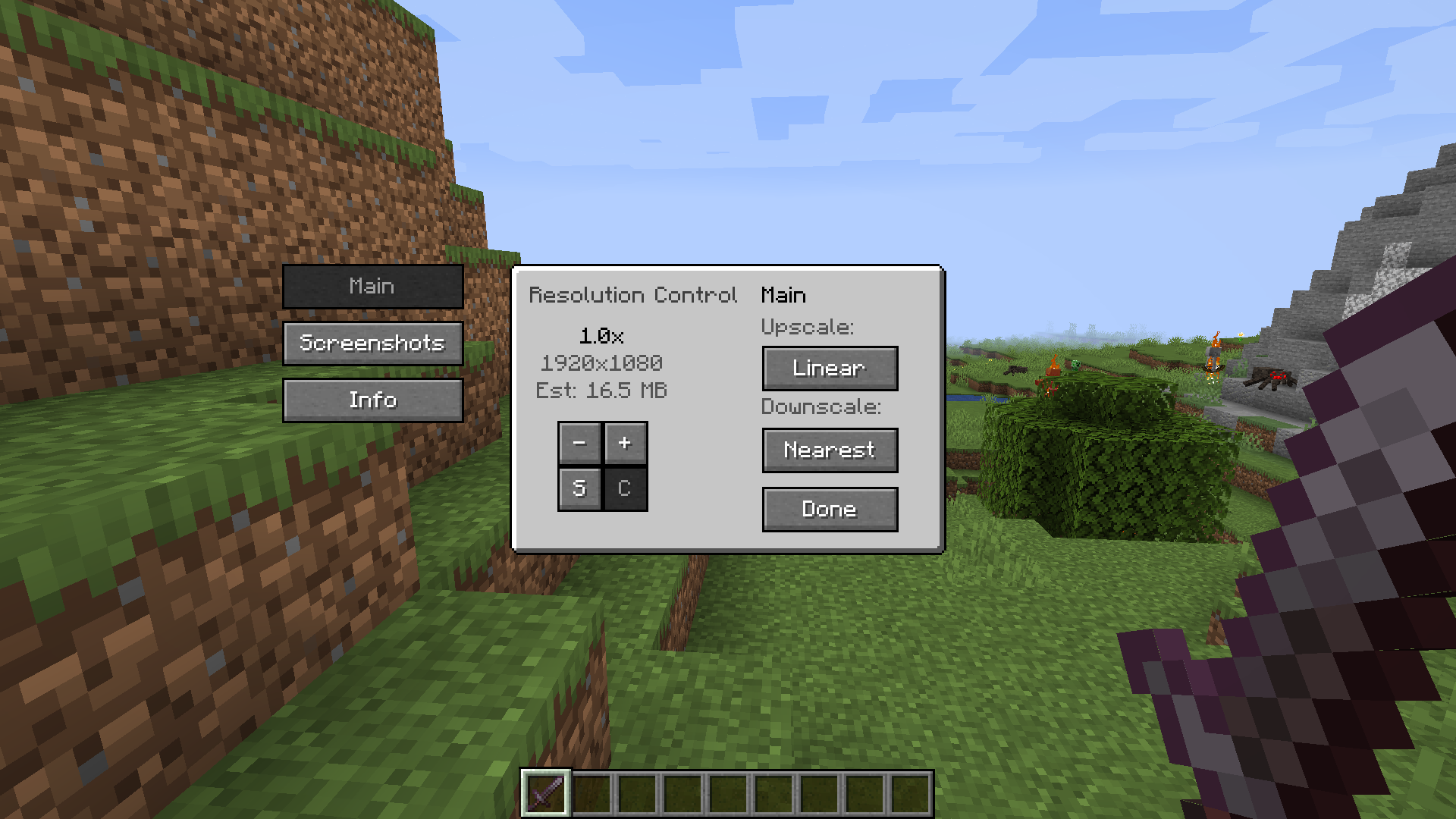
ResolutionControl+ allows you to change Minecraft's render resolution separately from the HUD elements.
If you have a good GPU, you can increase the multiplier for anti-aliasing.
Otherwise, you can lower the multiplier to improve performance or give Minecraft a retro style.
You can also set a custom multiplier value by pressing the `S` button.
Additionally, you can set the upscale/downscale algorithm used to scale the render to the viewport.
Linear is useful as an anti-aliasing filter,
and nearest neighbor generally looks better for lower than native resolutions.
---
### Screenshots
ResolutionControl+ can be used to take larger than native resolution screenshots.
To do this, use the `Screenshot Framebuffer` keybind which is unbound by default.
Compared to *Fabrishot*, this implementation does not lock up the game until the screenshot is saved.
This makes taking large screenshots much faster.
And while a screenshot is being processed, you can take another one without any problems.
Here is the time it takes to take a 16k screenshot, on an i7 4770 and GTX 1060:
`Fabrishot: 12 seconds (pause)`
`ResolutionControl+: