← Назад к ресурсам

Reshaped Vanilla x Programmer art

Makes the reshaped vanilla pack look older.

Modrinth decoration themed vanilla-like

Описание

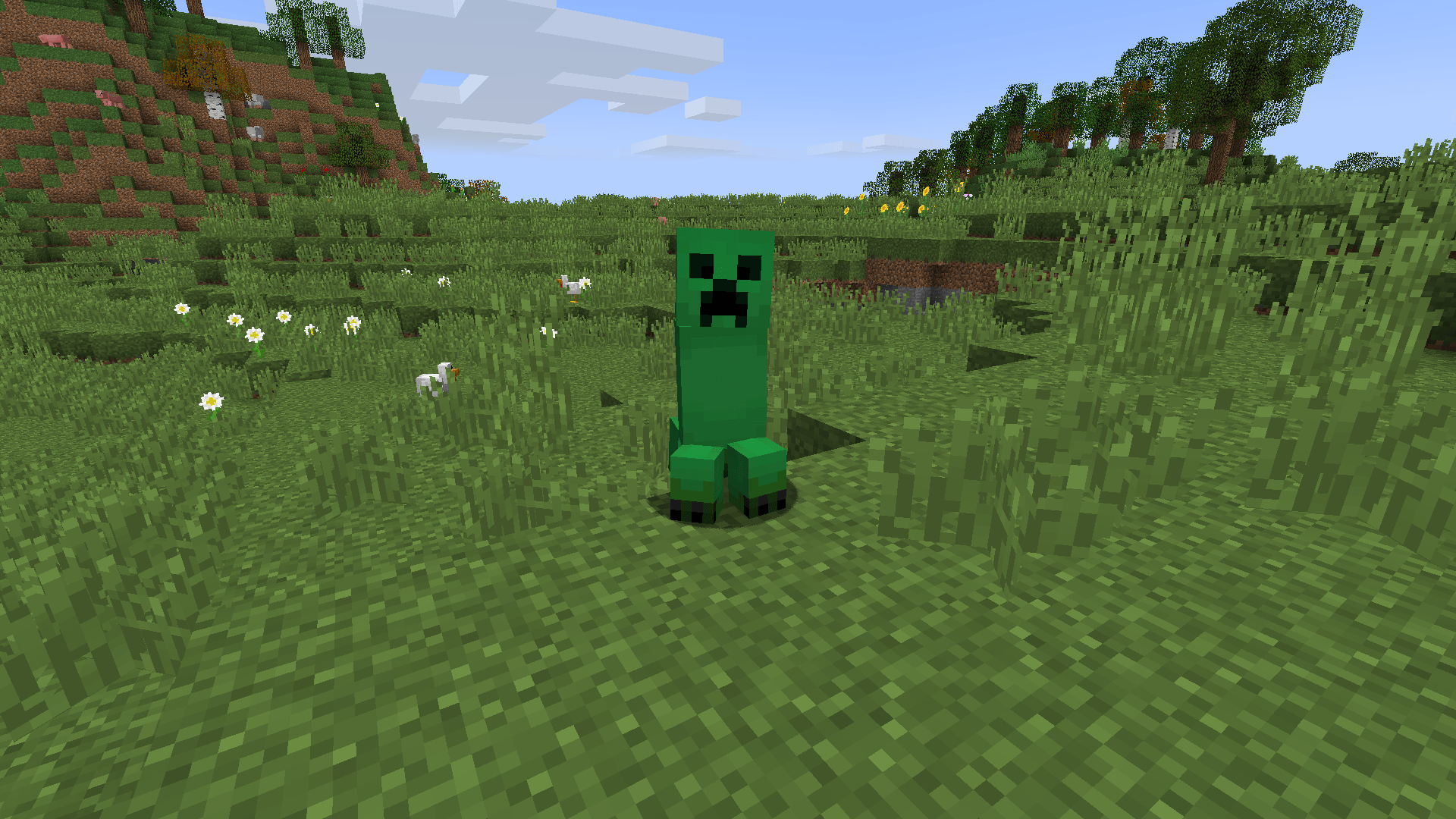
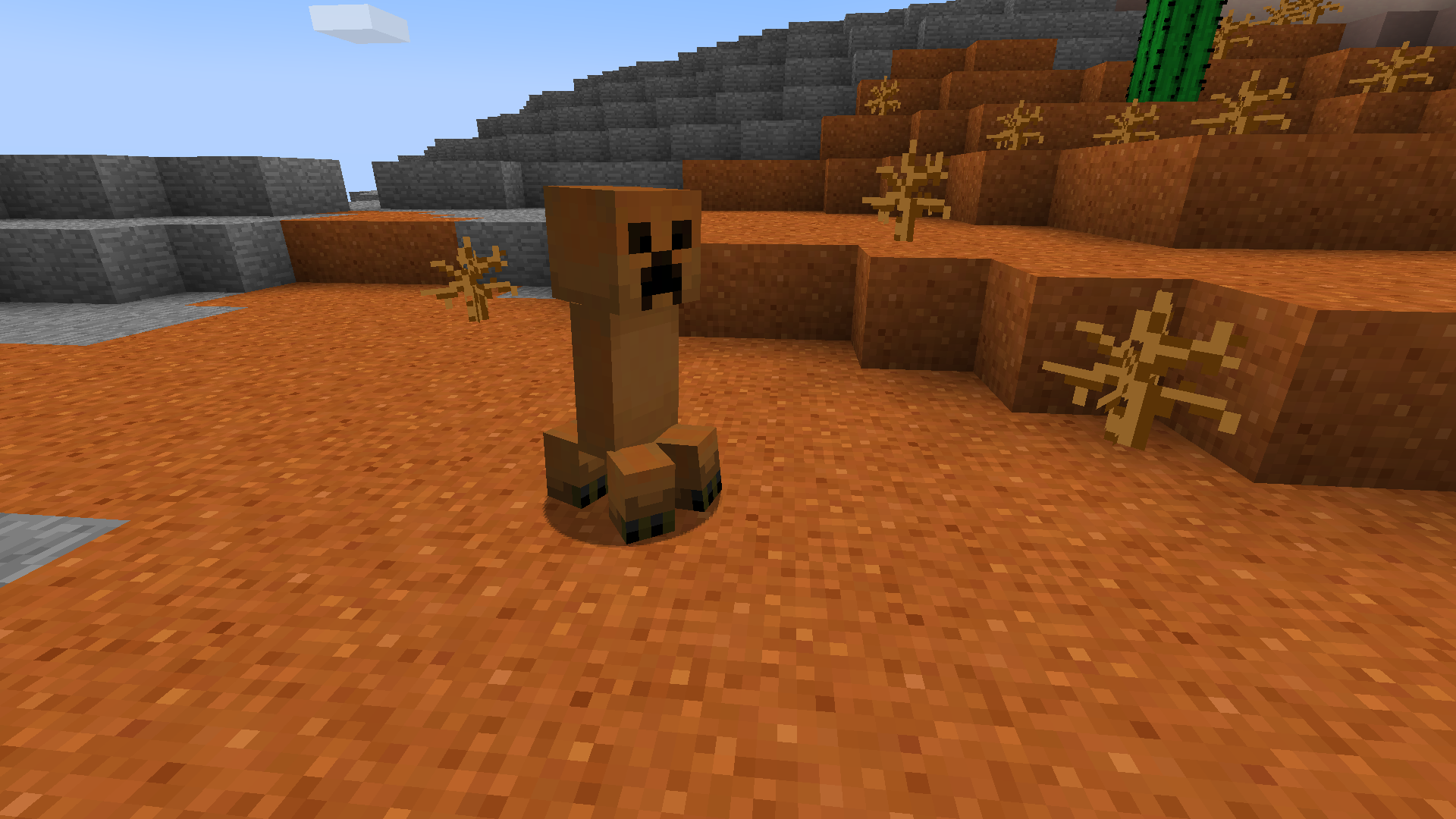
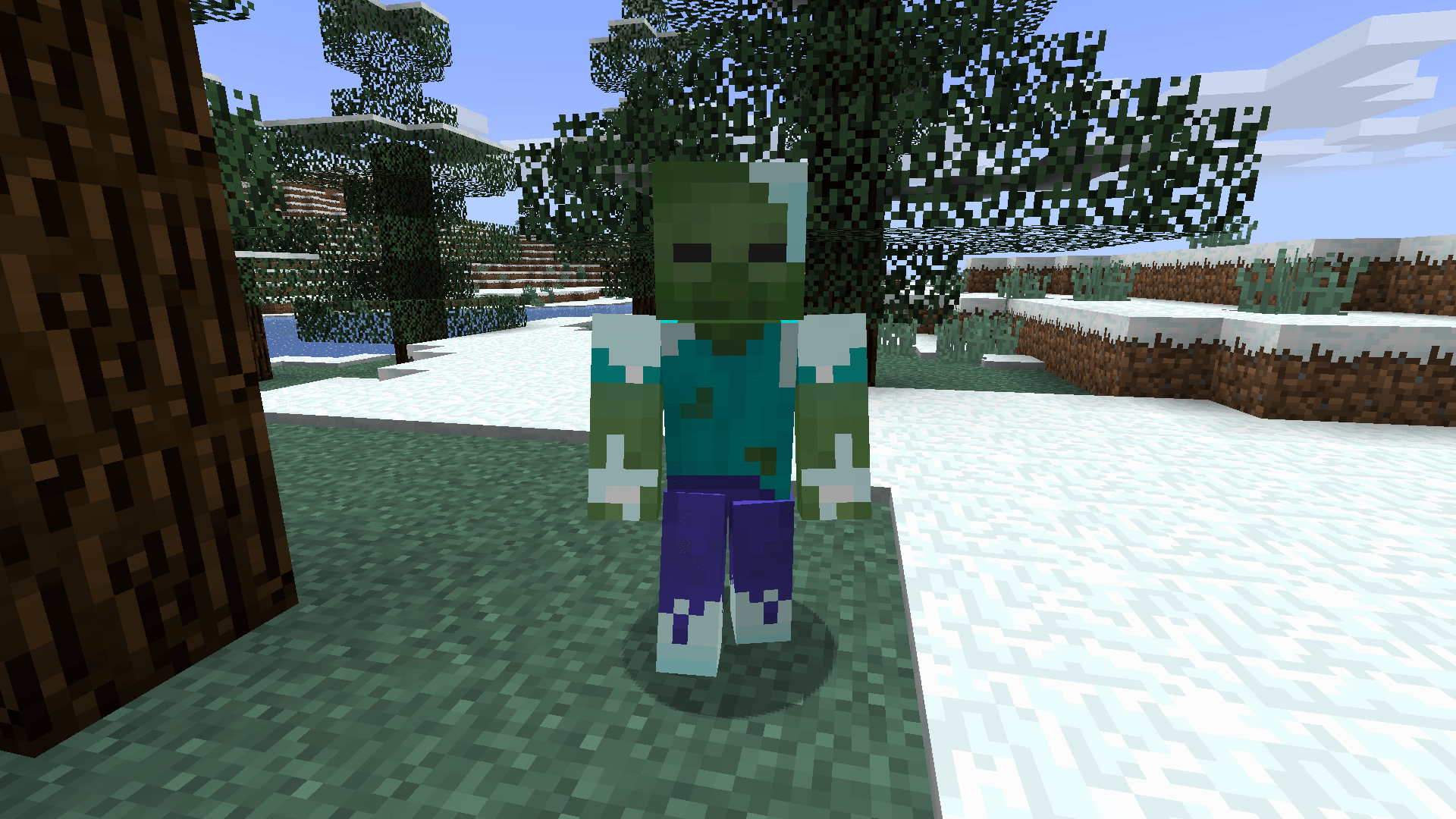
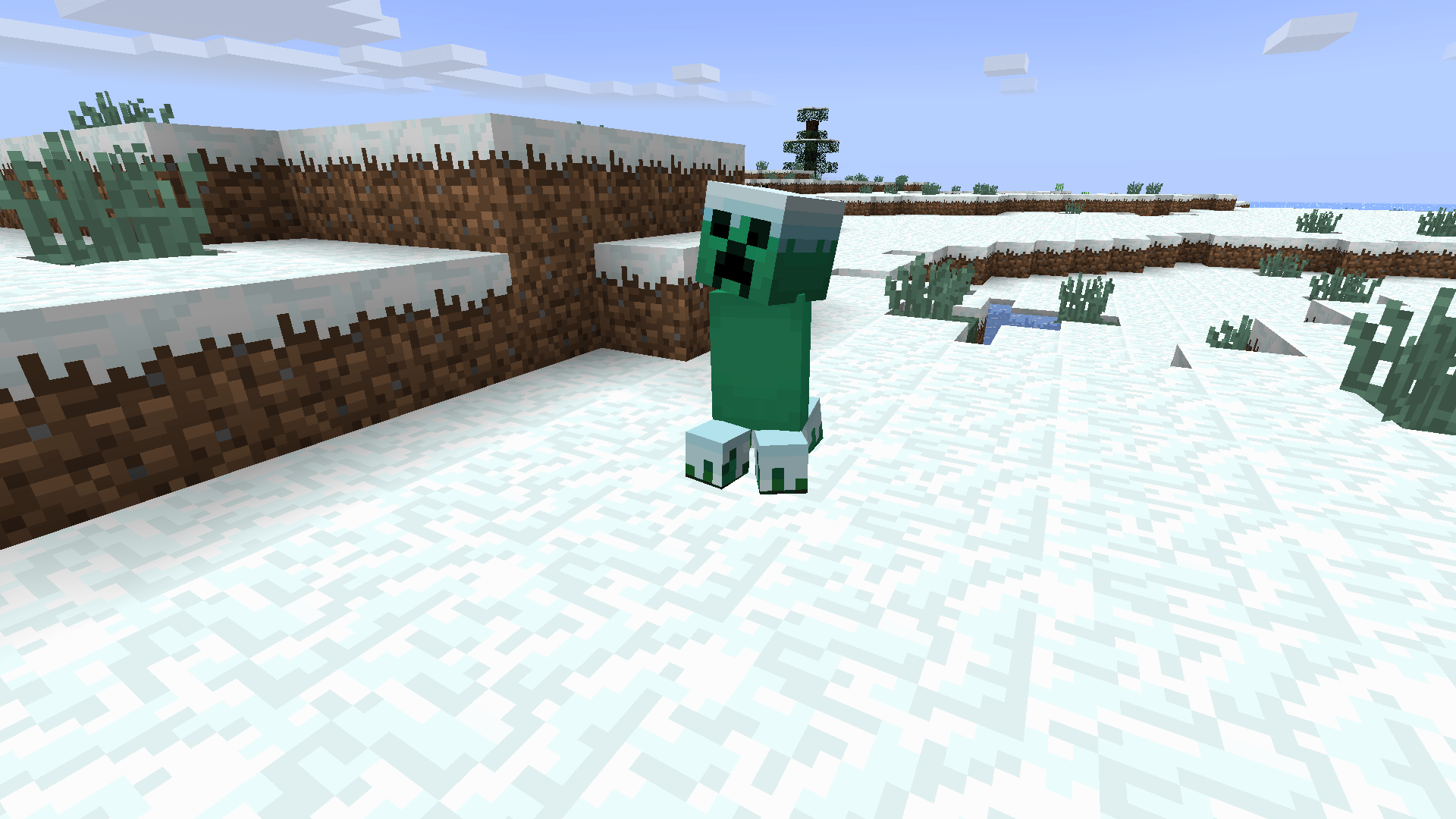
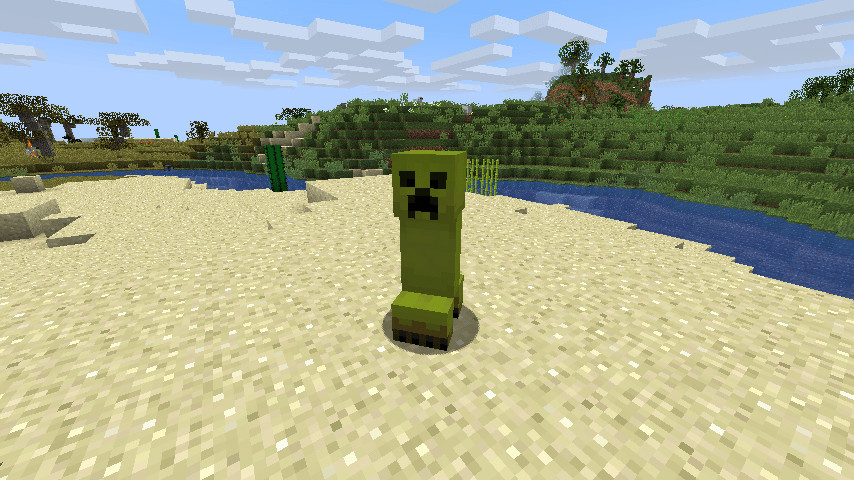
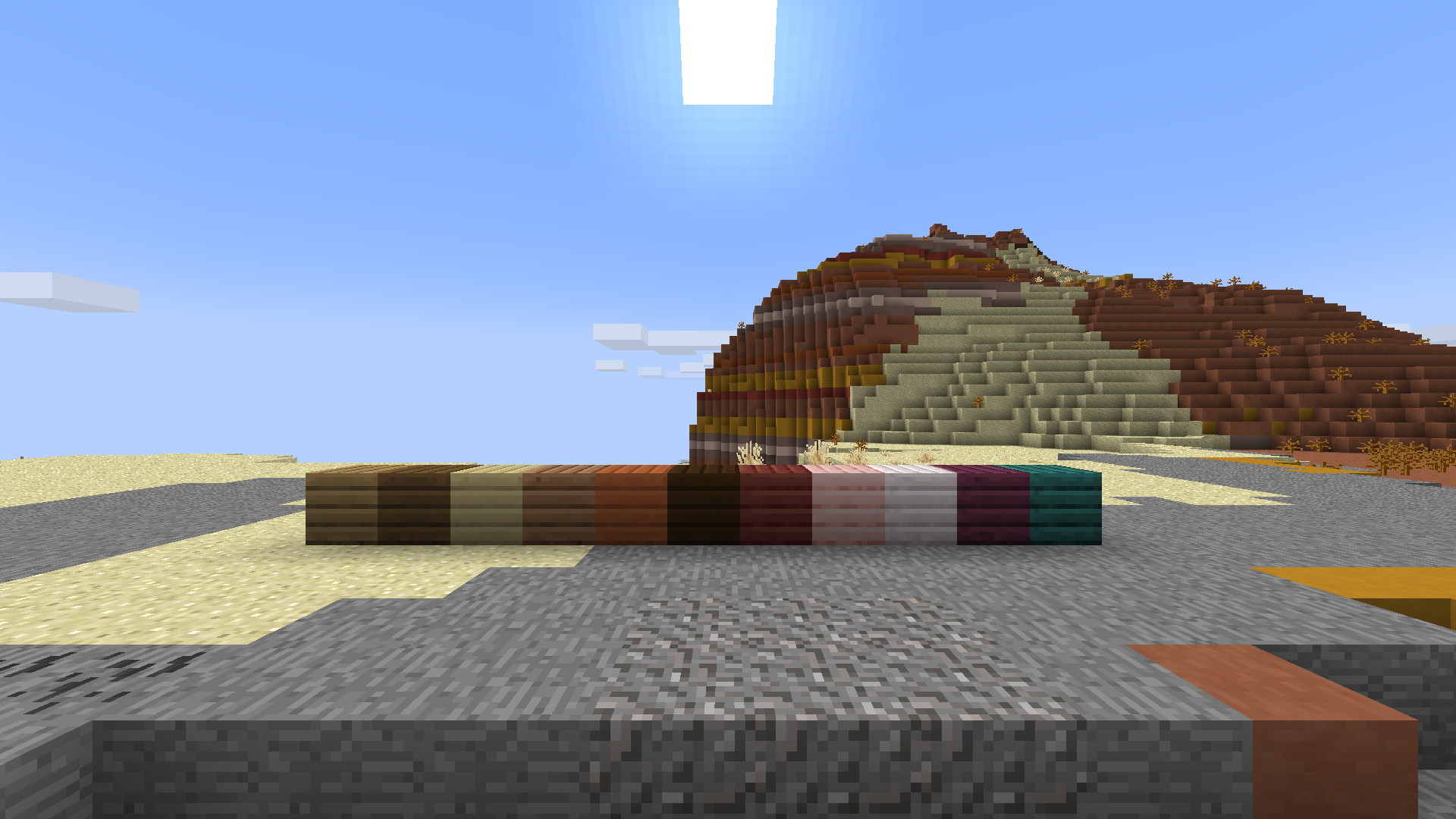
# **What does this pack do?** It does the same thing as reshaped vanilla, but with the old textures! Here are some screenshots. ![Creeper](https://cdn.modrinth.com/data/cached_images/b2008b61ebf68b404640534d1f6d064caf61d339.png) ![Badlands creeper](https://cdn.modrinth.com/data/cached_images/0b1ef2f7d70f44ad429e5099bde3e58f88c7c3cb.png) ![Winter zombie](https://cdn.modrinth.com/data/cached_images/c71efeecce55fcbbe9ddc55ff9cc7c5e8d6335c6.png) ![Winter creeper](https://cdn.modrinth.com/data/cached_images/0f2a52ff213e93166eee2019764d6da108cad1c9.png) ![Desert creeper](https://cdn.modrinth.com/data/cached_images/7028fa1674e8fd4538d9a26c15e06771eeed2be3.png) ![Planks](https://cdn.modrinth.com/data/cached_images/fe3736dfee218e3d1574996459fac3261cfc38bc.png) # **Installation Guide:** **Windows:** 1. Go to your files to %appdata% and then go to the /.minecraft/ folder. 2. Go to /.minecraft/resourcepacks. 3. Put the resourcepack in the folder. **Linux:** 1. Go to your files to your /.minecraft/ folder. 2. Then go to /resourcepacks/. 3. Put the resourcepack in the same folder. **MacOS** 1. Go to ~/.minecraft/resourcepacks/ in your file manager. 2. Put the pack inside that folder. # Thanks for Downloading!