
Описание
[](LICENSE) [](https://github.com/makomi-1/redstonelink-makomi/tree/release/no-mixin)
# What it can do?
* Connect the switches on the wall neatly and beautifully to the lights on the ceiling.
* Control multiple remote Redstone machines centrally and name the switches and receive nodes.
* Record and view the Redstone signal curves.
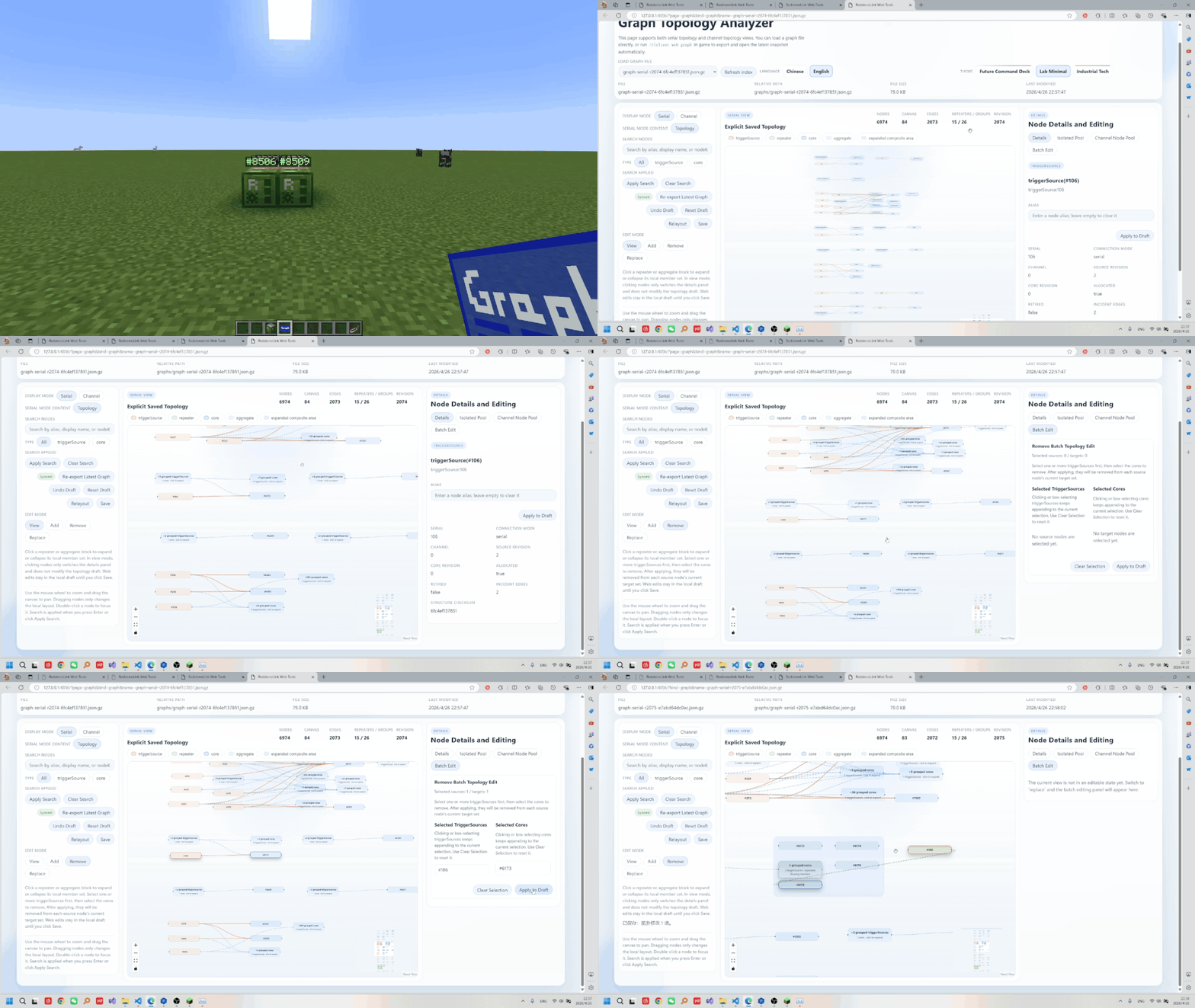
* Visualize the connection diagram of the nodes to be edited.
* Flexibly control the validity of the connections .
* Remotely control a certain Redstone device...
# Features
* **Stronger wireless pistons: capable of pushing and pulling boxes, furnaces, funnels, and more.**
![stronger]()
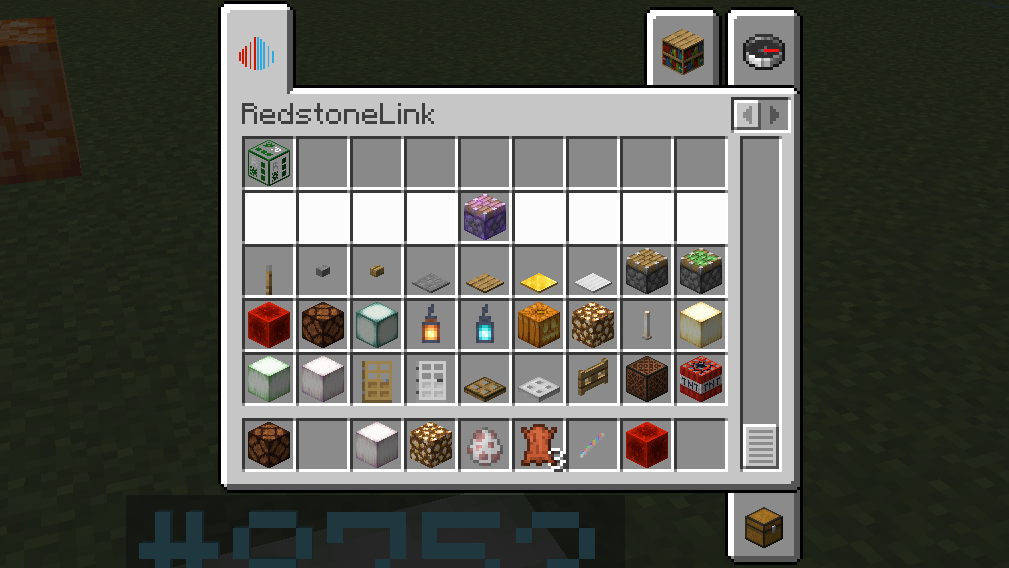
* **Wirelessly control the original items with the original items themselves.They support all Mod node functions.**
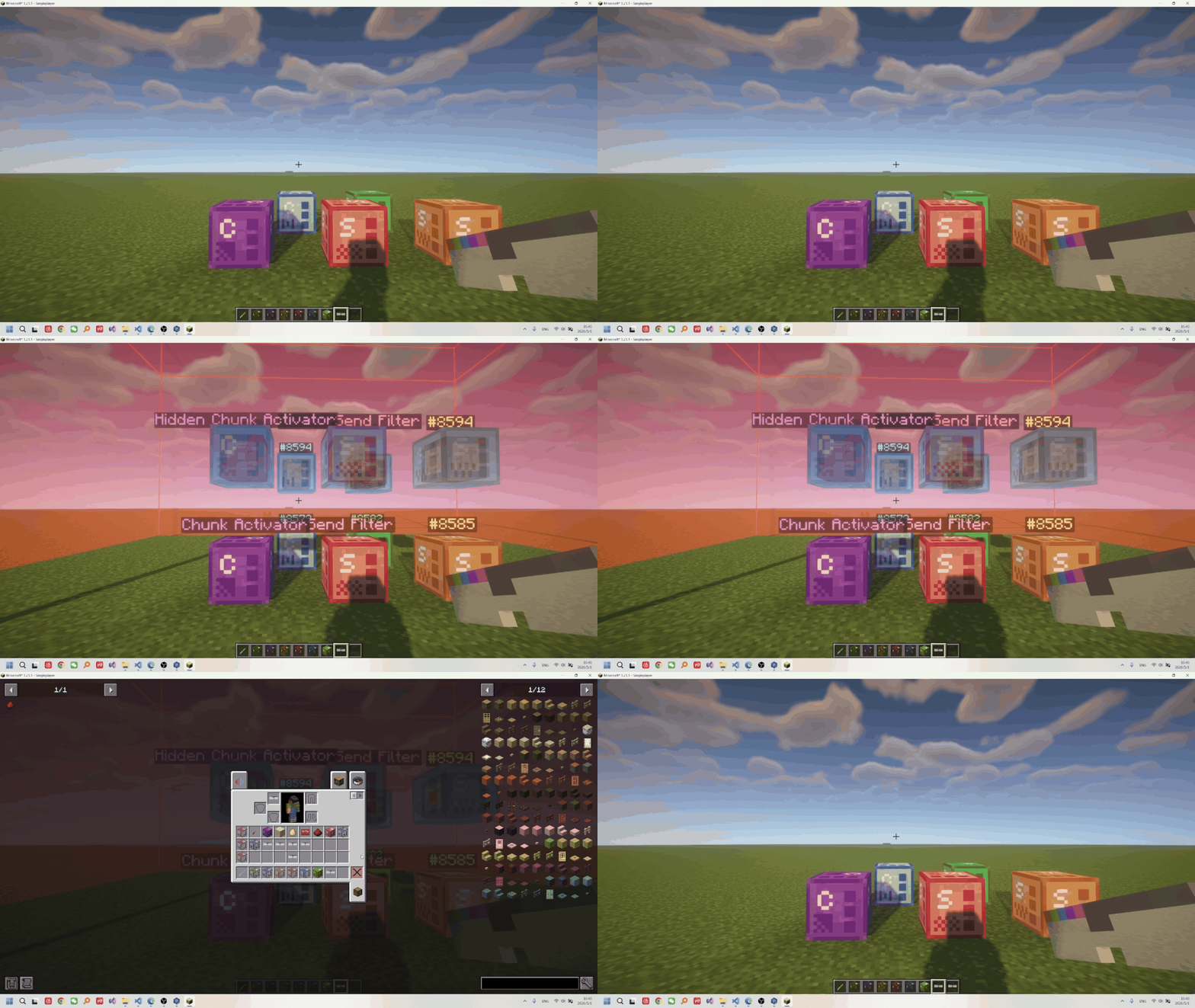
* **Hidden, no collision**
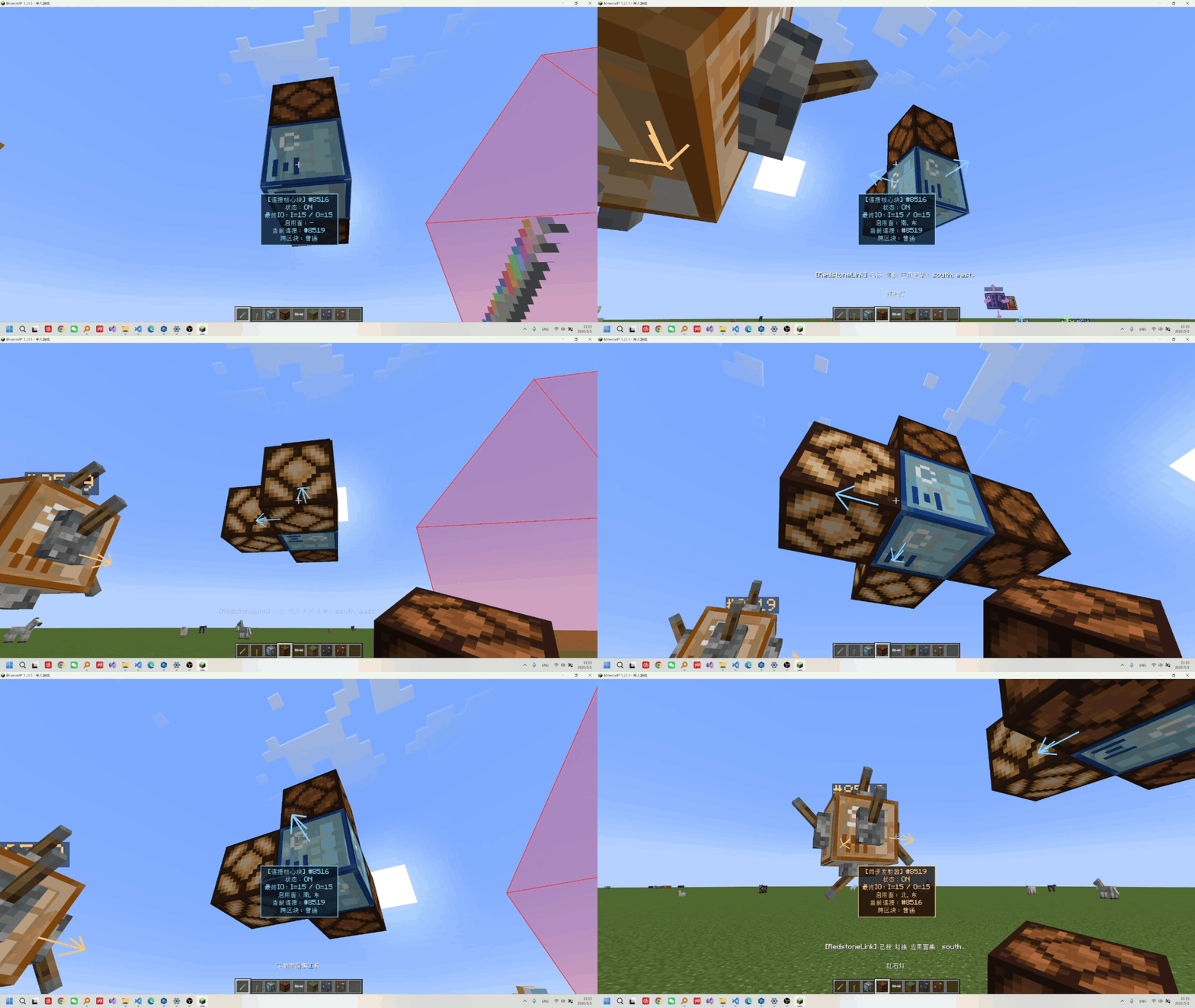
* **Directional editing of output and input**
* Transmission with `no distance limit`, support for `cross-dimension` operation, and on-demand `force-loading`
* supports `zero delay` and 0/1/2 `batch packaging` delay windows, and can stably `transmit 0-15 strength signals (sync)`.
* the `Quick Link Tool`, pairing GUI, web visualization editor, and incremental/overwrite edits all connected in one workflow.
* the status panel can `track` and `plot I/O curves`, and with K-key debugging you can locate issues quickly.
* ID and channel capacity up to `2^63-1`, supports `custom node aliases`, channels, and automatically cleans up invalid IDs.
* multiple triggerSource/core combinations, plus node sets, channels, strength filtering, and `dynamic control`.
# Getting Started
[Item Guide](https://makomi-1.github.io/redstonelink-makomi/item_guide.html)/[Recipes](https://makomi-1.github.io/redstonelink-makomi/recipe_sheet.html)
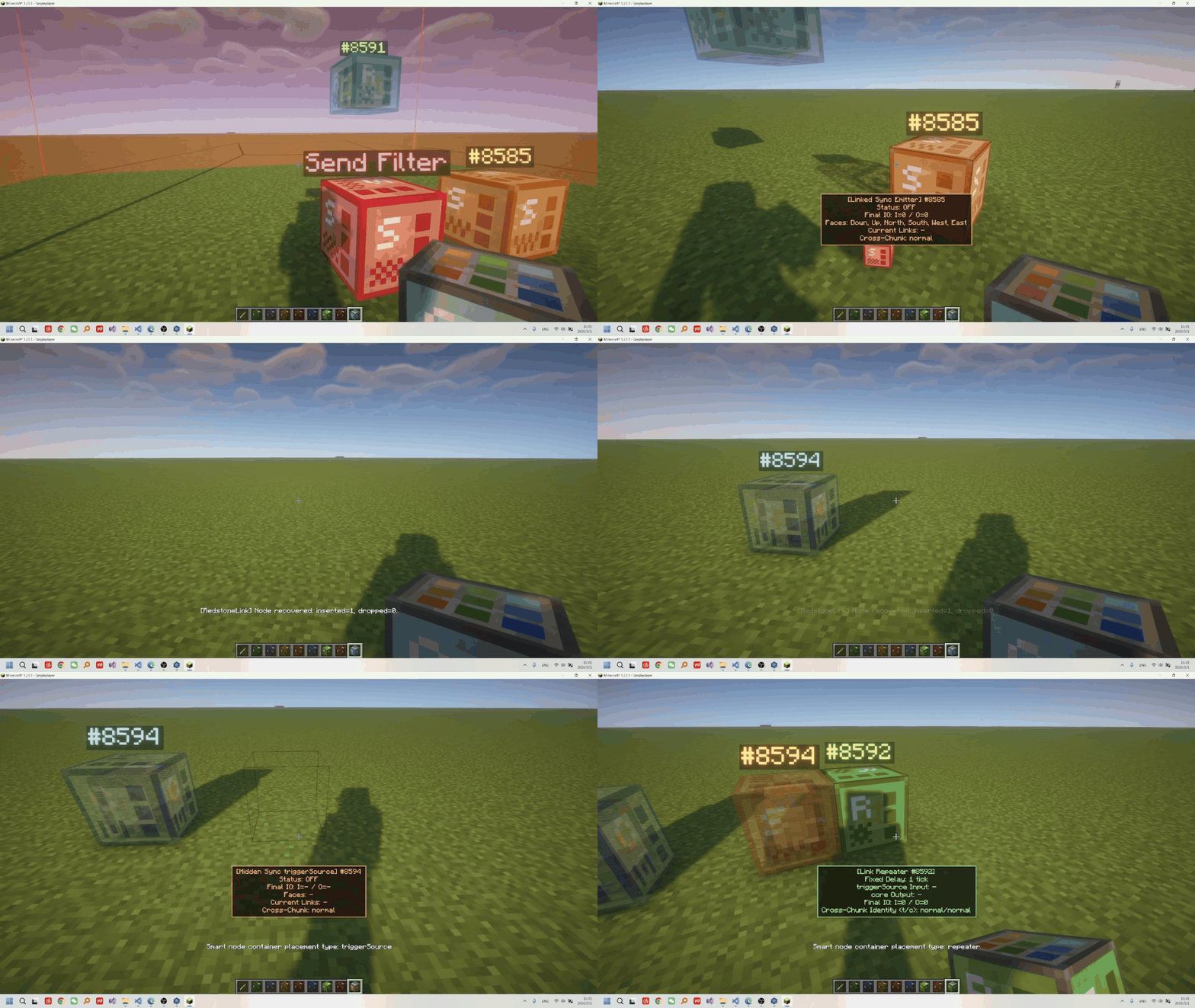
Nodes are divided into three categories: `triggers`, `connection cores`, and `repeaters`:
The usage method is:
* **Establishing Connections**: Squat down and right-click to open the pairing UI, or use the `Quick Connection Tool` to configure the serial number or channel.
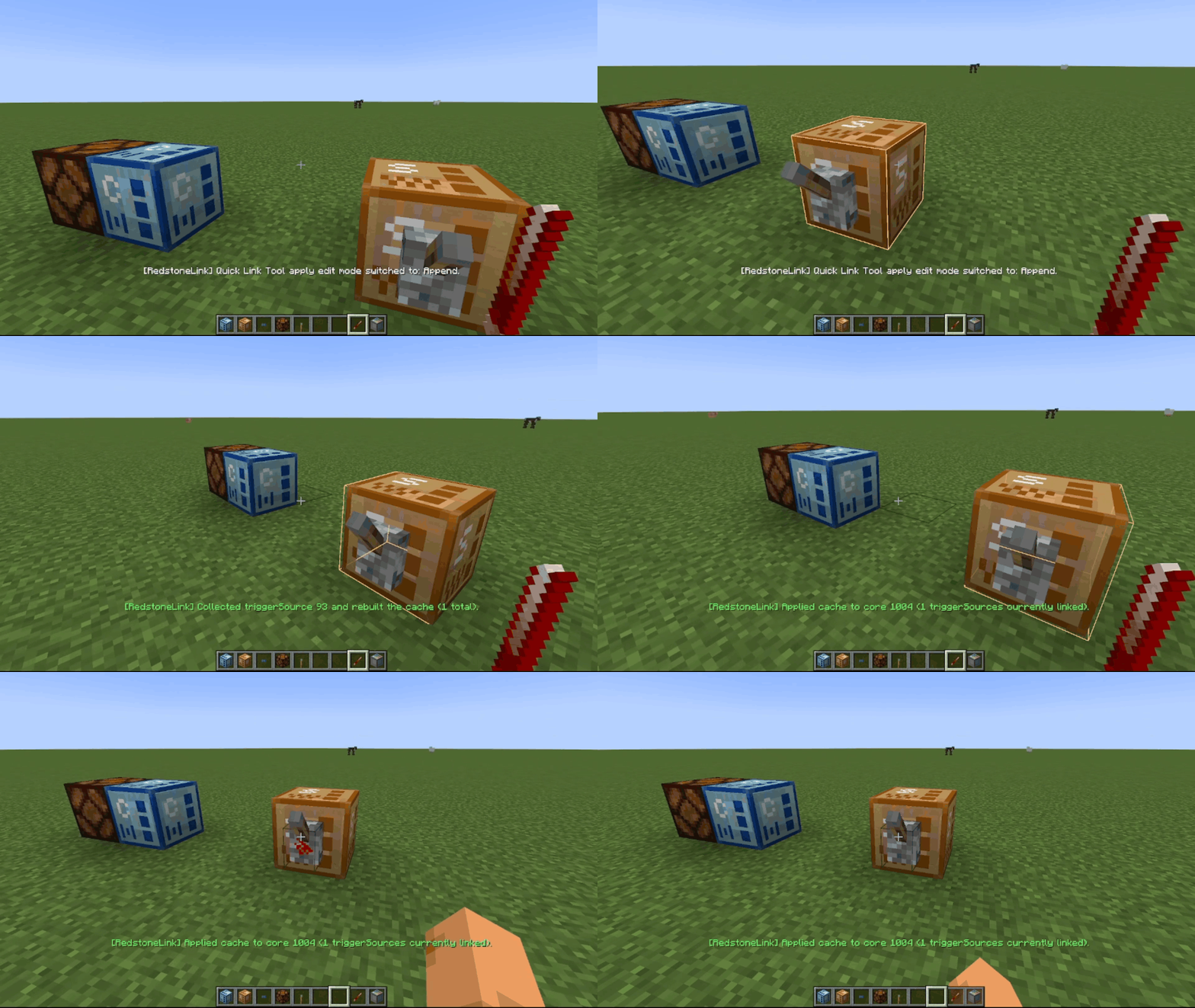
* **Activating Transmission**: Activate the trigger through `Redstone Signal Input` to `transmit Redstone signals` to the connected connection core, or use a `repeater` for relaying.
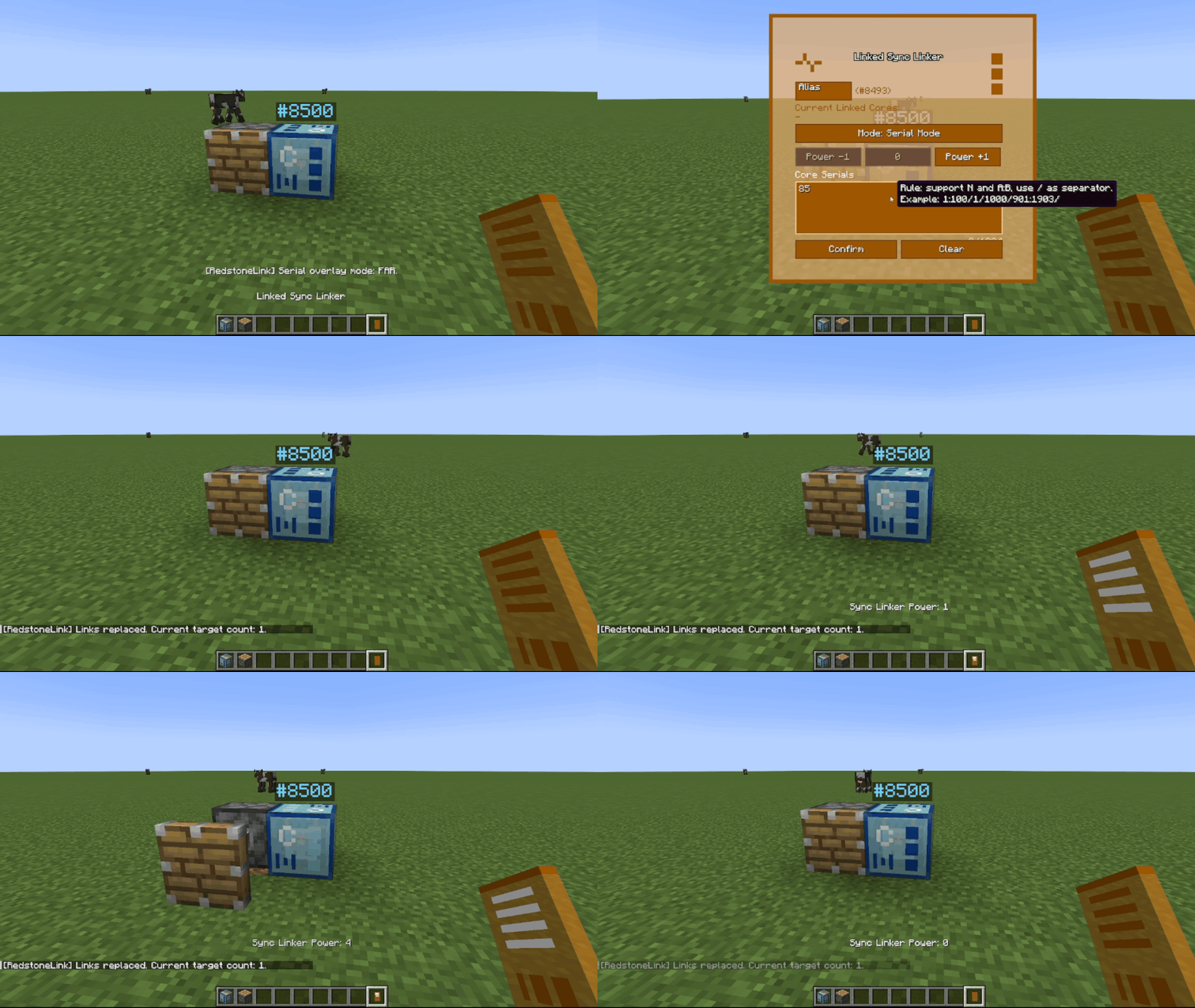
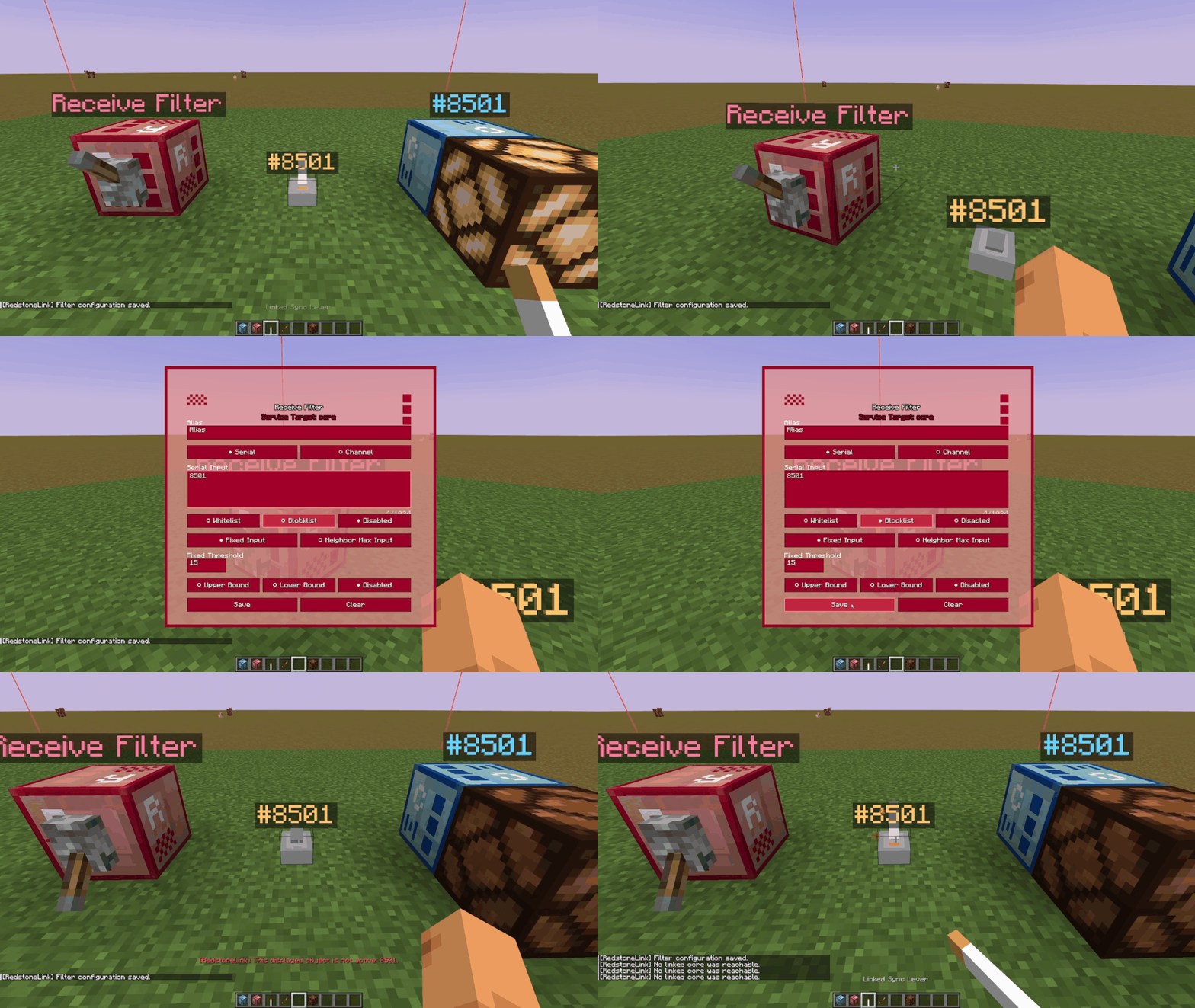
* **Filtering**: Configure the filter and place it so that its `range of effect` covers the corresponding node, and then activate the filter.
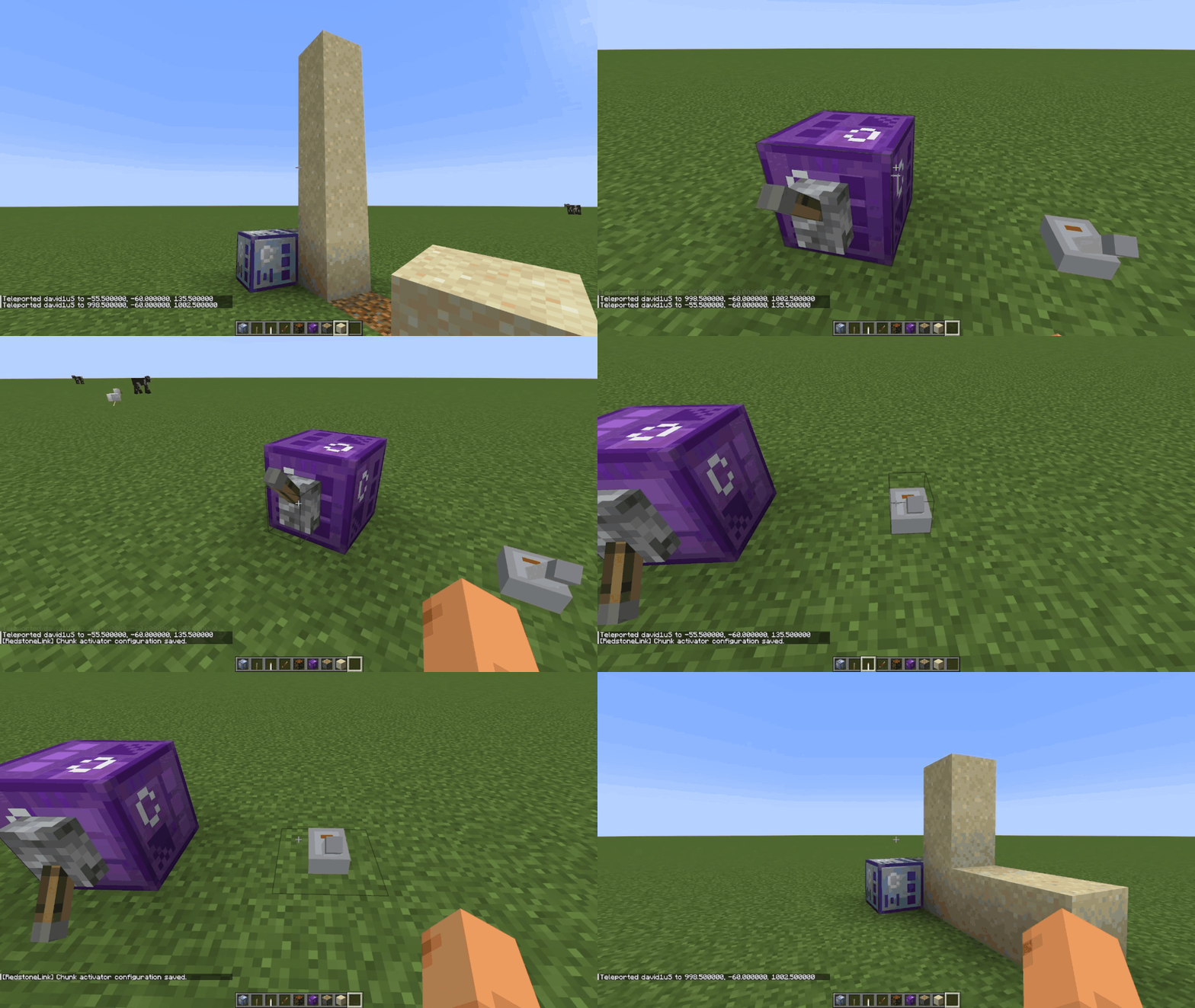
* **Forced Loading**: Configure the block activator, place it and activate it.
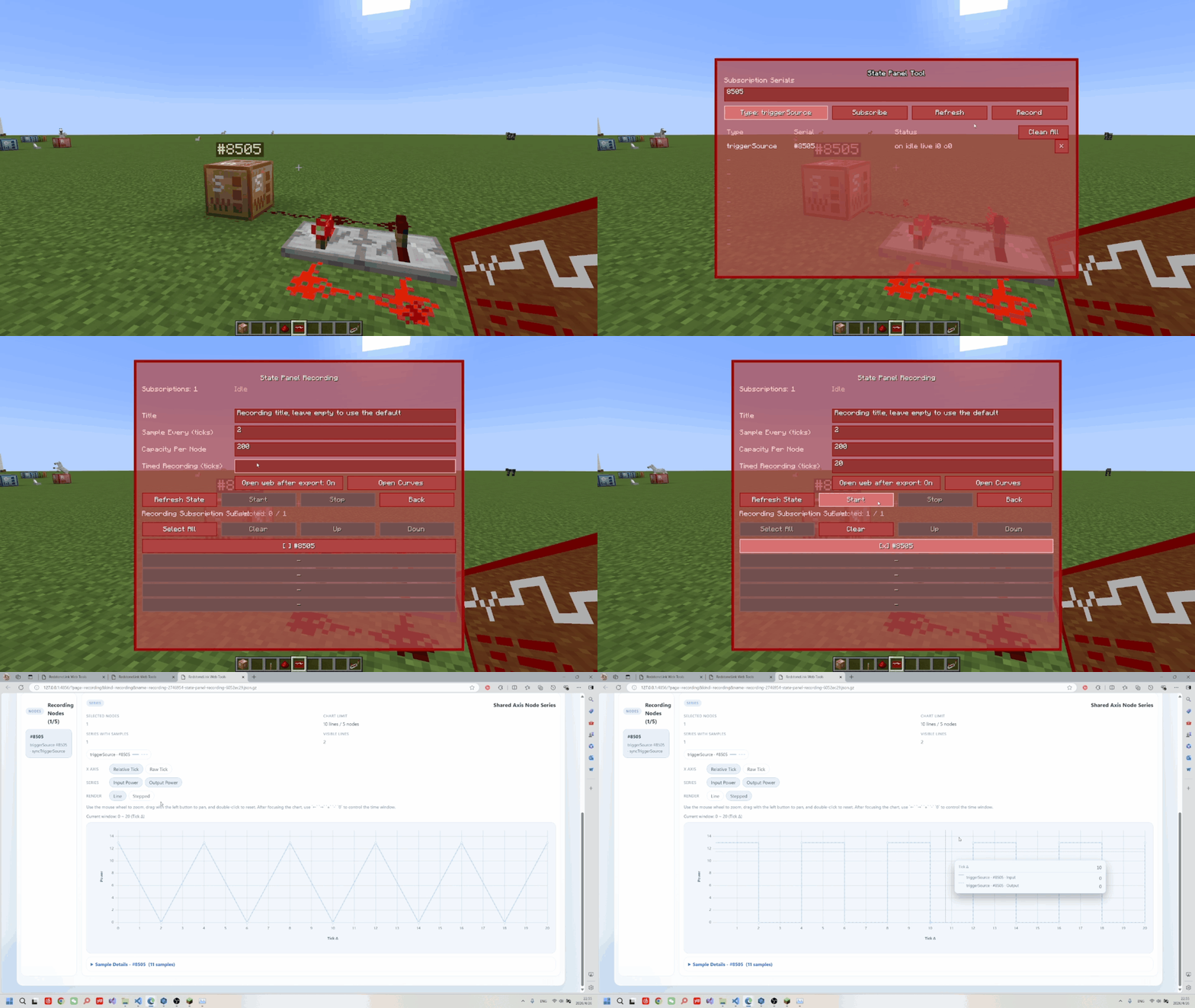
* **Recording Signals**: Subscribe to the corresponding node on the status panel, and configure and start the recording.
* **Assisted Debugging**: Wear the `Smart Glasses` and use the `K` key to interact with the empty hand interface nodes, thereby switching between displaying node information and establishing connections.
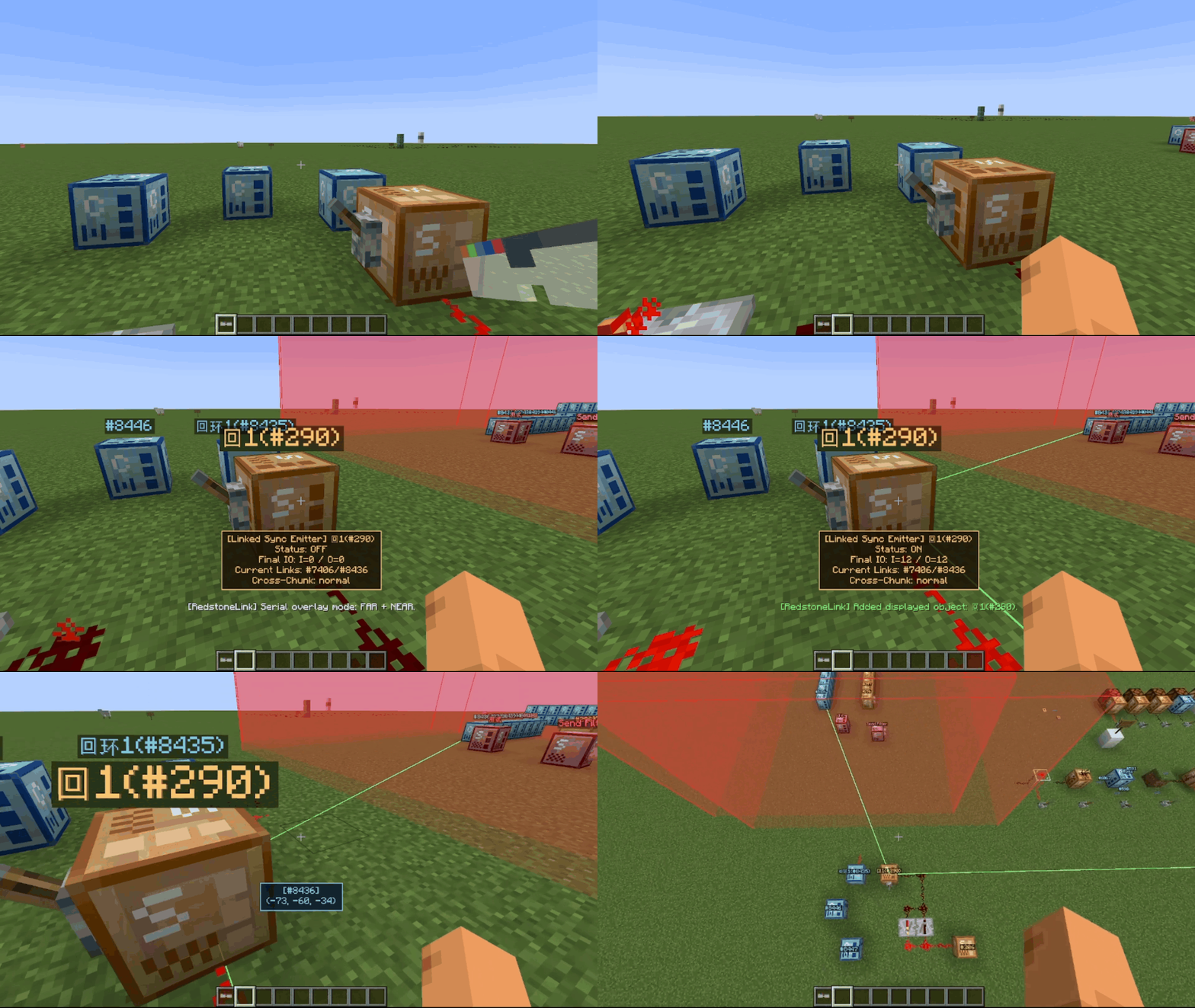
* **Recycle and store the prepared items**
* **Visual Editing**: Use the `Graph Visualization Editor`
# Other Documentation
* [Mechanism Design](https://github.com/makomi-1/redstonelink-makomi/blob/release/no-mixin/docs/mechanism_design_en.md)
* [Usage Guide](https://github.com/makomi-1/redstonelink-makomi/blob/release/no-mixin/docs/usage_guide_en.md)
* Conflict List (to be added)
# Other Features
* Full-lifecycle signal synchronization: placing, mining, and breaking nodes and filters automatically synchronizes signals (sync)
* Rich node types: block, plate-like, and transparent receiver nodes, plus triggerSource nodes including buttons, levers, remotes, and different signal types
* Rich and detailed configuration options, along with commands, permissions, and rate-limiting systems
* Node items support stacking and quick operations
* The Quick Link Tool supports GUI configuration, as well as incremental or overwrite edits, and can be applied to nodes and filters …
# Future Plans
* ☑️Add Send/receive filters
* ☑️Add recording and playback support to the status panel
* ☑️Support custom node aliases
* ☑️Expand channel matching
* ☑️Improve the UI
* ❌Migrate to version 26.1+
* ☑️Add a visual network analyzer
* ☑️Add a repeater
# Disclaimer and Report
* This project uses `AI`
* Currently supports `fabric-0.18.4` and higher.
* [Conflict Report](https://www.wjx.top/vm/wTsJKow.aspx)
* [Bug Report](https://www.wjx.top/vm/PpvzYjl.aspx)
* [Gameplay Feedbak](https://www.wjx.top/vm/OrxsfZA.aspx)