
Описание
## Redstone Bind Wand 🔗
Tired of cluttering your builds with complex transmitter–receiver setups just to wire redstone across distances?
**Introducing the _Redstone Bind Wand_** – a sleek, magical tool that lets you link redstone inputs and outputs *remotely*, with no extra blocks required.

✅ Simply right-click to bind two components
✅ Instantly synchronize redstone power across space
✅ No ugly redstone towers, no extra wiring
✅ Works seamlessly with vanilla redstone logic
❌ **Does not work across dimensions**
Whether you're building secret doors, remote traps, or synchronized multi-room contraptions, the Bind Wand keeps everything **clean, compact, and connected**.
> Why place two blocks when you can wave one wand?
---
## 🛠 Usage
🔹 **Step 1**: Hold the Redstone Bind Wand
🔹 **Step 2**: _Right-click_ a block that **emits** redstone (e.g., a lever or button) → this becomes the **source**
🔹 **Step 3**: _Right-click_ another block that can **receive** redstone (e.g., redstone lamp, piston, door) → this becomes the **output**
🔍 While holding the wand and looking at a linked block, a **green outline box** will appear showing its connection.
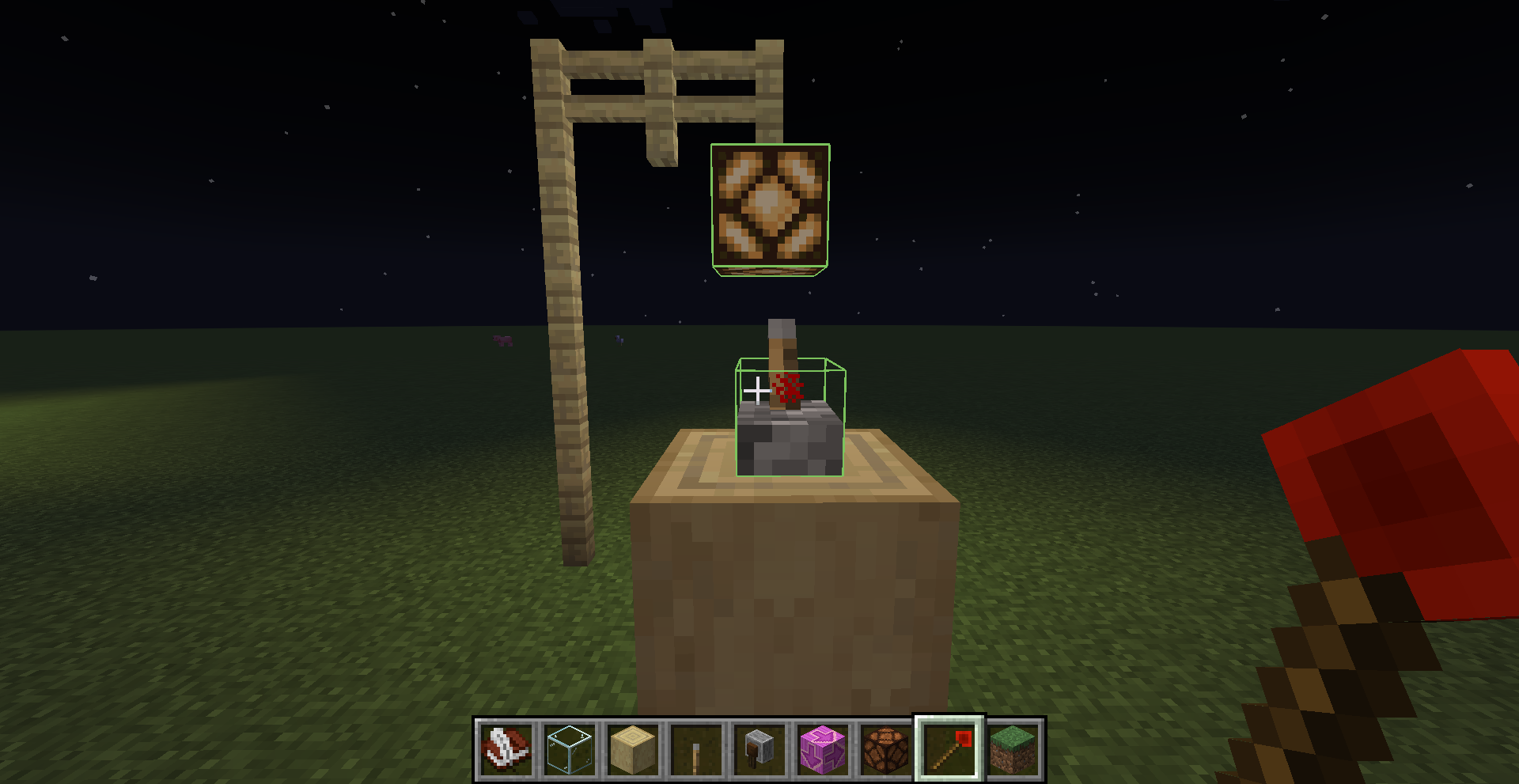
🗑 To **remove** a bind:
- _Right-click_ the output again while holding the wand to **unlink** it
🧹 Binds are also **automatically removed** when either the **source** or **output block is broken**.
---
## ⚠️ Warnings
- ❗ **If the world is not saved properly** (e.g. closing the game forcefully or without using the in-game pause menu),
**all Redstone Bind Wand data will be lost**.
Make sure to **save and exit** the world properly to ensure your bindings are preserved.
- ⚡ **Redstone wire (dust) cannot be used as a source block.**
You must use a redstone-emitting block like a lever, button, observer, etc.~~~~
---
## 🧪 Use Case Example
Ever wanted to:
- Use a **lever on the wall** to toggle **ceiling lights** without running redstone up the walls?
- Place a **button on a glass** that's next tp a **door**?
- Wire up **hidden redstone traps** that trigger from remote inputs?
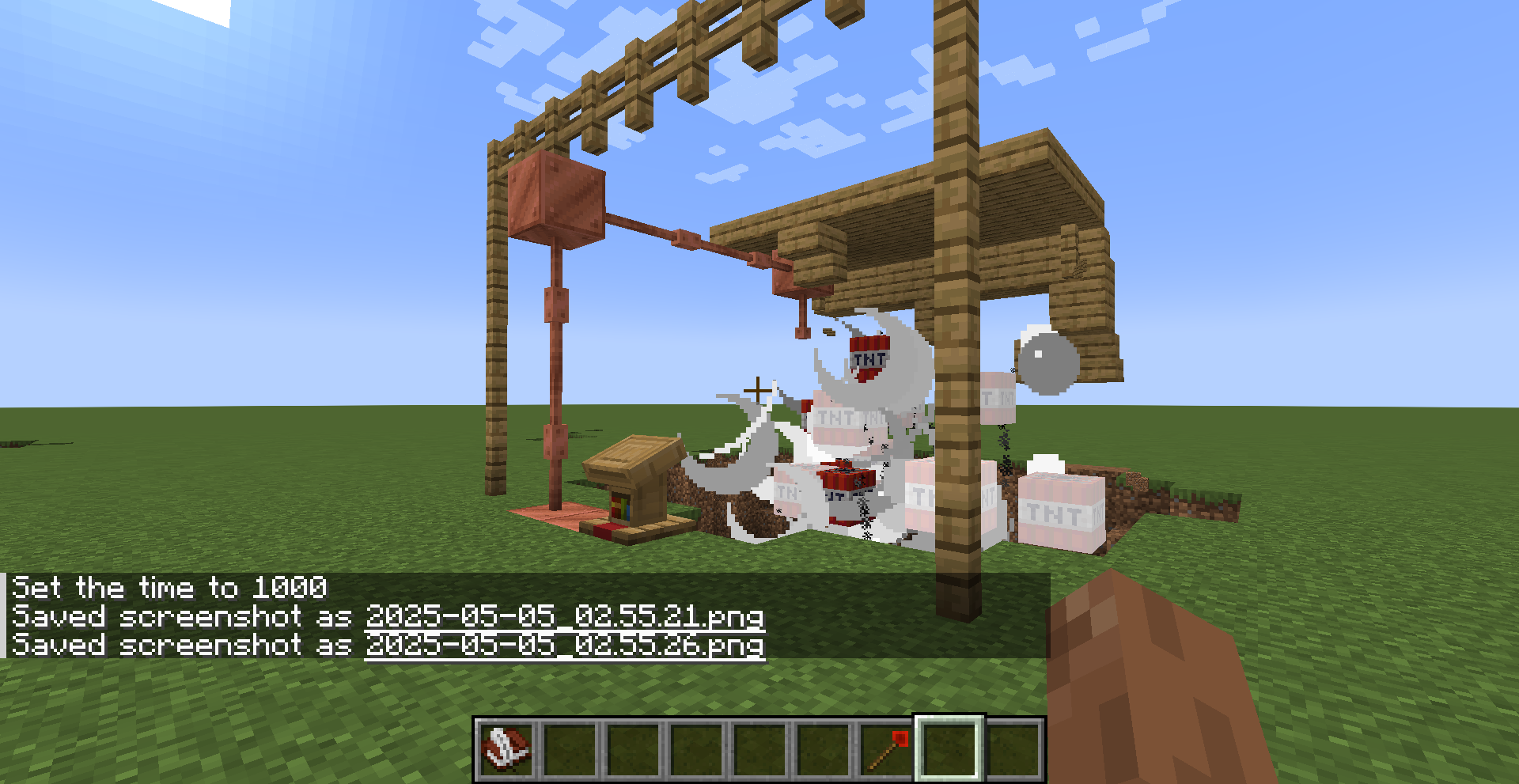
With the Redstone Bind Wand, all of this becomes effortless and invisible.
---
## 🧾 Crafting Recipe
To craft the **Redstone Bind Wand**, use the following recipe:
  
  
  