Описание

Carry every arrow type in a single inventory slot. Switch selected arrow with shotcuts.
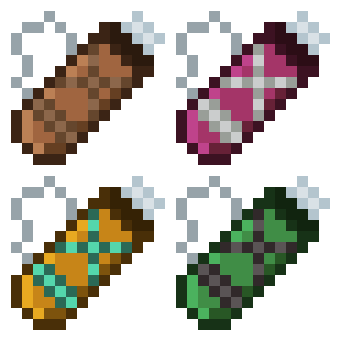
Four tiers: Leather, Iron, Diamond and Netherite. Each holding more arrows than the last.
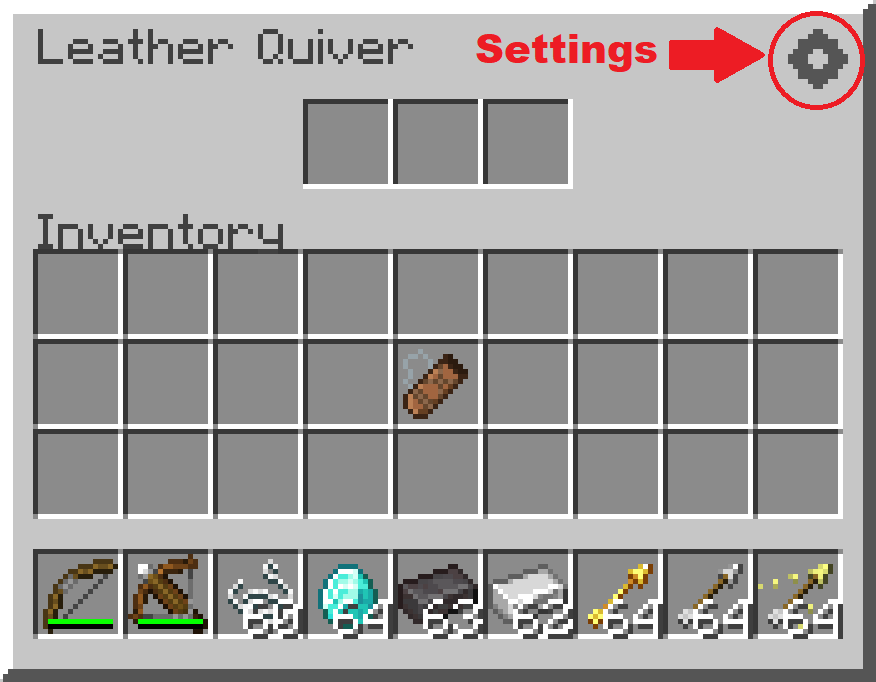
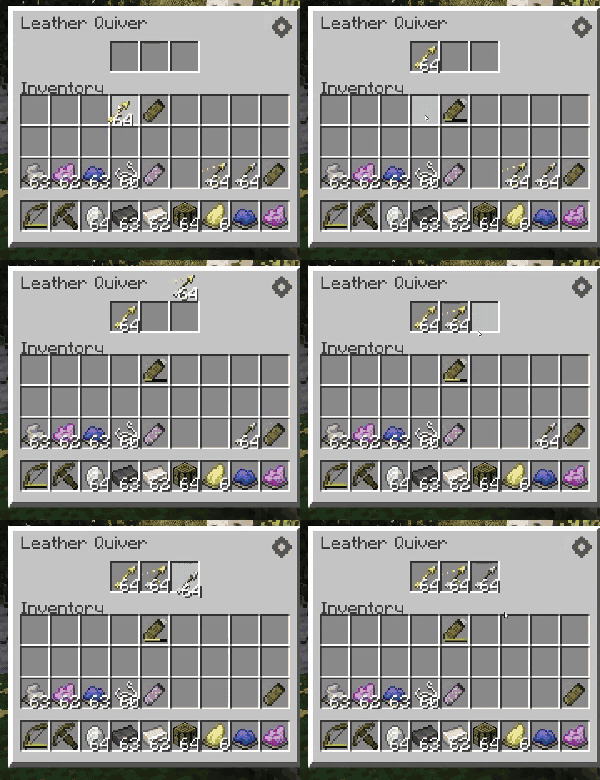
Hovering over the quiver shows its contents. It works with any arrow, vanilla or modded.
**Crafting**
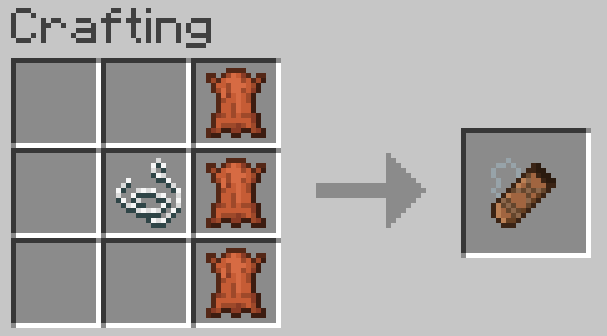
3 leather in a vertical line, with a string to the left of the middle leather.
**Switching arrows**
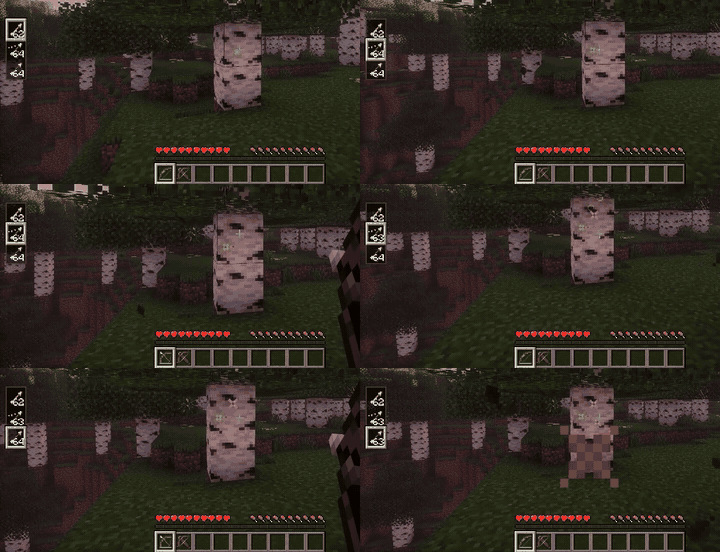
Hold a bow or crossbow and use Alt + Scroll to pick the active arrow type. (You can rebind in the keybind settings.)
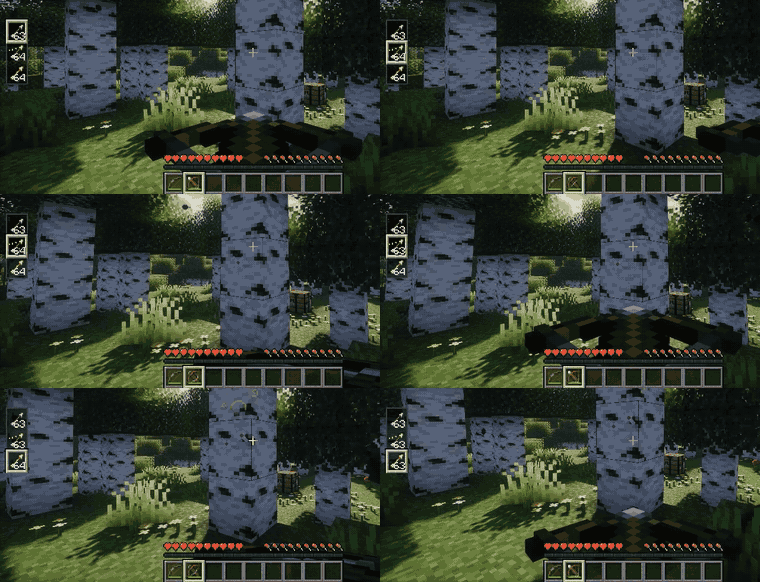
**Storing arrows**
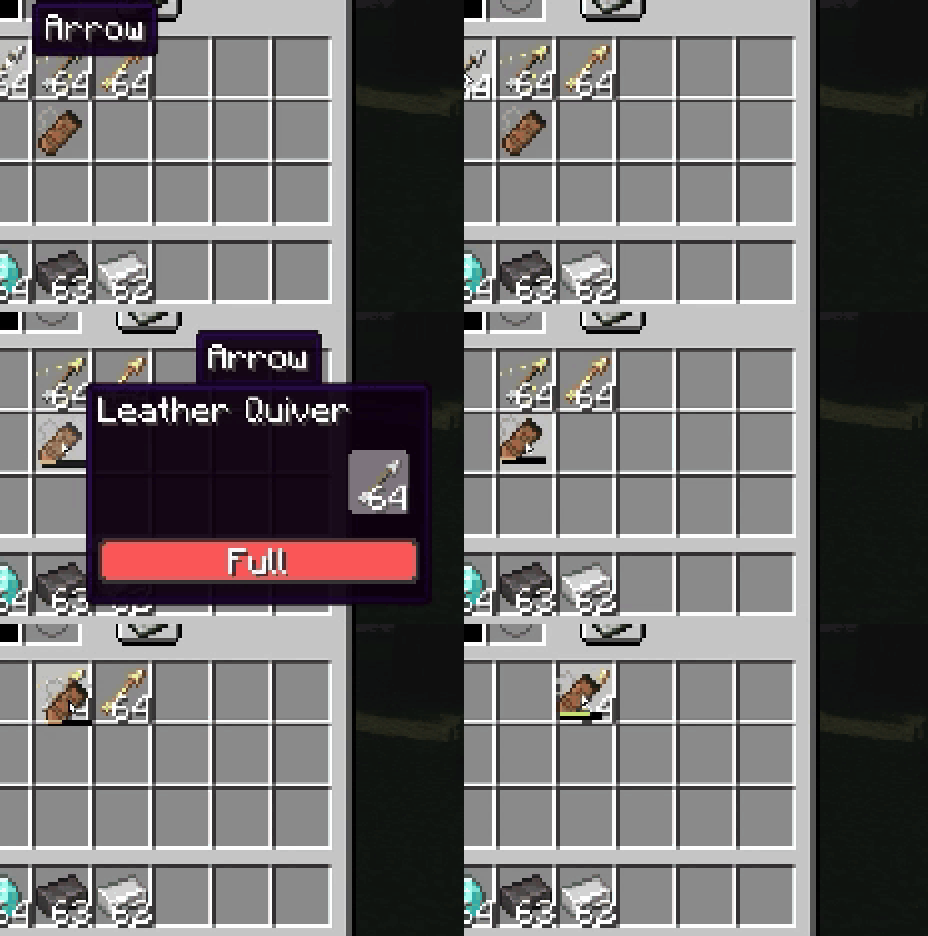
Arrows picked up from the ground go straight into the quiver automatically (can be turned off in the settings).
You can also drop arrows onto the quiver, drop the quiver onto arrows, or open its window and drag them in by hand.
**Upgrading**
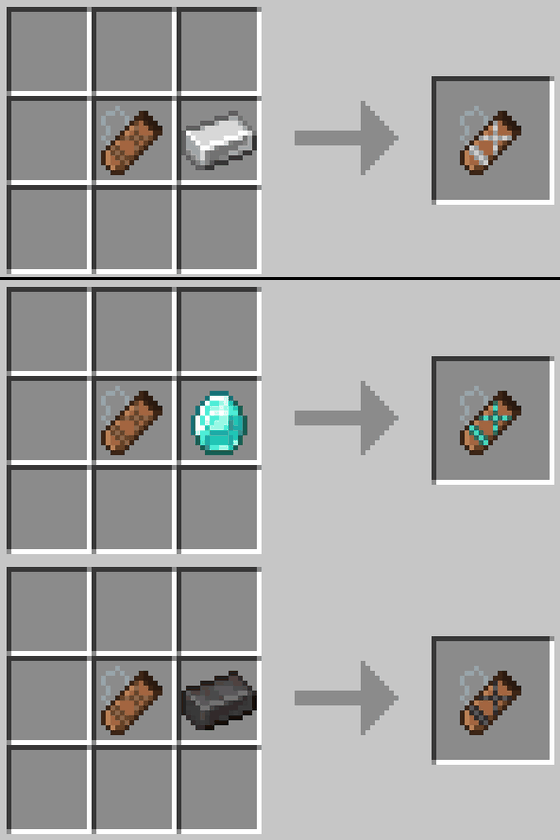
Combine any quiver with 1 material (Iron Ingot, Diamond, or Netherite Ingot) to upgrade it, regardless of its current tier.
Leather → 3 slots, Iron → 4 slots, Diamond → 6 slots, and Netherite → 8 slots.
**Dyeing**
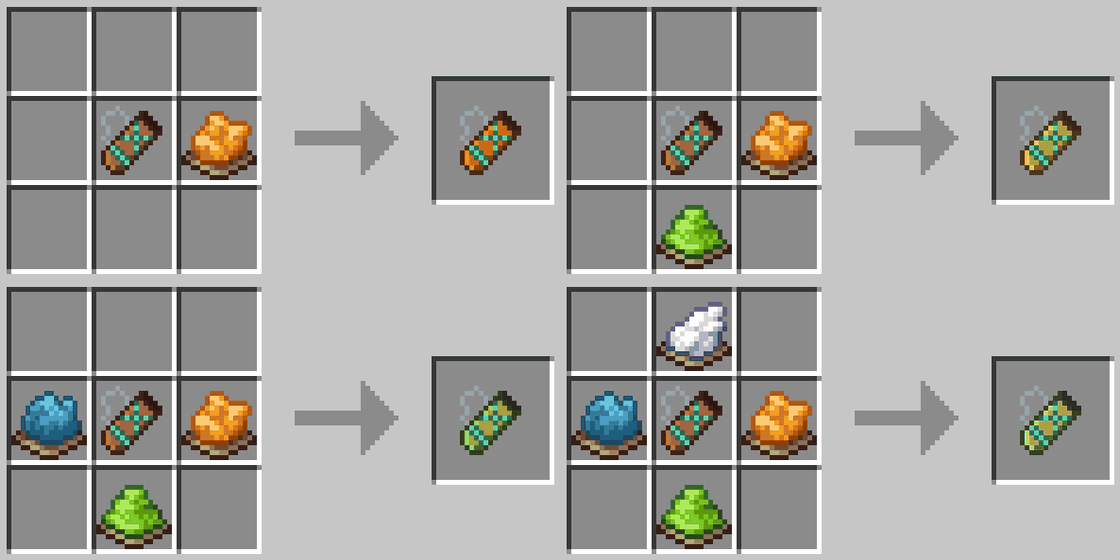
The quiver follows the same dyeing rules as leather armor: mix dyes for a custom color, and wash it off in a cauldron.
**Settings**
Customize the mod from the button in the top-right corner of the Quiver window. (Keybinds, like the arrow-switching shortcut, are set in the game's own Controls settings.)