
Описание
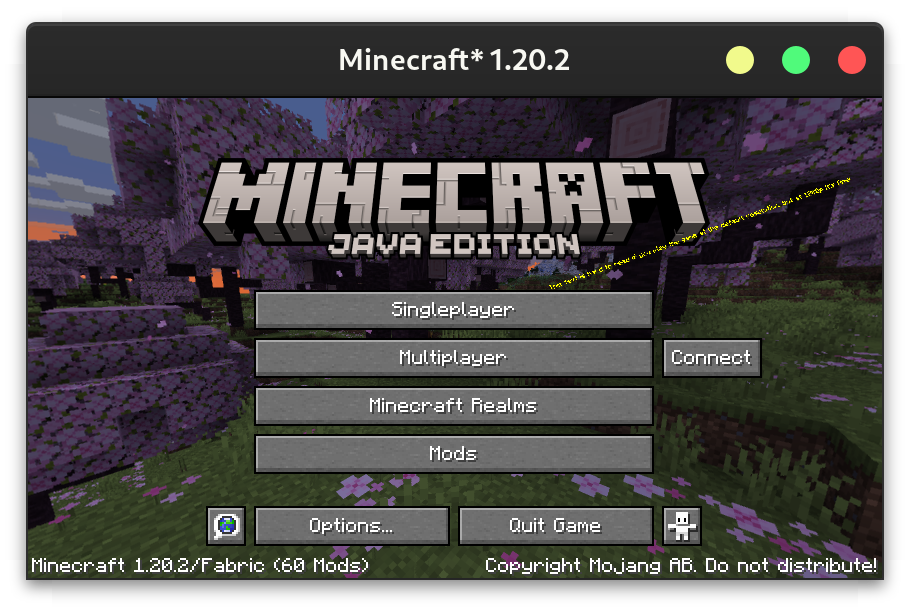
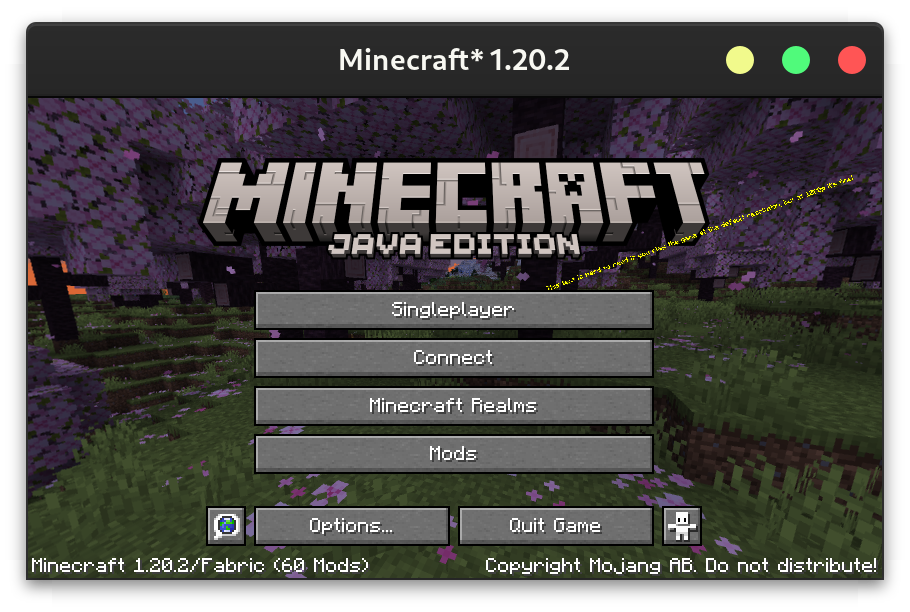
Download on [CurseForge](https://www.curseforge.com/minecraft/mc-mods/quicker-connect-button) or [Modrinth](https://modrinth.com/mod/quicker-connect-button).
## Configuration
The config can either be changed through a GUI (using Mod Menu on Fabric or the config button on Forge), or directly at `config/quickerconnectbutton.json5`. The GUI contains tooltips explaining each option.
```json5
{
/* Leave empty to disable the quick connect button
- default: \"\"
*/
ip: "localhost",
/* - default: 25565
- must be between 0.0 and 65535.0
*/
port: 25565,
/* Where to place the connect button
- default: RIGHT
- must be one of: RIGHT, REPLACE_MULTIPLAYER_BUTTON, REPLACE_SINGLEPLAYER_BUTTON, REPLACE_REALMS_BUTTON
*/
buttonLocation: "REPLACE_MULTIPLAYER_BUTTON",
/* The text to display on the button. Leave empty to use "Connect".
- default: \"\"
*/
text: "Connect to an Awesome Server",
/* What to do if the server has a resource pack.
- default: PROMPT
- must be one of: ENABLED, DISABLED, PROMPT
*/
resourcePackBehaviour: "ENABLED"
}
```
[](https://bisecthosting.com/jamalam)