
Описание
[](https://mcppl.top)
[](https://modrinth.com/server/mcppl)
## PPL Modpack / 紫气阁整合包
* An optional modpack customized for the PurplePavilion server, but also suitable for singleplayer and all vanilla servers!一个为紫气阁服务器定制的可选整合包,但也适用于单人模式和所有原版服务器!
* Designed for players who want a better Minecraft experience, especially on lower-end devices它专为追求极致游戏体验且设备性能不佳的玩家打造
* It optimizes and enhances your Minecraft journey while preserving the vanilla experience在保留原版体验的同时,全方位优化你的 Minecraft 之旅
## Main Features / 主要特点
| Feature / 特点 | Description / 内容 |
| --- | --- |
| Tons of useful features海量实用功能 | Includes the MASA suite, Jade, minimap mods, chat toolbox mods, and more集成 MASA 全家桶、Jade、小地图、聊天工具箱等实用模组 |
| Best vanilla experience最佳原版体验 | The mods in this modpack do not add new items, keeping the gameplay as close to vanilla as possible整合包中的模组不会为游戏添加新物品,尽可能保持原版玩法 |
| Stability and compatibility稳定与兼容性 | Every mod has been carefully selected and tested to avoid game-breaking bugs每个模组的添加都经过深思熟虑与测试,绝无影响游玩的恶性 bug |
| Visual and audio enhancements全面美化 | Includes sound physics, improved audio, better particles, modernized UI, and other experience-enhancing mods集成声音物理、音效改进、粒子改进、现代化 UI 等体验增强模组 |
| Extreme optimization极致优化 | Uses well-known optimization mods to reduce GPU and CPU load, greatly improving FPS and memory management efficiency通过元素周期表等优化模组降低显卡和 CPU 压力,大幅提升帧数与内存管理效率 |
| Fine-tuned settings精细设置 | Game and mod settings have been optimized, with many useful but disabled-by-default features enabled已优化游戏与模组设置,启用众多实用但默认禁用的功能 |
| Resource pack enhancements资源包增强 | Restores some essential OptiFine resource pack features, such as connected textures还原部分必要的 OptiFine 资源包功能,例如连接纹理 |
## Preview / 预览图
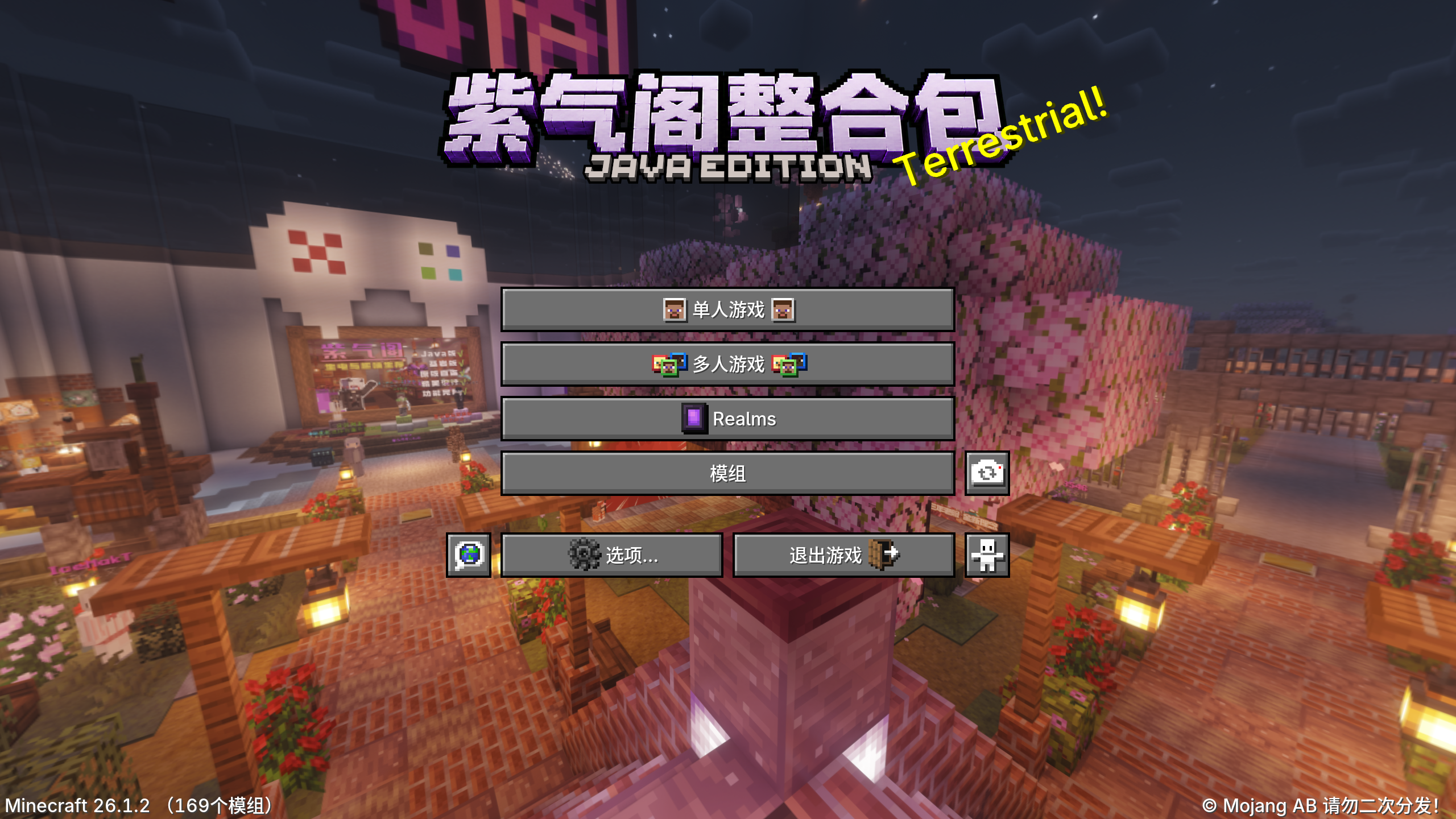
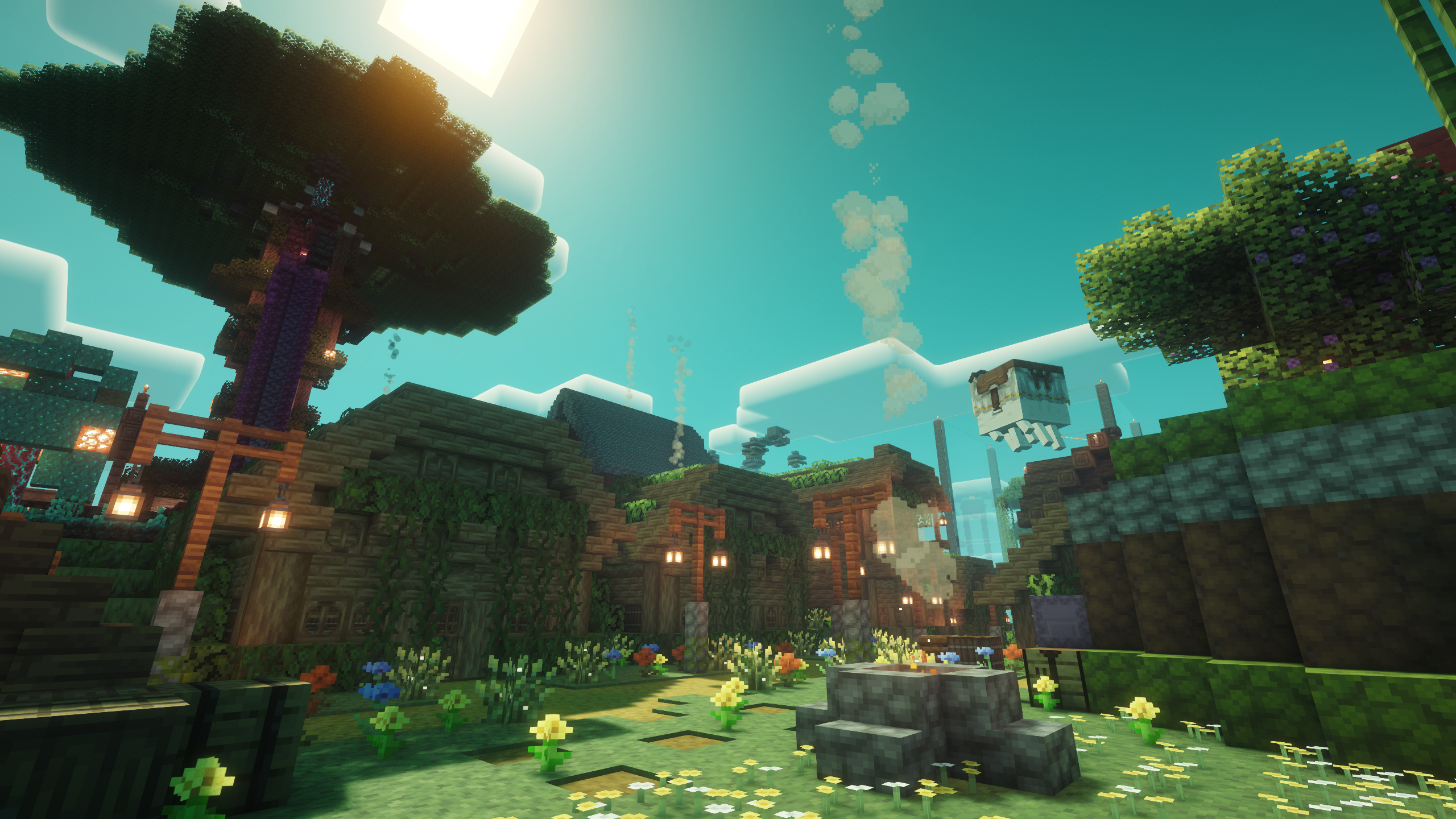
## Keybinds / 整合包按键说明
Note: All keybinds and settings can be adjusted in game
注:所有按键和配置都可以在游戏内自行调整
| Keybind / 按键 | Action / 功能 |
| --- | --- |
| `R` while inventory is open`R` (打开背包时) | Sort inventory一键整理 |
| `CTRL + R` while inventory is open`CTRL + R` (打开背包时) | View item recipes查看物品配方 |
| `U` while inventory is open`U` (打开背包时) | View item usages查看物品用途 |
| `L` while inventory is open`L` (打开背包时) | Favorite items收藏物品 |
| `CTRL + O` while inventory is open`CTRL + O` (打开背包时) | Show / hide REI显示 / 隐藏 REI |
| `Z` | Zoom in on the minimap放大小地图 |
| `N` | Toggle the minimap开 / 关小地图 |
| `M` | Open the world map打开大地图 |
| `U` | Open the waypoint menu打开路径点菜单 |
| `O` | Open the shader selection screen打开光影选择界面 |
| `K` | Toggle shaders开 / 关光影 |
| `NUM 0` | Open Jade overlay settings打开信息显示 (Jade) 设置 |
| `NUM 1` | Toggle the information overlay开 / 关信息显示 |
| `X + C` | Open the MASA suite settings screen打开 MASA 全家桶设置界面 |
| `G` | Toggle high gamma开 / 关高伽马值 |
| `H` | Toggle night vision without server permissions开 / 关夜视 (无需服务器权限) |
| `CTRL + X` | Toggle freecam开 / 关灵魂出窍 |
| `CTRL + [` / `CTRL + ]` | Enable left-click / right-click auto clicking开启左键 / 右键连点 |
| `ALT + [` / `ALT + ]` | Enable periodic left-click / right-click clicking开启左键 / 右键周期性点击 |
| `CTRL + ALT + [` / `CTRL + ALT + ]` | Enable hold left-click / right-click clicking开启左键 / 右键持续性点击 |
| `Right ALT` | Open the schematic management screen打开投影管理界面 |
| `CTRL + J` | Toggle MiniHUD main renderingMiniHUD 主渲染开关 |
| `HOME` | Toggle fake sneak开 / 关伪潜行 |
| `END` | Enable automatic tool switching and some other features开启自动切换工具和一些其他功能 |
| `DEL` | Disable all particle, entity, and block entity rendering禁用所有粒子、实体、方块实体渲染 |
| `INSERT` | Toggle rendering invisible entities开 / 关渲染隐身实体 |
| `CTRL + PGUP` / `CTRL + PGDN` | Make nearby pets stand / sit附近宠物起立 / 坐下 |
| `CTRL + END` | Toggle the MiniHUD information overlays preset by the modpack. MiniHUD main rendering must be enabled开 / 关整合包预设的 MiniHUD 信息显示 (需打开主渲染开关) |
| `~` | Use vein mining. Only available in singleplayer and modded servers使用连锁挖掘 (仅适用于单人和 Mod 服务器) |