
Описание
# What's This?
This is an add-on for Lost Cities that generates a sci-fi flavored, post-apocalyptic world!
This is one of the elements to support the Survival Mode integration of [Pomkots Mechs](https://modrinth.com/mod/pomkots-mechs), a high-speed custom mech mod
# Demo Movie
# Please Read (Important!)
* This is currently in super alpha. Expect rapid updates and changes.
* Be sure to use it in a new world with a fresh configuration.
* Does NOT include enemy mech spawns, custom recipes, or quests yet — those will come later as part of a separate modpack.
* Many structures are still pretty empty inside (especially interiors).
# Need Your Help!
* I plan to keep adding a ton of ruined structures in future updates!
* If you're interested in helping build or submitting your own ruins, I'd love to collaborate!
* Please feel free to DM me on X (Twitter)!
# Ruined Cities Added
* Heavily decayed urban cities
* Abandoned industrial factory zones
* Derelict port areas
* Ruined mega-solar facilities
* Military base ruins
# Scattered Ruins Added
* Abandoned gas stations
* Collapsed farming plants
* Ruined garages
* Process factory ruins
* Lighthouse ruins
* Observation towers
...and more!
# How to Use (and Recommended Settings)
## Preparation
* Place Lost Cities and this mod in your modpack's mods folder.
* Launch Minecraft.
## Creating a New World
1. Start by creating a new world.
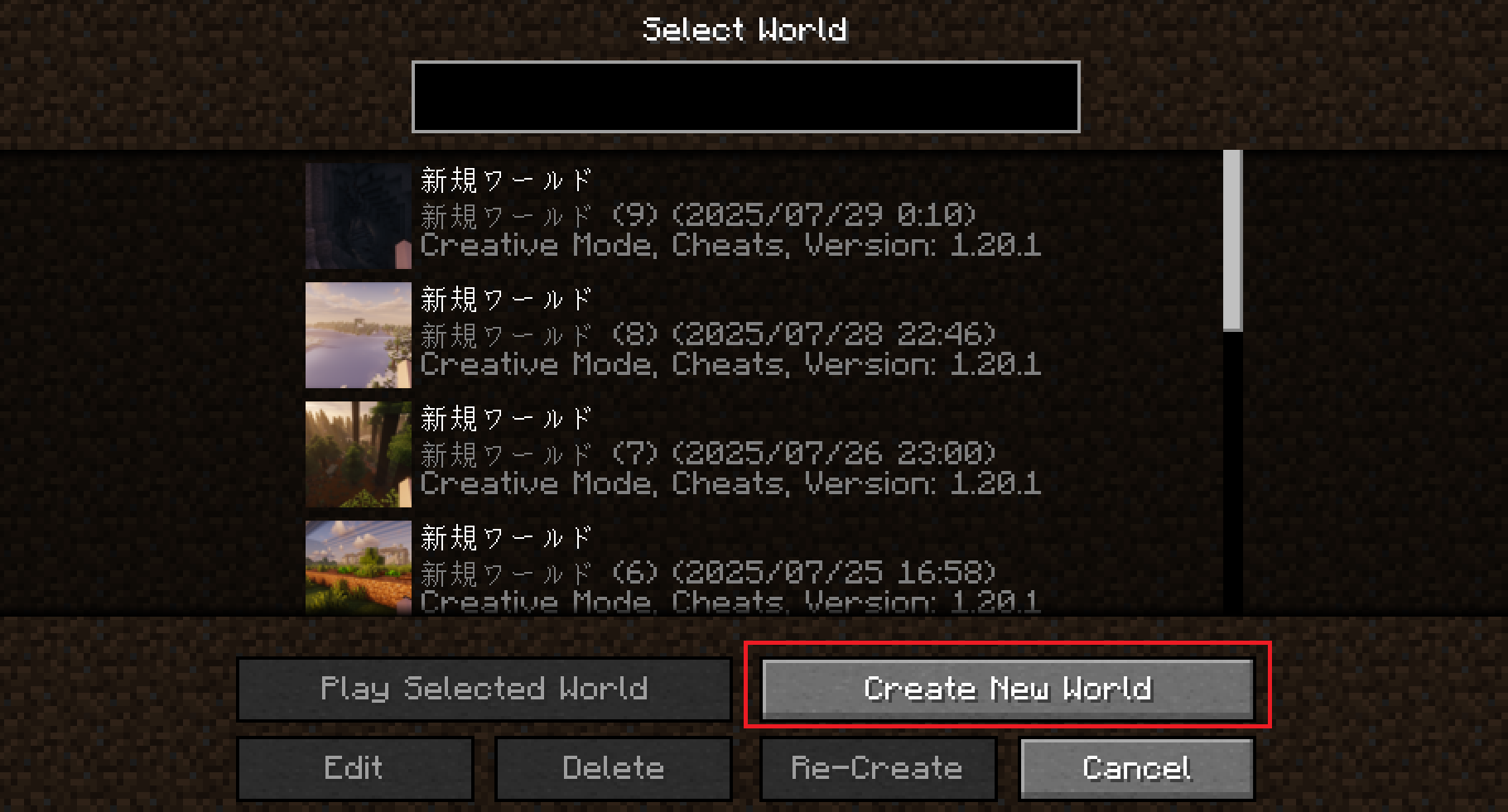
2. Set the World Type to Large Biomes (recommended).
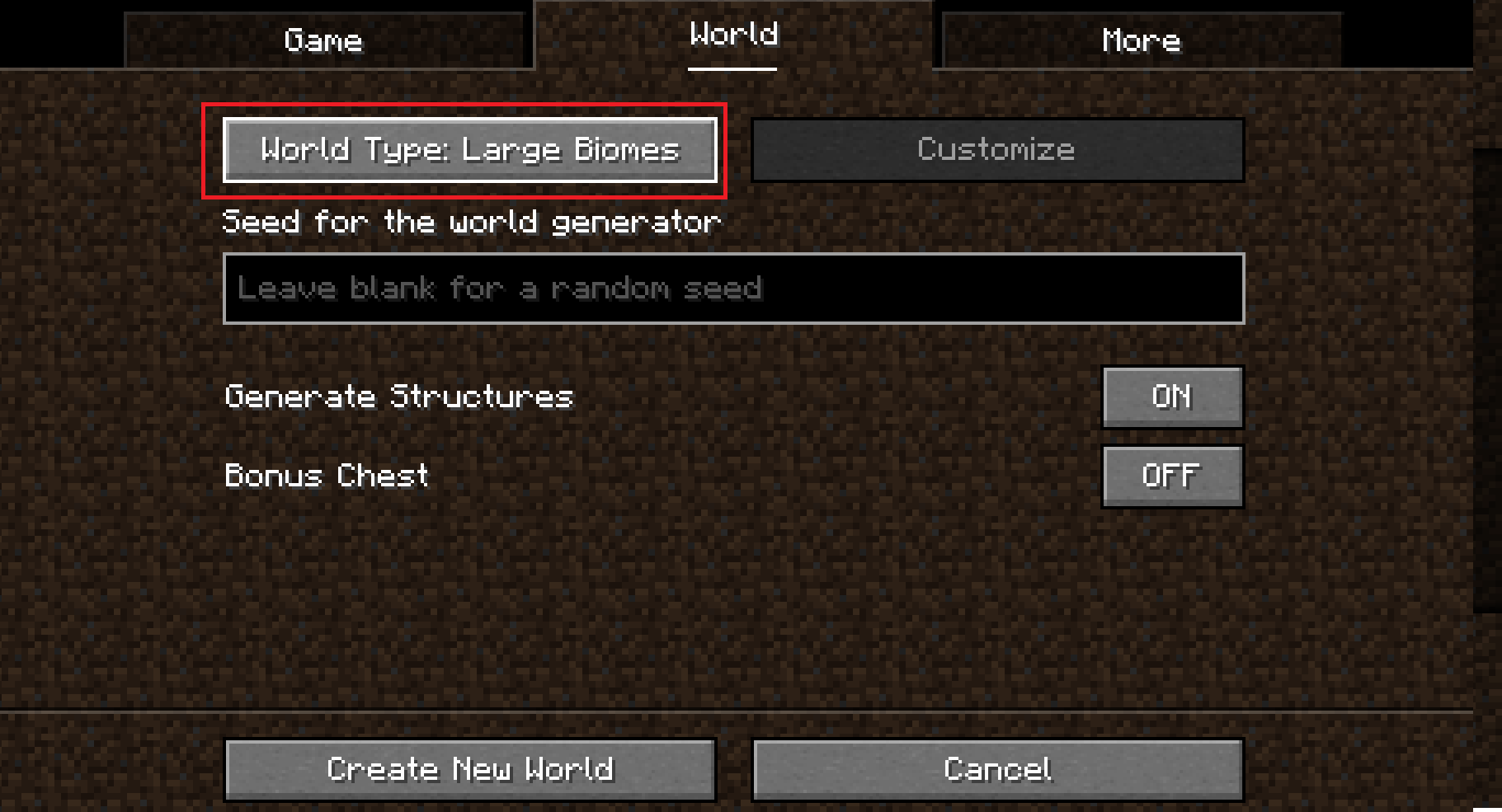
3. Go to the More tab and click the Cities button.
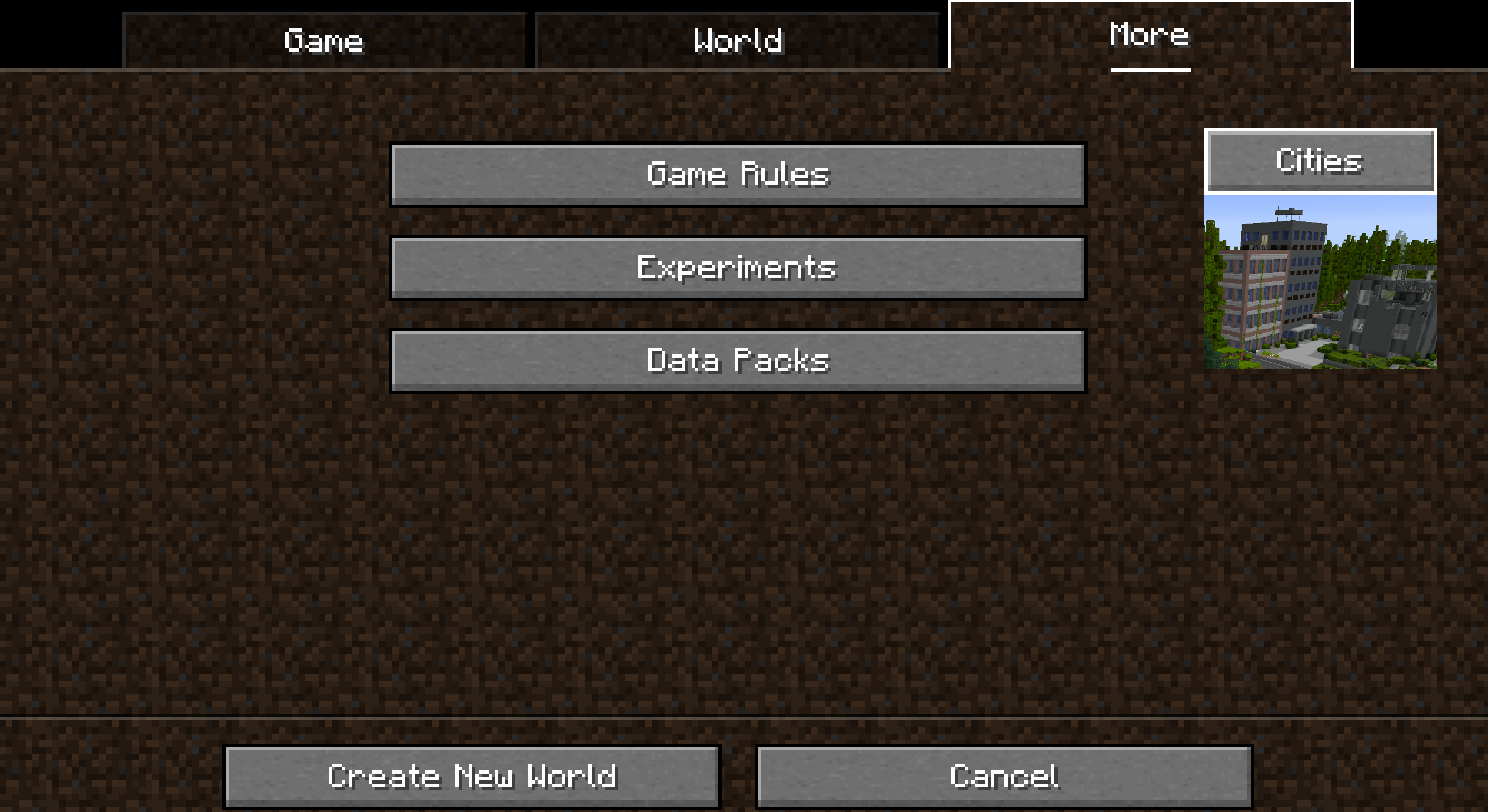
4. Click the Profile button several times until you select rarecities.
(You can use other profiles too, but this one is recommended!)
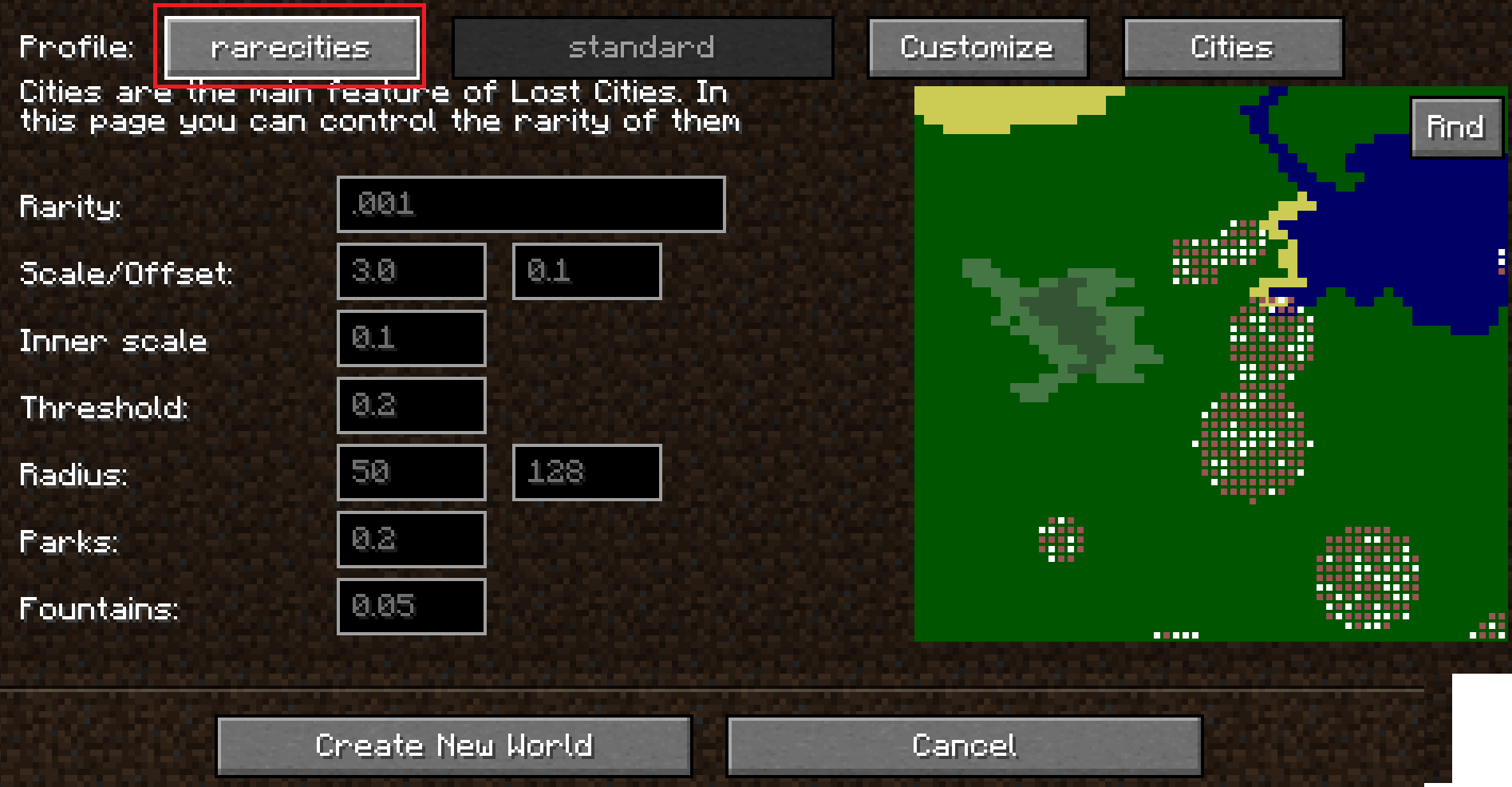
5. Click the Customize button once. Then, click the setting that says standard several times until you see pomkotsmechs:pomkotsworld.
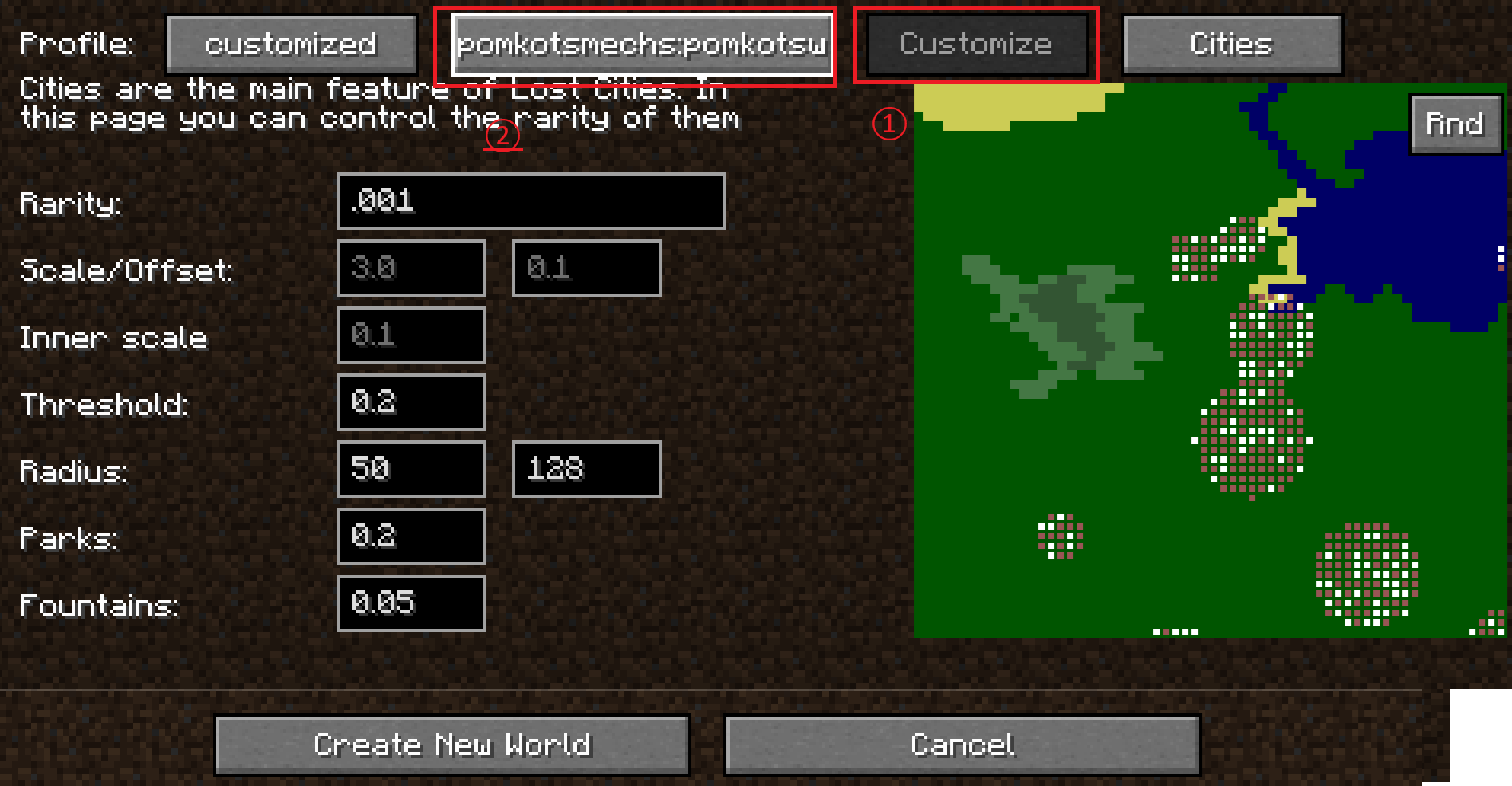
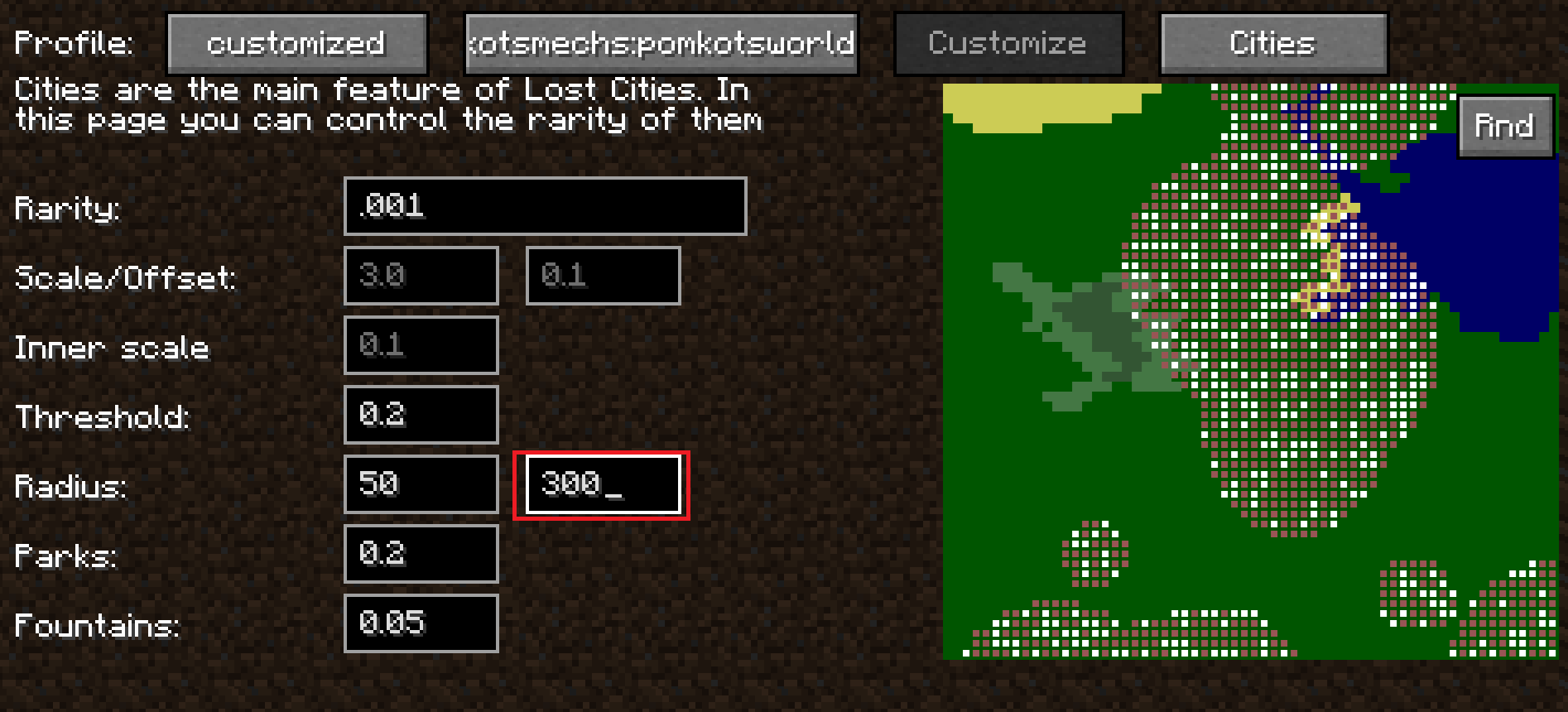
6. Set the Radius to 300.
(Recommended: sets the max radius of a city to 300 blocks.)
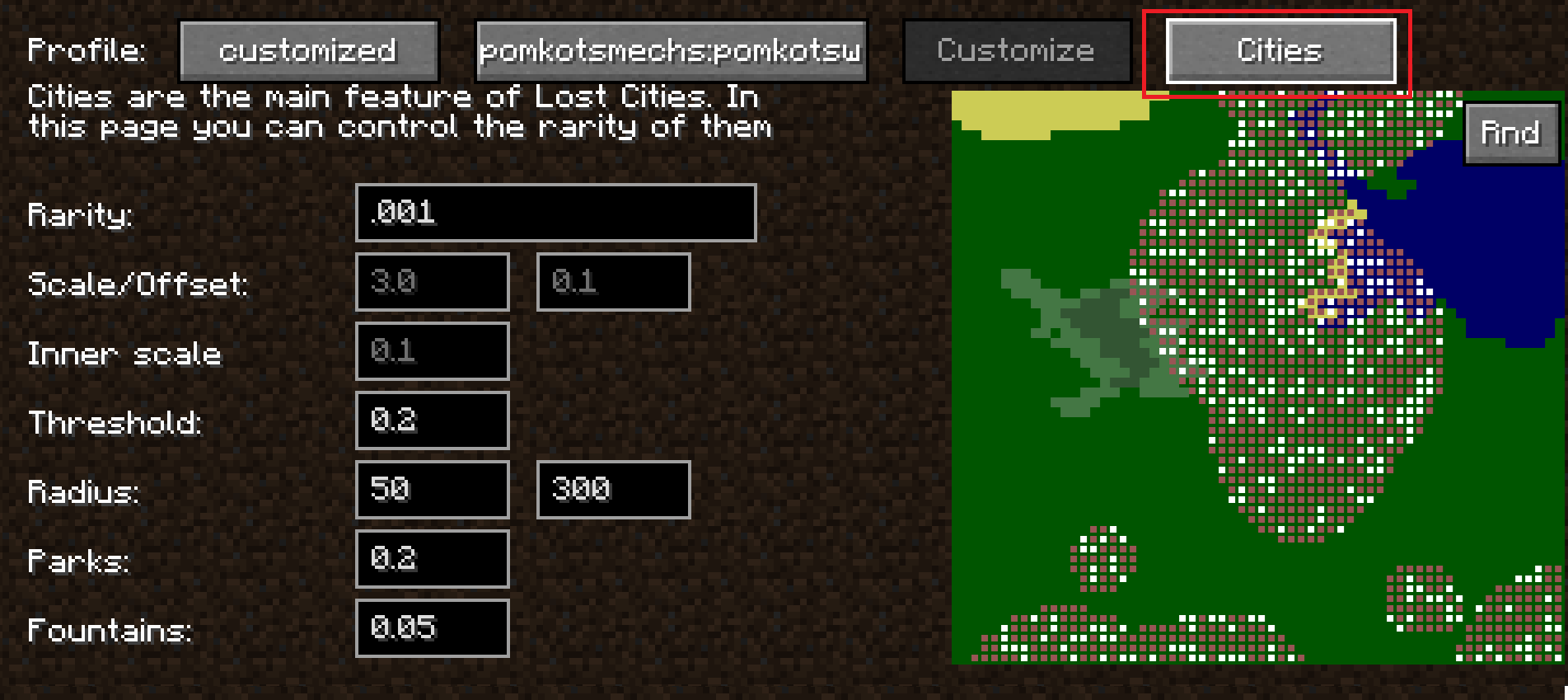
7. Click the Cities button.
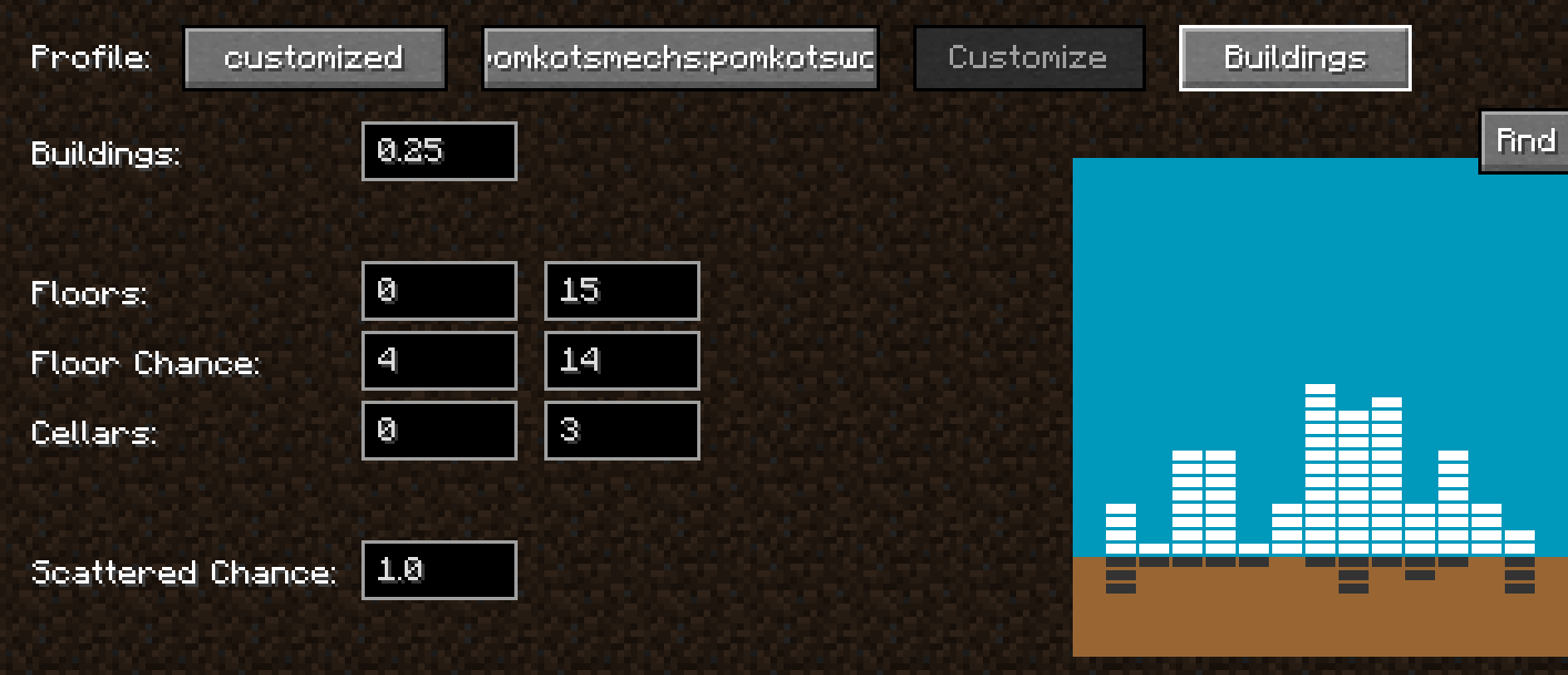
8. Adjust the building generation settings to your liking.
(Check the Lost Cities documentation for more detail!)
Reference Links
Lost Cities official usage:https://www.mcjty.eu/docs/mods/lost-cities/
# Acknowledgment
Huge, ultra-super thanks to McJty for creating the amazing mod Lost Cities!
It’s a mod full of infinite possibilities and incredible potential.
Wishing continued success and prosperity of Lost Cities!
# Contributor
Pine-san(@Pining_Pine on X): Thanks for providing Aircraft and Warship!