
Описание
Physically simulated weather in Minecraft, beautiful, huge, turbulent, realistic
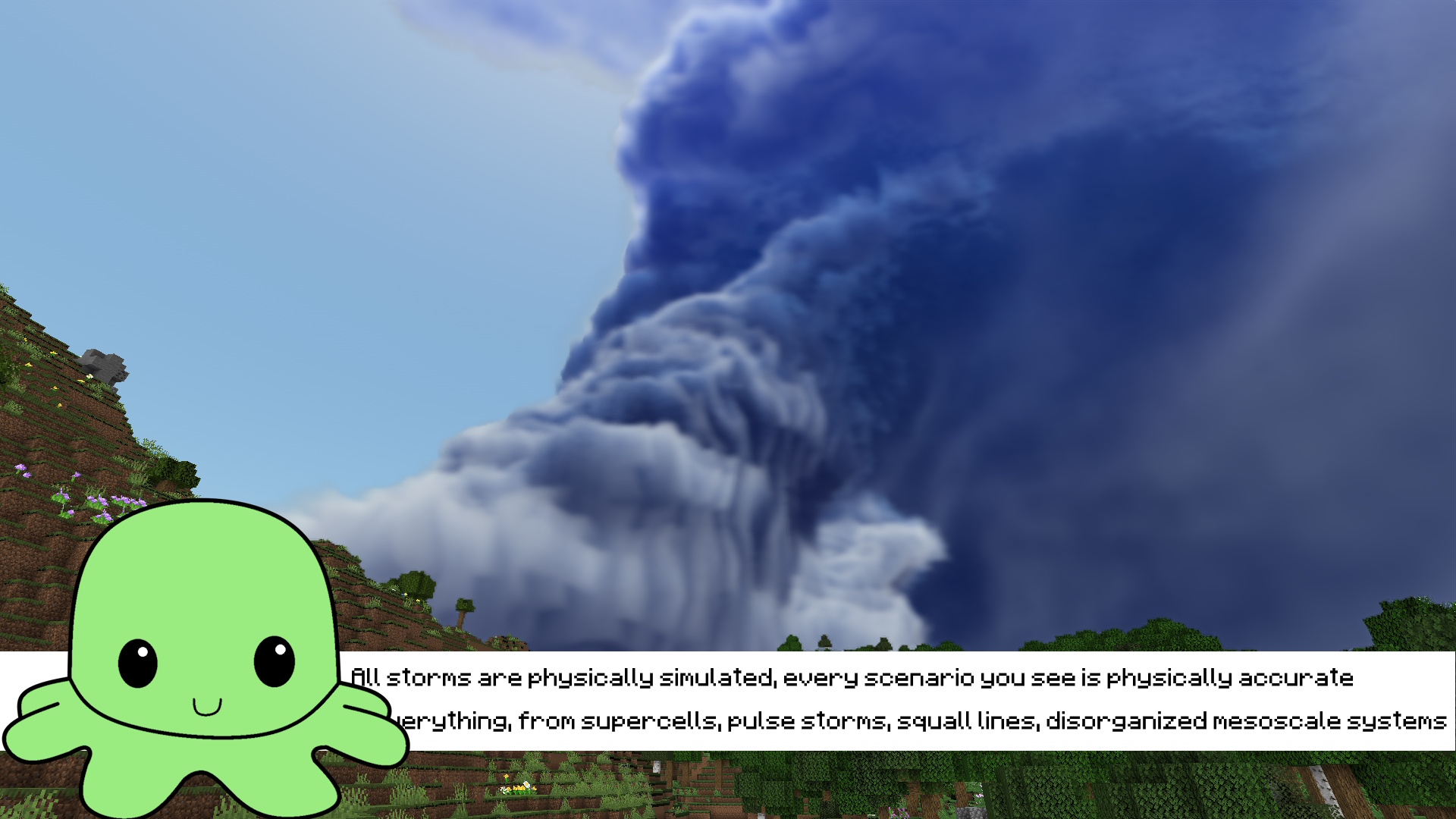
**All storms (scenarios) are physically simulated, and accurate to real life**
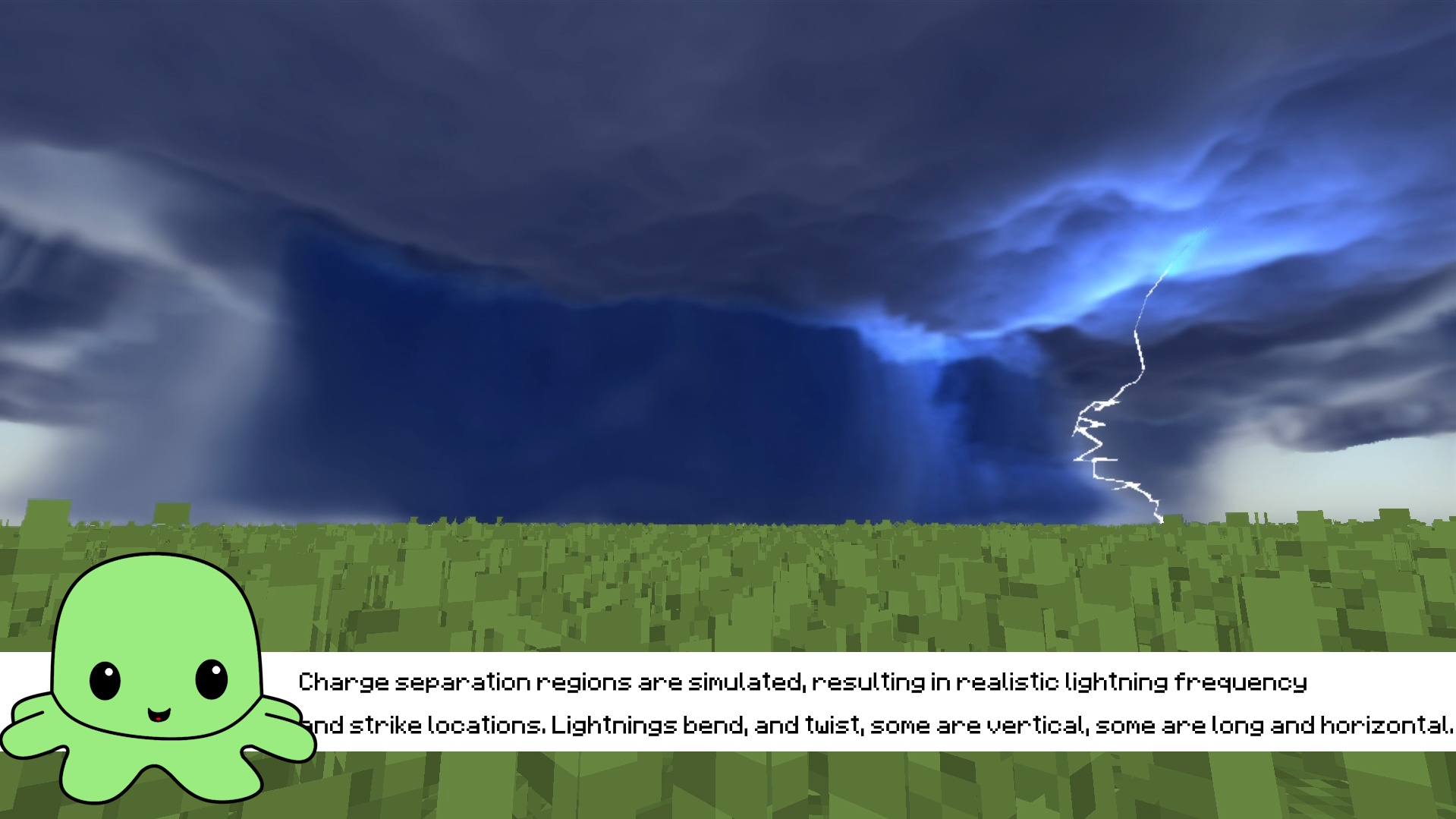
**Full charge separation simulation for realistic lightning activity**
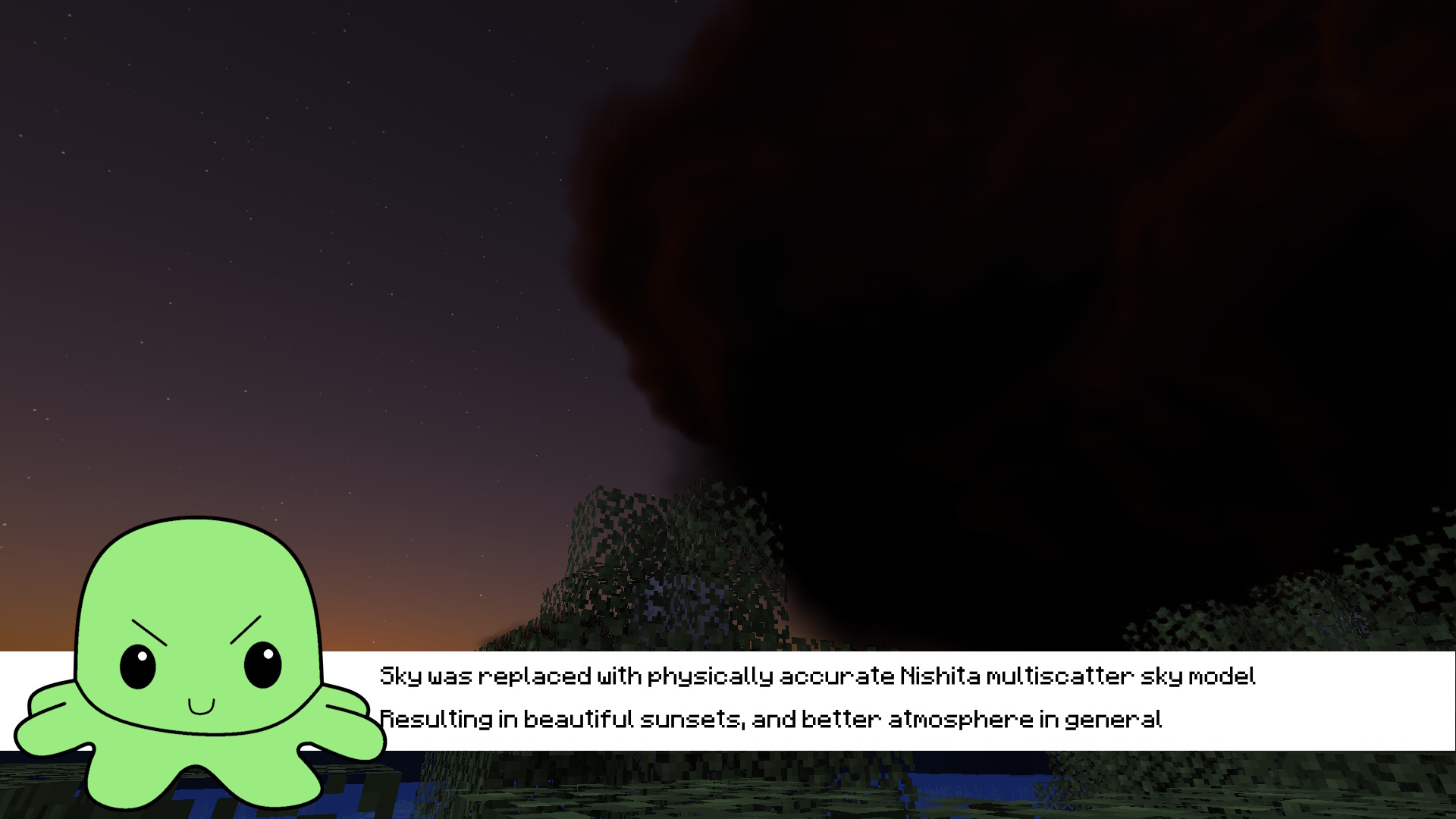
**Physically accurate sky, atmosphere**
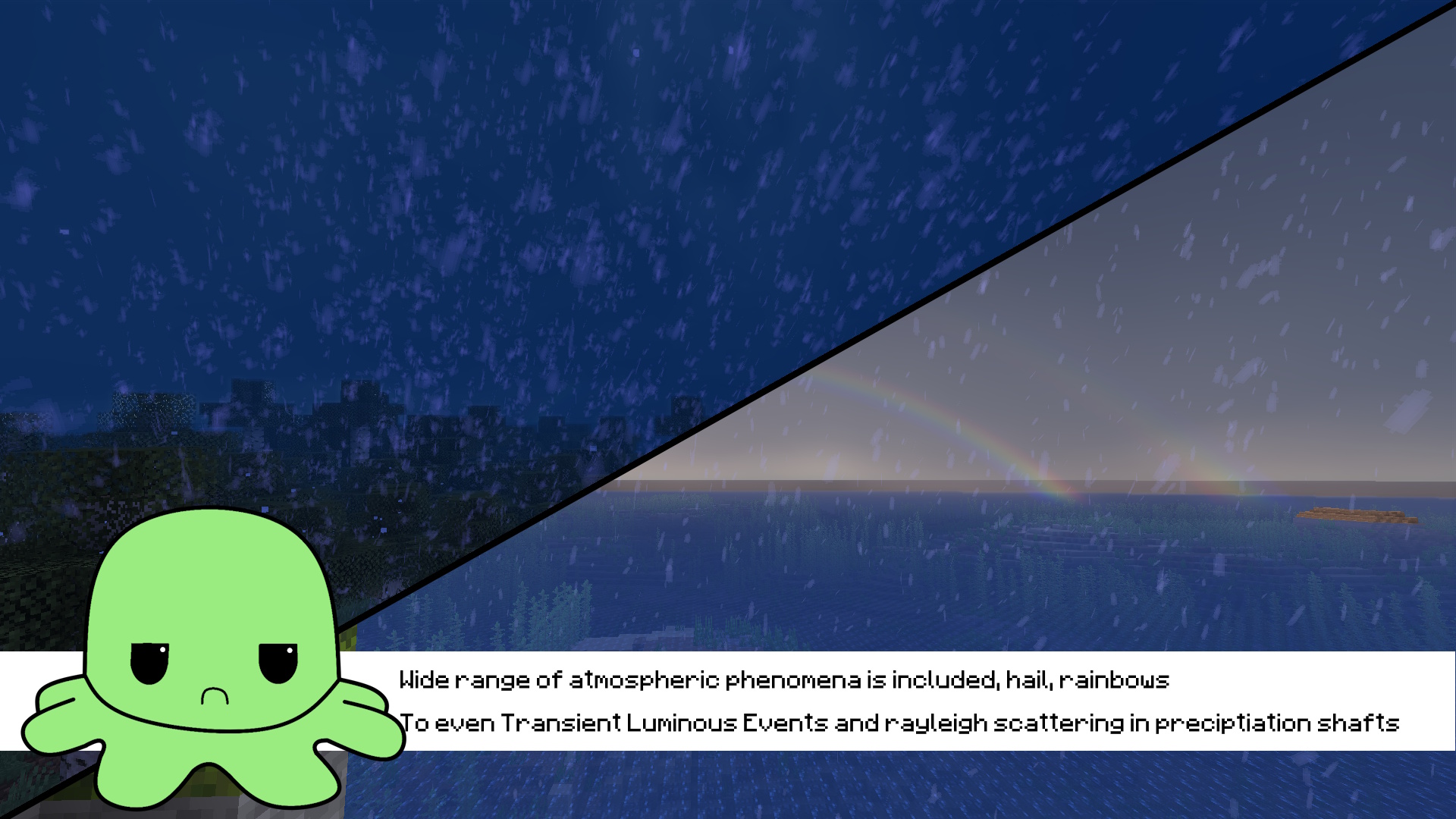
**Wide range of atmoshperic phenomena included**
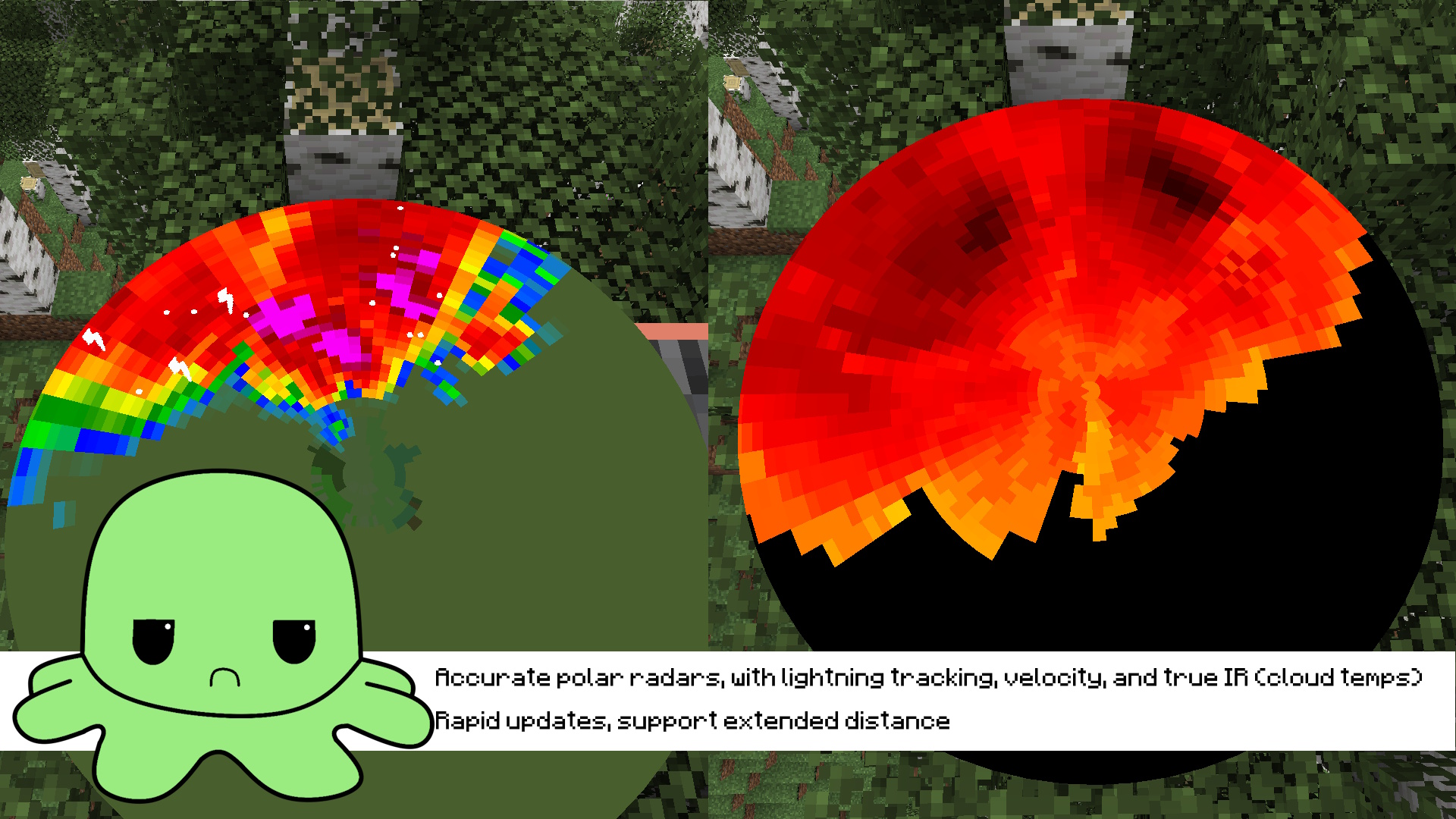
**Accurate polar radars**
**Installation guide:**
1. Install Protomanly's Weather 0.16.4
2. Install this addon
3. Download simulation pack from here: https://github.com/odvigajlo/PMWeatherCM1/releases/
4. Put all simulations in .minecraft/config/pmweather/simulations (if those folders are missing, create them)
5. Allocate _atleast_ 4GB of RAM in launcher to avoid OOM errors
6. Enjoy! Wait for storms to spawn naturally or use /pmweather spawn scenario
RTX 3060+ is recommended for comfortable performance, if using worse GPU higher downsampling is needed
**Known Issues:**
LAN and Multiplayer may be unstable, they havent been fully tested!
Other addon support or mod compatibility not guaranteed!