
Описание
## Plane Advancements
Rearranges Advancements to make better use of the 2D plane they're on, instead of just extending vertically off screen!
## Modes
Arrange advancements into a springy graph, with the lines either locked to 90 degrees like the old Achievement screen, or diagonal
You can also drag advancements around with right click and watch them settle, which is satisfying
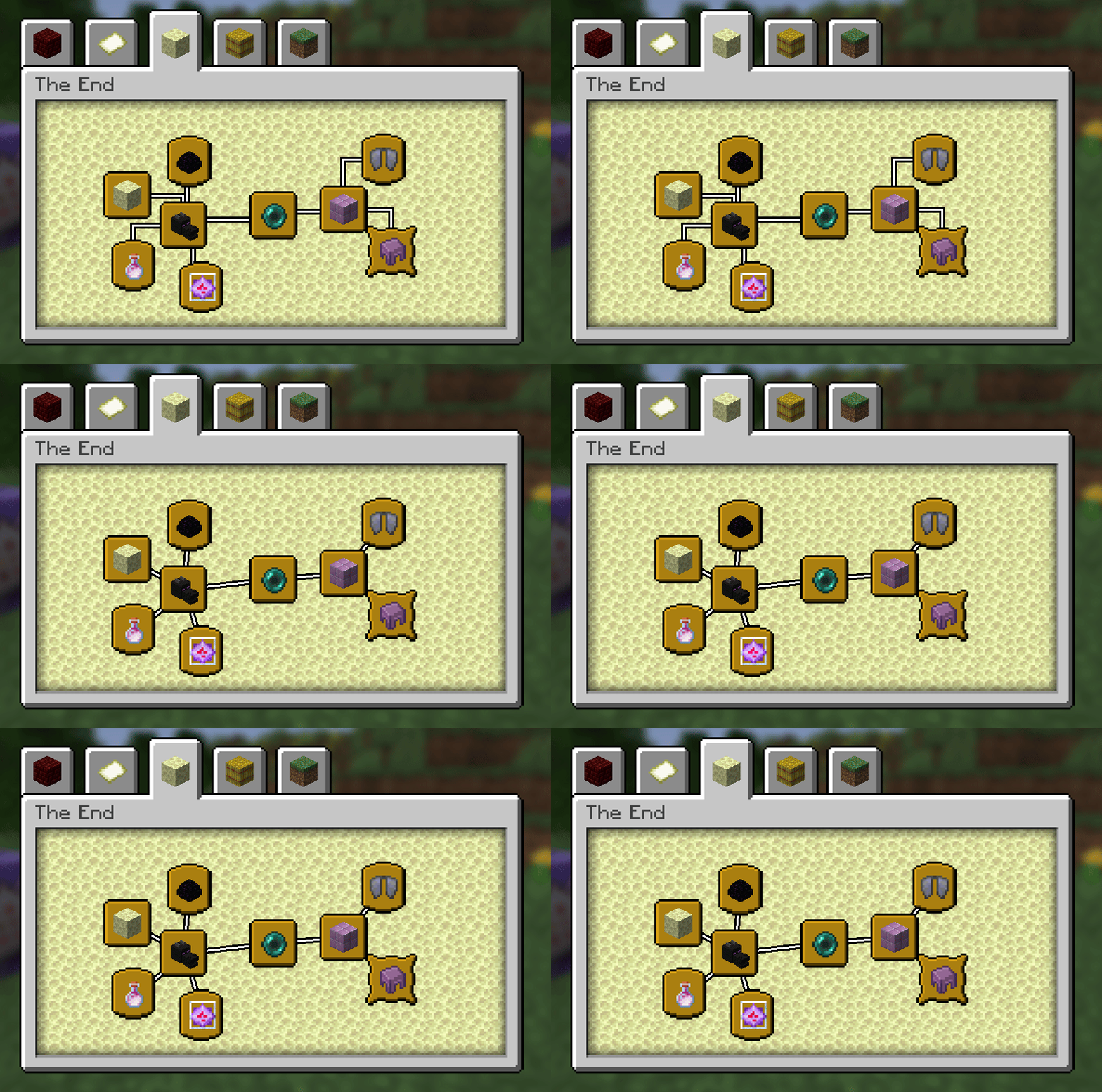
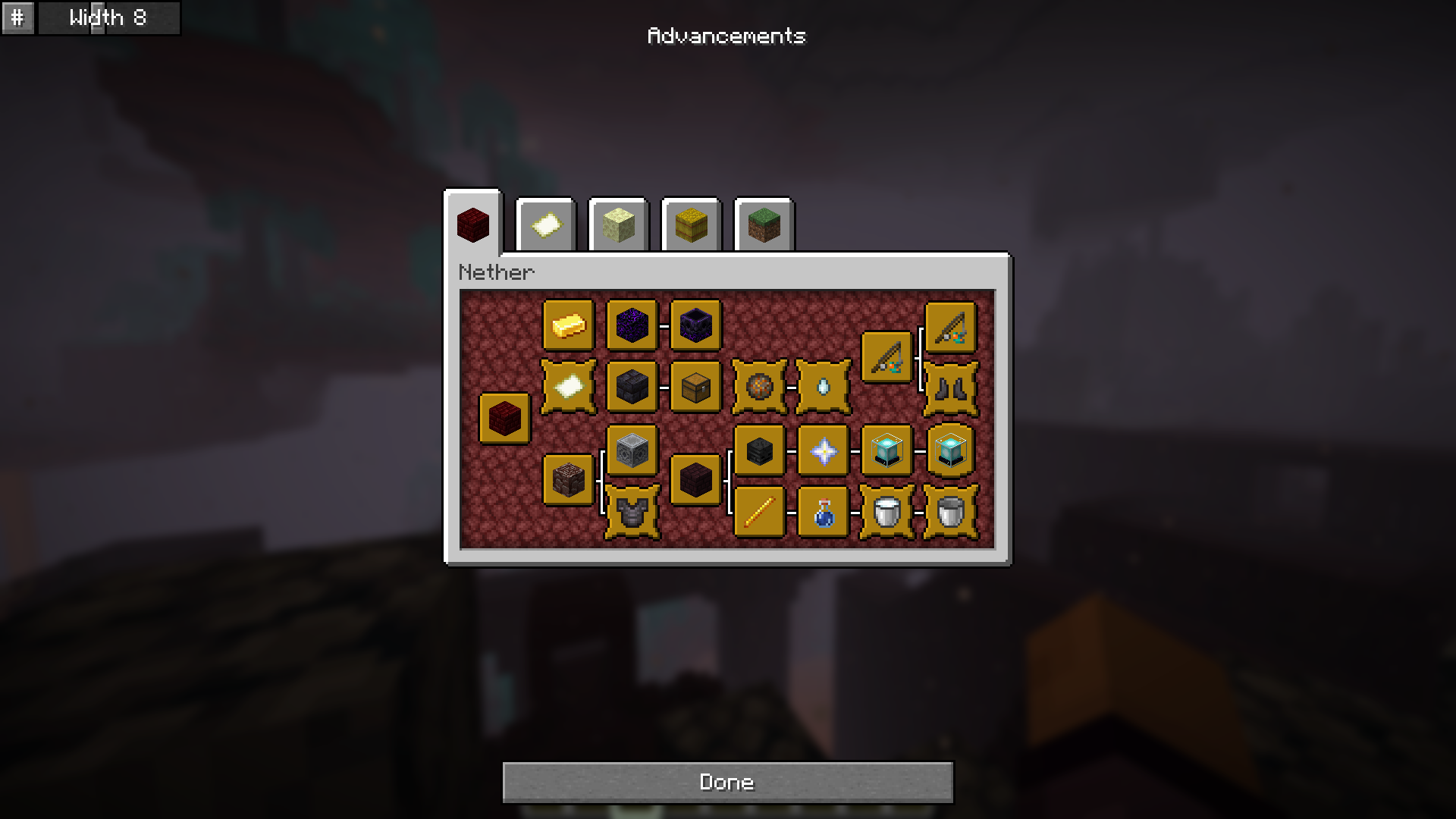
Arrange advancements into a compact grid, splitting each sub-tree from the tabs root
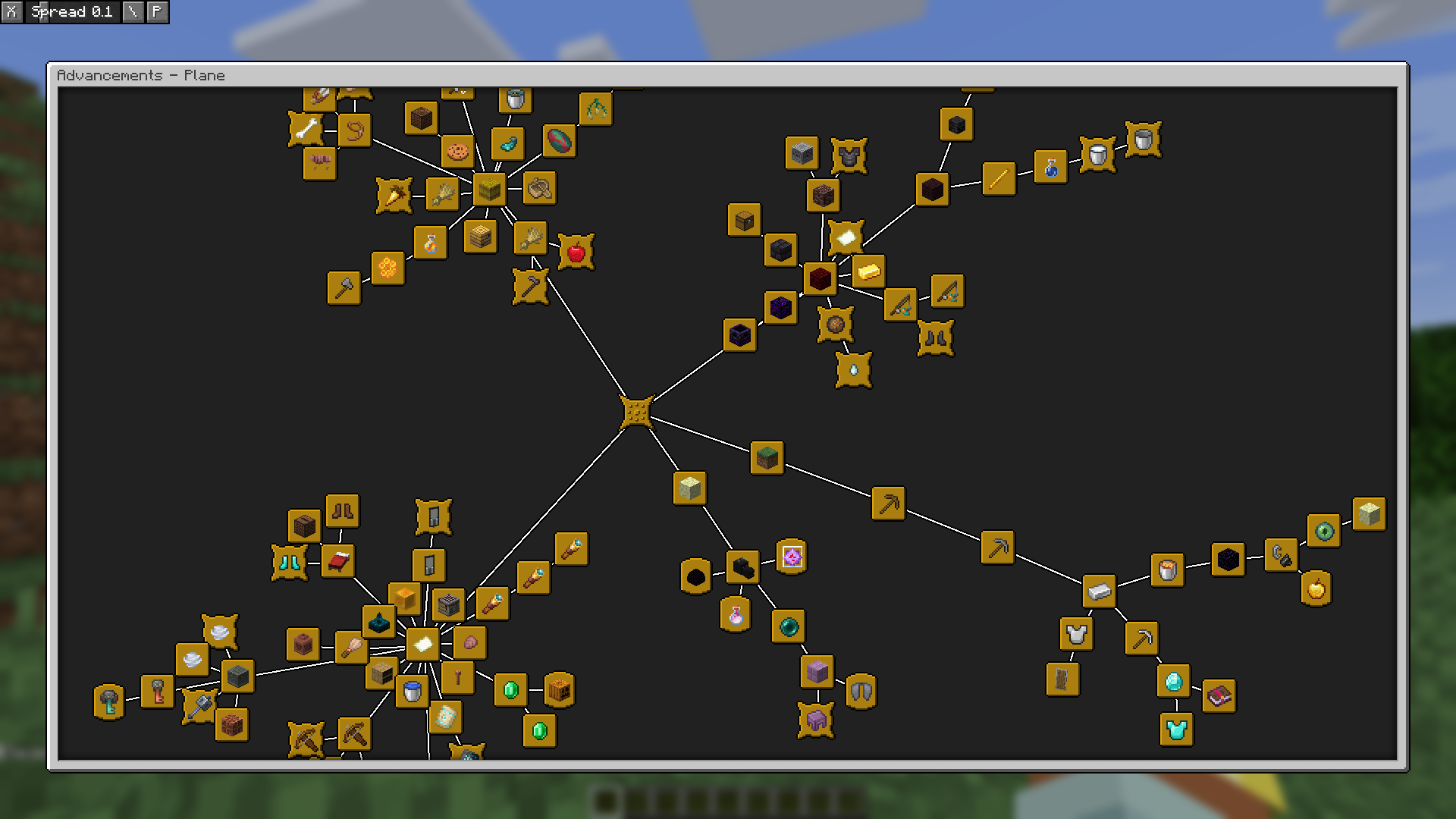
Show all advancements on a single screen!
## Compatibility
Use Plane Advancements with [Better Advancements](https://modrinth.com/mod/better-advancements) to get a bigger advancement window (as well as all the other cool things it does like showing progress and coloring lines)
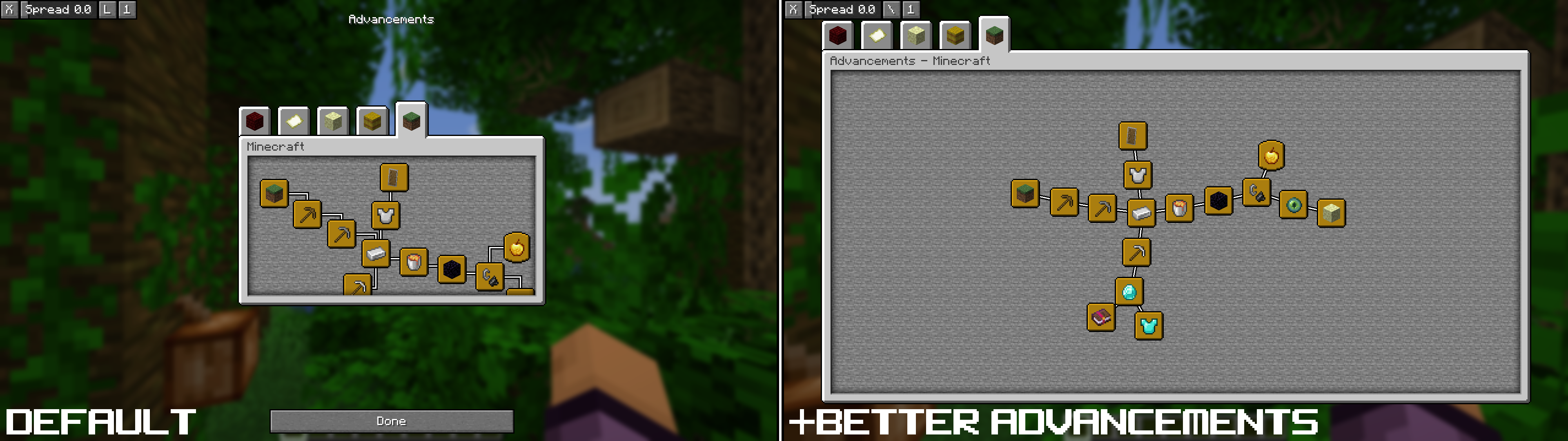
It also works with [AdvancementsFullscreen](https://modrinth.com/mod/advancementsfullscreen), however it's spacing with the ui isn't quite as nice
It (currently?) does *not* work with [Paginated Advancements](https://modrinth.com/mod/paginatedadvancements) or [AdvancementInfo Reloaded](https://modrinth.com/mod/advancements-reloaded)