Описание
## About
Don't like how HUDs in transparent resource packs look? Why not give this one a try?\
苦惱沒有好看的透明HUD資源包嗎?也許你可以試試這款!
## HUD
Comes with 2 styles.
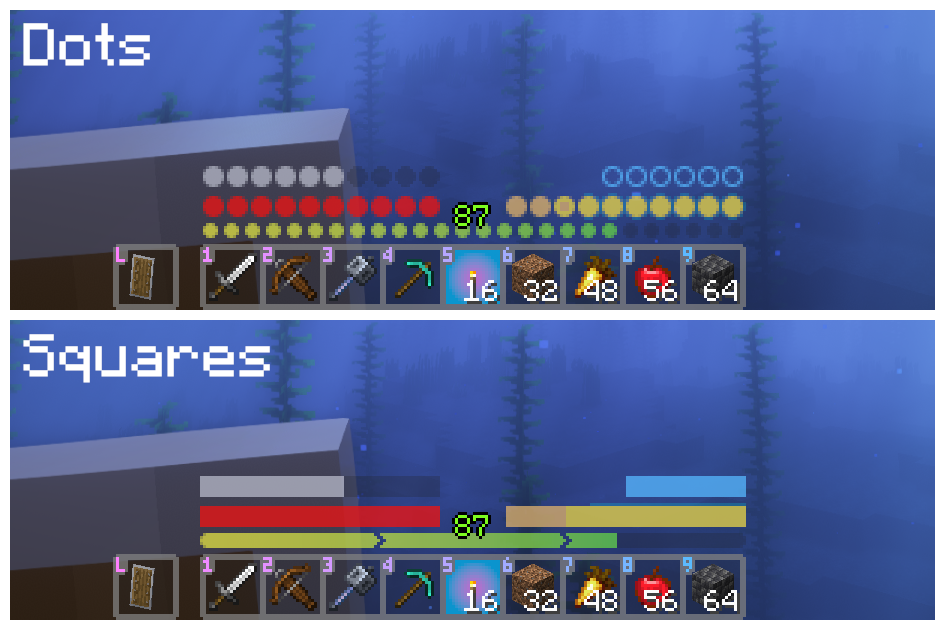\
Install [Respackopts](https://modrinth.com/mod/respackopts) to change the style, you can also choose the vanilla style instead.\
需安裝[Respackopts](https://modrinth.com/mod/respackopts)以更改風格,也可保留原版風格。
## Button
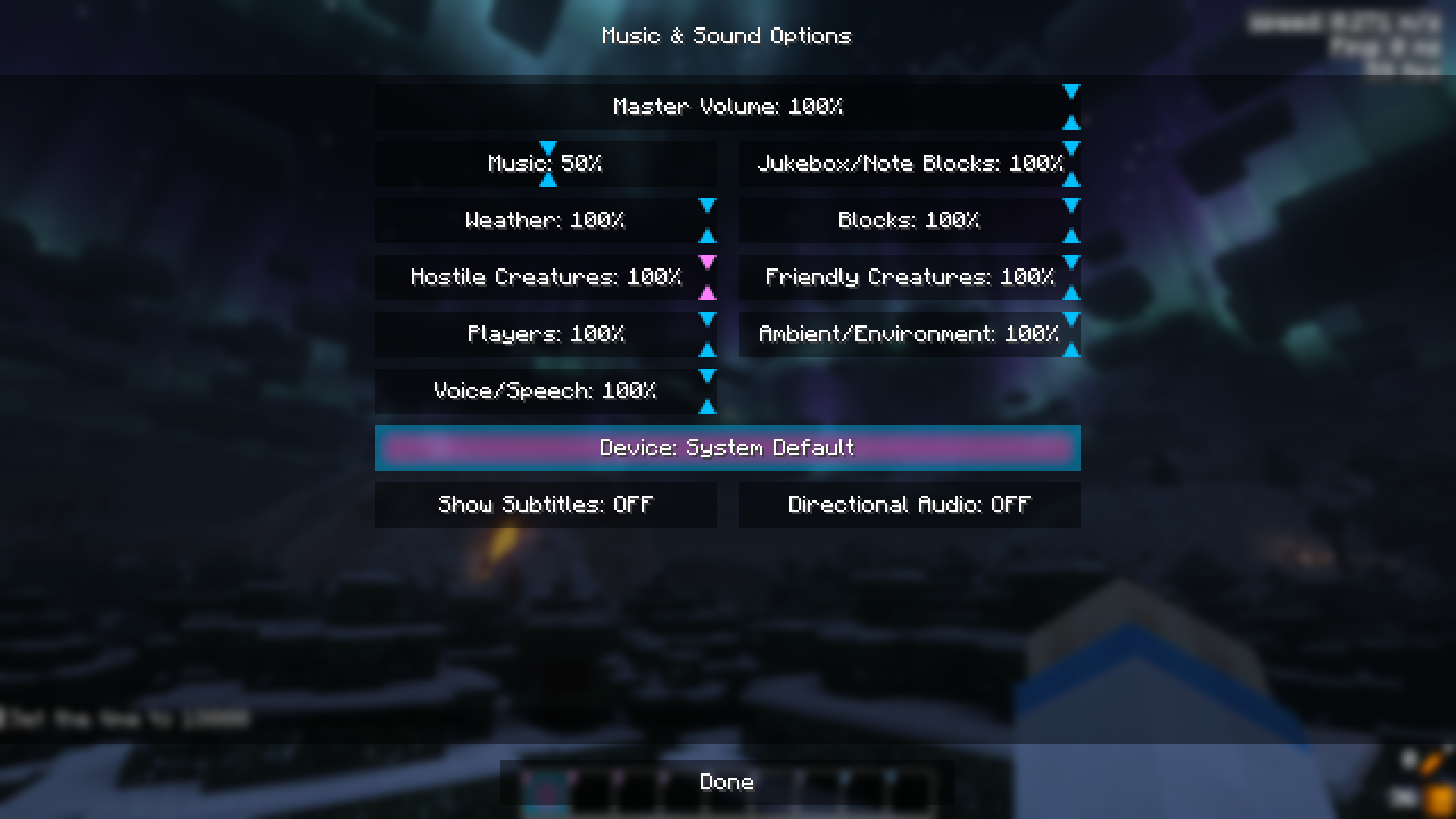
Transparent buttons, can be disabled with [Respackopts](https://modrinth.com/mod/respackopts).
透明按鈕。
## UI
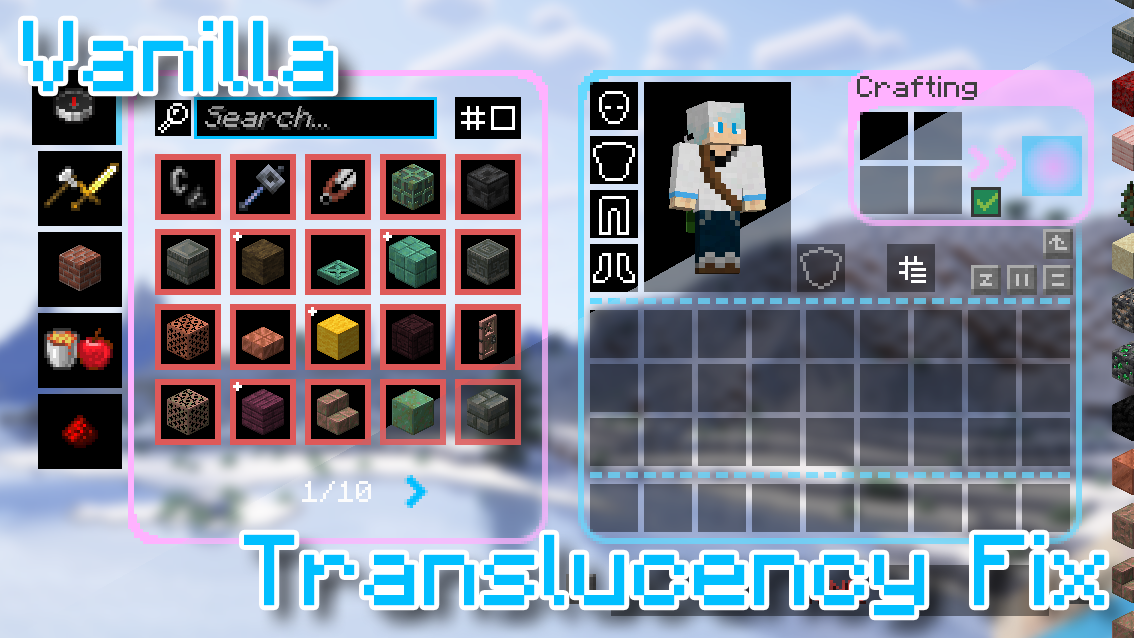
Transparent UIs, can be disabled with [Respackopts](https://modrinth.com/mod/respackopts) as well.\
透明物品欄介面,也可保留原版風格。\
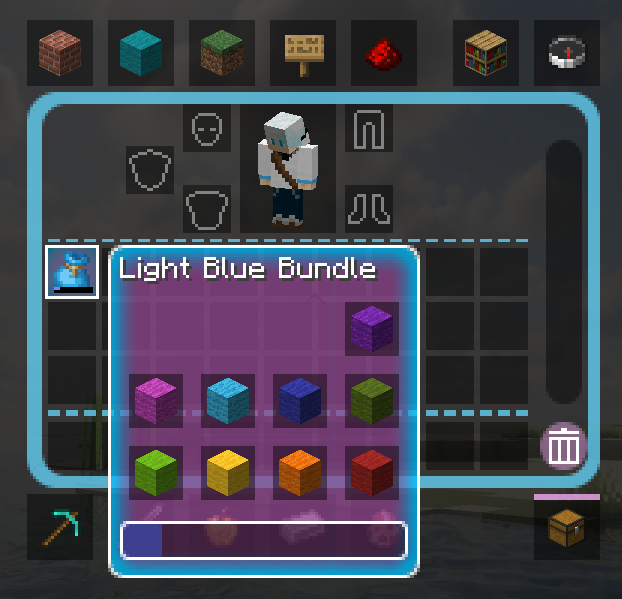\
Note: [Translucency Fix](https://modrinth.com/mod/translucencyfix) is needed to get the semi-transparent effect before 1.21.2. (Translucency Fix 2.2 works on Fabric 1.21)\
1.21.2前的版本需要安裝[Translucency Fix](https://modrinth.com/mod/translucencyfix)。\
## Misc.
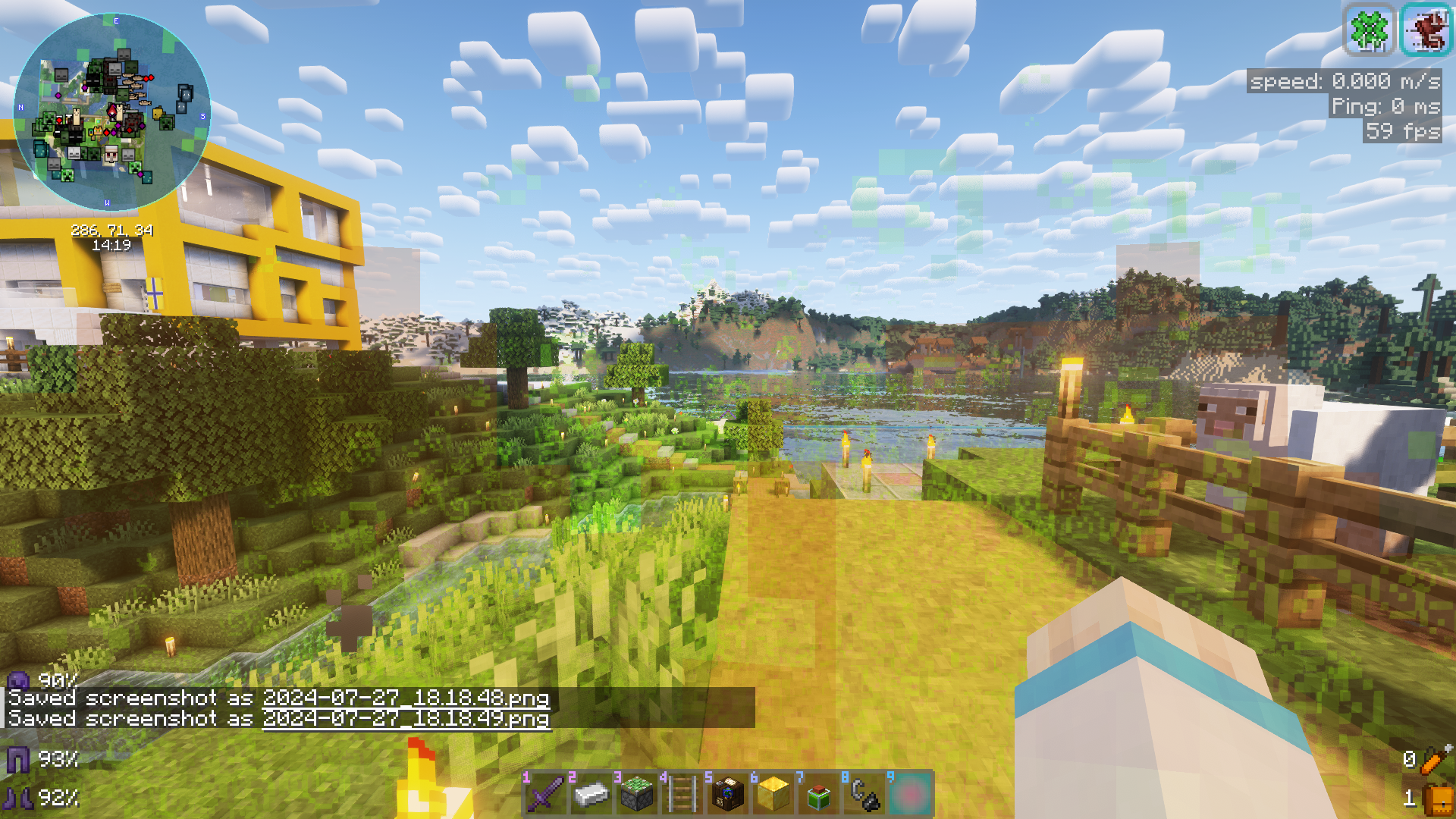
Transparent fire and effect particles, can be disabled with [Respackopts](https://modrinth.com/mod/respackopts) as well.\
透明火焰和藥水粒子。
## Supported Mods
- [AppleSkin](https://modrinth.com/mod/appleskin)
- [Raised](https://modrinth.com/mod/raised)