
Описание
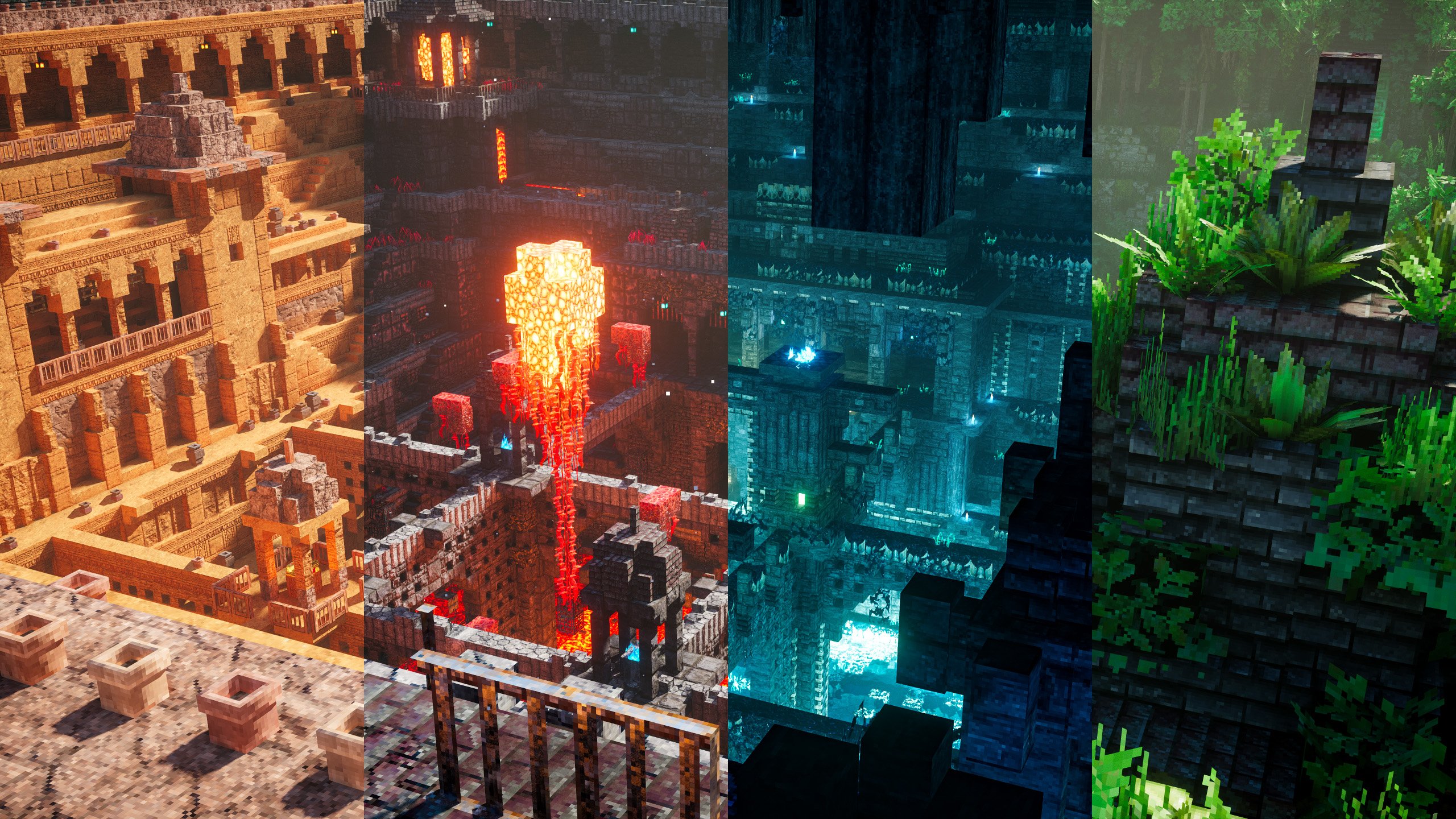
### [ ABOUT ]
**This resourcepack is made to be used with shaders**, so the textures might look weird if you aren't using any shaders or shaders that doesn't support normal/specular mapping or [**LabPBR features**](https://wiki.shaderlabs.org/wiki/LabPBR_Supported_Packs).
The pack focuses on **large scale texture tiling / randomization using various optifine-format features** instead of having high texture res or detailed custom block models. And they're mostly **color-matched to default textures** to ensure existing builds and maps won't look too different when viewed with the pack. Grass and leaves texture are also compatible with biome coloring so they should work with datapack/modded biome tints.
Due to the amount of extra textures, this pack is **significantly heavier than other packs at the same resolution**.
The pack also features **custom mob animation from FreshLX** (creator of [**fresh animations pack**](https://modrinth.com/resourcepack/fresh-animations)), with additional tweaks to fit the models better.
Currently **all 26.2 blocks and items are done**, in progress of adding mobs. [**Click here to view the to-do list**](https://docs.google.com/spreadsheets/d/1_n1w_gSAA6tCjevJ2y8BeqMLn1U0ty-DGF74ik0mQZw).
You can find 64x / 128x / 256x res or free older versions on [**my patreon**](https://www.patreon.com/patrix).
***
### [ PACKS ]
- **Models**: *optional extra custom models*
- **Bonus**: *optional extra features that doesn't fit default gameplay*
- **Addon**: *optional extra features that fits default gameplay*
- **Basic**: *all essential block textures / models* **(required)**
**The "basic" pack need to be loaded at the bottom (just above default/mod resources), and the optional packs can be loaded on top in any order.**
Check the included "features list" text file inside each optional pack to see detail descriptions of what they add/how to use them, or how to remove unwanted features in the "models" pack.
***
### [ SETTINGS ]
**For Fabric / Iris mod users -**
Make sure to install these mods:
- **Fabric API**
- **Iris**
- **Sodium**
- **Indium** _*(No longer needed after 1.21.1)_
- **Continuity**
- **Colormatic** _*(No longer needed after 1.20.4)_
- **Entity Texture Features**
- **Entity Model Features**
- An Iris-supported shaderpack and [**enable any LabPBR format emissive/sub-surface-scattering options**](https://docs.google.com/spreadsheets/d/1z7cQsHeLxT1reXUfW0SfRmCXWaN2zUIv-BjVUQONe24)
Or you could just use the [**modpack**](https://modrinth.com/modpack/packtrix).
**For Optifine users -**
Make sure these settings are set correctly:
- "Quality Settings > Connected Textures" to **Fancy**
- "Quality Settings > Natural Textures" to **Off**
- "Quality Settings > Custom Colors" to **On**
- "Quality Settings > Custom Entity Models" to **On**
- "Quality Settings > Random Entities" to **On**
- "Quality Settings > Anisotropic Filtering" to **Off**
- "Detail Settings > Alternate Blocks" to **On**
- "Detail Settings > Trees" to **Smart** or **Fancy**
- "Performance Settings > Smart Animations" to **On**
- "Shaders > Shader Options" and [**enable any LabPBR format emissive/sub-surface-scattering options**](https://docs.google.com/spreadsheets/d/1z7cQsHeLxT1reXUfW0SfRmCXWaN2zUIv-BjVUQONe24)