
Описание
OpenTelemetry can be used to [report various monitoring data (including metrics, logs and traces)](https://opentelemetry.io/docs/what-is-opentelemetry/) and is a de-facto industry standard.
This mod provides additional instrumentation for the [OpenTelemetry JavaAgent](https://opentelemetry.io/docs/zero-code/java/agent/) so that various game metrics can be reported. The overall functionality is similar to [``fabric-exporter``](https://github.com/ruscalworld/fabric-exporter).
Instrumented/Reported metrics
* MSPT/TPS
* Loaded chunks
* Server state
* Networking
* connections
* handshakes
* packets sent/received
* Chunk generation
* Entities
* grouped by type, spawn ground and world/dimension
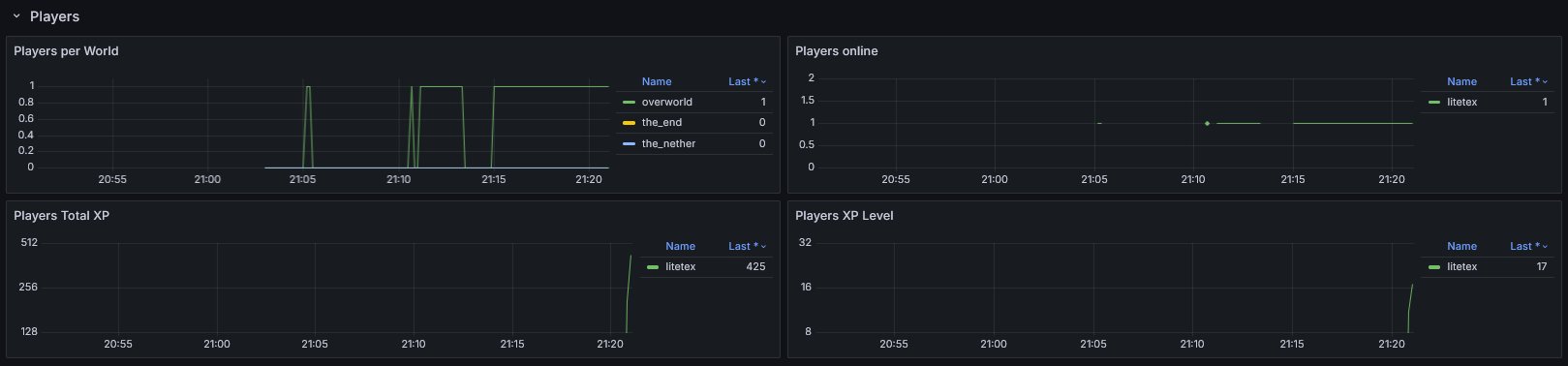
* Players
* by world
* online
* total xp (score)
* xp level
* Runtime
* game version
* Fabric version
* Optional data from [spark](https://github.com/lucko/spark)
## Setup
1. Make sure you have an endpoint where OpenTelemetry data can be ingested.This could be a [OpenTelemetry Collector](https://opentelemetry.io/docs/collector/) hosted by you or by someone else (e.g. in the [Grafana Cloud](https://grafana.com/docs/grafana-cloud/monitor-applications/application-observability/collector/)).
2. [Setup the OpenTelemetry Java Agent](https://opentelemetry.io/docs/zero-code/java/agent/getting-started/) so that it sends data to your ingestion service.
3. Add the [OpenTelemetry Agent Helper Extension for Fabric](https://github.com/litetex-oss/otel-fabric-helper-extension).
* This is required so that the OpenTelemetry Agent is correctly detecting and utilizing the mod.
4. Simply add and (optionally) configure this mod. It should work out of the box.
5. Import the provided dashboard into Grafana
* From [Grafana Dashboards](https://grafana.com/grafana/dashboards/23234)
* From the [local demo in the repo](https://github.com/litetex-oss/mcm-otel-instrumentation-extension/tree/dev/_monitoring_dev_infra/docker-compose.yml)
Diagram showcasing how the overall infrastructure can look

You may also have a look at the corresponding [development setup](https://github.com/litetex-oss/mcm-otel-instrumentation-extension?tab=readme-ov-file#demo-for-development) as it contains an locally running deployment of the full infrastructure.
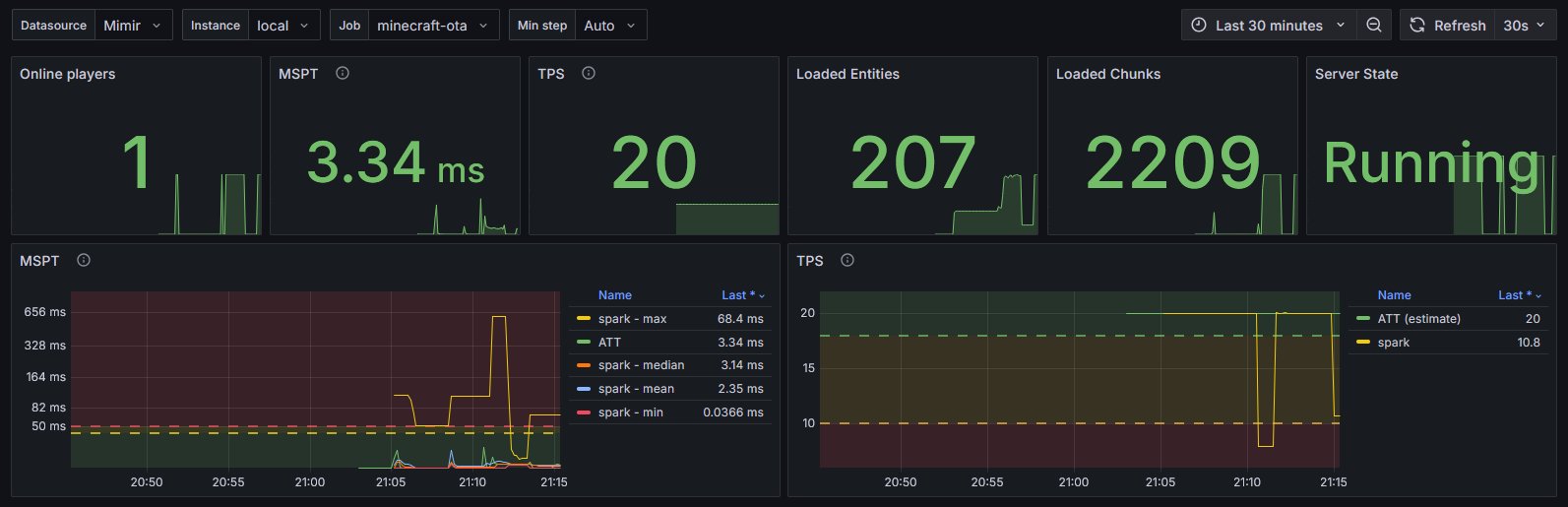
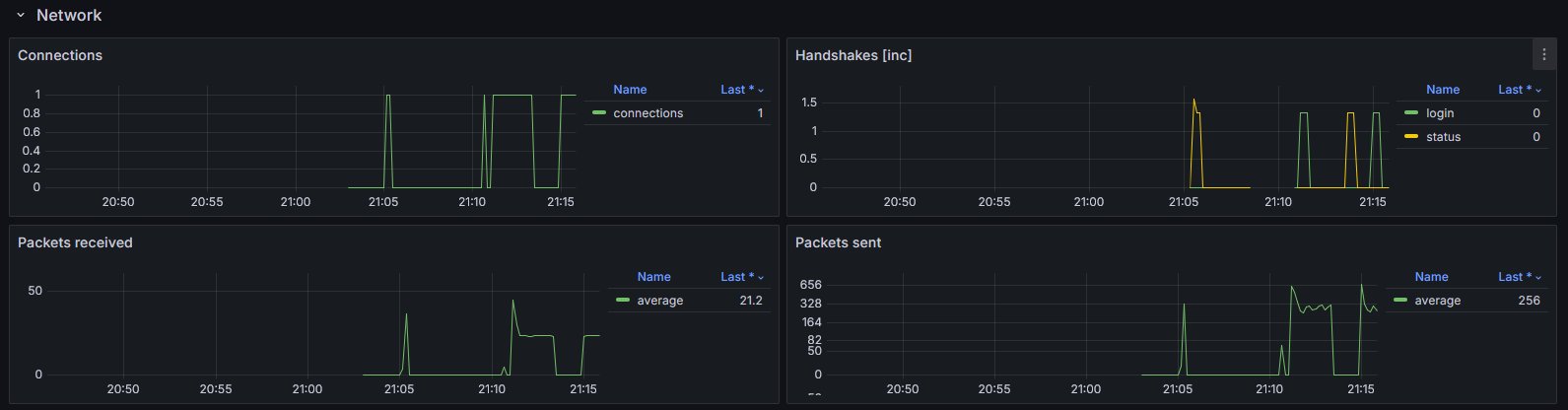
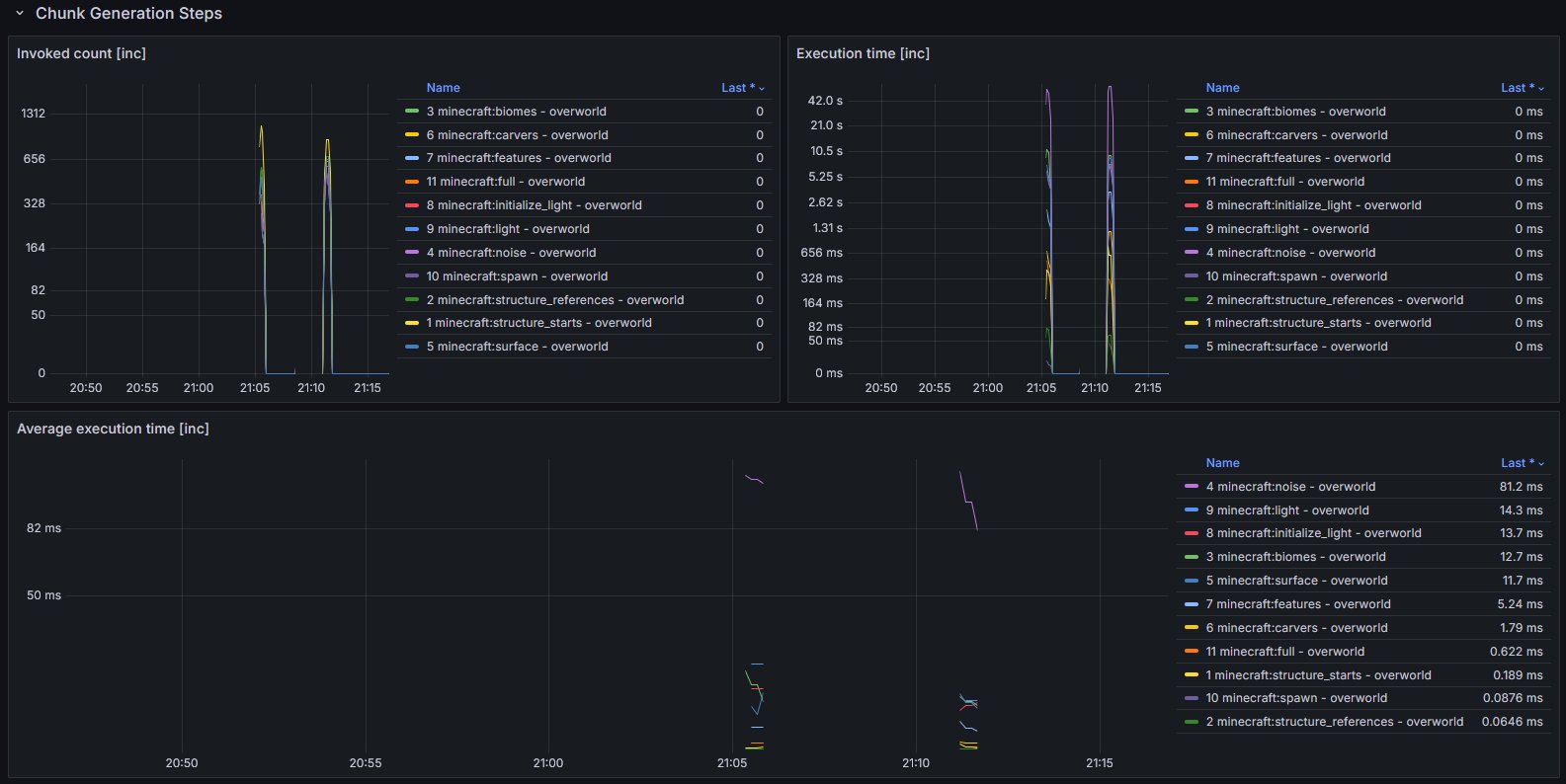
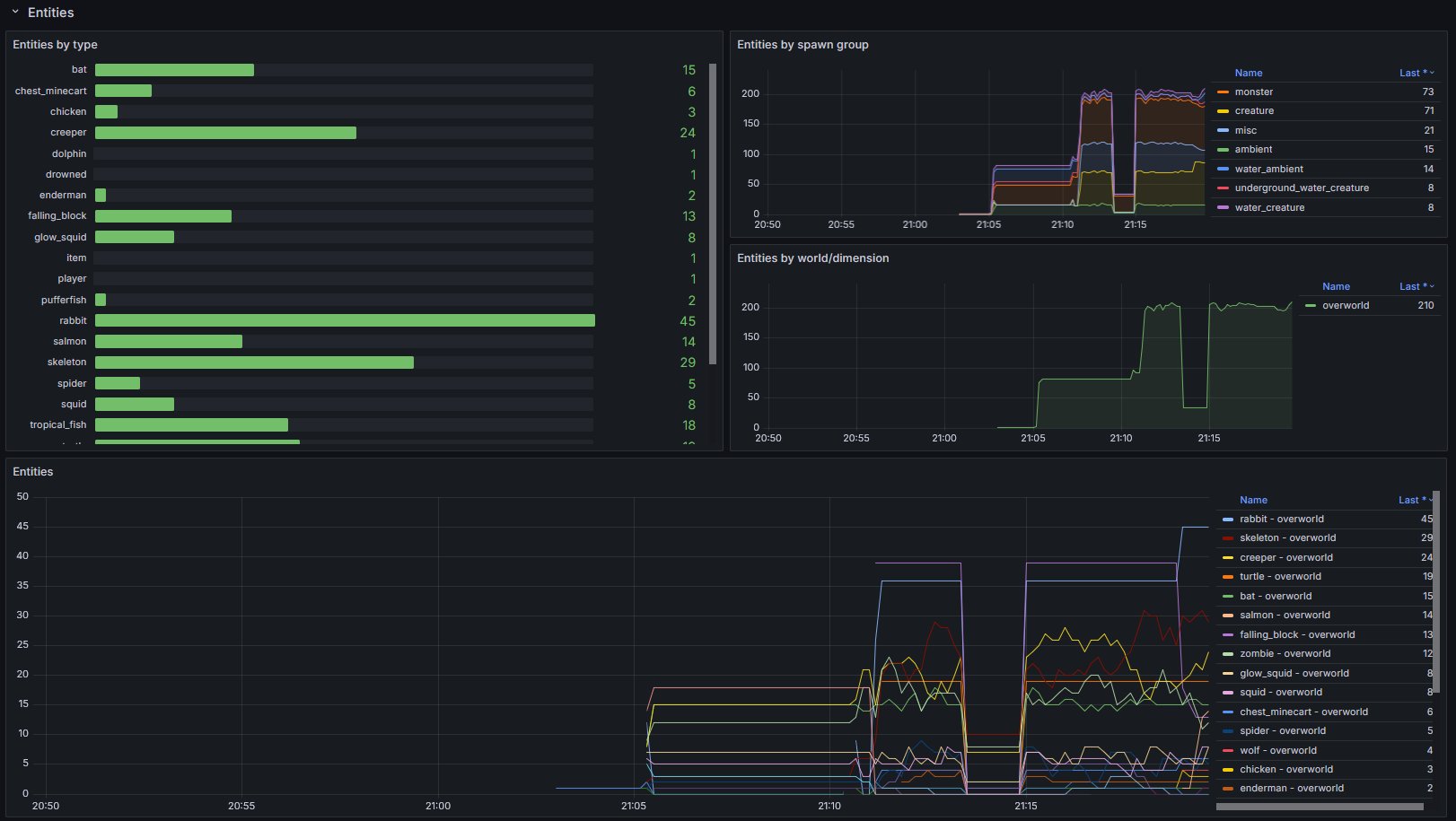
Dashboard look
### Example [integrations](https://github.com/litetex-oss/mcm-otel-instrumentation-extension/tree/dev/_integrations)
* For [``itzg/minecraft-server``](https://github.com/itzg/docker-minecraft-server) see [here](https://github.com/litetex-oss/mcm-otel-instrumentation-extension/tree/dev/_integrations/itzg-minecraft-server)
## Configuration
The configuration is dynamically loaded from (sorted by highest priority)
* Environment variables
* prefixed with ``OIE_``
* all properties are in UPPERCASE and use `_` instead of `.` or `-`
* System properties
* prefixed with ``oie.``
* A configuration file located in ``.config/oie.json``
Full list of configuration options
_Please note that the preconfigured values usually work out of the box._
_You should know exactly what you're doing when doing modifications._
##### General
| Property | Type | Default | Notes |
| --- | --- | --- | --- |
| `instrumentation-name` | `String` | `minecraft` | Used as `instrumentationScopeName`. _A name uniquely identifying the instrumentation scope, such as the instrumentation library, package, or fully qualified class name. Must not be null._ |
| `strip-identifier-namespaces` | `bool` | `true` | Removes namespaces from `Identifier`. Disabling this causes identifiers to look like this `minecraft:overworld` instead of `overworld`.Usually only required for heavily modded servers. |
##### Metrics
| Property | Type | Default | Notes |
| --- | --- | --- | --- |
| `metrics.freeze-when-server-paused` | `bool` | `true` | Stop fetching certain metrics when the server is paused and uses previously cached values. This optimization usually improves the sampling speed for affected metrics by >10x.Outcomes vary and depend on the work required for fetching and how often the server enters idle mode._If the server is not using `pauseWhenEmptySeconds` (set to