
Описание
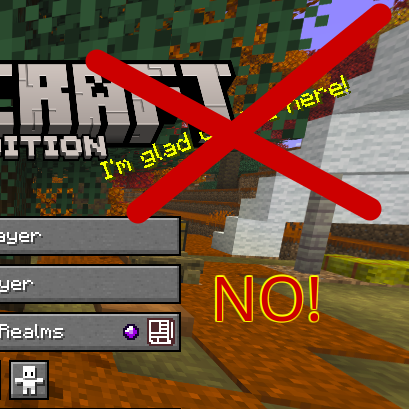
This very lightweight resource pack completely removes the yellow text that appears on the Minecraft main menu (the "splashes").
**INSTALLATION**
To install correctly:
1. Download the pack.
2. Cut the pack file (Ctrl + X).
3. Open Minecraft.
4. Click on "Options".
5. Click on "Resource Packs".
6. Click on "Open resource pack folder".
7. Paste the pack (Ctrl + V).
8. The pack can now be enabled or disabled at will from the resource pack settings.
All rights reserved.