Описание
[](https://discord.gg/NZzxdkrV4s) [](https://www.curseforge.com/minecraft/mc-mods/my-totem-doll) [](https://github.com/LopyMine/my-totem-doll) [](https://modrinth.com/mod/my_totem_doll)
## 💬 Description
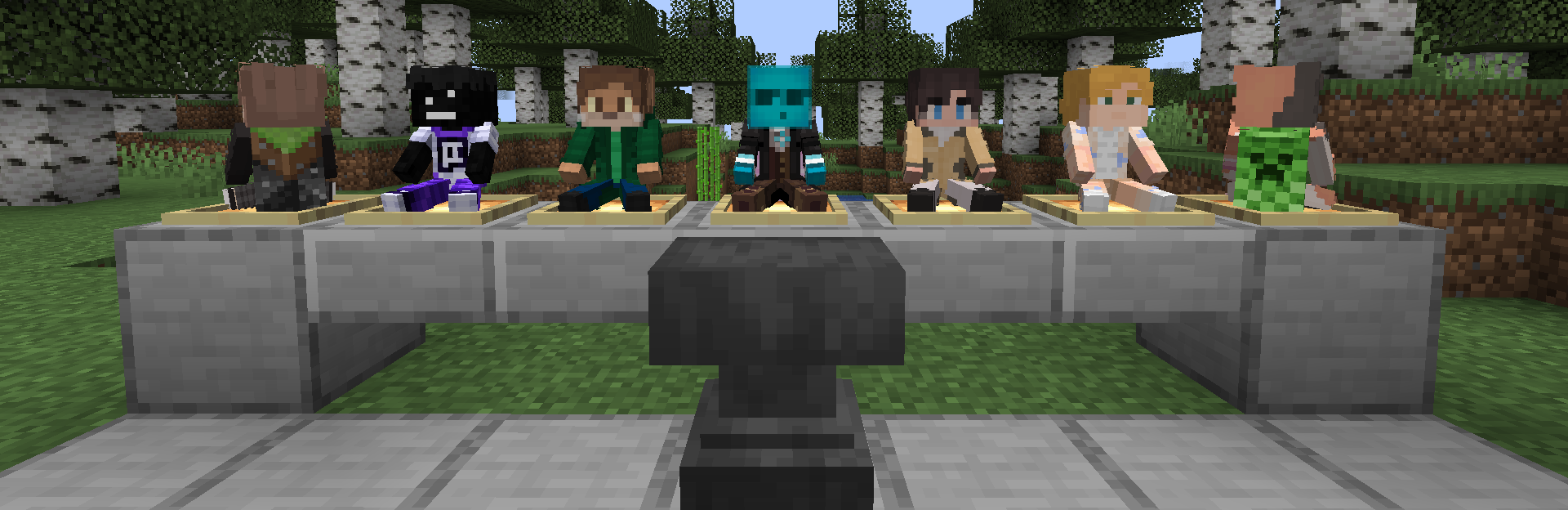
My Totem Doll — Client-side mod which replaces all totems with player dolls. **Rename your totem to any player's nickname to use it's skin.** Also supports capes and custom models!
## 👋 Welcome Screen
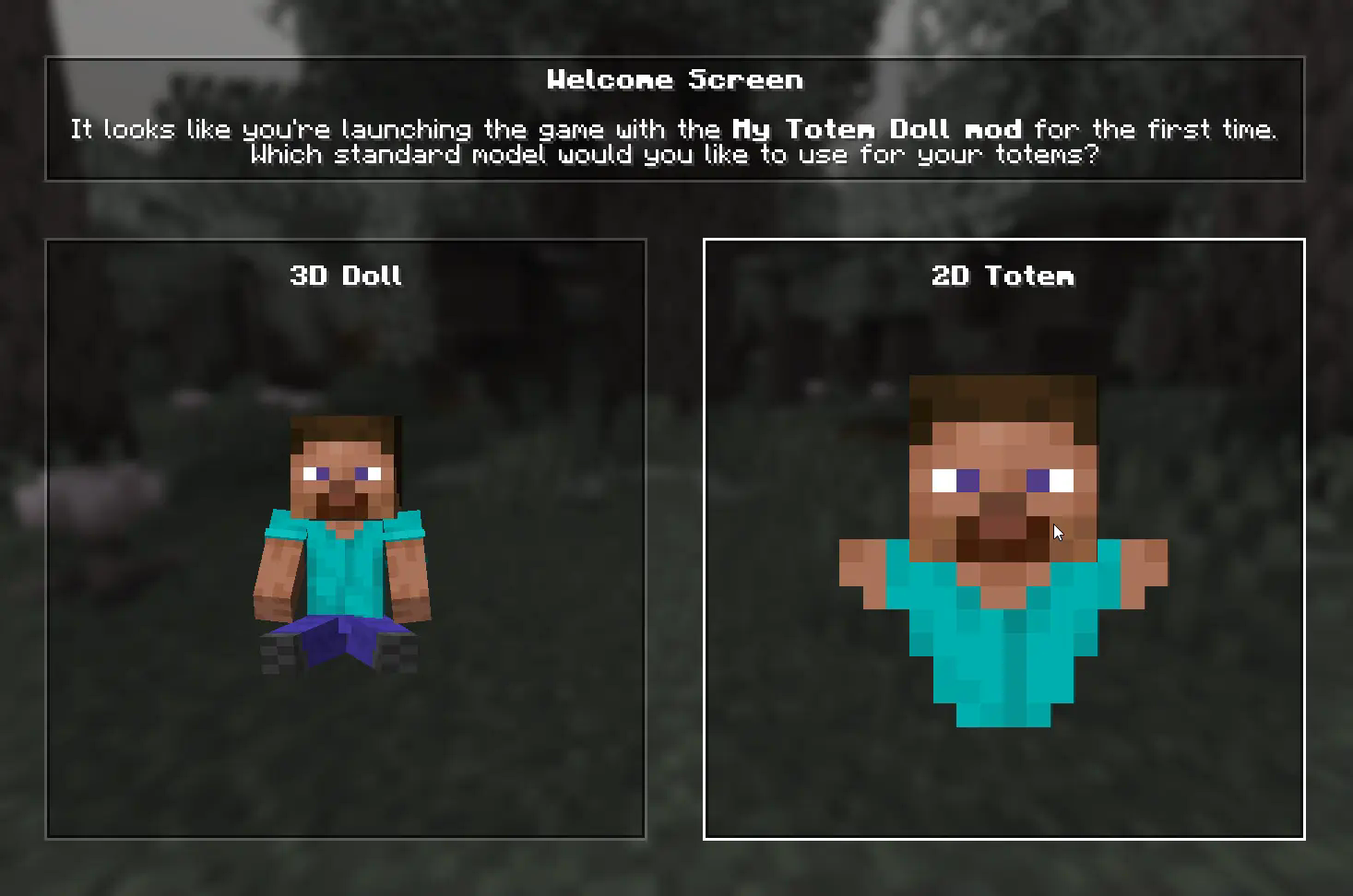
When you launch game with mod for the first time, you will be greeted with a Welcome Screen. Here you will select your default totem:
## ⚙️ Configuration
### 1) Rendering
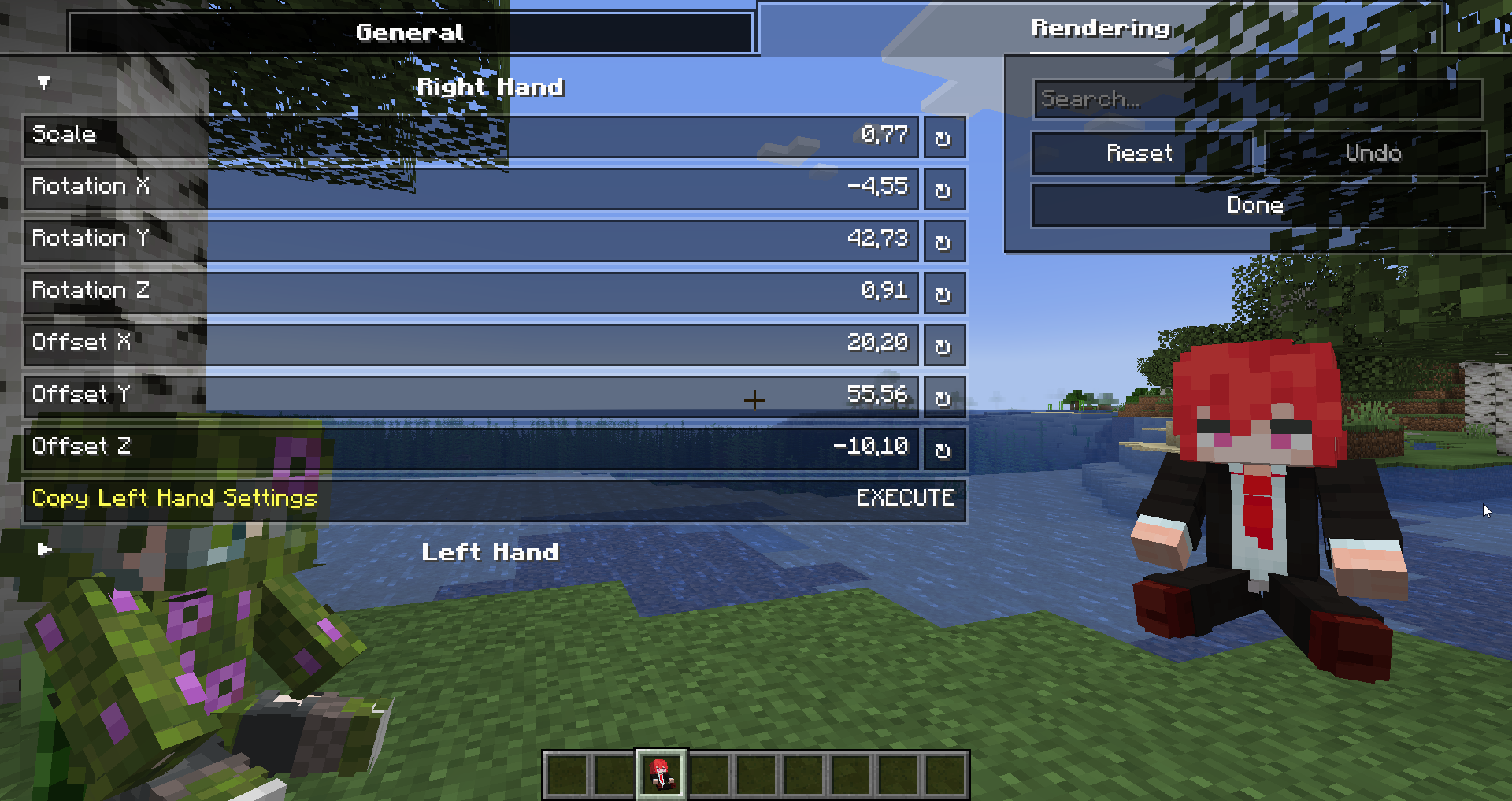
You can configure the rendering of totems in the first person. Open My Totem Doll configuration screen from Mod Menu and go to the `Rendering` tab, there you will find options for configuring the left and right hand:
### 2) Standard Doll
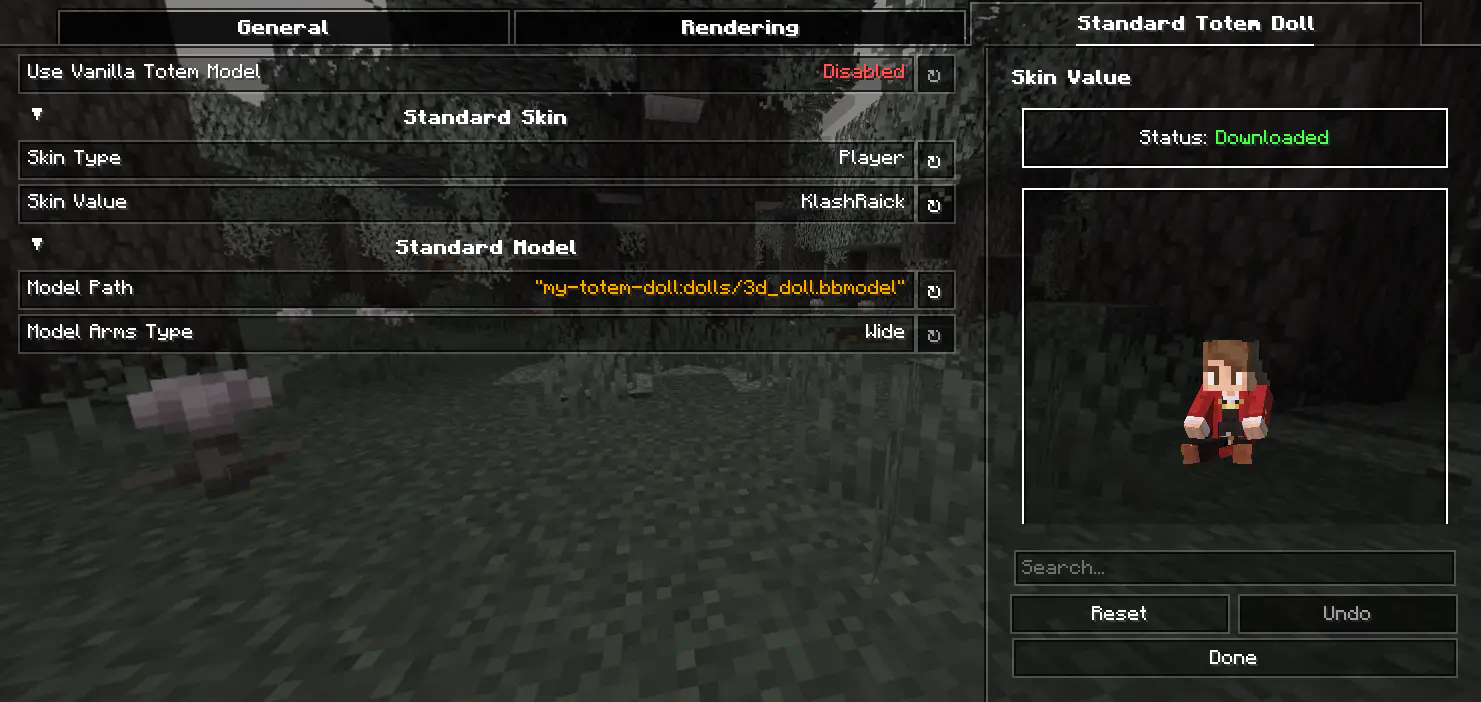
You can also customize the hands, model, skin textures for your standard totem!
### 3) Selecting Standard Doll Model
If you want to change your standard doll model, just hover to `Model Path` button and click on it. After that you will see `Standard Model Selection Screen`, there you can choose your standard doll model.
## 🍃 Refresh Player Skins
My Totem Doll also has some commands for refreshing the totem skins:
`/my-totem-doll refresh all` - To refresh skins for all loaded players.
`/my-totem-doll refresh player []` - To refresh skin for specific player.
## 🧵 Totem Customization
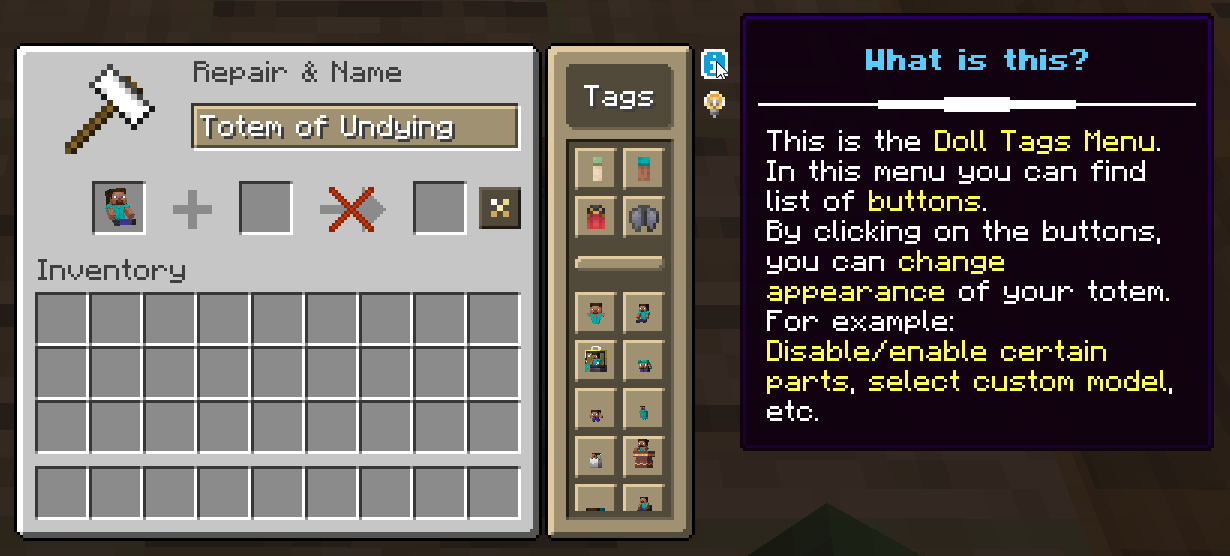
You can customize individual totems in the anvil! **Put your totem in the anvil to the first slot to see the Tags menu button. Click on it to open the Tags menu.**
## 🔥 Custom Models
You can even add your own models by following this [**wiki**](https://github.com/LopyMine/My-Totem-Doll/wiki/Introduction-%E2%80%A2-About-Custom-Models).
A good example is [**My Totem Doll Model Pack**](https://modrinth.com/resourcepack/my-totem-doll-model-pack) made by community. It has over **40** new models (some were even added to the mod!).

## 🎮 Multiplayer Support
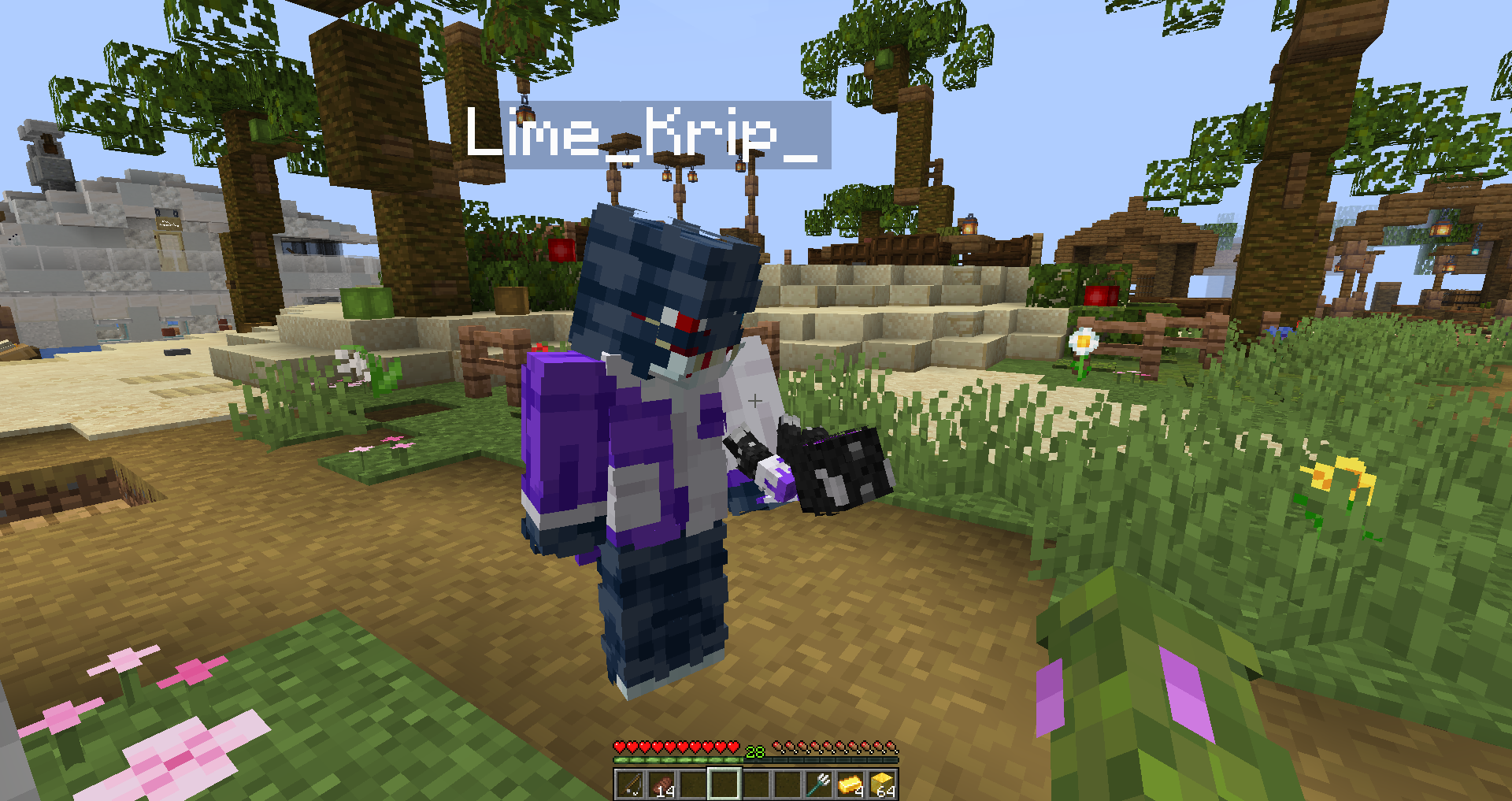
You can also see other players' totems! **Without mod on the server.**
## 🧥 Using NameMC Skins
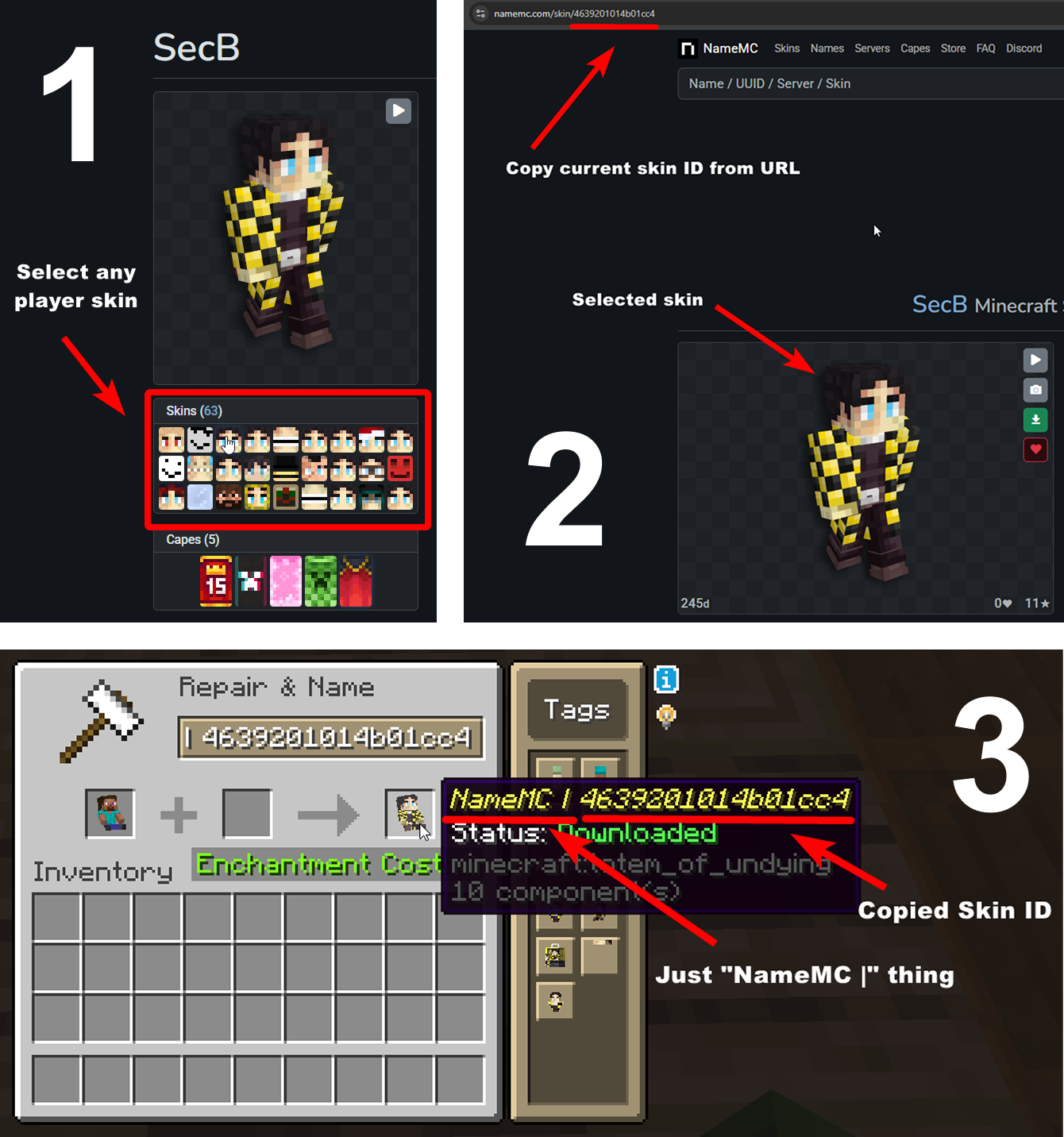
Yeah, you also can use NameMC skins on your totems. To use it, just select any player skin, copy skin id, rename your totem to `NameMC | ` and paste copied skin id. And that's all!