
Описание
# Minor Audio Inconvenience
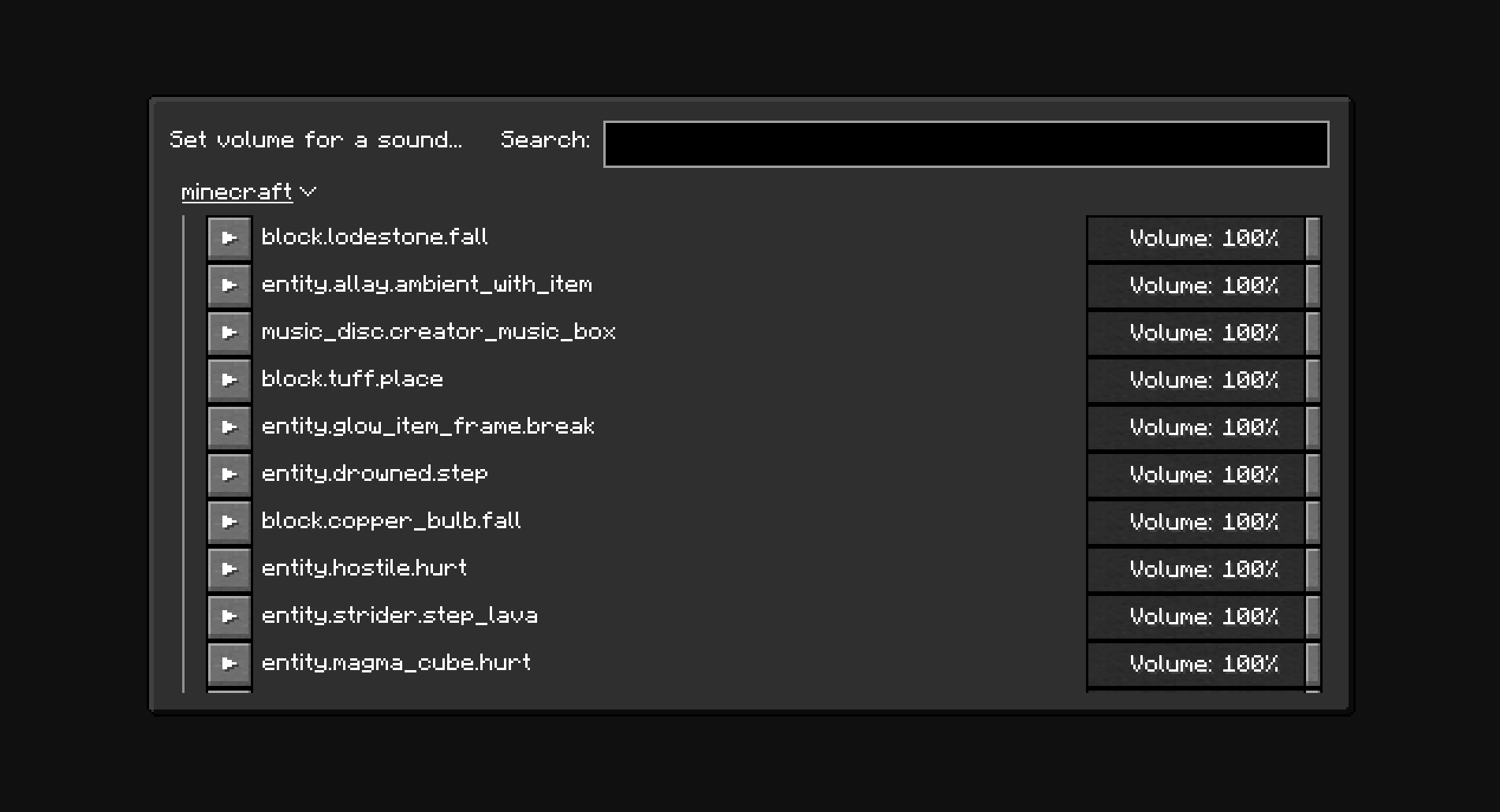
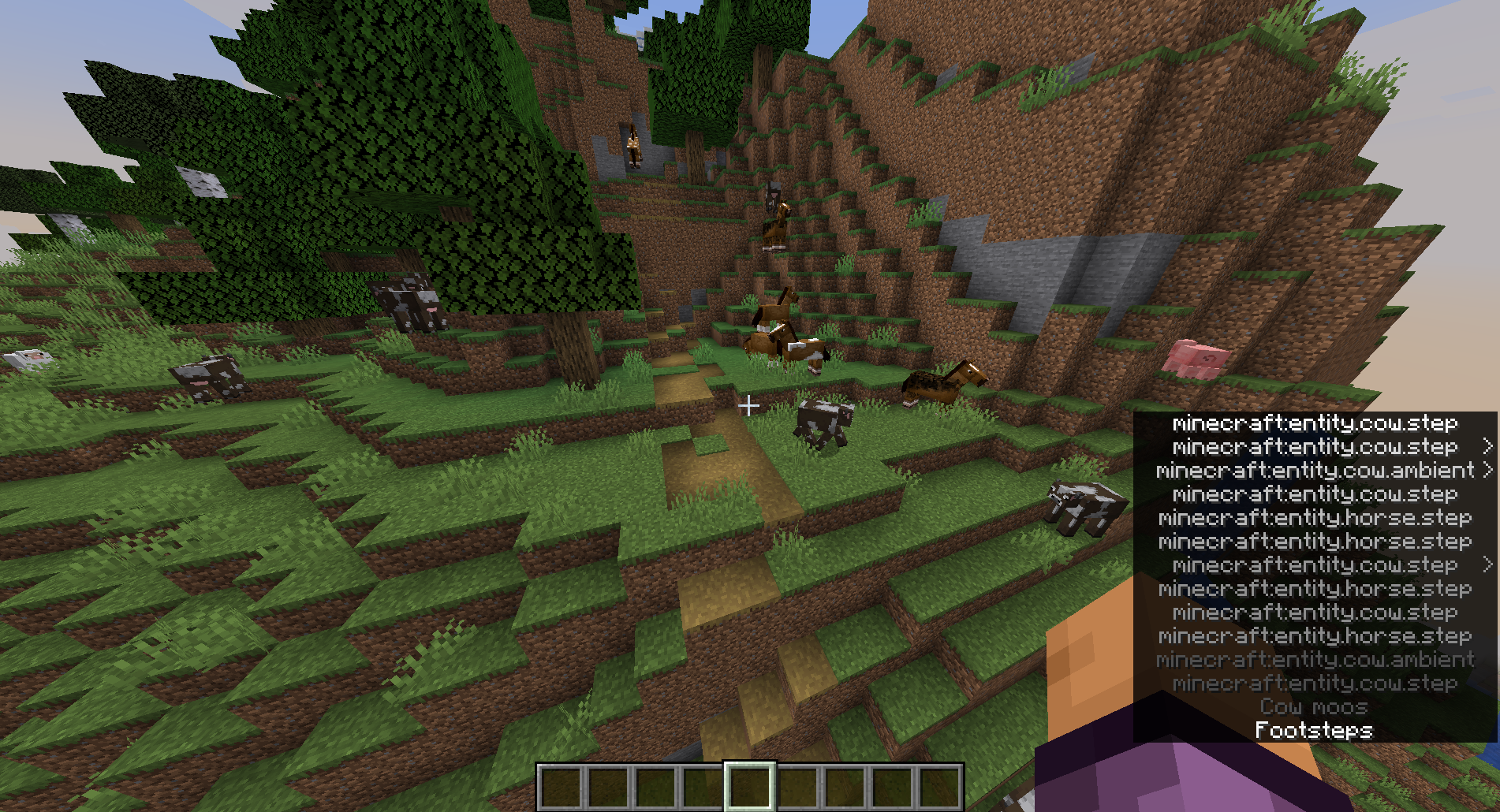
Set volume for individual sounds.
## Usage
The `minecraft:weather.rain` sound is disabled by default. New sounds can be added to the configuration manually through the config screen (With Mod Menu: Mods -> Minor Audio Inconvenience, Without Mod Menu: `/owo-config minor-audio-inconvenience`) or using the "Set volume for a sound..." menu (Options... -> Music & Sounds... -> Set sound volume)
## Note
The NeoForge version of the mod only works in Singleplayer.
## Screenshots
## Dependencies
The mod depends on [owo-lib](https://github.com/wisp-forest/owo-lib) for configuration and UI. If you don't have the library already installed, you will be prompted to install it automatically. **You will still need to install owo-lib manually on NeoForge.**