
Описание
# Minecraft Emote
7TV, FrankerFaceZ and BetterTTV emotes in Minecraft!
## Install
1. Install and setup [FabricMC](https://fabricmc.net/) ([wiki](https://fabricmc.net/wiki/player:tutorials:start#installing_fabric_loader))
2. Download release from [Modrinth](https://modrinth.com/mod/minecraft-emote/settings) or [GitHub](https://github.com/Vinrobot/Minecraft-Emote/releases) for your Minecraft version
3. Install the mods in the .minecraft/mods or using a custom launcher
4. Launch the game and start Chatting!
## Usage
### Emotes
Currently, the mod supports 7TV and FrankerFaceZ emotes.
They can be used by typing `emote_name` in chat.
For example, `peepoHey` will be replaced with the  emote.
**Warning:** This is only client-side, so other players will only see the emote if they have the mod installed.
### Configuration
The mod can be configured using the ModMenu mod or by editing the configuration file.
#### ModMenu
The mod can be configured using [ModMenu](https://modrinth.com/mod/modmenu) ([GitHub](https://github.com/TerraformersMC/ModMenu)).
To open the configuration, click on the mod in the mod list and then on the config button.
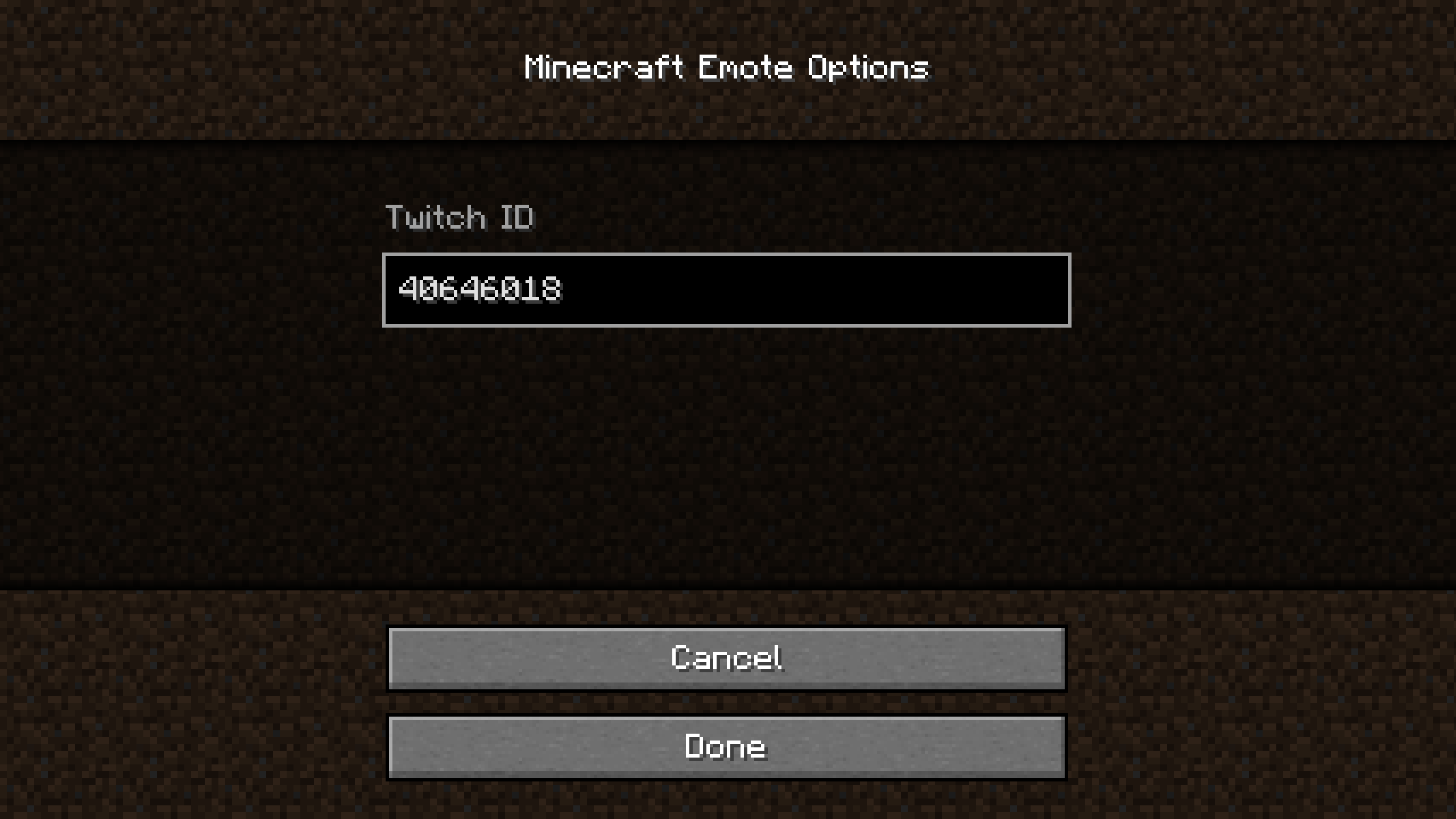
The `Twitch ID` is the ID of the Twitch channel you want to use for the emotes.
The Twitch ID **is not** the name of the channel.
To get the ID, you can use [this website](https://streamscharts.com/tools/convert-username).
I will add a way to get the ID in-game in the future.
#### File
The configuration file is located in `.minecraft/config/mcemote.json`.
If modified, the game must be restarted for the changes to take effect.
The content is the following:
```json
{
"twitchId": "40646018"
}
```
The `twitchId` is the ID of the Twitch channel you want to use for the emotes.
The Twitch ID **is not** the name of the channel.
To get the ID, you can use [this website](https://streamscharts.com/tools/convert-username).