
Описание
# MidnightControls
A Fabric Minecraft mod which adds better controls, reach-around and controller support.
Forked from [LambdaControls](https://github.com/LambdAurora/LambdaControls) by the amazing [LambdAurora](https://github.com/LambdAurora), which was sadly discontinued.
## What's this mod?
This mod adds better controls, reach-around features, etc.
Haven't you dreamed to travel in your modded Minecraft world with your controller? Yes? Then this mod is made for you!
This mod also adds controller support.
## ✅ Features:
- For a nice overview, visit https://www.midnightdust.eu/midnightcontrols/
- Controller support
- Touchscreen support
- Keyboard controls to look around.
- Toggleable on screen button indicator (like in Bedrock Edition).
- New controls settings!
- Many options in config to change to your liking.
- Many controllers supported and in a simply way your own controller mappings.
- Automatic support for modded keybinds
- An easy API for developers to add their own button bindings.
Install [MidnightControlsExtra](https://modrinth.com/mod/midnightcontrols-extra) for extra features that might be considered as cheats
## 🎮 Supported Controllers:
- Dualshock controllers
- Dualsense controllers
- Xbox controllers
- Switch Pro controllers
- Joycons
- Steam controller and Steam Deck
- And many more!
## Trailer
(click on the image)
[](https://www.youtube.com/watch?v=Z6P-HGB7bLA)
## Screenshots
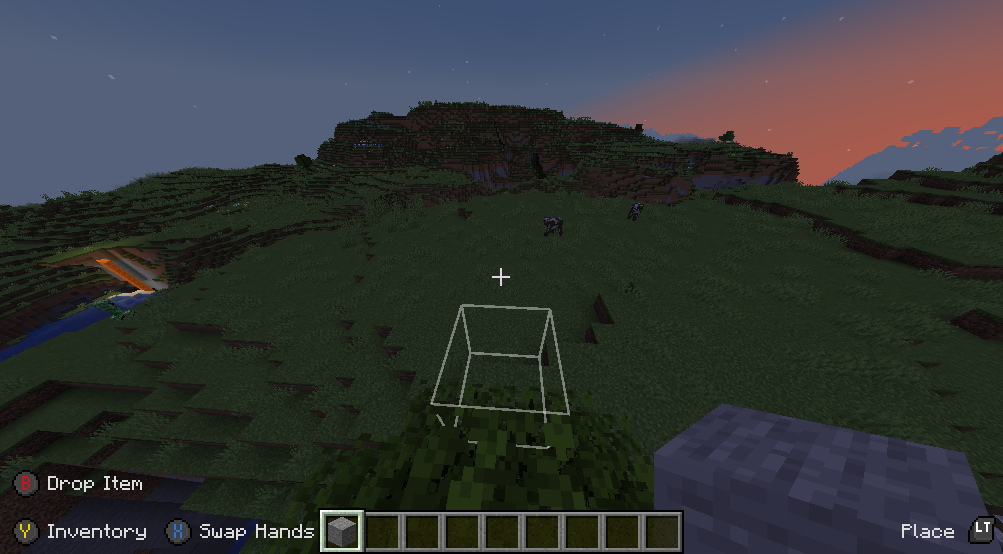
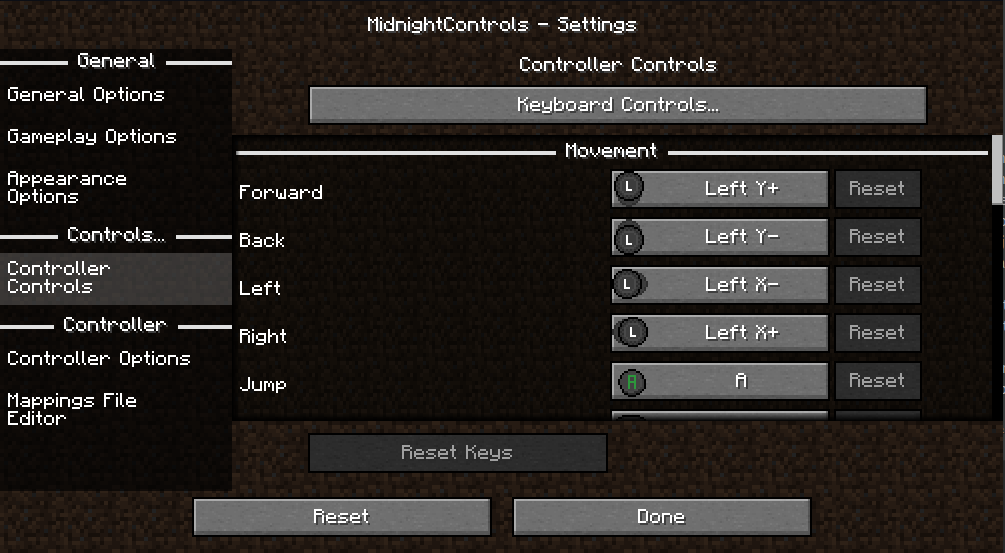
### FAQ:
#### The controller does not work, and its name appears in orange, what can I do?
Orange controller names indicate a missing controller mapping.
Download [GamepadTool](https://generalarcade.com/gamepadtool/), create and copy a mapping, go to MidnightControls' Mappings File Editor and paste the string.
Alternatively, you can use [AntiMicroX](https://github.com/AntiMicroX/antimicroX) to create the mappings, in case the Gamepad Tool is not working for you.
If that works, you might as well consider submitting the mapping by opening a PR in this repo: https://github.com/gabomdq/SDL_GameControllerDB
That will make sure other people using the same controller as you don't have to use gamepad-tool anymore.