
Описание
# 🌍 MCShare - Seamless Minecraft World Sharing
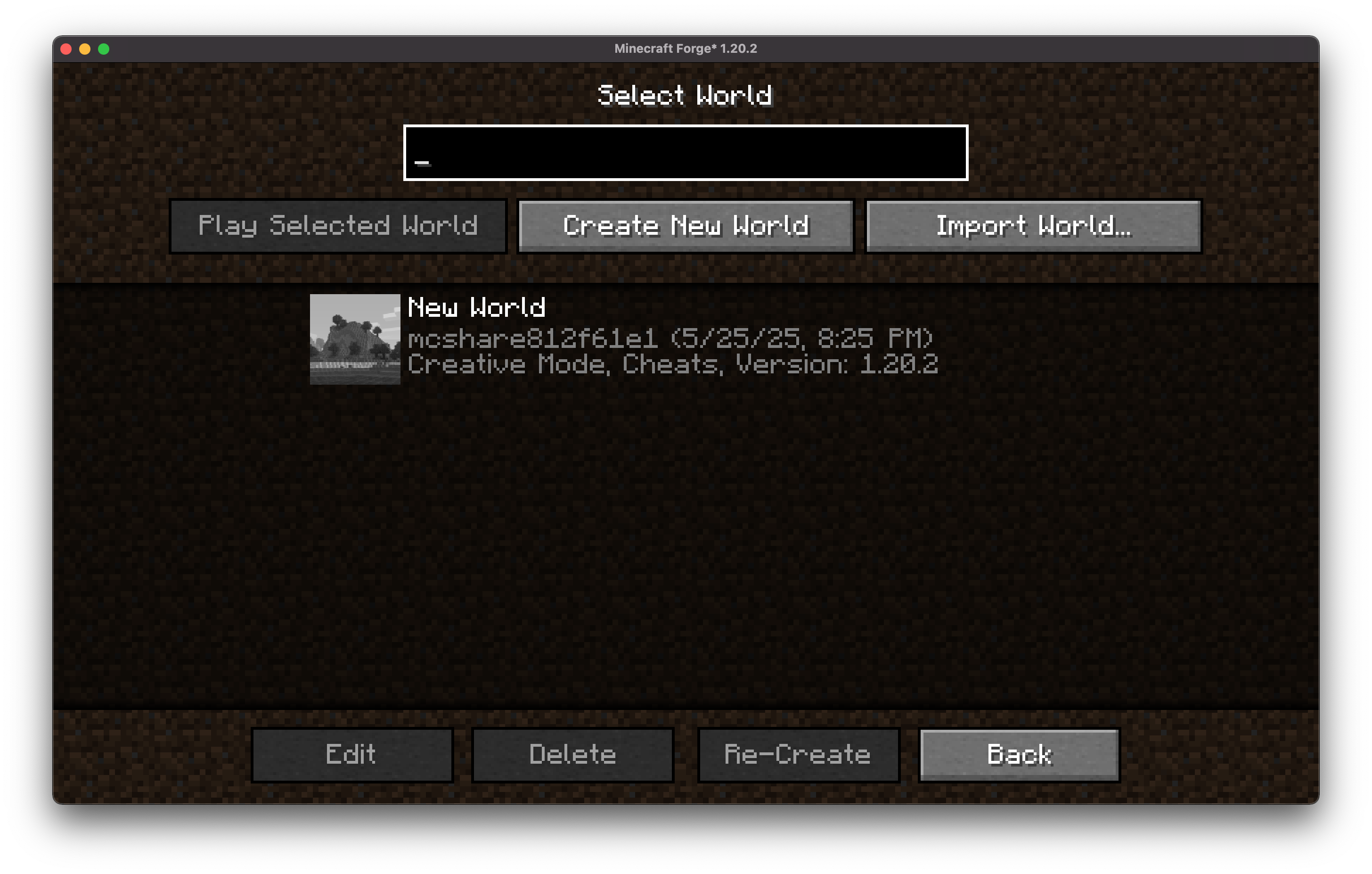
**MCShare** is a powerful yet simple Minecraft mod that makes sharing your Minecraft worlds fast, secure, and user-friendly. With just a few clicks, you can export your world, encrypt it for safety, and share it as a single file with others—no more digging through directories or worrying about corrupted saves!
## Installation/Dependencies
#### This mod requires [BoxLib](https://modrinth.com/mod/boxlib) a Client-side library mod developed by me.
1. **Install Minecraft Forge/Fabric/Neoforge:** Download and install the appropriate modloader for your Minecraft version.
2. **Download the mod:** Download the latest release of Coordinates Display for your specific modloader and Minecraft version
3. **Download BoxLib:** Download the latest release of [BoxLib](https://modrinth.com/mod/boxlib) for your specific modloader and Minecaft version
4. **Place the mod jars:** Drop the downloaded jar files into your Minecraft mods folder. The location of this folder varies depending on your operating system.
### Fabric Dependencies
[](https://www.curseforge.com/minecraft/mc-mods/fabric-api)
[Mod Menu](https://modrinth.com/mod/modmenu) is recommended for configuration purposes.
### Forge/NeoForge Dependencies
This mod requires [BoxLib](https://modrinth.com/mod/boxlib) a Client-side library mod developed by me.
## ✨ Features
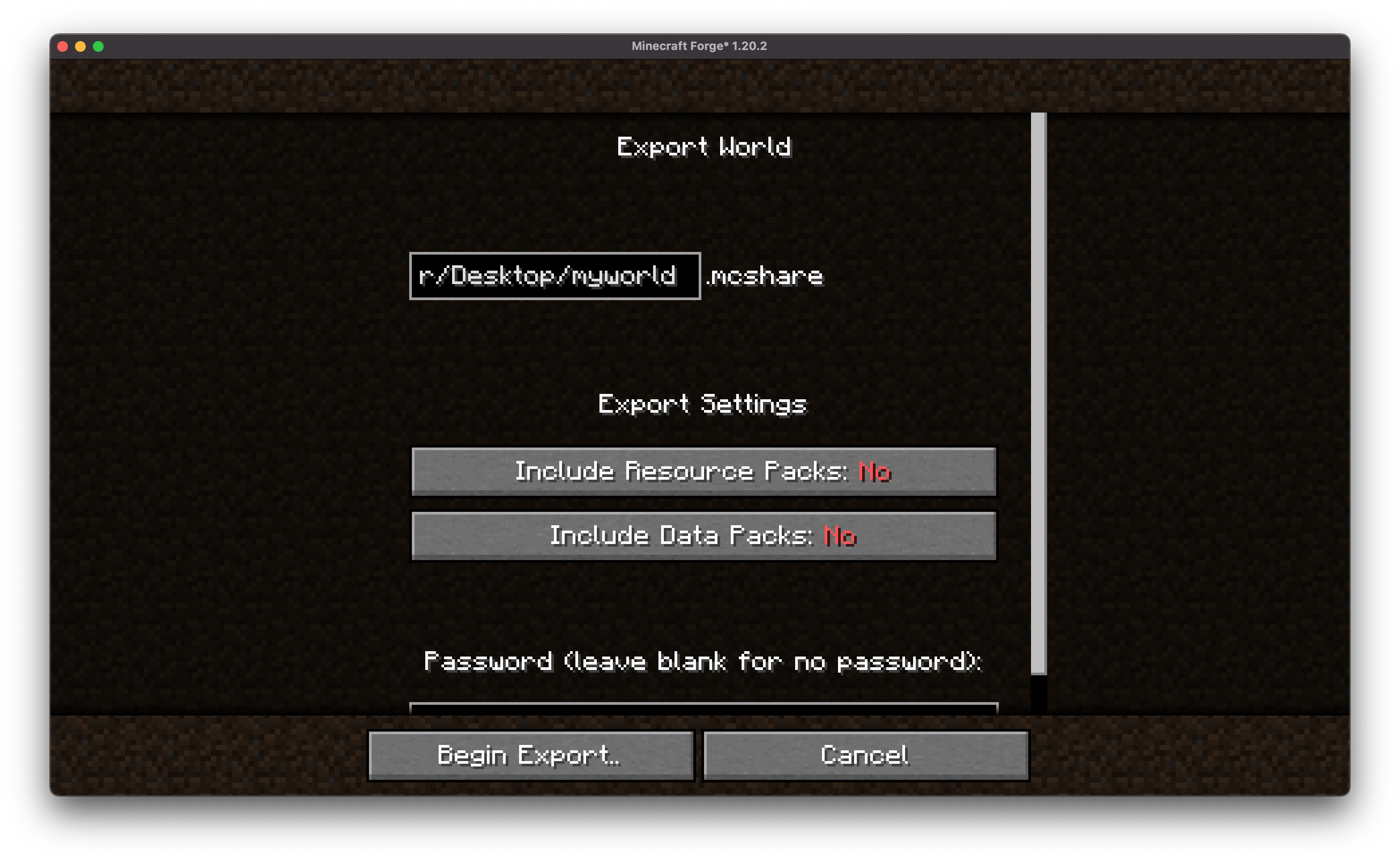
- 🗂️ **Export Worlds Easily**
Convert your Minecraft worlds into neatly packaged files with just one command or menu click.
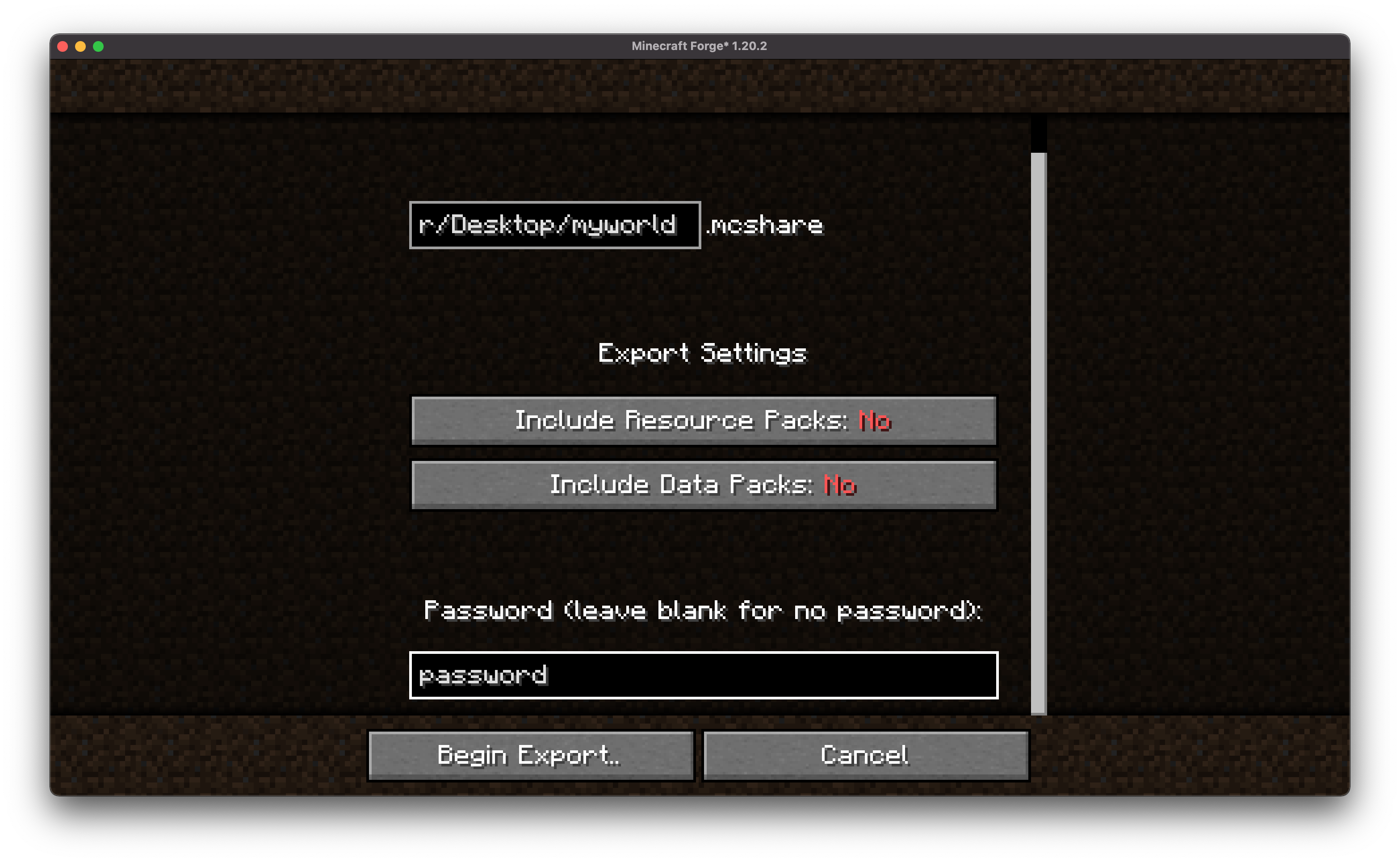
- 🔒 **Encrypt for Security**
Keep your world files safe from tampering or unauthorized access with built-in encryption options.
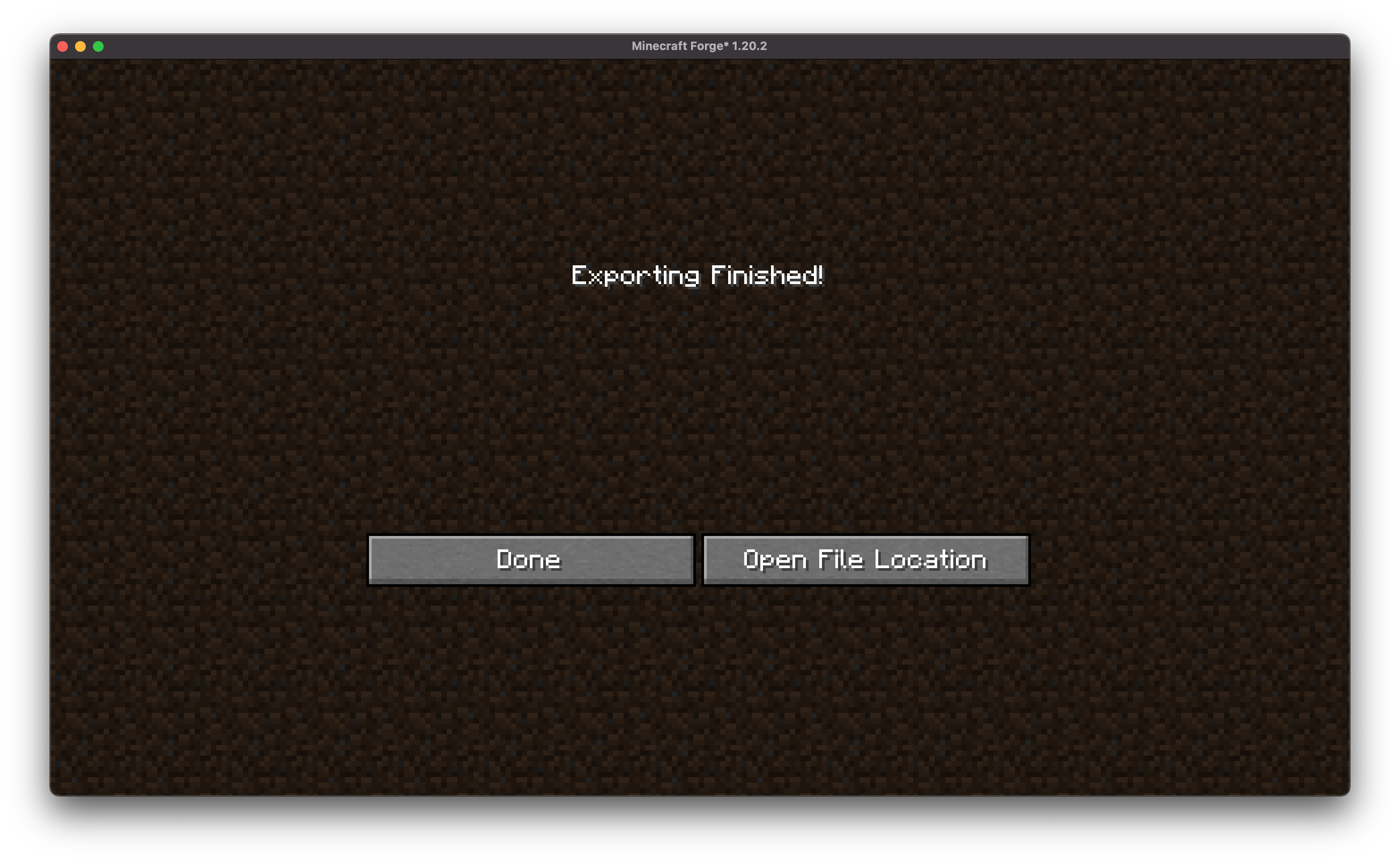
- 📤 **Share in One Go**
Once exported, MCShare gives you a shareable file ready to be uploaded to cloud storage, messengers, or even email.
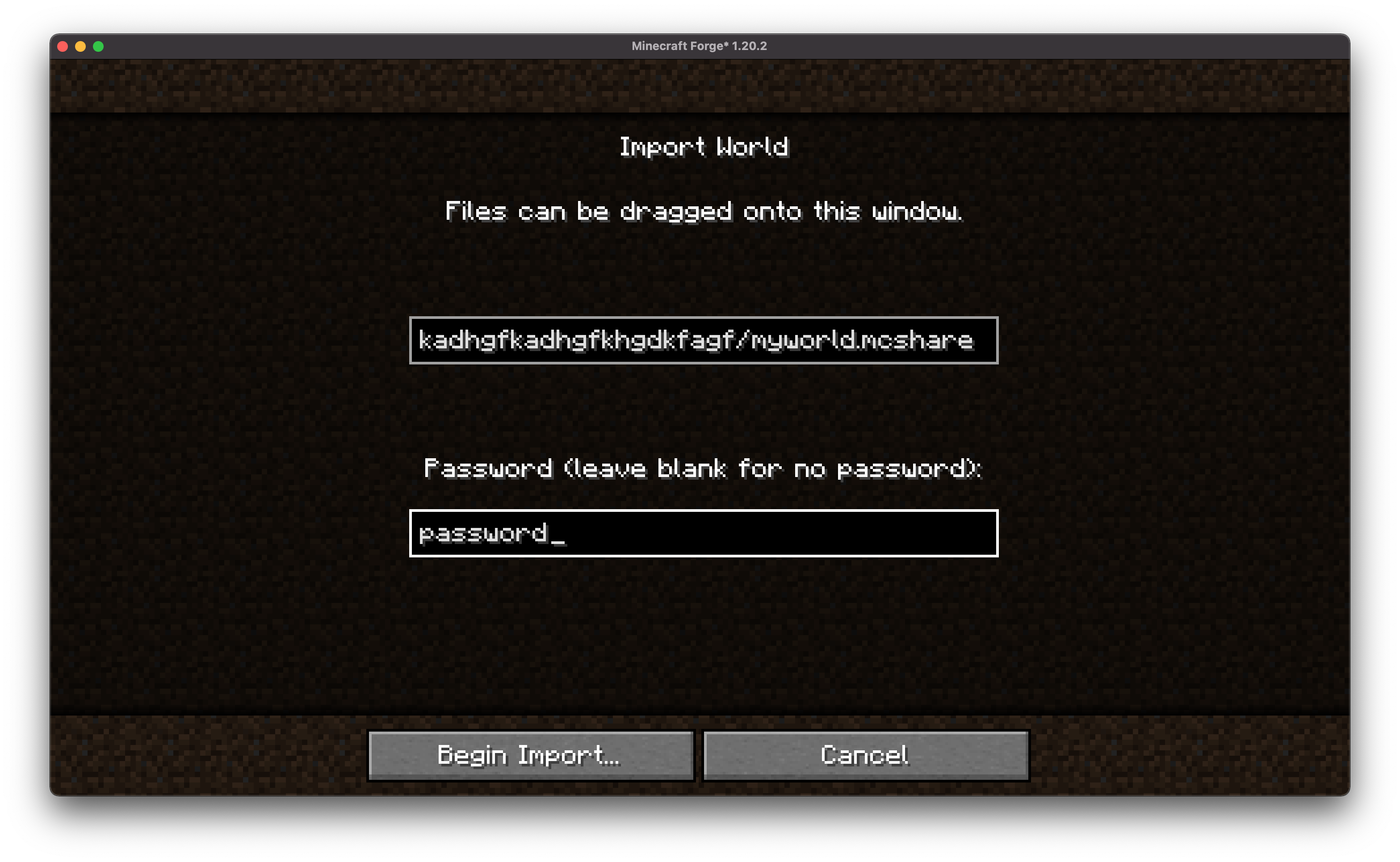
- 🔄 **Import with Ease**
Anyone with the mod can import a shared world with just one drag-and-drop action or command.
- 📇 **Vast Compatibility**
MCShare automatically searches for world files in an external `.zip`, allowing you to import backups created by all types of programs!
## 💡 Usage
### Export a World
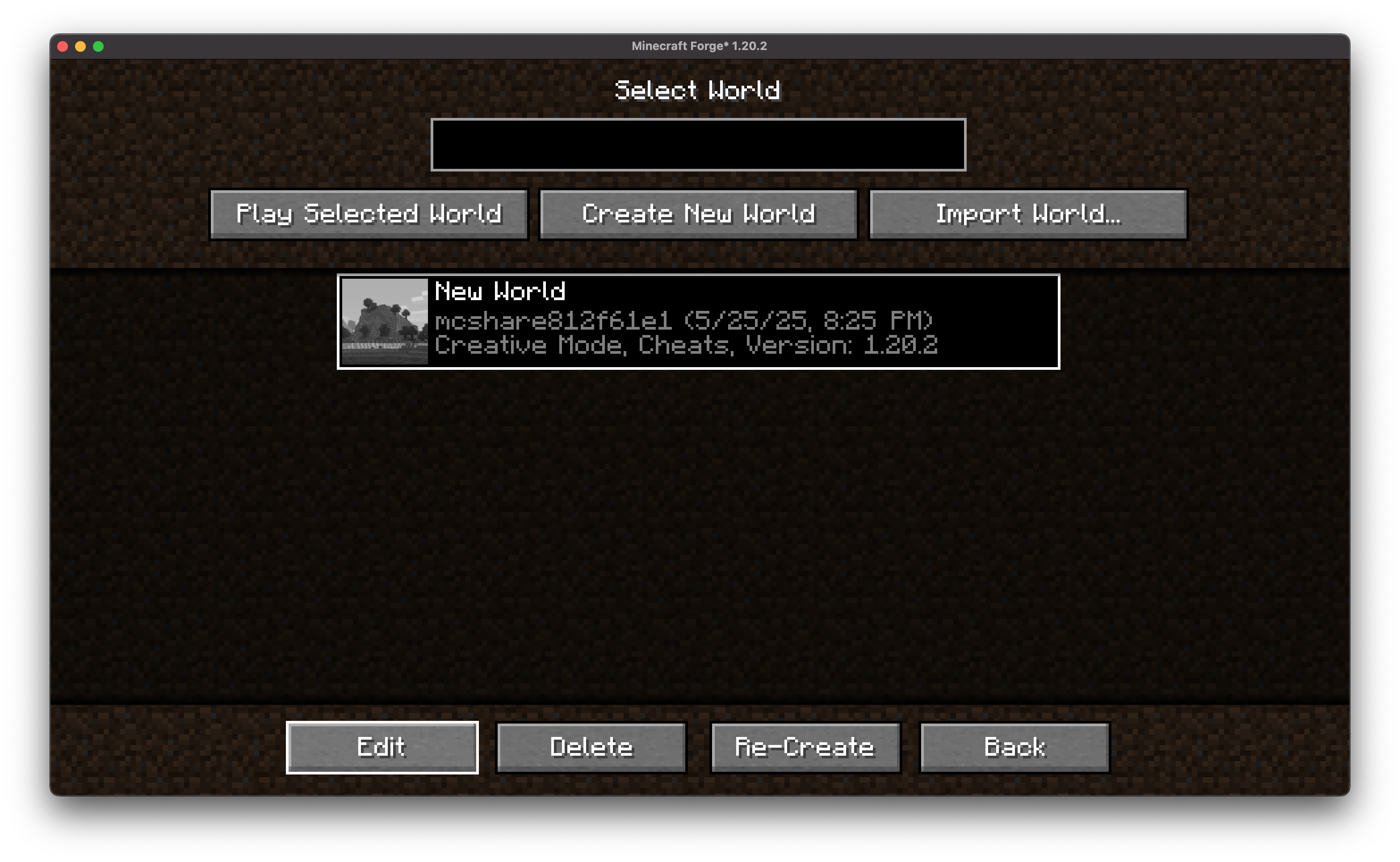
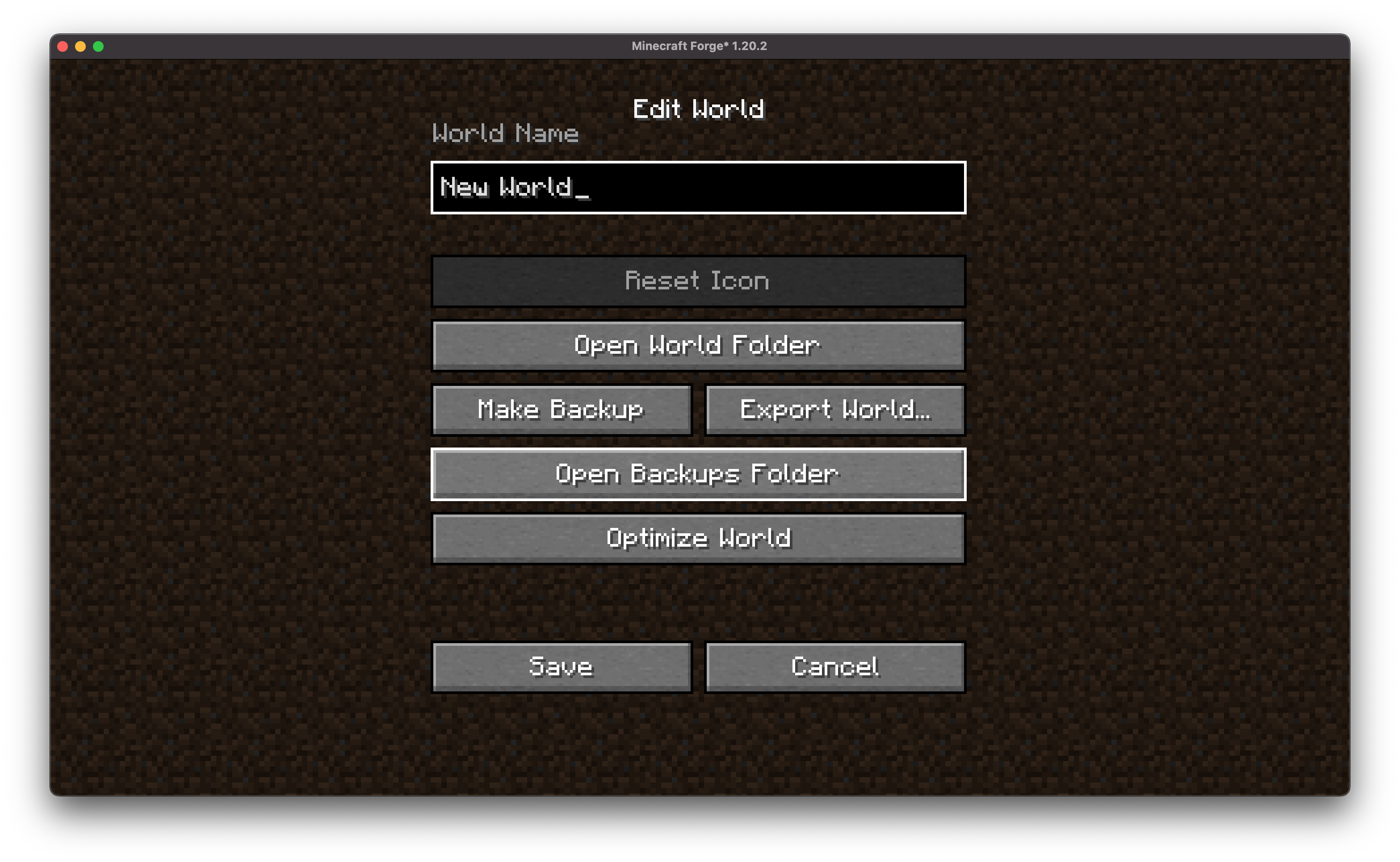
- From the World Selection menu, select a world, and click "Edit"
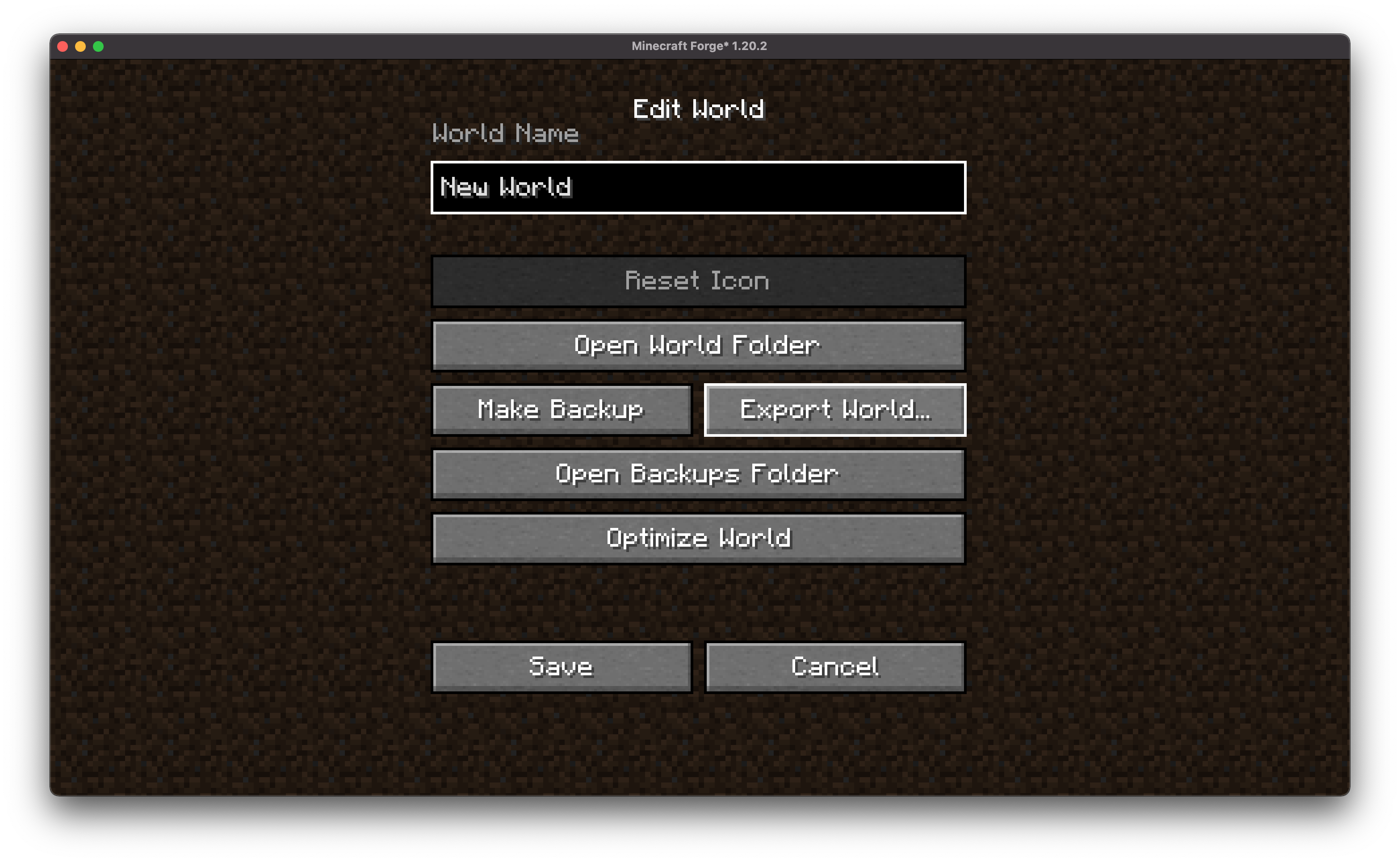
- In the following screen click "Export World"

- Choose encryption and data/resource pack options (optional).
- Choose the path to the exported file
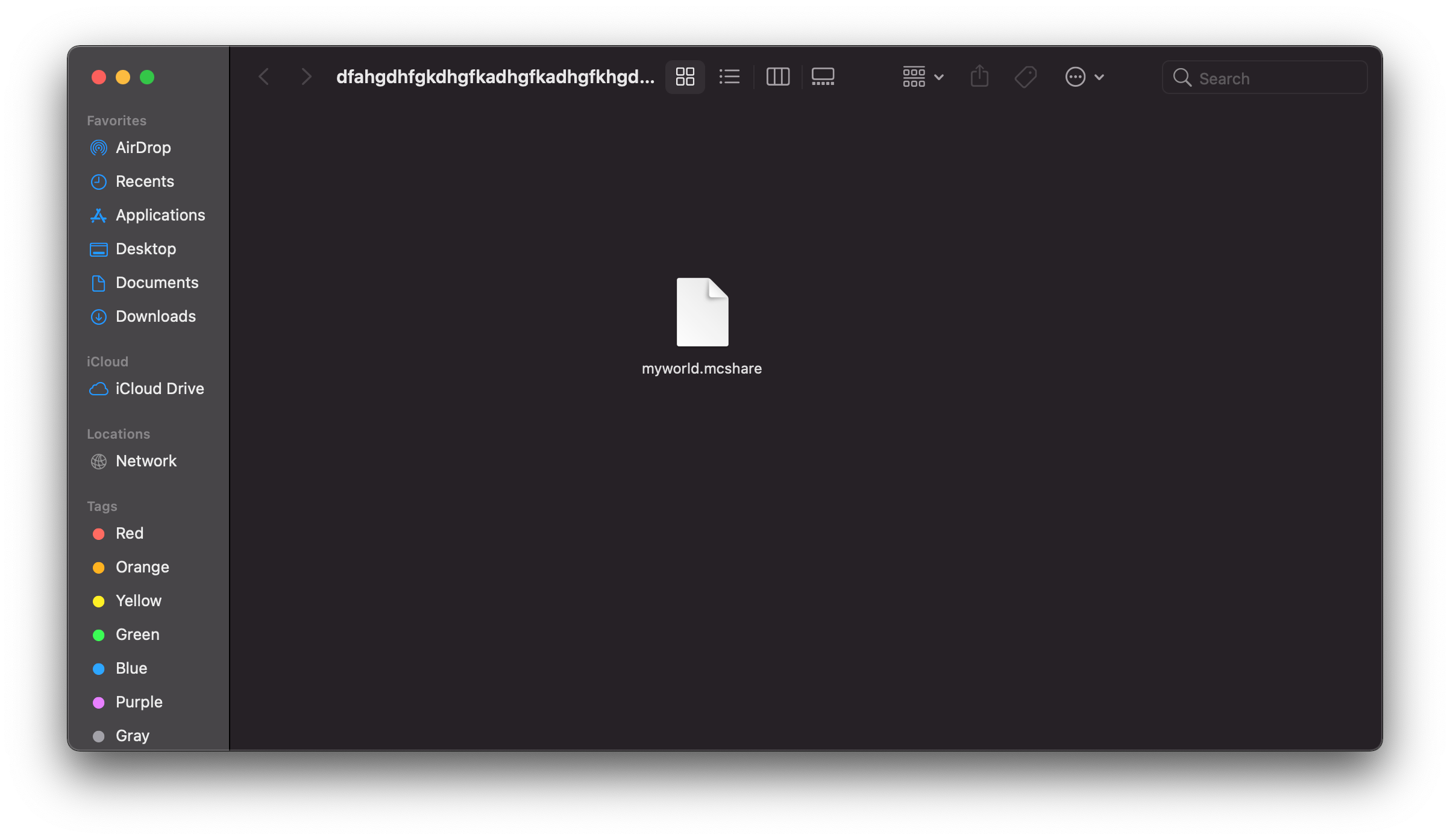
- Click **Export** to save your world as a `.mcshare` file.
### Import a World
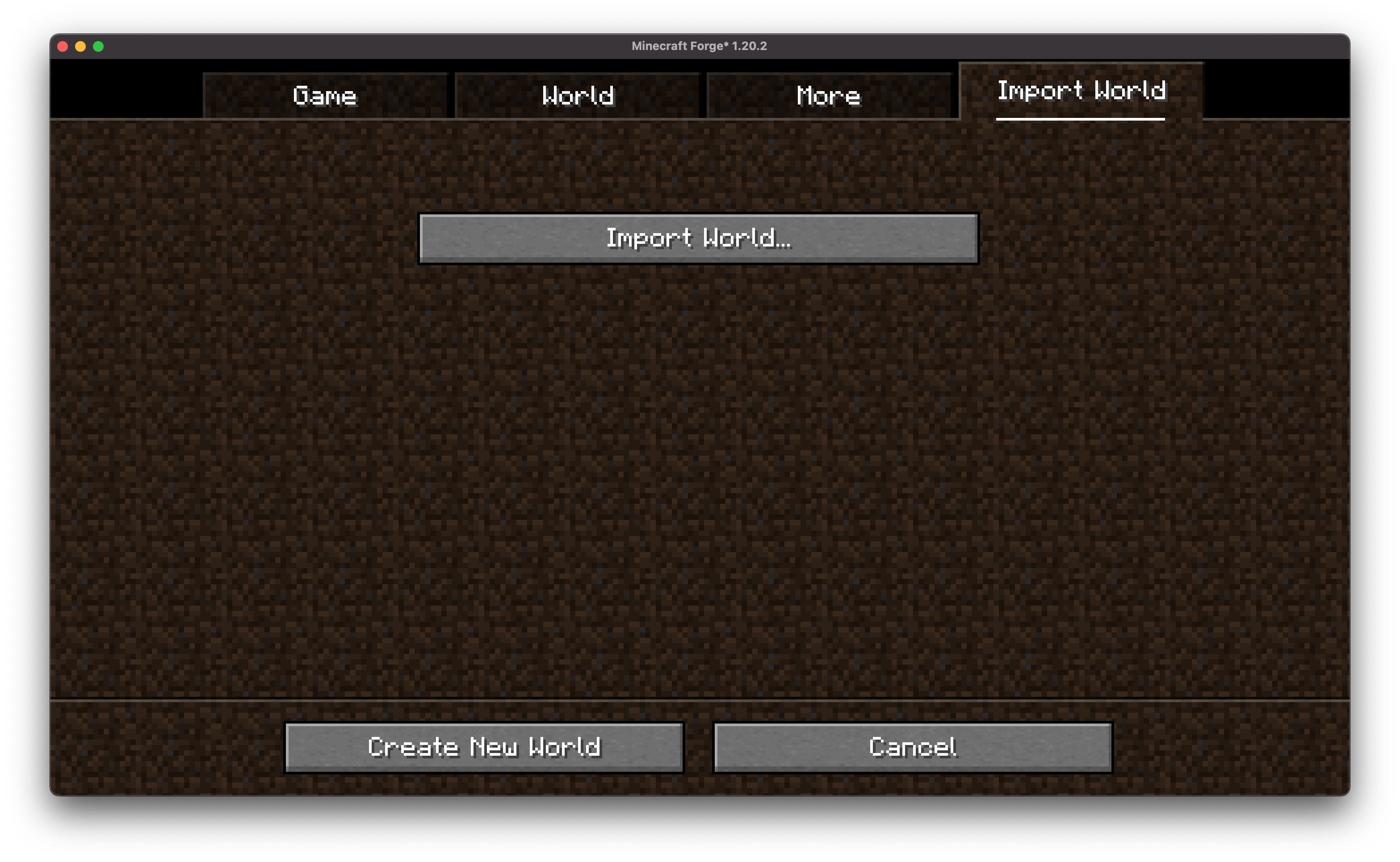
- Open MCShare import screen in both world selection and creation

- Browse for the `.mcshare` file and click **Import**. `.mcshare` and `.zip` files can be dragged onto the window
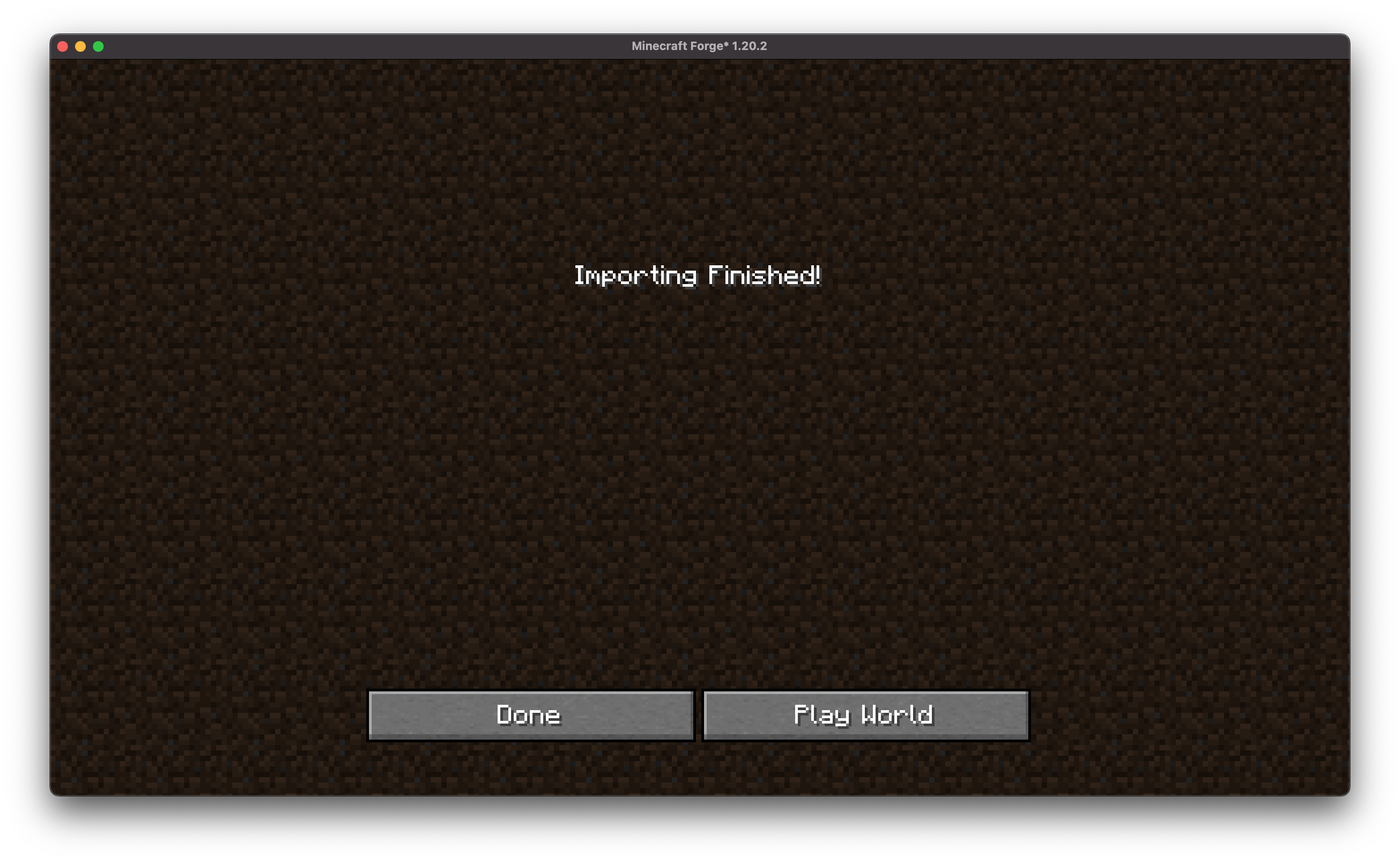
- Provide the password (if necessary) and the world will be decrypted and added to your saves.
## 🔐 World Encryption
- Optional password protection using AES-256 encryption.
- Compatible with other MCShare installations for easy decrypting.
- Warning: Forgotten passwords cannot be recovered!
## 📦 File Format
Exported files use the `.mcshare` extension and include:
- Compressed world data
- Metadata (world name, creation date, author, version)
- Optional encryption manifest
## Contributing
We encourage contributions! Don't hesitate to open issues or pull requests through our [GitHub Repository](https://github.com/Boxadactle/MCShare). Your input helps us improve and evolve.
## Translations
We welcome translations! If you're interested in translating this mod, please locate the [localization files](https://github.com/Boxadactle/MCShare/tree/latest/common/src/main/resources/assets/mcshare/lang) and submit a pull request. Your contributions help make the mod accessible to more users worldwide.
## Support
If you encounter any issues, please [open an issue](https://github.com/Boxadactle/MCShare/issues/new/choose) on the GitHub repository.
## Building
If you'd like to build this mod on your own machine, follow these steps.
* Download the source code from [GitHub](https://github.com/Boxadactle/MCShare/tree/main) (Code -> Download zip)
* Make sure Java is installed
* Extract the zip file onto your local machine, and open the folder.
* Open a terminal prompt in said folder
* Run the command "gradlew build"
* The fabric build will be in "fabric/build/libs"
* The forge build will be in "forge/build/libs"
* The neoforge build will be in "neoforge/build/libs"