Описание
# MCLLM
If you like this project, please consider giving it a ⭐ on [GitHub](https://github.com/link-fgfgui/MCLLM)!
This is a fork of [MCChatGPT](https://github.com/Bawnorton/MCChatGPT).
Unlike the original, the base URI is no longer hardcoded—you can now configure it via a file, making it compatible with nearly any LLM service, not just OpenAI.
## How to Use
1. **Download the JAR file** compatible with your Minecraft version from [Modrinth](https://modrinth.com/mod/mcllm) or [GitHub](https://github.com/link-fgfgui/MCLLM/releases), and place it in your `mods` folder.
*(Make sure the appropriate mod loader is installed.)*
2. **Download the required dependencies** from the same source and also place them in the `mods` folder.
*(They are usually listed on the Modrinth.)*
- Supported platforms: **Fabric (>= 1.20.1)**, **Forge (1.19.4–1.20.1)**, and **NeoForge (>= 1.21.1)**
3. **Launch the game once** to generate the configuration file.
4. Open `config/mcllm.json` and edit the following fields:
- `baseurl`: Set this to the endpoint of your preferred LLM service, e.g. `https://api.deepseek.com/v1`
- `model`: Specify the model name, e.g. `deepseek-chat`
5. **Re-launch the game**, then run:
`/mcllm-auth YourToken`
This securely stores your token (it will be encrypted in the config file).
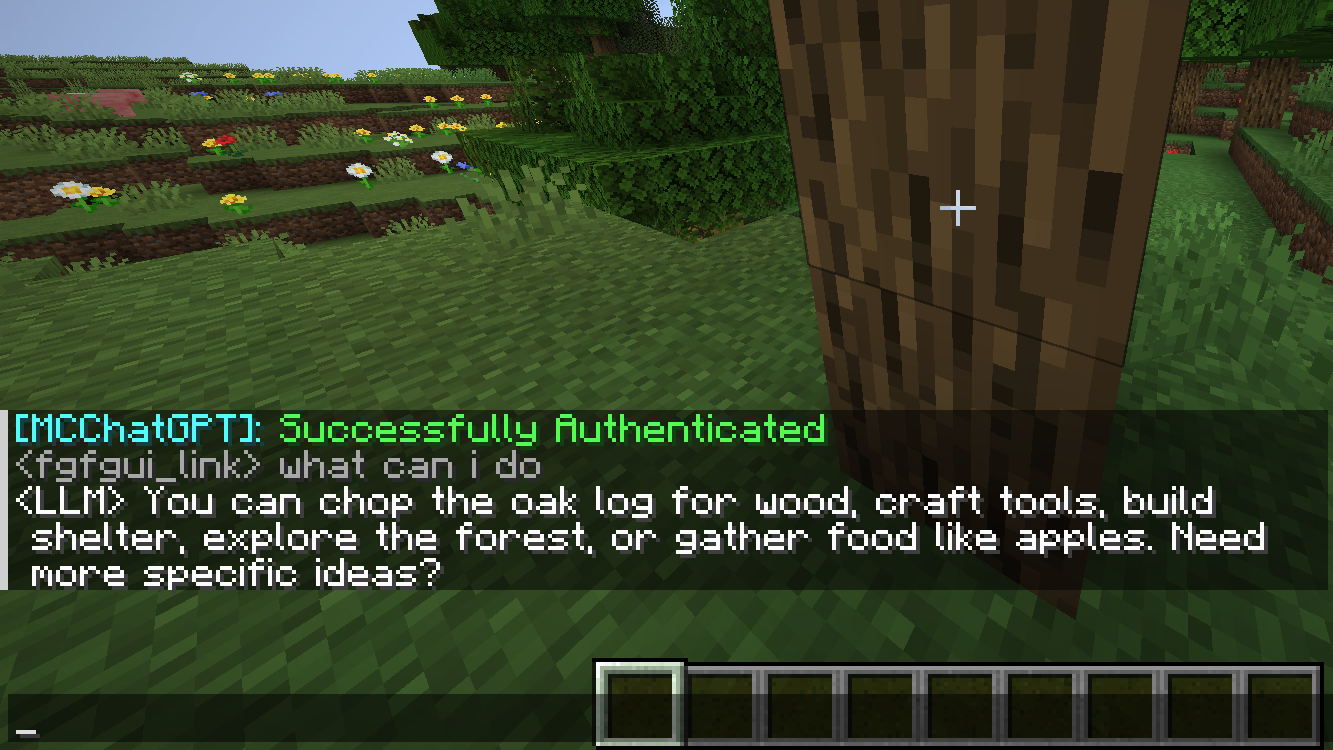
6. Use `/ask YourQuestion` to send a message to the LLM.
The LLM’s reply will appear in your **local** chat—only you can see it.