Описание
Minecraft-LootExplorer
===============
---------------
## Overview
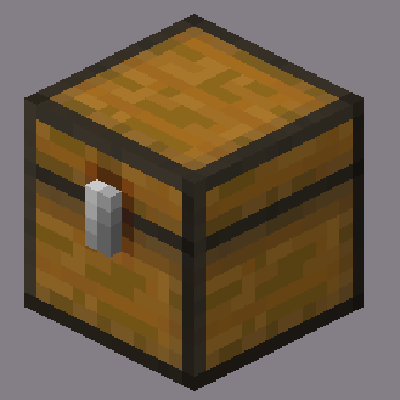
The **Loot Explorer** Mod for Minecraft helps the Minecraft content developer by making containers containing loot tables appear in the creative inventory.
Works in Minecraft 1.21
*Requires FabricAPI*
---------------
## Features
### Loot Chests
- **Creative Inventory**: A new tab in the creative inventory with containers that have loot table nbt within them.
- **Container Options**: The loot table containers include the three vanilla variants of chests, barrels, and trapped chests.
- **Copy Loot Table**: With the use of the Copy Lore key bind, you can easy copy the lore of any item, allowing to copy the loot table location of the containers.
- **Data Pack Compatibility**: Loot Tables that come from created data packs are also detected and created.*
---------------
## Installation
1. Download the **Loot Explorer** Mod file.
2. Ensure you have Minecraft Fabric Loader installed.
3. Place the mod file into your Minecraft `mods` folder.
4. Start Minecraft using the Fabric profile.
## Dependencies
- Required: FabricAPI
---------------
## Configuration
### Mod Configuration File
- There currently is no configuration file for this mod as it's fairly simple
---------------
## Usage
### Getting Containers
- **Creative Inventory**: When in the creative inventory, there is now a new tab labeled Loot Tables that contains all variants of containers of each loot table found.
- **Random Chests**: The chests will generate random loot based on the loot table whenever they are placed down.
- **Lore Copying**: While holding a chest in your hand, press the Copy Lore keybind, and the lore of the chest will be copied into your clipboard.
---------------
## Contributions
Contributions are welcome! If you have ideas for new features, optimizations, or bug fixes, please feel free to open an issue or submit a pull request on the mod's GitHub repository.
*In order to detect the loot chest, the directory must be in the style of "namespace/loot_table/chests" or "namespace/loot_table/loot"