
Описание

**Edit Minecraft textures directly in-game without leaving your world.**
The **Live Texture Editor Mod** lets you modify blocks, items, entities, and GUI elements instantly.
Simply look at a block, press a key, edit the texture, and see the changes live.
Ideal for **resource pack creators**, **pixel artists**, and anyone who wants fast, efficient **editing**.
---
| Block Editor | Mob Editor |
|:---:|:---:|
| 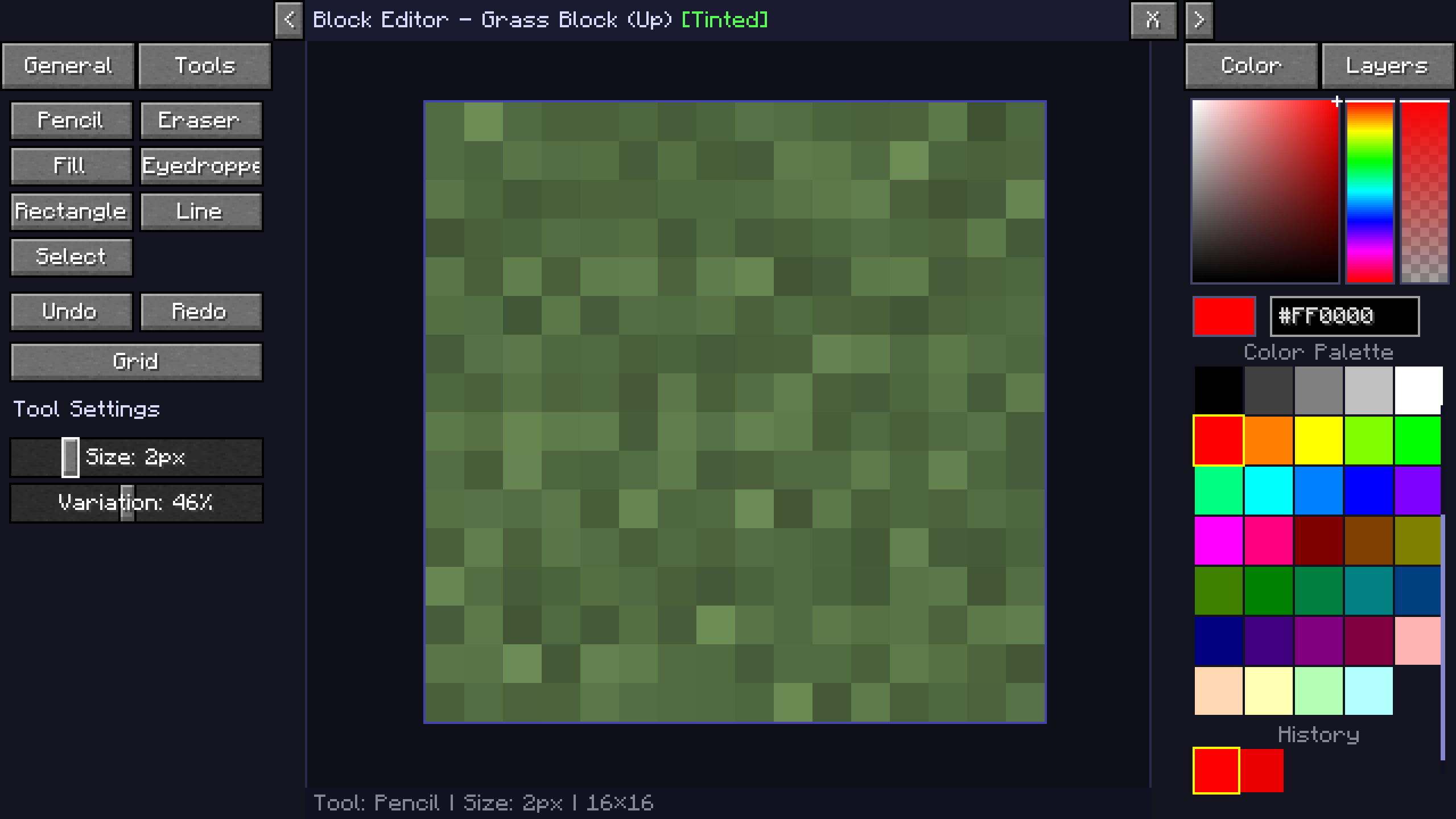 | 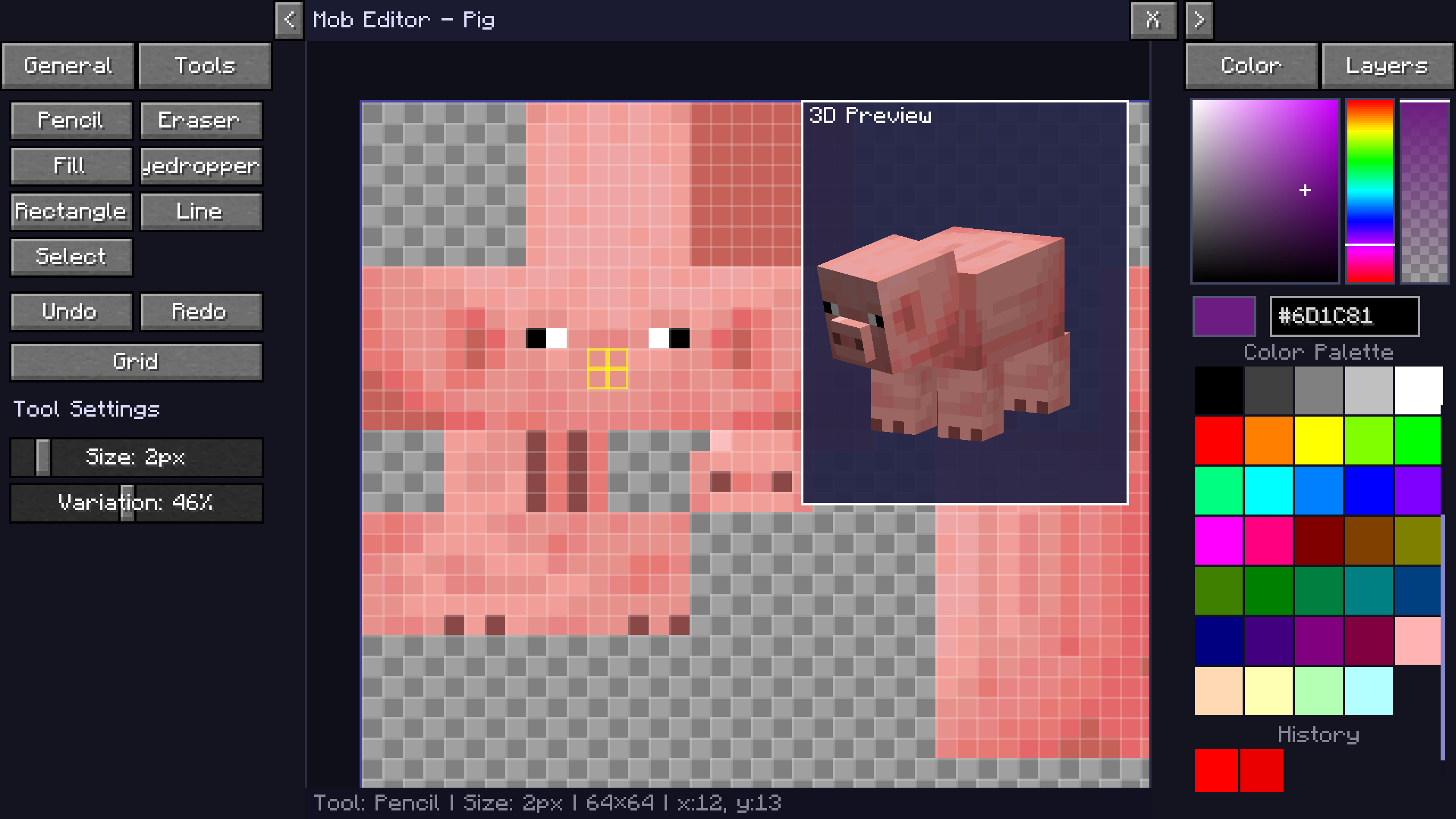 |
| GUI Editor | Browse Menu |
|:---:|:---:|
| 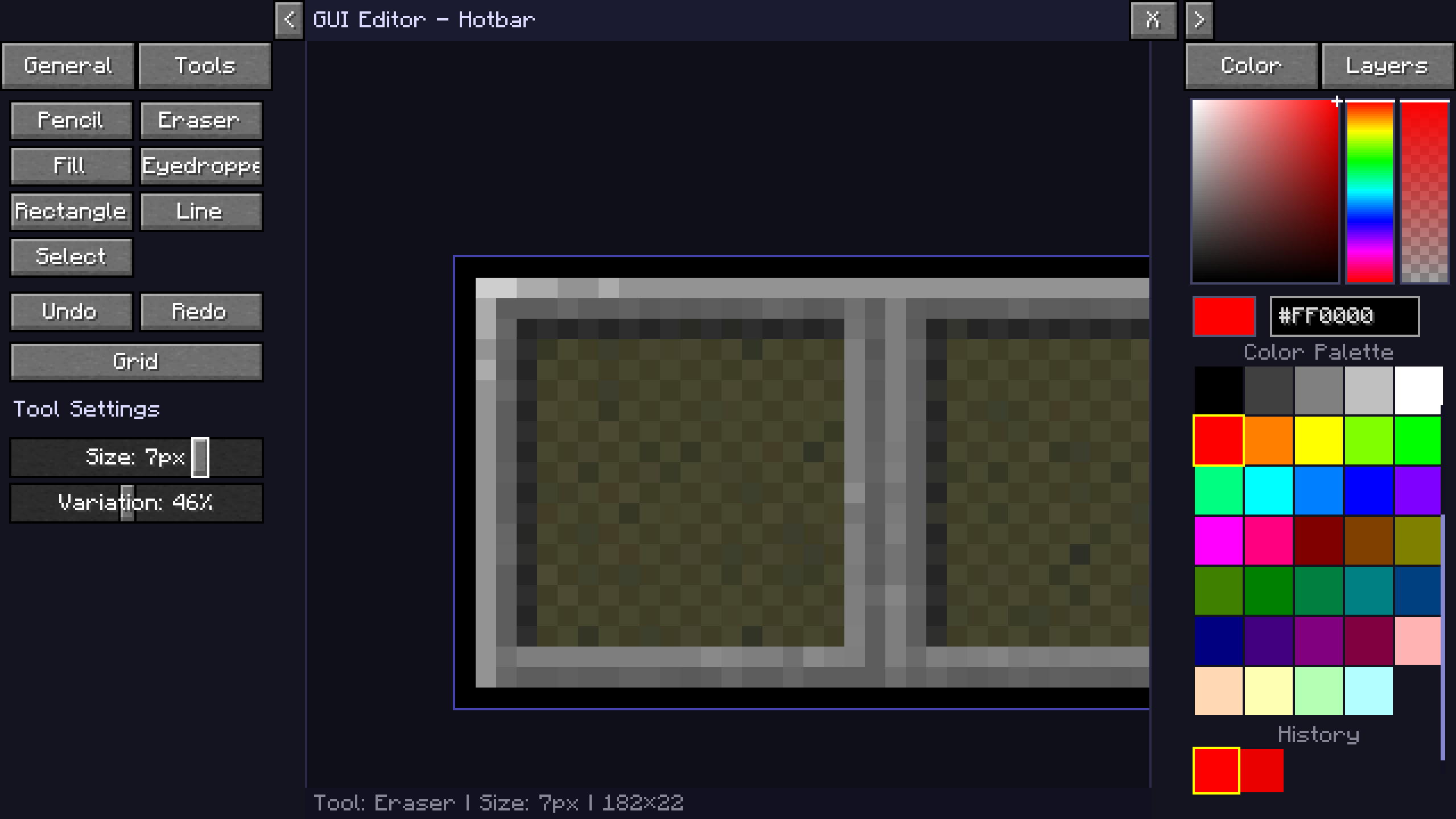 | 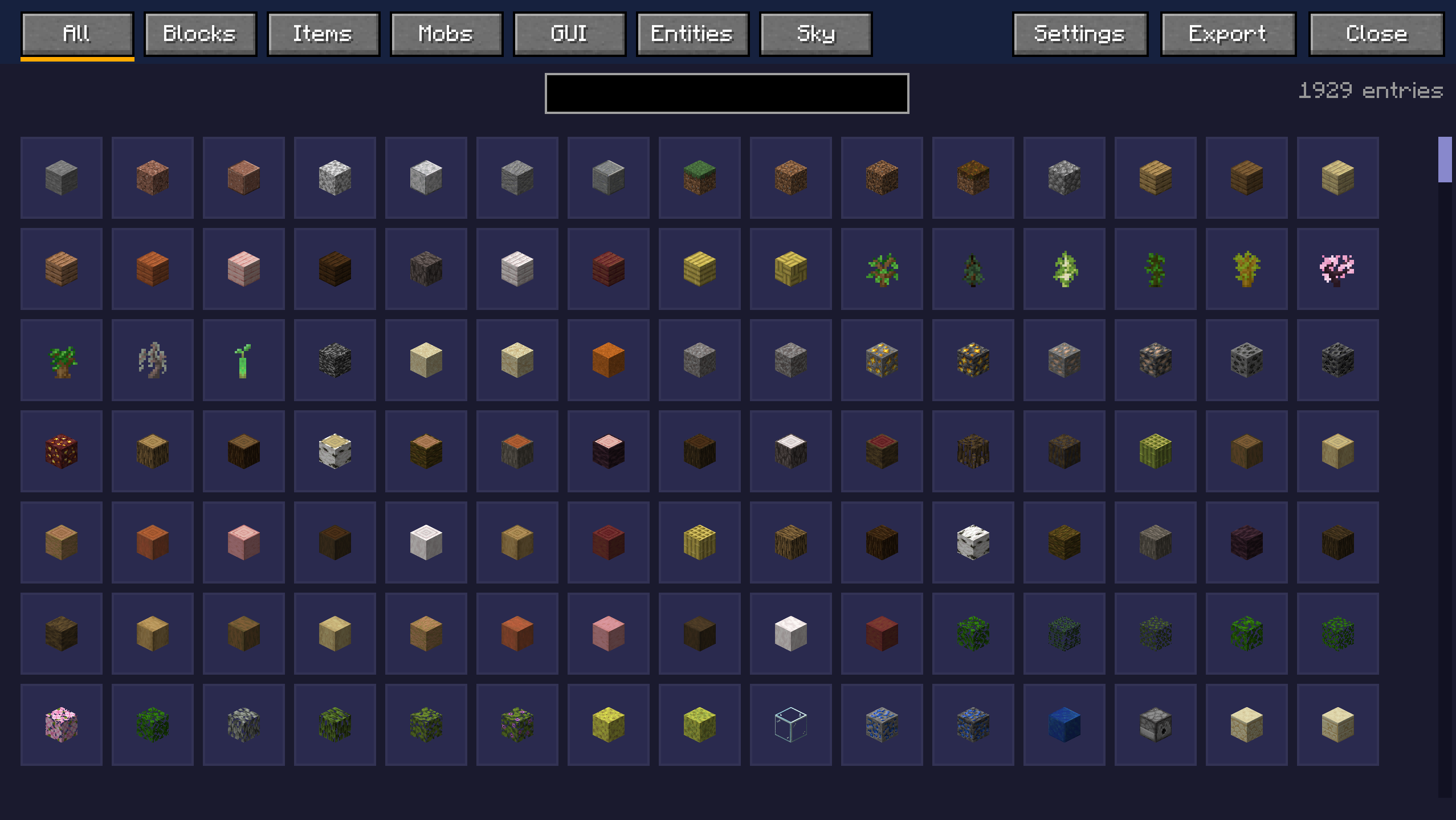 |
## Watch the Tutorial
## KasaiSora's Video on the Mod
## Join the Discord
[](https://discord.gg/7ceJDn9uGW)
## Key Features
### Block Editor
- Look at any block and press **`R`** (default) to open its texture.
- Edit individual faces (top, bottom, sides) separately.
- Changes apply **instantly in the world without reloading**.
### Item & Entity Editor
- Edit mob textures directly (Zombie, Creeper, etc.).
- Modify item icons with pixel-perfect precision.
- Spawn egg integration opens the corresponding mob texture automatically.
### GUI & HUD Editor
- Customize hotbar, crosshair, hearts, hunger, and XP bar.
- Edit inventories, crafting tables, furnaces, chests, and more.
- Supports both standalone textures and sprite atlases.
### Tools
- Pencil, Brush (for texturing), Eraser, Flood Fill, Line Tool, Eyedropper
- Zoom (Mouse Wheel) and Pan (Right Click + Drag)
- Toggle grid display
- Full color picker with hex input
- Undo and Redo functionality
---
## Export to Resource Pack
- One-click export to a ready-to-use `.zip` resource pack.
- Non-destructive editing keeps original textures intact.
- Exported packs can be layered over existing packs to override them.
The editor always uses the currently active resource pack as the base.
---
## How to Use
### Controls
- **`J` (Default)** – Enable the Live Texture Editor.
- **`R` (Default)** – Open the editor for the block or entity you are looking at.
- **`X` (Default)** – Hold to see the world without your changes
### In the Editor
- Left Click – Draw / Use tool
- Right Click + Drag – Pan canvas
- Scroll Wheel – Zoom
- Y and Z – Undo / Redo
- G – Toggle grid
### Applying Changes
1. Apply live updates instantly in your session.
2. Export the pack to save all applied textures.
3. Reset to revert to the original texture (Vanilla or active resource pack).
---
## Compatibility
- Minecraft Version: 1.21, 1.21.4, 1.21.5, 1.21.10, 1.21.11, 26.1.x, 26.2
- Mod Loader: Fabric
- Required Dependency: Fabric API
Works seamlessly with other resource packs.
Active texture packs are loaded as the base, and your edits visually override them. Exported packs can be placed on top of existing packs.
## Installation
1. Install Fabric Loader.
2. Install Fabric API.
3. Place the mod `.jar` file into your `mods` folder.
4. Launch Minecraft.
Or simply download using Modrinth App / Curseforge
---
**Created by zee**
Special mentions:
Port to 26.x: [1_st_Cat](https://modrinth.com/organization/random-pixel-studios)