
Описание
*Ever used Spotlight from macOS, KDE's KRunner or Visual Studio Code's Command Palette? Did you ever wish that Minecraft had a similar feature? ~~Anybody?~~*
**Limelight** is a mod meant to add a command palette similar in design to macOS's Spotlight. Just press the `[` key (configurable via keybind) and start typing!
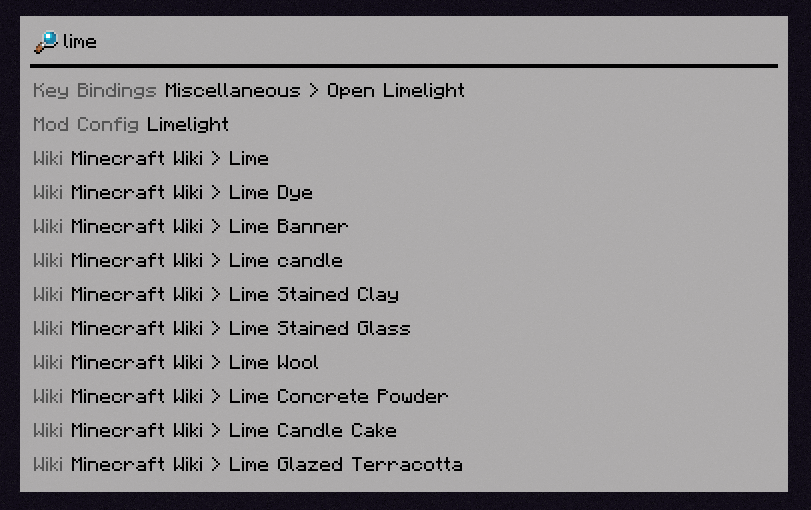
## Features
### Invoke Keybinds
Similar in spirit to [Too Many Binds](https://modrinth.com/mod/too-many-binds), you can search for key bindings (even unbound ones) and run them from the command palette.

### Open Mod Configs
If you have [Mod Menu](https://modrinth.com/mod/modmenu) installed, you can search for mods' names to open their respective config screens.

### Calculator
Limelight includes a basic calculator that can be used to do quick math without leaving Minecraft.

### Open Lavender Entries
If you have any mod's [Lavender](https://modrinth.com/mod/lavender) book in your inventory, you can search for any entry from that book and immediately open it.
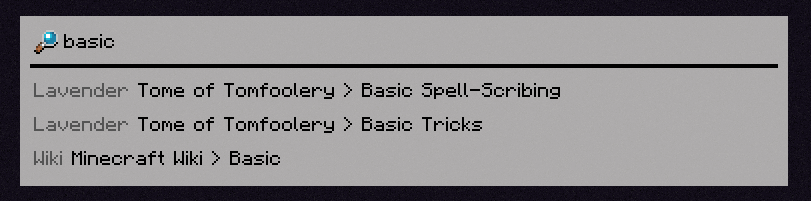
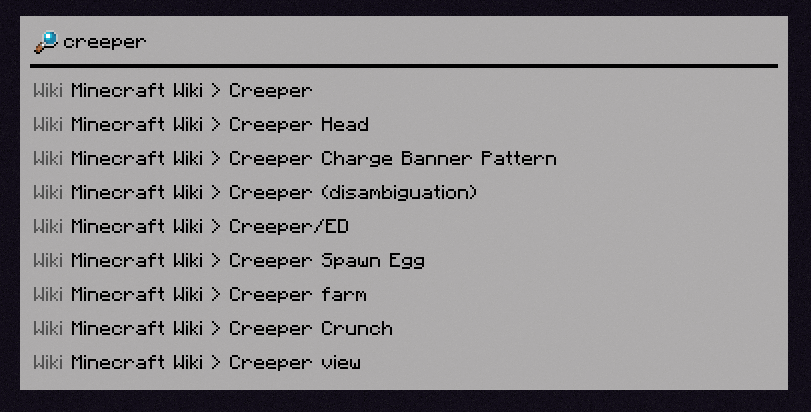
### Query Wikis
You can search through the [Minecraft Wiki](https://minecraft.wiki/) ([and any wikis you manually add with a resource pack](https://docs.wispforest.io/limelight/configuring/adding_wikis/)).
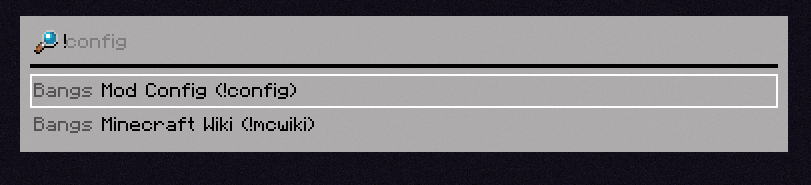
### Bangs
You can specify what specifically you want to search for with a `!bang`, a feature borrowed from DuckDuckGo.
### `[INSERT FEATURE HERE]`
Limelight includes an API for making extensions (which the aforementioned built-in extensions use themselves), which you can use in your mod to add compatibility or write a full-fledged Limelight addon.