Описание
# LANBroadcaster
[](https://discord.gg/5NMMzK5mAn) 
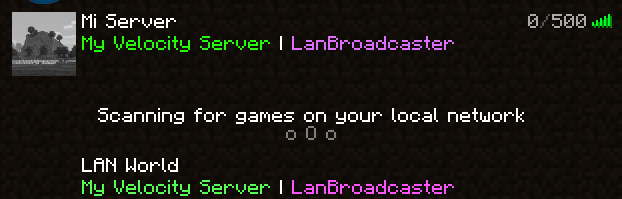
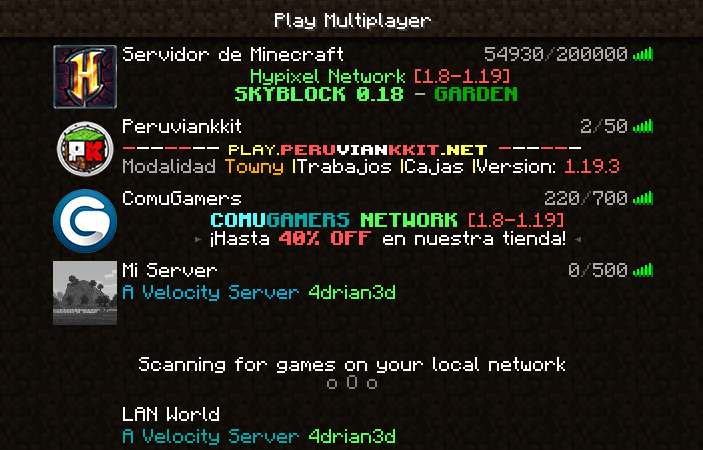
LANBroadcaster, originally created by [Ruan](https://gitlab.com/ruany/) allows a Minecraft
server to be broadcasted over the local area network and appear in the LAN server list without actually adding it.
## Why this version?
The original LANBroadcaster, by Ruan has support for Spigot and BungeeCord, bhopahk make its own fork with support for [Sponge](https://spongepowered.org/) and [Velocity](https://velocitypowered.com/),
however this version modularize the project and improves performance and code quality, as well as being upgraded to new platform versions.
[](https://www.bisecthosting.com/4drian3d?r=ModLANBroadcaster)
## Getting Started
LANBroadcaster can be downloaded from the versions tab [here](https://modrinth.com/mod/lanbroadcaster/versions).
Once it is downloaded, simply place it in the relevant plugins folder and start your server. No configuration is required.
> Note: To use LANBroadcaster with BungeeCord or Velocity, you do not need to install it on the servers itself. Only the proxy.
## Limitations
- The description field, when displaying the server in LAN, does not support components, so it does not support RGB colors or gradients