
Описание
# KitsByPriyme
KitsByPriyme is a modern kit plugin with a clean GUI, full in-game kit management, cooldowns, permissions, previews, and personal kit sorting for players.
## Player Features
- Open the kit menu with `/kit`, `/kits`, or `/k`
- Claim kits from the GUI
- Claim kits directly with `/kit `
- Preview kits before claiming
- Sort kit items personally before claiming
- Save a custom kit layout per player
- Reset personal kit sorting anytime
- Permission based kit access
- Cooldowns for every kit
- Premium styled kit lore
- Rarity stars
- Custom kit icons
- Custom kit names and descriptions
- Armor and offhand items are included in kits
- Exact inventory slot layout when claiming kits
- Fully configurable messages
- Fully configurable GUI title, size, filler, and lore style
## Admin Features
- Open the admin menu with `/kit admin`
- Create kits from your current inventory
- Edit kit contents in a dedicated editor menu
- Import your current inventory into the kit editor
- Save armor slots and offhand items
- Move kits in the menu by dragging them
- Delete kits with a confirmation menu
- Rename kits
- Clone kits
- Change kit cooldowns
- Change kit rarity stars
- Change kit permissions
- Change kit menu slots
- Change kit icons from the item in your hand
- Enable or disable icon glow
- Edit kit action lines
- Reload all plugin files in-game
- Modrinth update notifications for operators
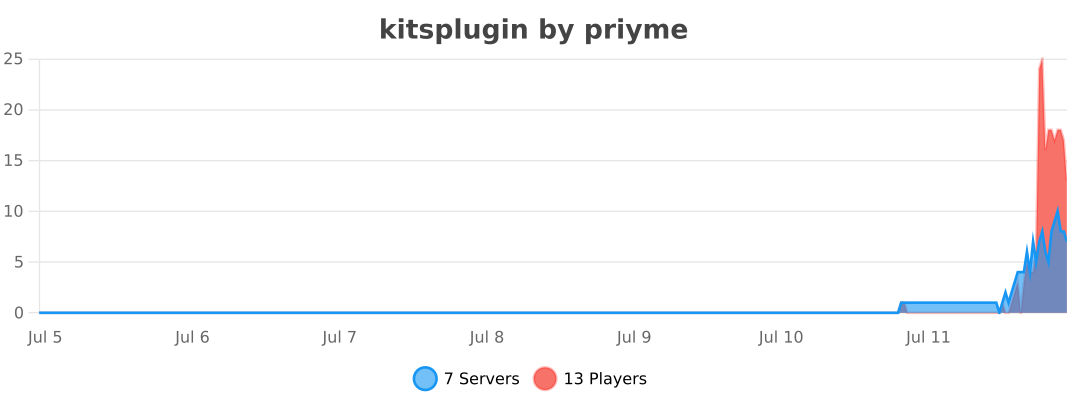
- bStats support
## Commands
### Player Commands
`/kit`
Opens the main kit menu.
`/kits`
Opens the main kit menu.
`/k`
Opens the main kit menu.
## Personal Sorting Menu
`Click an item`
Selects the item.
`Click another slot`
Moves or swaps the selected item.
`Green Candle`
Saves your personal sorting.
`Chest`
Resets your personal sorting.
`Red Candle`
Cancels without saving.
## Admin Commands
`/kit admin`
Opens the admin GUI.
`/kit reload`
Reloads config, messages, kits, cooldowns, and menus.
`/kit edit `
Opens the kit item editor.
`/kit admin create `
Creates a new kit from your current inventory.
Example: `/kit admin create vip 15min 3`
`/kit admin delete `
Opens the delete confirmation menu.
`/kit admin delete confirm`
Deletes a kit instantly.
`/kit admin rename `
Renames a kit.
`/kit admin clone `
Copies an existing kit into a new kit.
`/kit admin cooldown `
Changes the kit cooldown.
Examples: `60s`, `15min`, `1h`, `1d`
`/kit admin rarity `
Changes the rarity stars of a kit.
`/kit admin permission `
Changes the required permission for a kit.
`/kit admin permission default`
Restores the default permission.
`/kit admin permission none`
Removes the required permission.
`/kit admin slot `
Changes the kit position in the menu.
`/kit admin icon `
Sets the kit icon to the item in your hand.
`/kit admin glow `
Toggles the glow effect on the kit icon.
`/kit admin action `
Changes the action text shown in the kit lore.
`/kit admin edit `
Opens the kit item editor.
## Permissions
`kits.admin`
Access to admin features.
`kits.reload`
Access to `/kit reload`.
`kits.bypass`
Claim every kit and ignore cooldowns.
`kits.no.cooldown`
Ignore kit cooldowns.
`kitsbypriyme.claim.`
Permission for a specific kit.
[](https://bstats.org/plugin/bukkit/kitsplugin/32536)