
Описание
# Kairo's Color Filters
Bring NVIDIA-style color filters directly into Minecraft.
Adjust vibrance, saturation, contrast, brightness, sharpening, and more, all from an in-game menu. No external software or shader pack required.
Works with resource packs and is designed to be compatible with shader packs whenever possible.
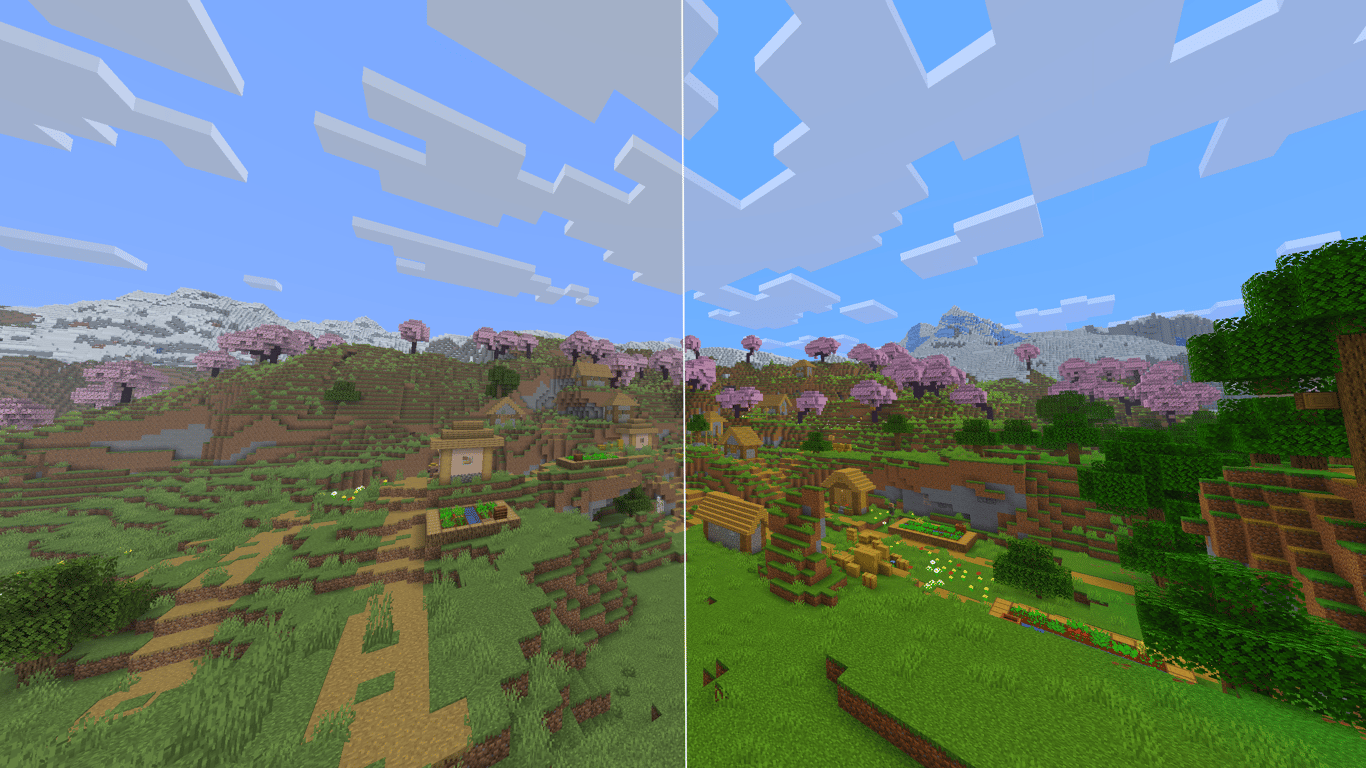
## Presets
One click and you're done:
* **Vibrant** — strong colors everywhere, the classic streamer look.
* **PvP** — punchy colors with clear visibility, made for fights.
* **Crisp** — sharper textures and cleaner edges.
* **Warm** / **Cool** — shifts the whole game warmer or cooler.
* **Cinematic** — slightly darker, moodier tone.
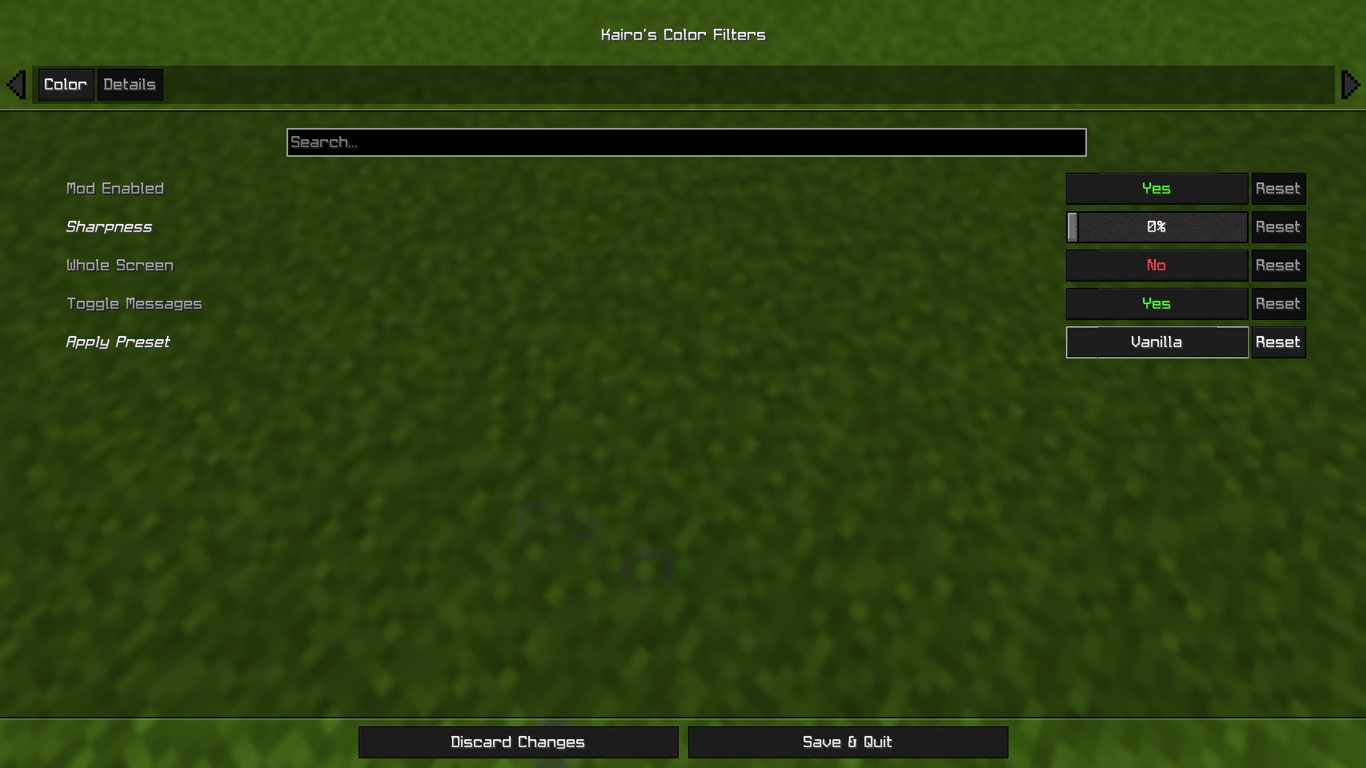
* **Vanilla** — one click back to Minecraft's normal look.
Every preset just sets the sliders, so you can fine tune anything afterward.
## Filters
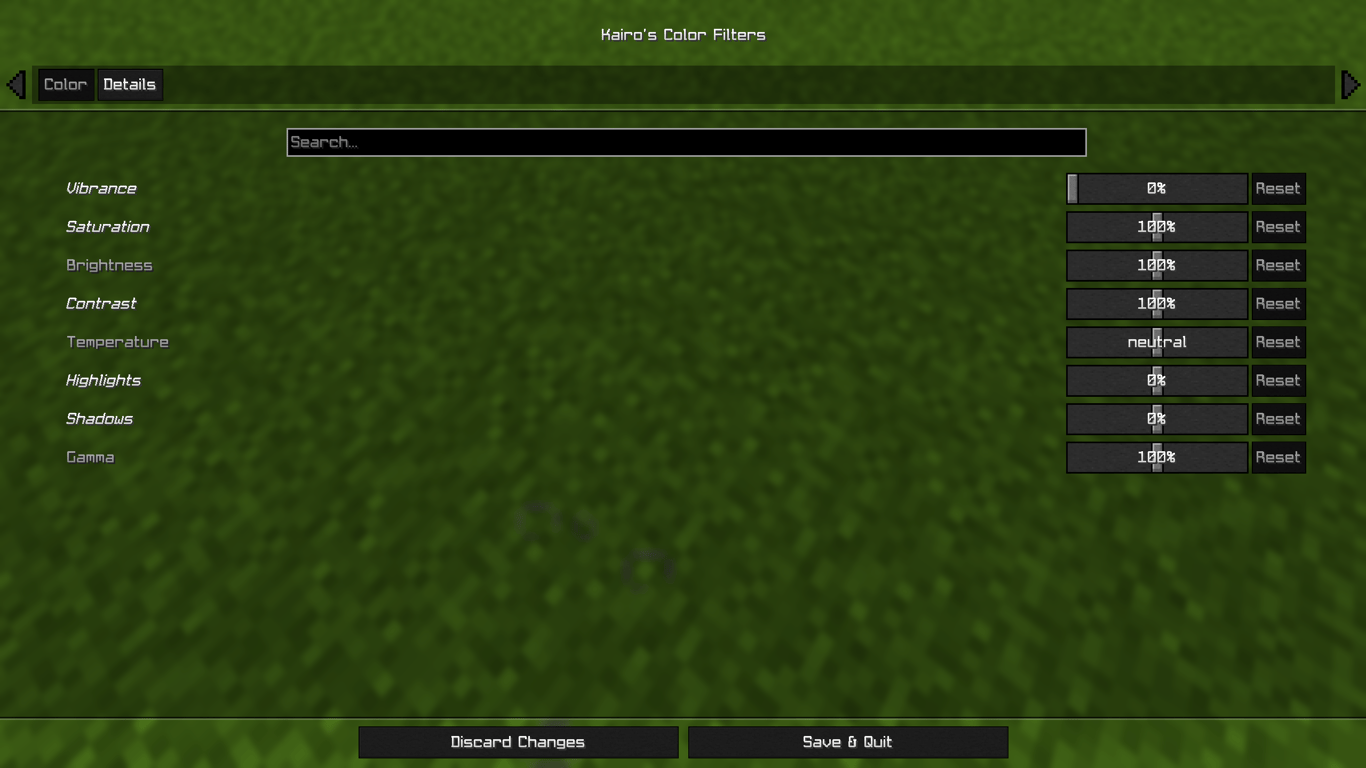
Full color-grading control:
* **Vibrance** — the main effect. Boosts dull colors more than already-vivid ones, so everything pops without looking radioactive.
* Saturation
* Brightness
* Contrast
* Temperature (warm/cool)
* Highlights
* Shadows
* Gamma
* **Sharpness** — adaptive sharpening for crisper textures.
Every slider shows its value, has a tooltip, and can be reset individually.
## Instant Toggle
Bind the **Toggle Color Filters** key in Options → Controls and flip the entire effect on and off instantly, perfect for comparing against vanilla mid game. Your settings are kept either way.
## Settings
Open the configuration through Mod Menu, or bind the Open Color Filter Settings key in Options → Controls.
Choose between two modes: **World Only** (default — your HUD stays vanilla) or **Whole Screen** (filters everything, closest to NVIDIA filters).
The effect is applied on the GPU in a single pass, so the performance cost is basically zero.
## Requirements
* Fabric Loader
* Fabric API
* Cloth Config