
Описание
## About
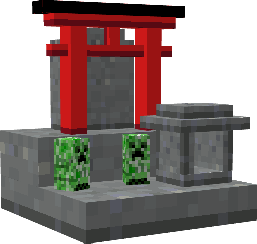
Japanese Altar adds a new block, the altar, to the game. The altar can be crafted and when used will grant the player a blessing. It can also be placed for decoration.
#### Mod Loader
Fabric Loader
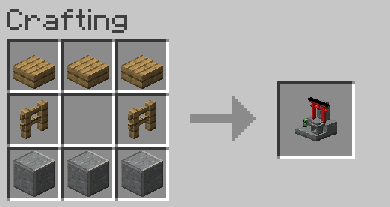
## How to Craft an Altar
An altar requires polished andesite, wooden fences, and wooden slabs.
## How to Use an Altar
The altar will bestow a status effect when the player gives an offering at the altar.
To make an offering:
1. Have at least 5 XP levels
2. Have a valid offering in your main hand
3. Right-click the altar with the offering
### Blessings
When a player is blessed with a status effect, it will last for half of a Minecraft day (10 minutes). You can only have one blessing at a time. To get another blessing, you must wait out the effect or drink milk to clear the effects.
### Basic Offering VS Special Offering
- A basic offering is made when you offer bread. This will give you a random effect.
- A special offering is made when you offer a specific item. This will give you a more specific effect.
### Effects List & Offerings
An offering of bread will give a random effect.
#### Specific Offerings & Effects
Spoiler
- Glistering Melon
> - Regeneration
- Golden Carrot
> - Saturation
- Blaze Powder
> - Strength
- Golden Apple
> - Resistance
> - Absorption V
- Sugar
> - Speed
> - Haste
## Images (also in Gallery)
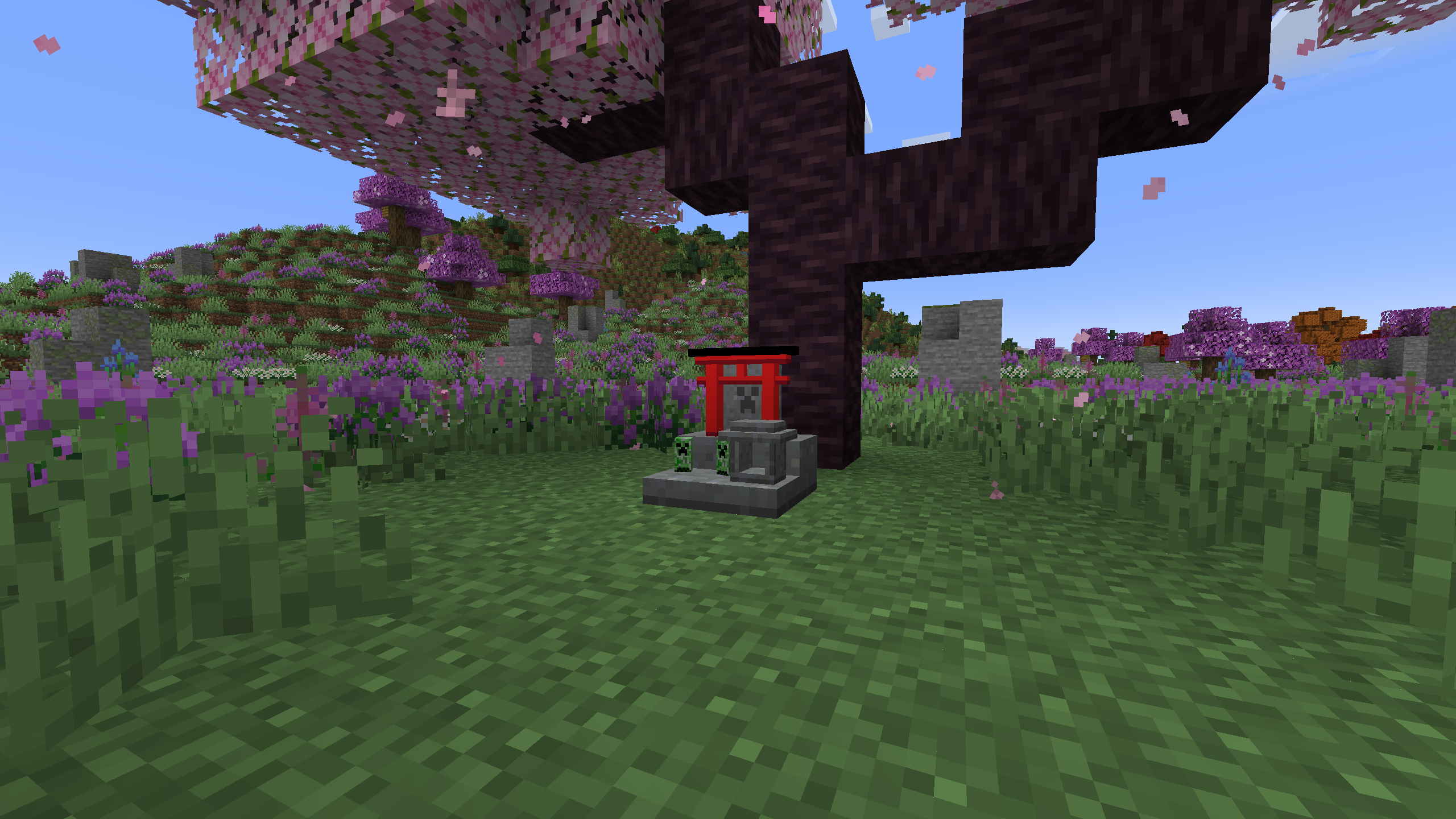
#### An altar beneath a cherry tree
#### An altar beneath a cherry tree (shader)
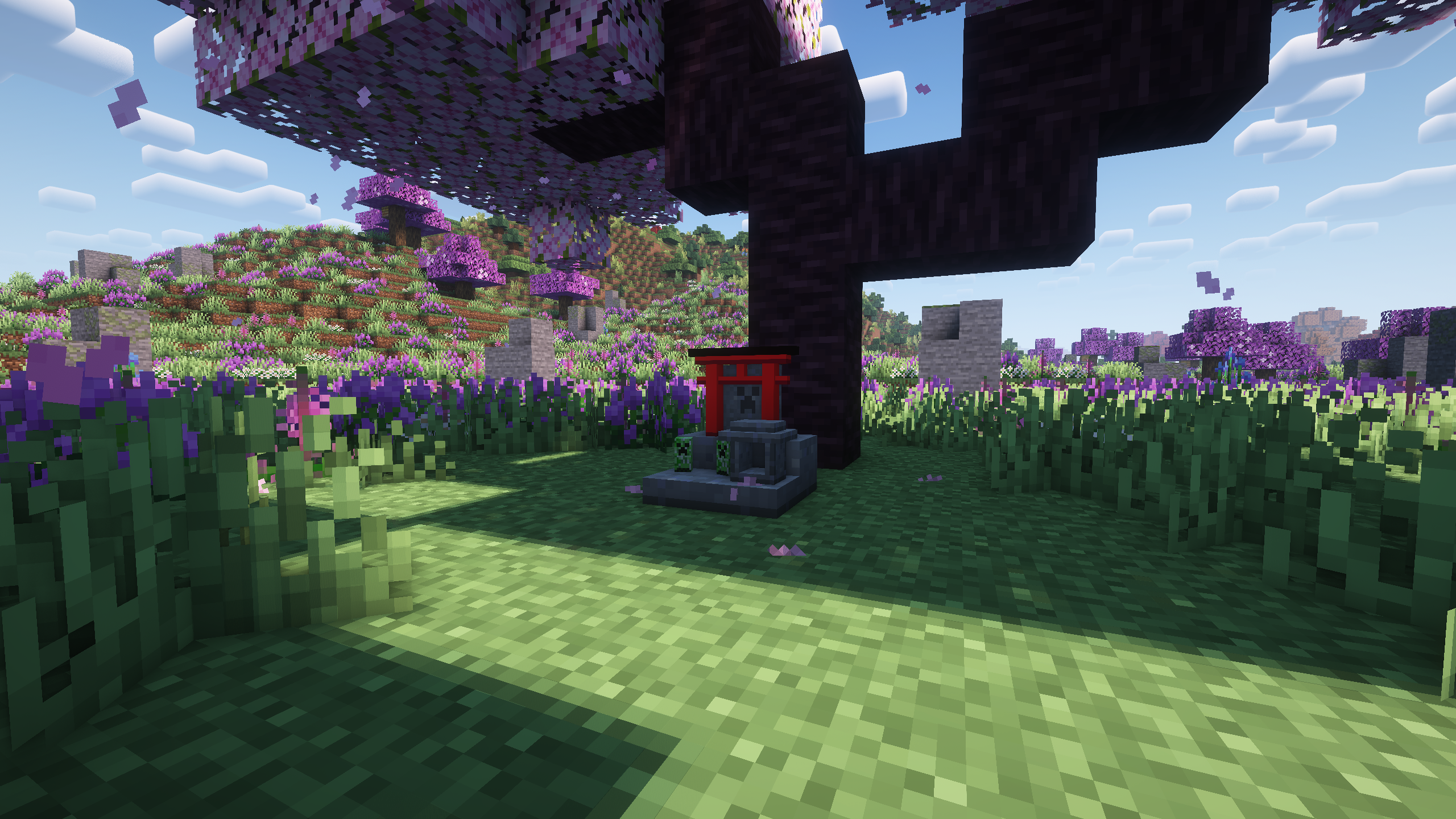
Image information:
- "Regions Unexplored" responsible for biome seen in the background
- "Complementary Reimagined r2.2.1" shader used in shader image