Описание
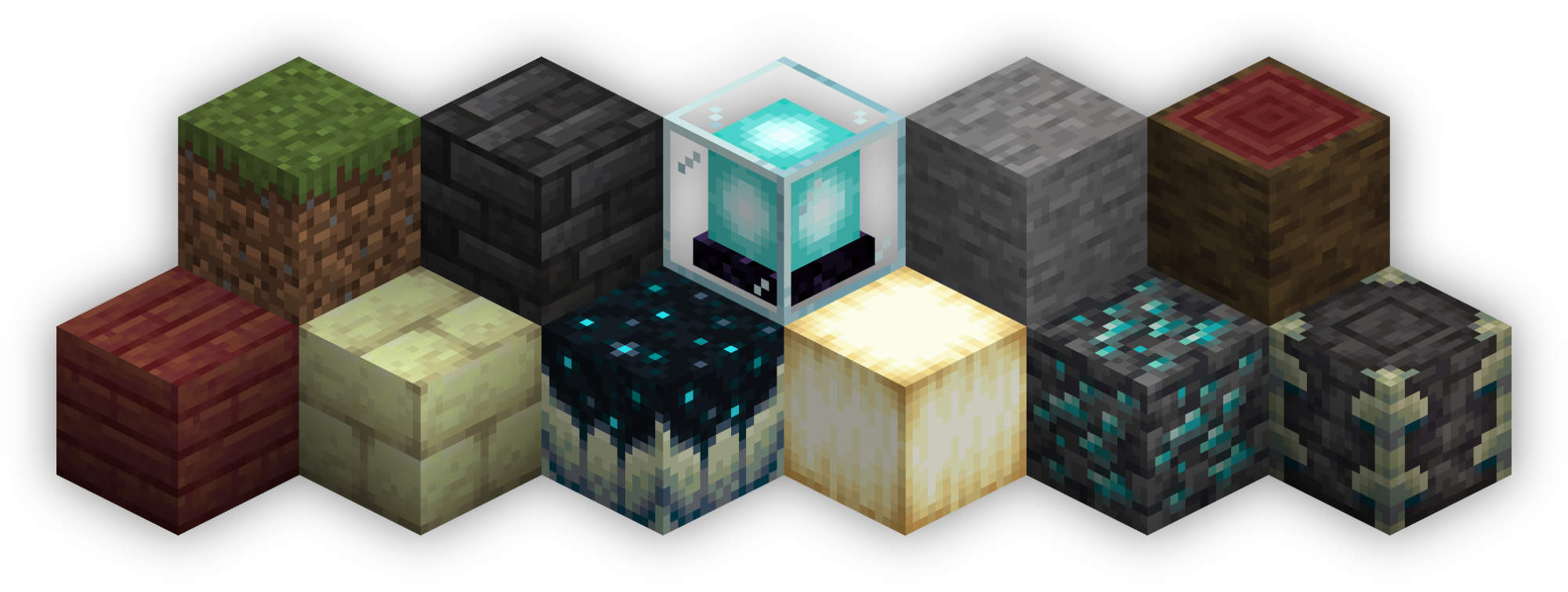
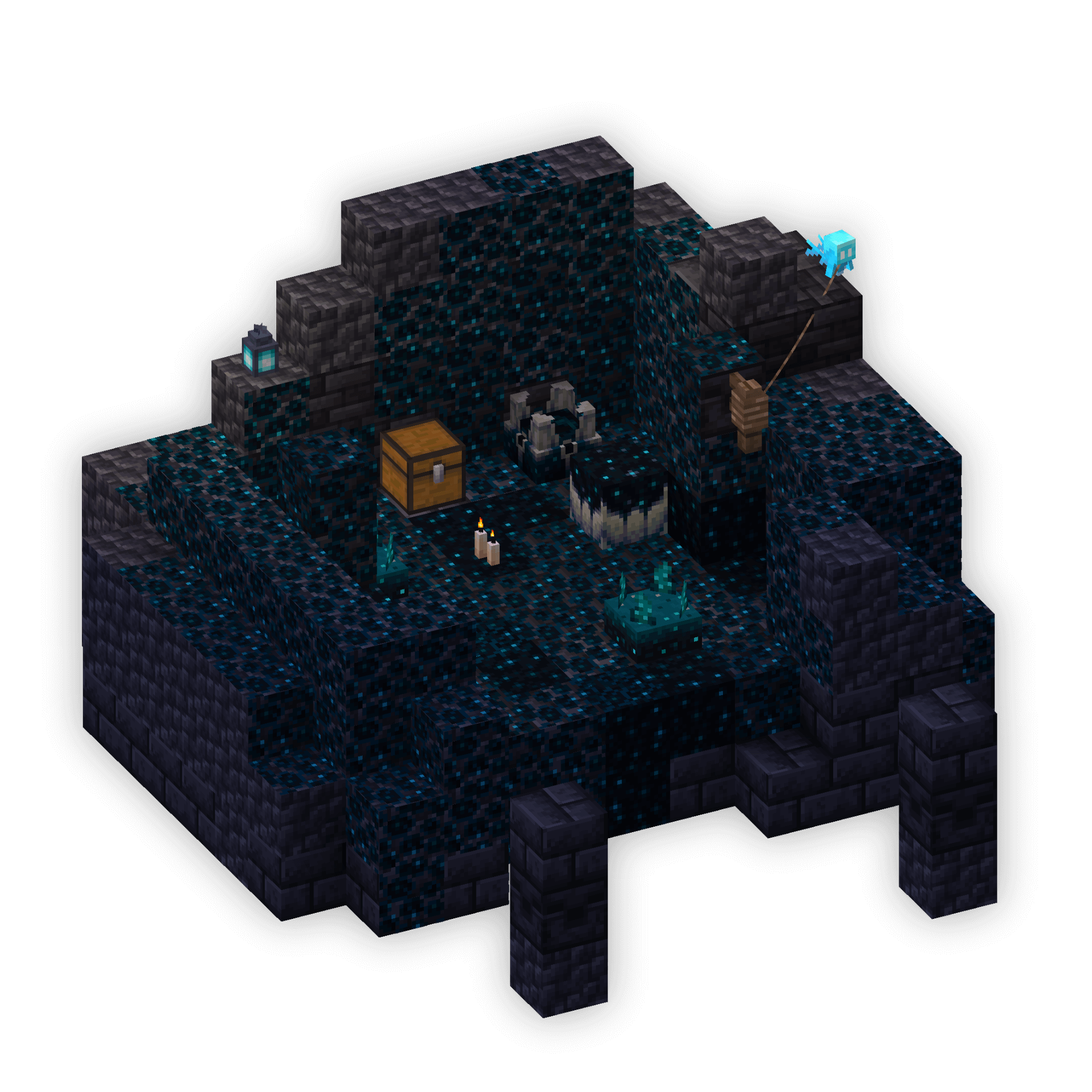
Isometric Renders allows you to take isometric screenshots, or rather, create renders of game objects like parts of world, blocks, items and entities.
These are automatically keyed to have a transparent background and you can adjust scale, positioning and many more options right in-game in a fancy gui.
This was designed with modded wikis or similar documentation in mind, should be easy to use and mostly pretty performant.
In-Depth documentation is available on https://docs.wispforest.io/isometric-renders/home
***
🌟 **Currently Supported Rendering Targets** 🌟
- Items
- Blocks
- Entities
- Areas of the world
- Batch export of multiple blocks or items
- Item Atlases (Overviews)
The basic command is **/isorender**
***